
This application can convert your voice into Text, text appears after you finish speaking, and also OCR Scanner supports Text to Speech you can write something and it will read it by a digital voice.
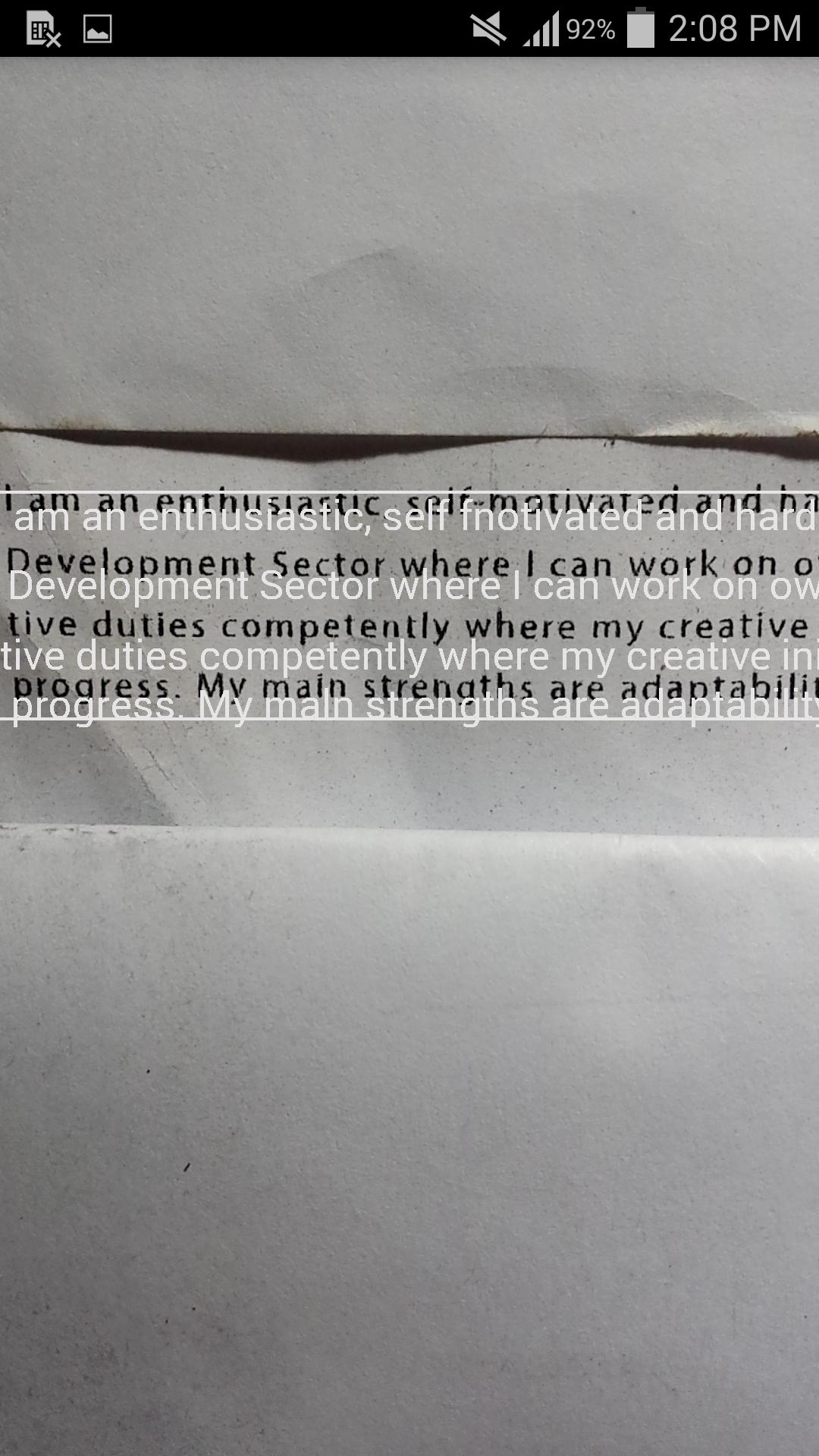
Using this application you can detect characters(text) using rear camera, supports text in any Latin-based language (English, French, German, Latin, Spanish, Turkish, Italian and more) in real-time and convert it into Text.
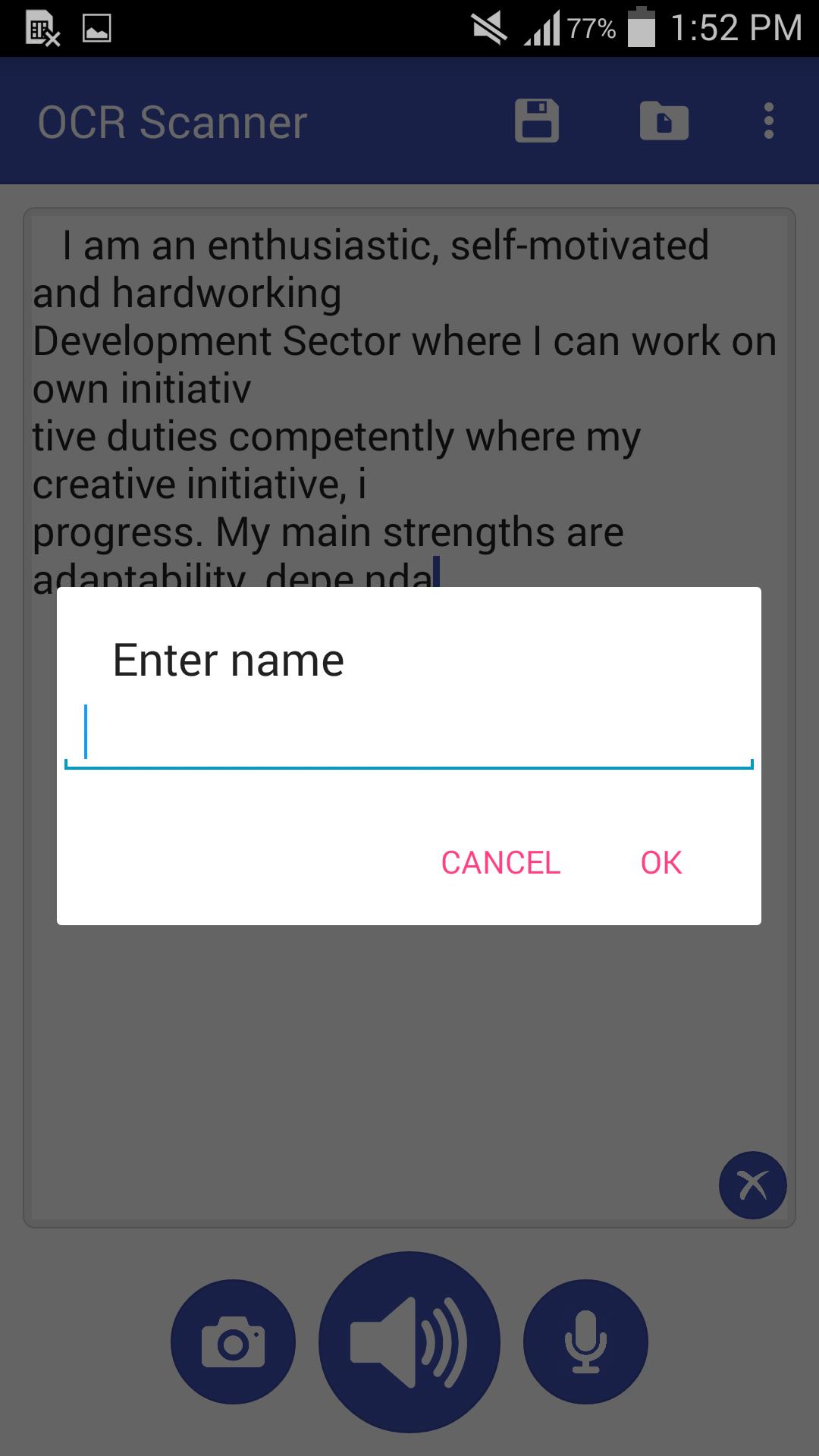
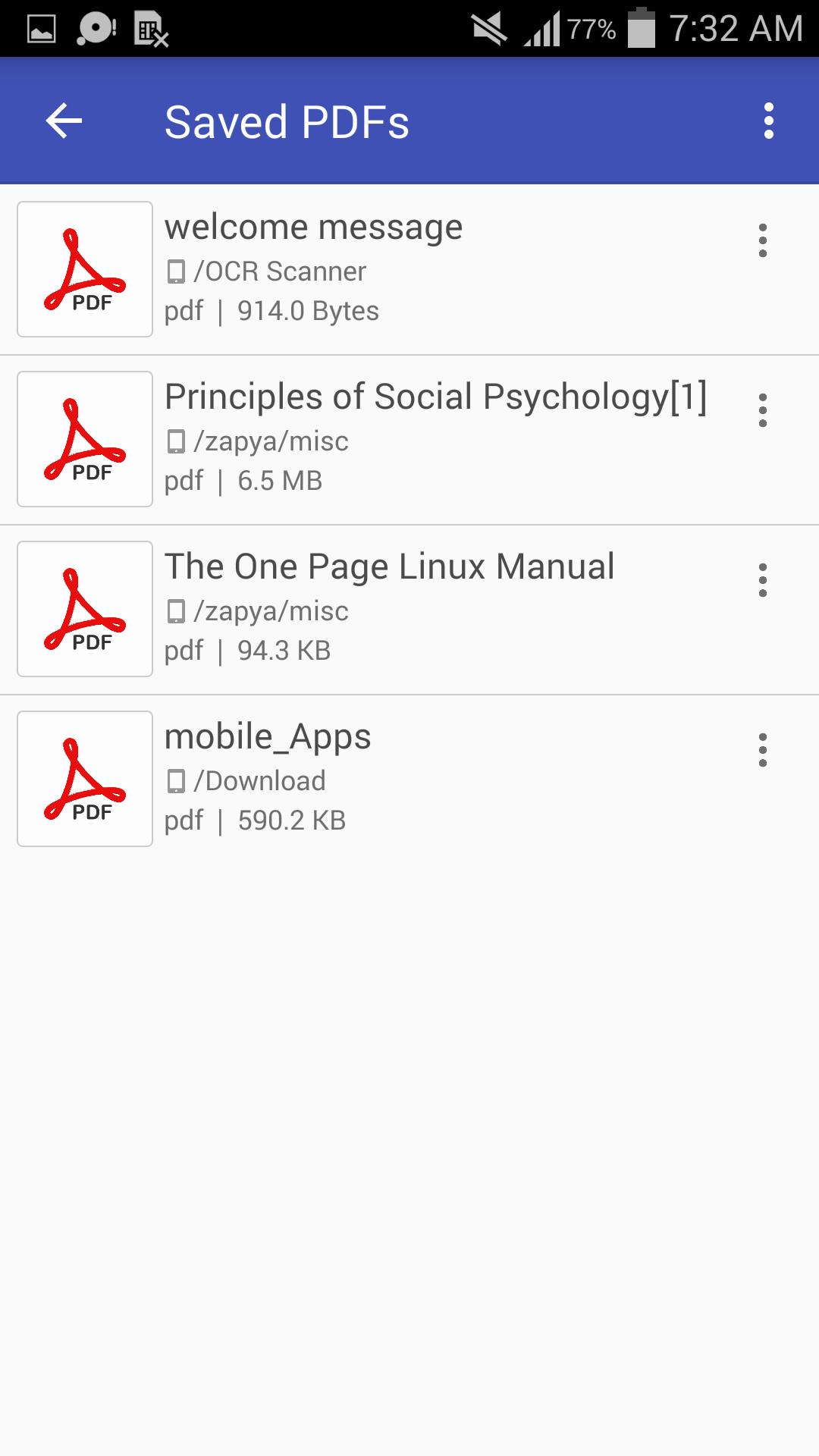
OCR Scanner can also save your text in PDF (saved PDFs is in 'phone memory -> OCR Scanner' folder) and shows saved PDFs.
How to use:
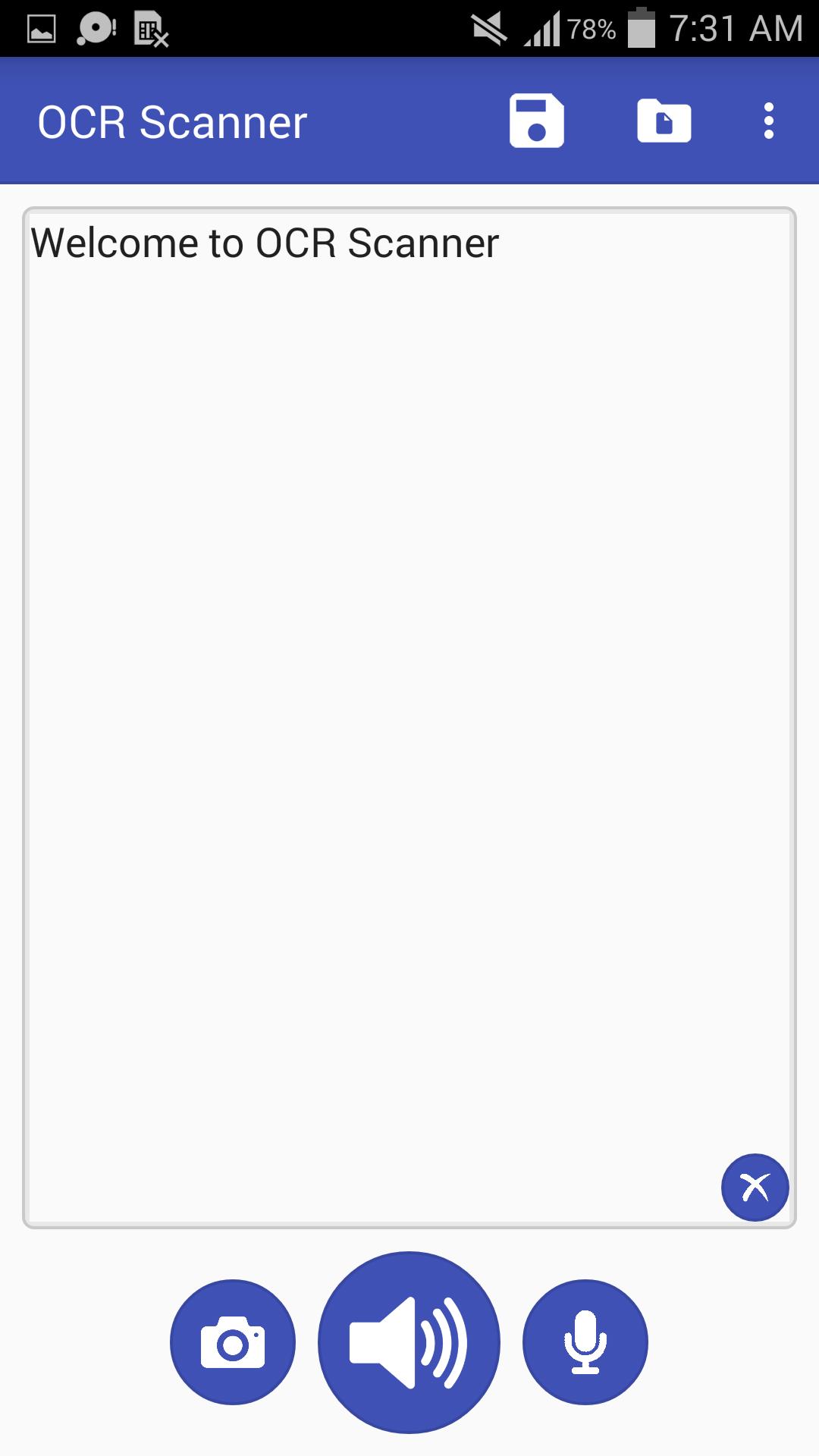
* Write some text and press Voice button to speech
* Press Mic button and say something to convert voice into text
* Press Camera button to detect some text using a camera (when detected then click on detect text to select)
* Click on Save button and give any name to save text in PDF
* Click on Saved PDFs button to show saved PDFs
OCR Scanner can do for you:
* Provide beautiful design
* Supports many languages
* Scan text using the camera and convert it into text
* Text to speech
* Speech to text
* Edit text
* Save text in PDF
* Shows properties of PDFs
* Able to show all PDFs in mobile phone
* Able to delete saved PDF
* Able to open saved PDF
* Able to edit saved PDF
* Able to open saved PDF on a different editor
* Beautiful browser to show saved PDFs
* Open saved PDF in a single click (long press if you want to open saved PDF on a different app)
Used icons in this app downloaded from www.icons8.com
Latest Version
1.4Uploaded by
အပ်ိဳႀကီးေတြကိုခ်စ္ေနတဲကိုကို
Requires Android
Android 4.2+
Category
Free Productivity AppContent Rating
Everyone
Report
Flag as inappropriateLast updated on Dec 20, 2018
Bug fixes
Improved user interface
Added more features
Added options for PDF (properties, delete)






APKPure - A multi-platform app store primarily focused on Android, providing extensive app-related content. Discover the app you want easier, faster, and safer, with quick and efficient downloads and installations.




![Text Scanner [OCR] APK](https://image.winudf.com/v2/image1/Y29tLnBlYWNlLlRleHRTY2FubmVyX2ljb25fMTU2MjQ4NTkyMl8wNDg/icon.png?w=102&fakeurl=1)






