Package Name:com.zi.zivpn
SHA-256:2f65ce6cb20e26e8dae560487370a3df2f19756c8fcd471dd7de520de32006bb
Show More


ZIVPN helps when you need a secure connection on public WiFi, want protocol choice, or plan to manage your own setup. It brings several tunneling methods together in one place, so you can switch based on network conditions. The interface keeps setup straightforward, while advanced options stay within reach when needed. If you plan to download ZIVPN, this overview explains what to expect without adding extra jargon.
Multiple tunneling protocols
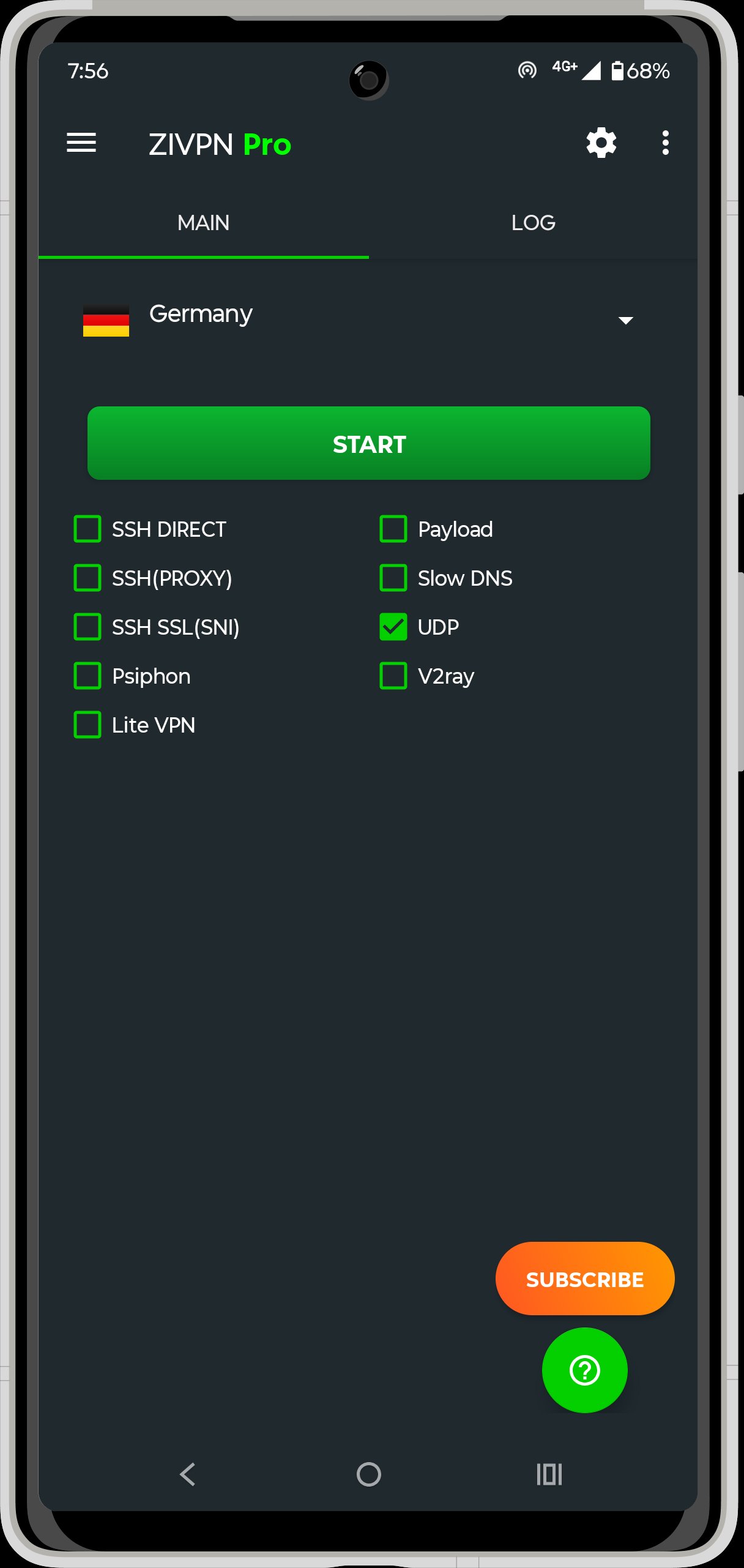
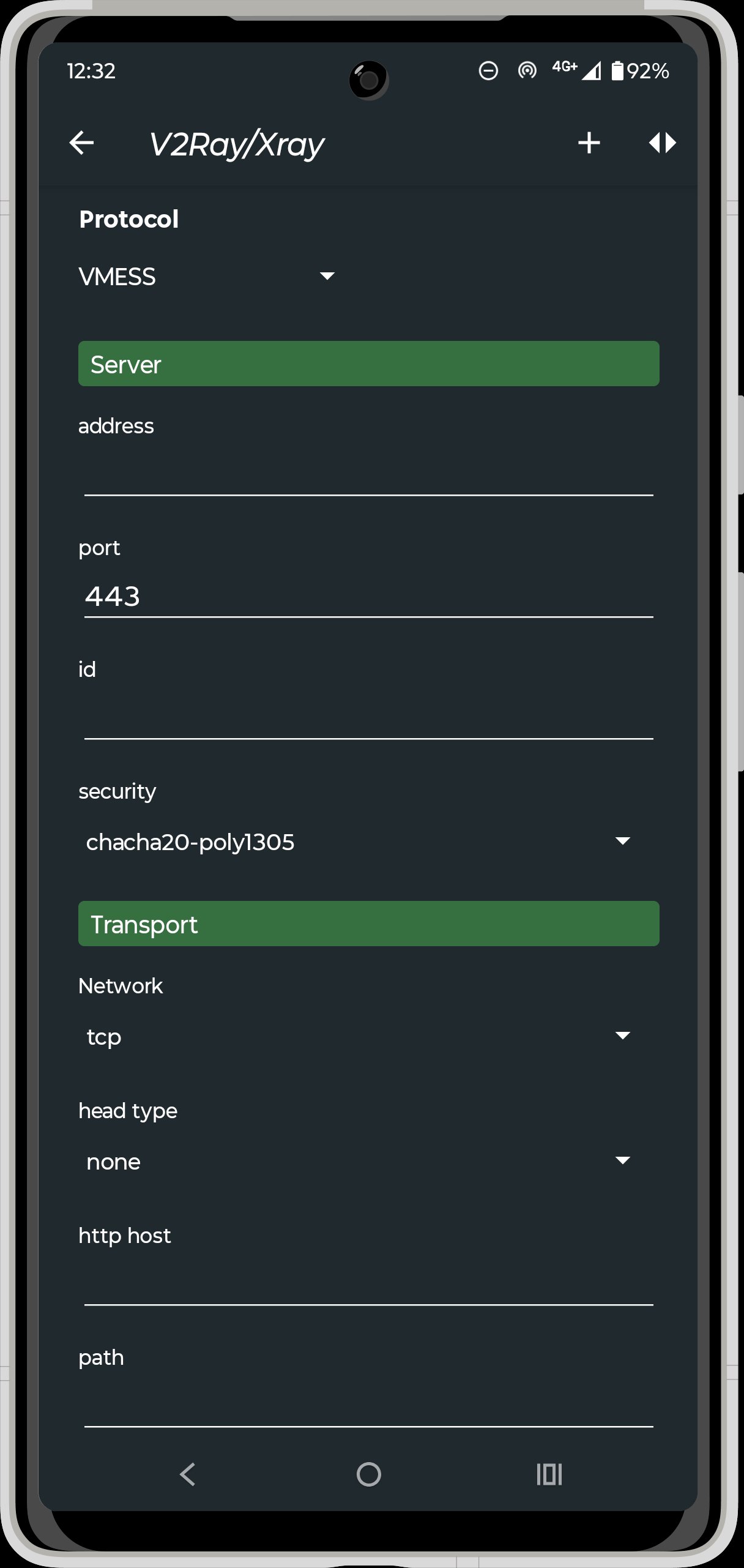
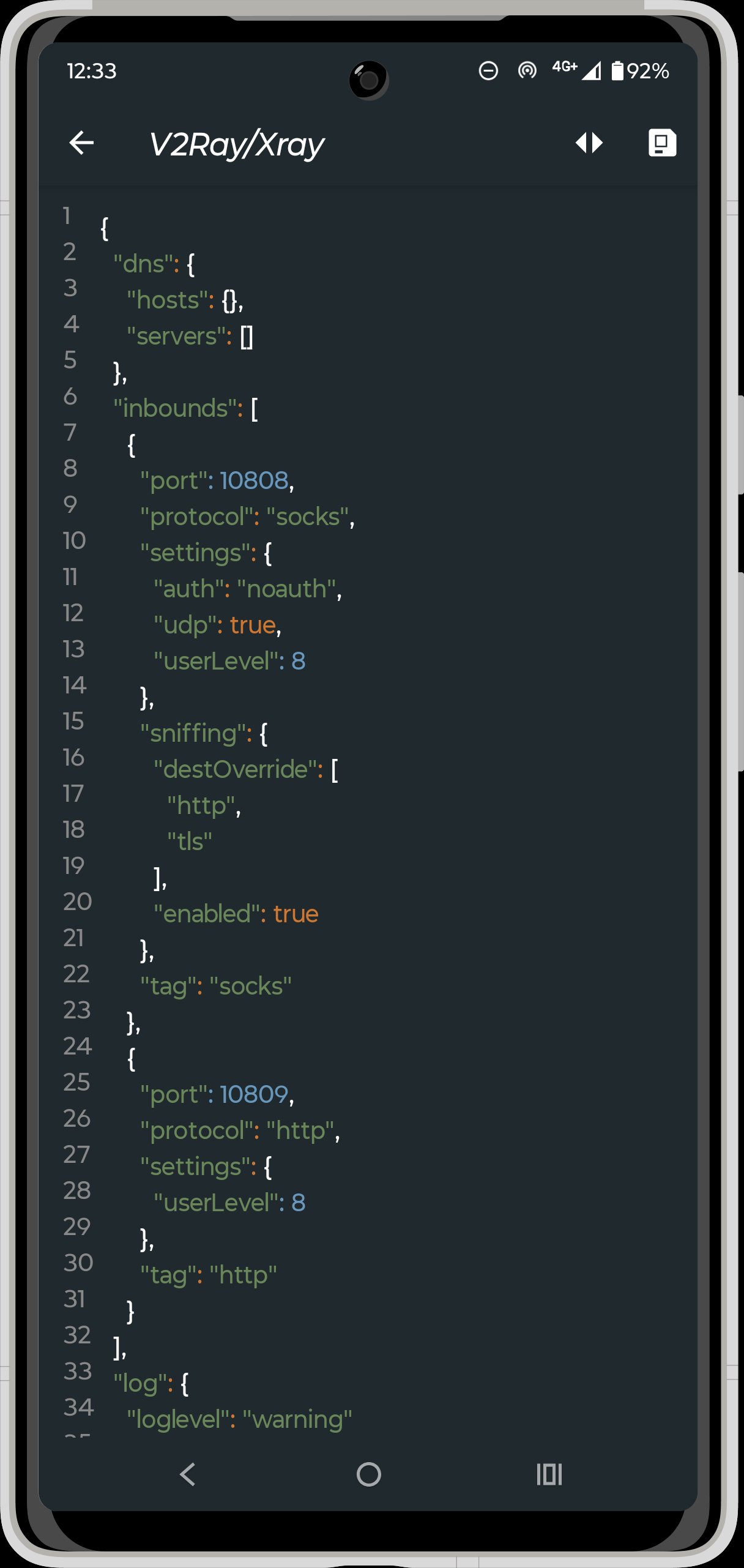
ZIVPN supports a wide range of connection types in one app. You can use SSH or WebSocket, V2Ray or Xray with VMess, VLess, Trojan, Shadowsocks, and SOCKS, as well as WireGuard. It also includes UDP with a built in server option, Psiphon, Slow DNS, and SSL or Stunnel with SNI. This variety lets you match the protocol to the network you are on.
Split tunneling and configuration control
You can decide which apps use the tunnel with the Apps Filter or split tunneling. ZIVPN also provides a payload generator and lets you import and export configuration files, so setup is consistent across devices. This helps you keep a stable profile and quickly restore your usual settings after changes.
Server choices for every setup
ZIVPN offers free servers for quick access, and you can also connect to your own servers if you prefer full control. Importing third party configurations is supported, which is useful if a provider or community shares profiles you trust. This flexibility makes ZIVPN Tunnel suitable for both casual use and custom deployments.
Advanced diagnostics and tweaks
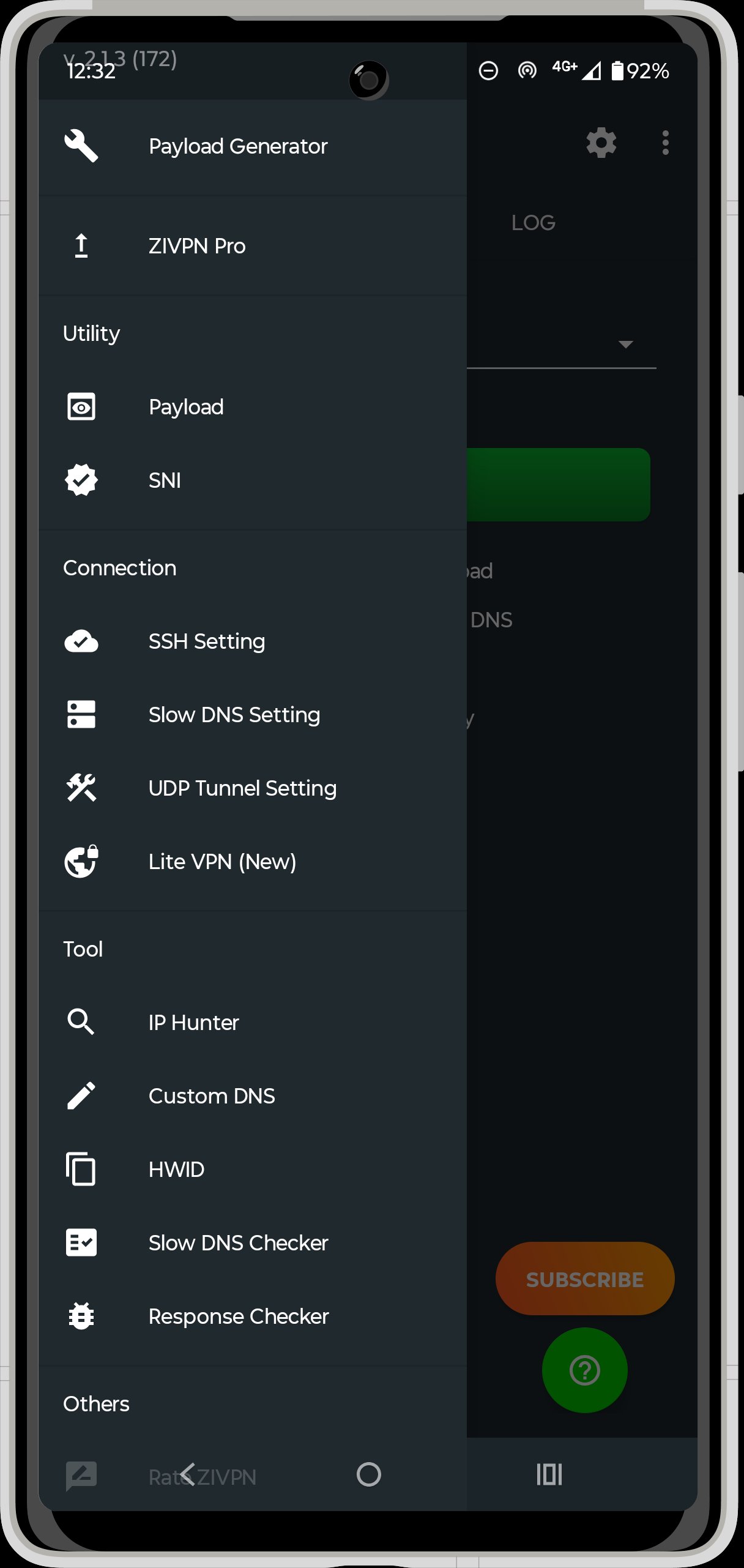
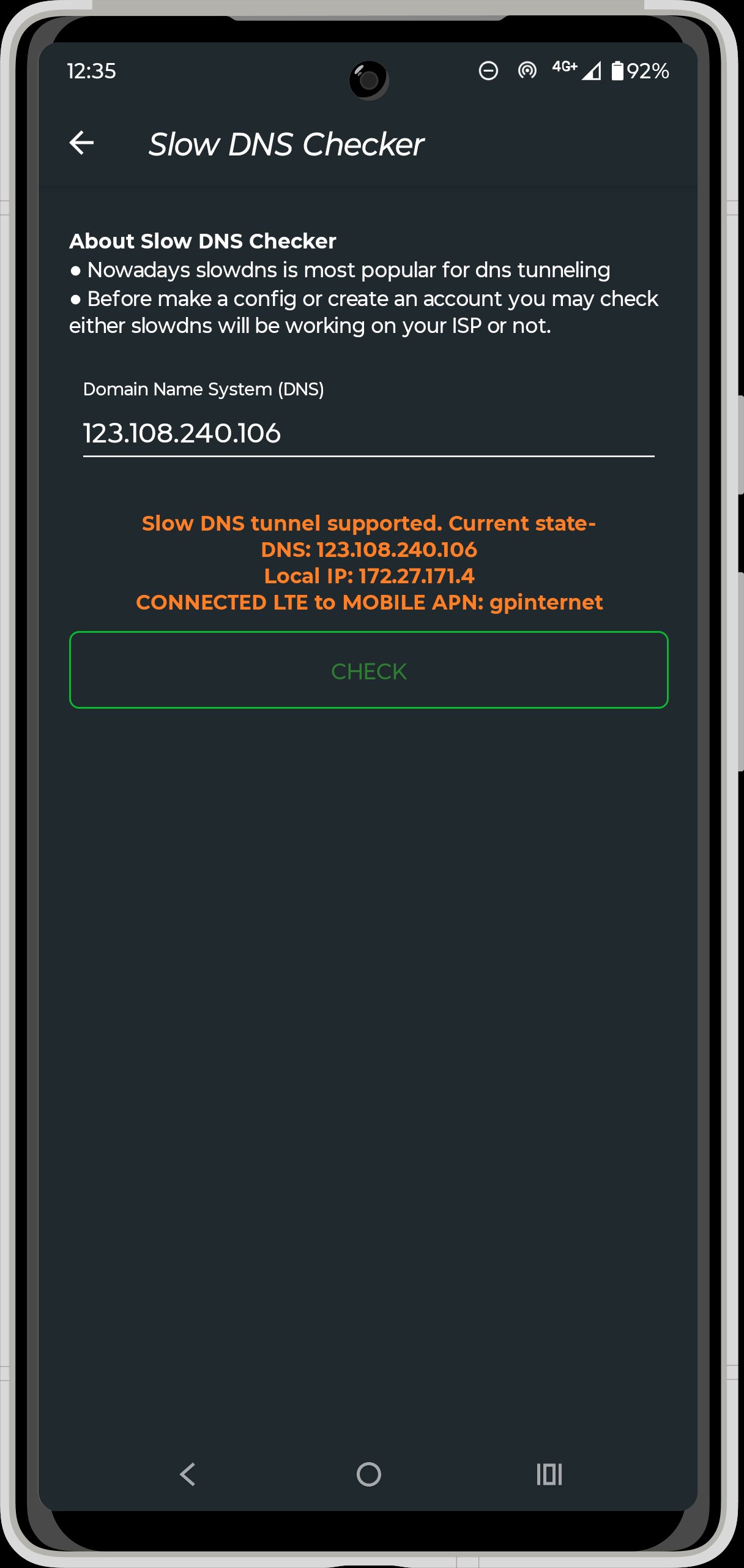
Custom DNS and TCP No Delay help adjust behavior for speed and reliability. IP Hunter, along with host and response checkers, gives you ways to test routes and confirm that endpoints respond as expected. Auto Replace Response and Slow DNS boost add options for networks that are restrictive or unstable, so you can fine tune the connection.
Encryption, sharing, and simple setup
ZIVPN uses encryption to keep traffic private and supports sharing your SSH or VPN connection without root access. You can bring settings in with a single tap using configuration import. Support for V2Ray over Slow DNS provides another path when normal methods struggle, which can help when you face strict network limits.
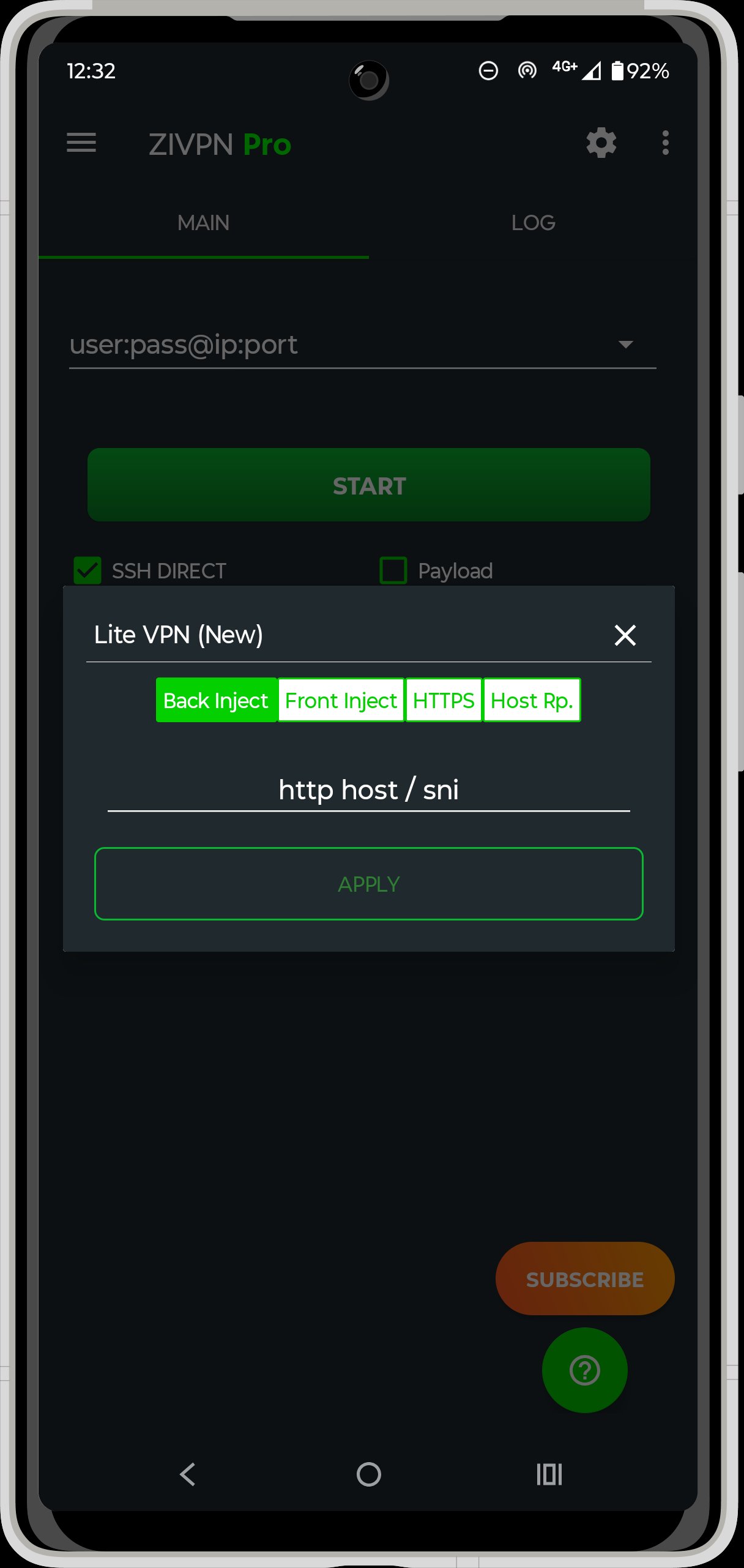
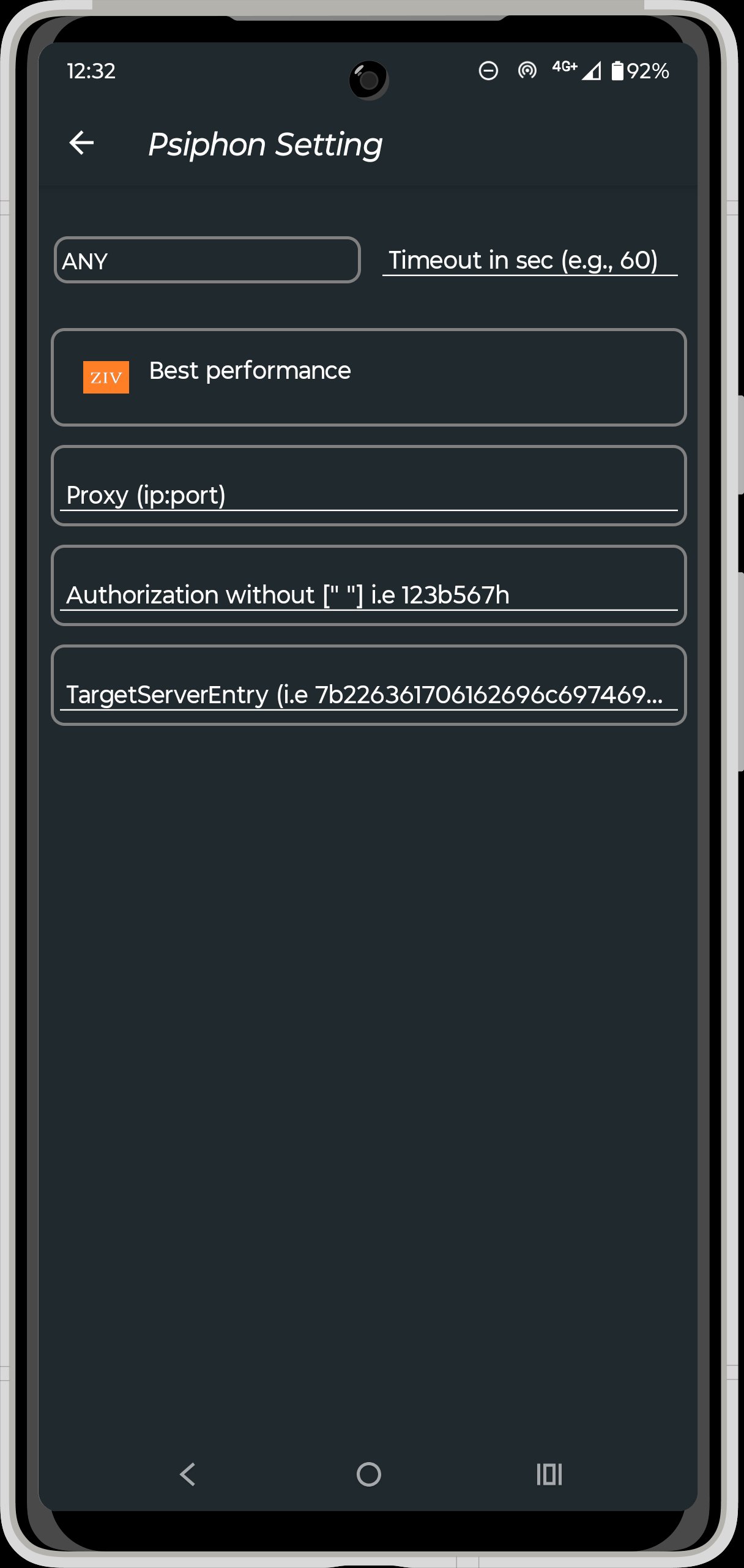
If you use configuration files, treat them like profiles that define how ZIVPN connects, whether for SSH, UDP, Psiphon, V2Ray, or Lite VPN. The official site provides step by step “How to Use” guides for these modes, which can shorten setup time and help with troubleshooting. A Telegram community channel shares updates and tips, and many users follow it to learn about new profiles or changes. For self hosting, advanced users often refer to the developer’s GitHub resource for UDP server installation, which supports running a private endpoint.
To keep connections stable, check for the ZIVPN latest version and review guidance on the official site when protocols change. If you rely on custom profiles, update those along with the app so both sides match. This approach reduces connection errors after network or server updates.
Getting started is straightforward and does not require root. If you install the ZIVPN APK, you can set up a connection in a few minutes and adjust details later as needed.
ZIVPN brings multiple tunneling methods, configuration import, and useful diagnostics into a single Android app. To keep your setup reliable, install the ZIVPN latest version and update your profiles when needed.
For official support and more details, use the information below.
Latest Version
2.1.5Uploaded by
ZI Applications
Requires Android
Android 6.0+
Category
Free Tools AppContent Rating
Everyone
Security Report
Check Now
Report
Flag as inappropriateLast updated on Dec 20, 2025
[2.1.5]
➡️ Improved HWID
➡️ SNI field supports [host], SSH Enhanced in Payload Generator, and [raw] support in payload — short form of CONNECT [host_port] [protocol]
➡️ Fixed VPN Share unknown interface
➡️ Minor bug fixes
[2.1.4 Previous Changes]
[Added]
➡️ IP Hunter (no root)
➡️ Destination Ping
➡️ Import Cloud Config – Easily import configurations via cloud URLs
[Fixed]
➡️ Share VPN Connection – Fixed issue where proxy information was not showing in logs
➡️ Minor bug fixes



APKPure - A multi-platform app store primarily focused on Android, providing extensive app-related content. Discover the app you want easier, faster, and safer, with quick and efficient downloads and installations.