
WebFing is an enhanced alternative browser for Android.
Main Features
Basic browser features (bookmarks, history, downloads...);
Unlimited tabs;
Easy bookmarks access;
Easy tabs opening and closing;
Bookmarks import from legacy Android browser;
Can be set as default browser;
Ad-blocker (important: learn more);
Ad-blocker Introduction
WebFing used the WebView component provided by the Android framework to display web pages. This component does not allow direct access to elements composing a web page, and thus cannot be used to filter ads.
WebFing ad-blocker operate by injecting a piece of Java-script (provided by AdSweep) to remove ads, right after a web page has loaded.
White list
Websites can be white-listed in order to prevent the ad-blocker to operate an them.
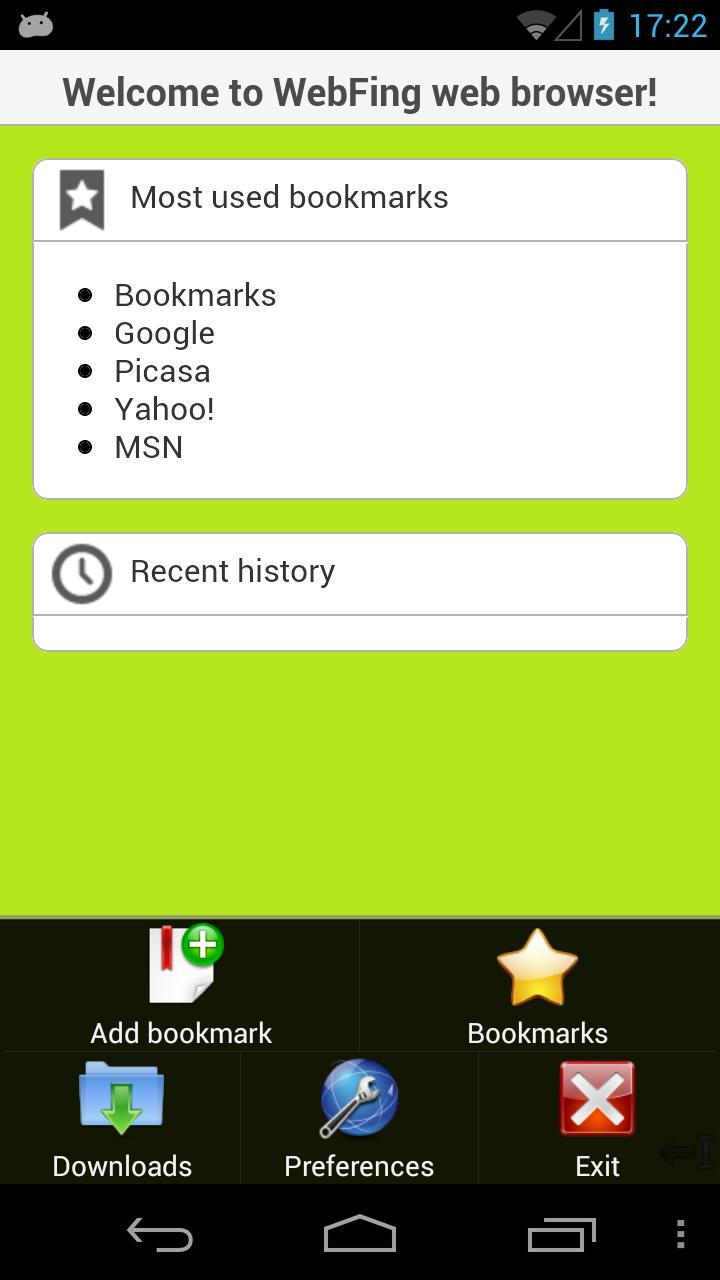
Open the main menu, and go to Preferences;
Scroll down to the Ad-blocker settings section, and select White list;
Click on the menu button, and select Add;
Type the website name, and click on Ok;
How To Use
The bubble
The bubble is a small quarter-circle overlay at the bottom-right of the screen:
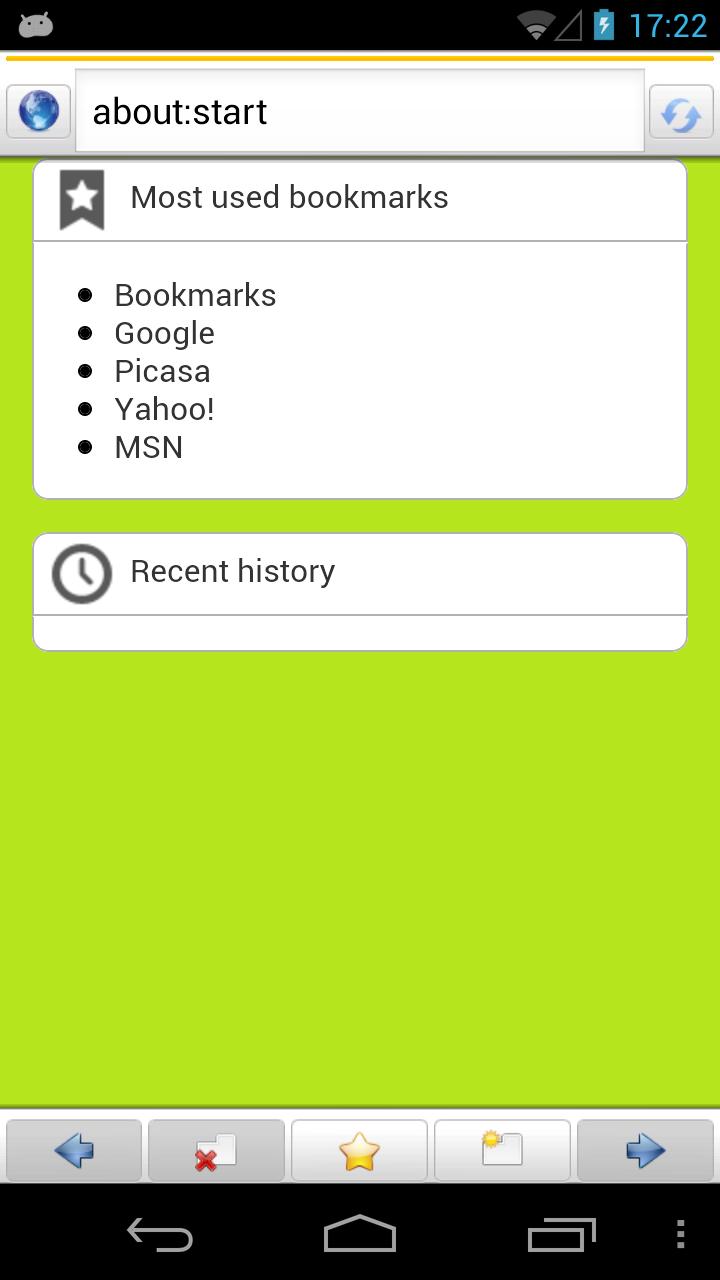
Touching it brings up the url bar and the tool bar:
The url bar can be used to navigate to home, type urls, stop page loading, etc.
The tool bar provide easy access to previous/next navigation buttons, open/close tabs and bookmarks.
Notes:
The bars hide automatically after a few time. This time can be changed through Preferences. If a page is loading, bars will hide after the page has loaded;
Touching the screen will hide the bars;
The Bookmarks button in the tool bar can be changed to History through Preferences;
Switching tabs
Switching between tabs is made by sweeping horizontally on the screen.
Zooming
Zooming in and out is made by the volume keys.
Latest Version
1.0.0Uploaded by
Thanhni Thach
Requires Android
Android 2.2+
Category
Free Communication AppContent Rating
Everyone
Report
Flag as inappropriateLast updated on Oct 20, 2015
This release includes minor bug fixes and general improvements. Update to the latest version for the best experience.



APKPure - A multi-platform app store primarily focused on Android, providing extensive app-related content. Discover the app you want easier, faster, and safer, with quick and efficient downloads and installations.