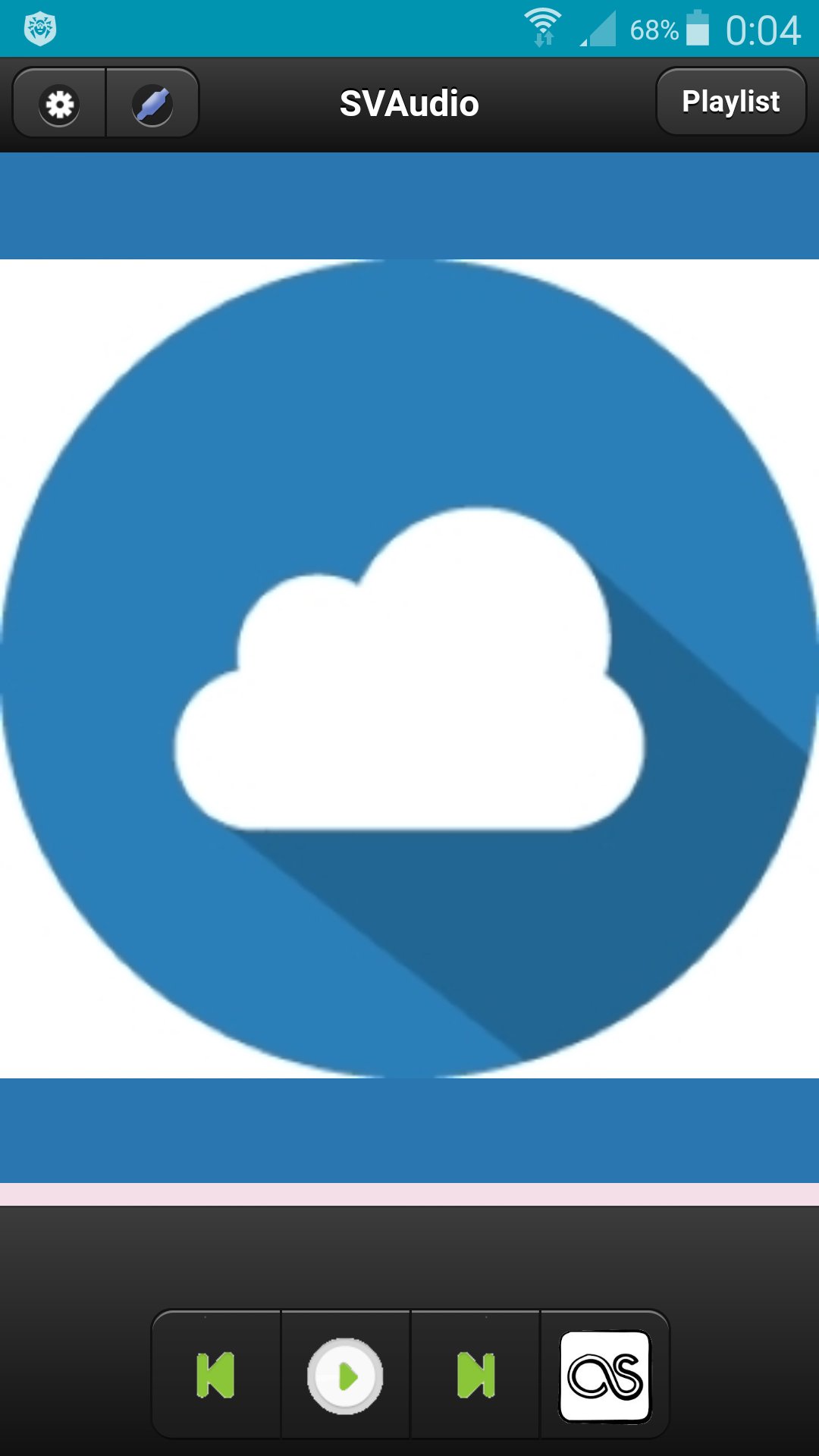
Сloud audio player.
To register a user you need to go to http://svlaboratory.org.
Specify email and user name.
A password will be sent to your account.
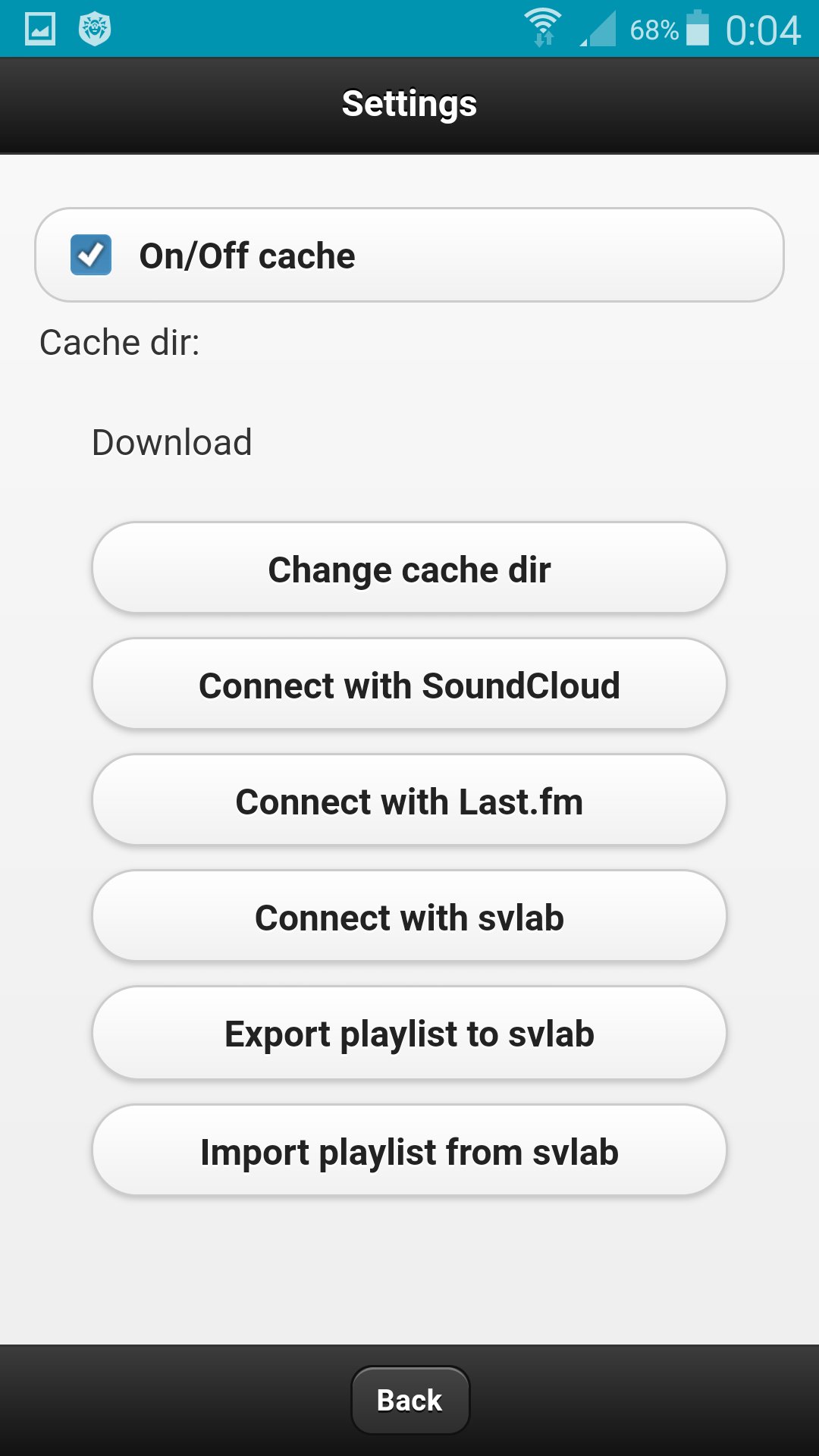
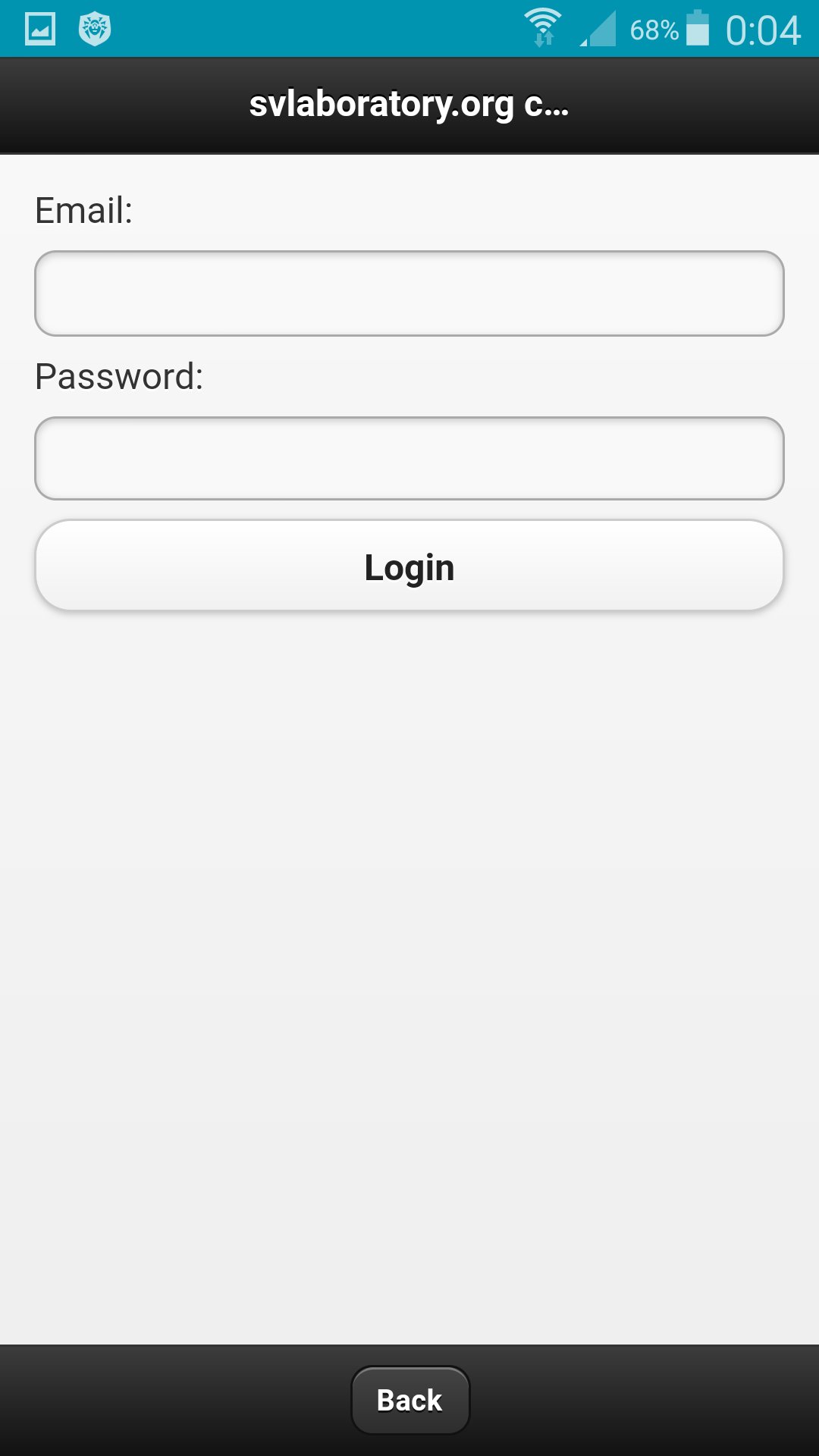
In the application, click the Connect with svlab button in the settings.
Specify email and password for the account.
In the web application http://svlaboratory.org/cloudaudio/index.html, you can also connect the svlab account in the settings.
Upload music to a playlist by selecting files from a personal computer (using the Google Chrome browser).
In settings export a playlist in the web application.
In the application in the settings, import a playlist.
To save music on your phone, specify the folder in the settings and enable caching.
Phiên bản mới nhất
0.0.1Yêu cầu Android
4.0 and up
Xếp hạng nội dung
All ages
Báo cáo
Gắn cờ là không phù hợpLast updated on Jun 17, 2017
Phiên bản này bao gồm các bản sửa lỗi nhỏ và cải tiến chung. Hãy cập nhật lên phiên bản mới nhất để có trải nghiệm tốt nhất.


APKPure - Kho ứng dụng đa nền tảng chủ yếu tập trung vào Android, cung cấp nội dung phong phú về ứng dụng. Khám phá ứng dụng bạn muốn dễ dàng, nhanh chóng và an toàn hơn, với tính năng tải xuống và cài đặt nhanh chóng và hiệu quả.