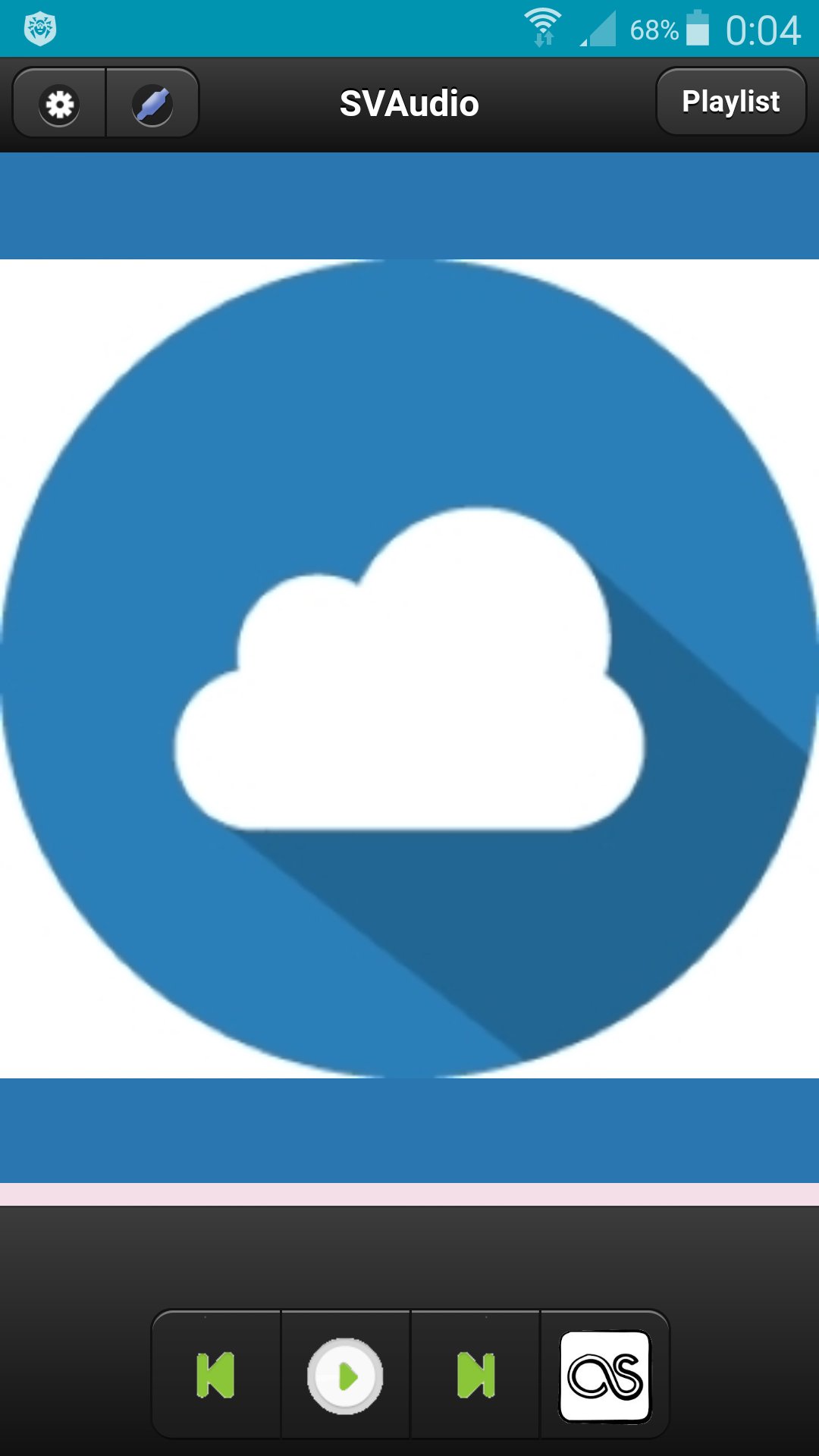
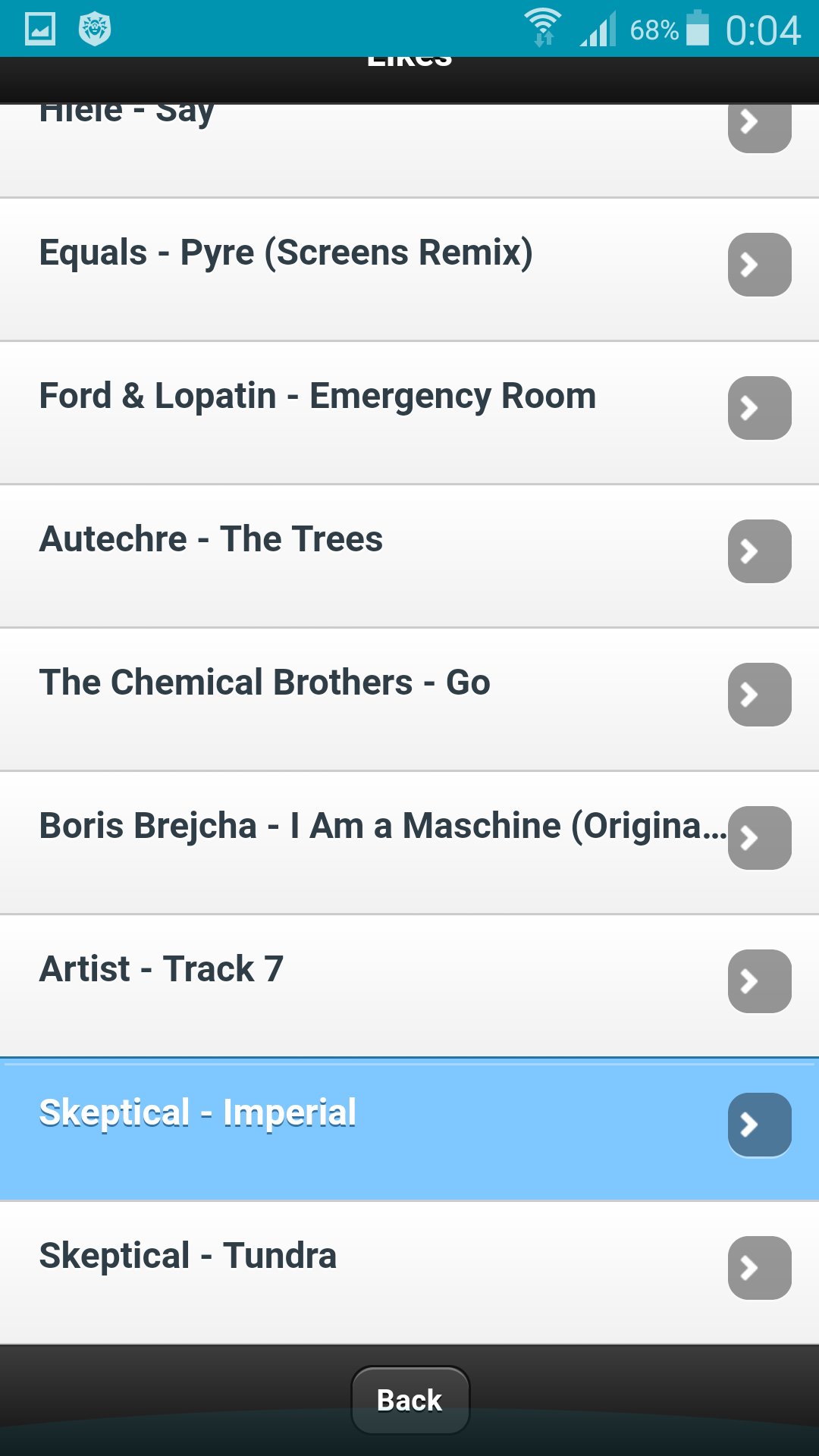
Сloud audio player.
To register a user you need to go to http://svlaboratory.org.
Specify email and user name.
A password will be sent to your account.
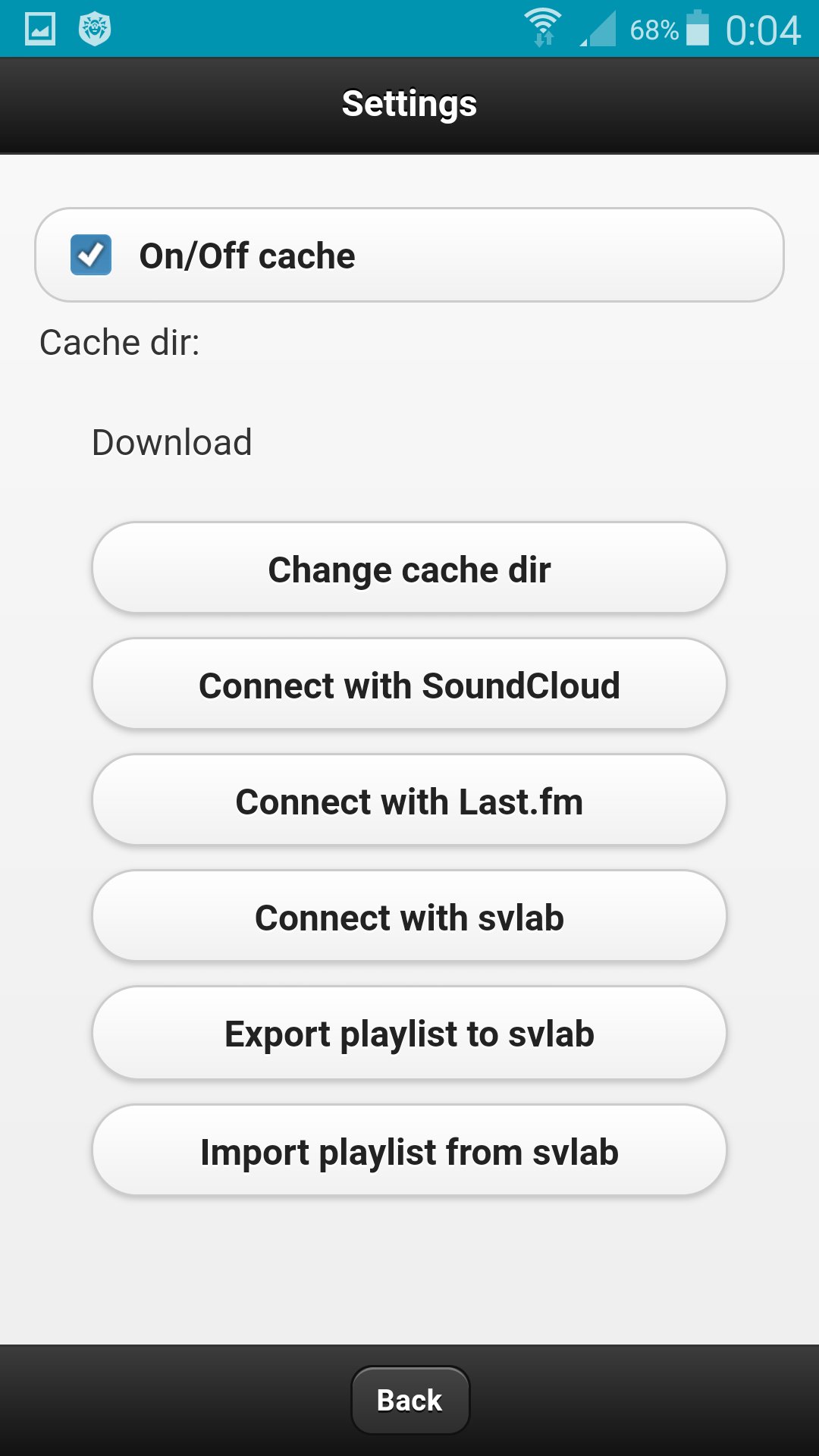
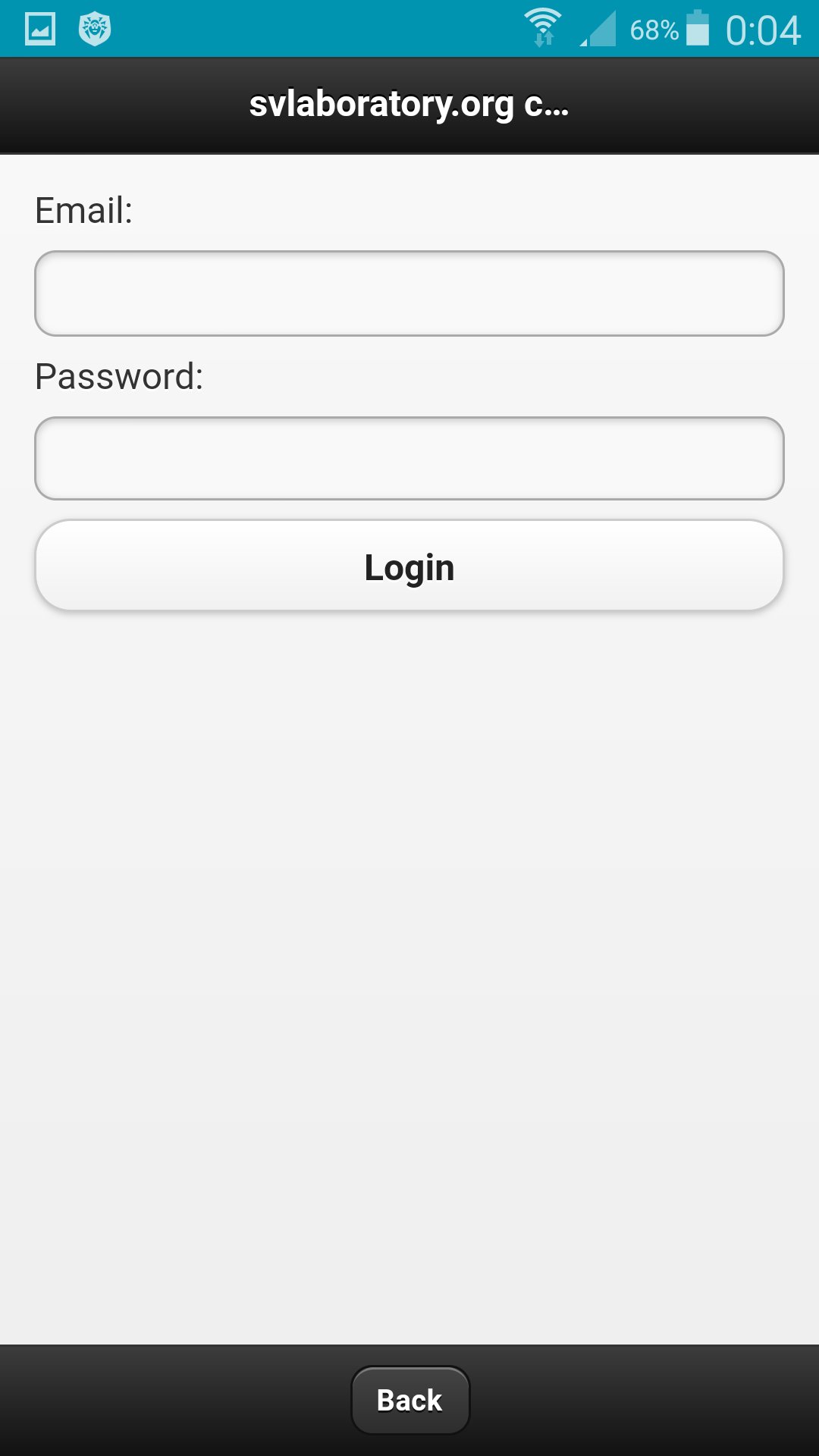
In the application, click the Connect with svlab button in the settings.
Specify email and password for the account.
In the web application http://svlaboratory.org/cloudaudio/index.html, you can also connect the svlab account in the settings.
Upload music to a playlist by selecting files from a personal computer (using the Google Chrome browser).
In settings export a playlist in the web application.
In the application in the settings, import a playlist.
To save music on your phone, specify the folder in the settings and enable caching.
Последняя версия
0.0.1Требуемая версия Android
4.0 and up
Категория
Бесплатно Музыка и аудио ПриложениеВозрастные ограничения
All ages
Жаловаться
Сообщить о неприемлемом содержанииLast updated on 17/06/2017
В этой версии исправлены мелкие ошибки и внесены общие улучшения. Обновите приложение до последней версии для максимального удобства.


APKPure - Мультиплатформенный магазин приложений, в основном ориентированный на Android, предоставляющий обширный контент, связанный с приложениями. Находите нужные приложения проще, быстрее и безопаснее, с быстрой и эффективной загрузкой и установкой.