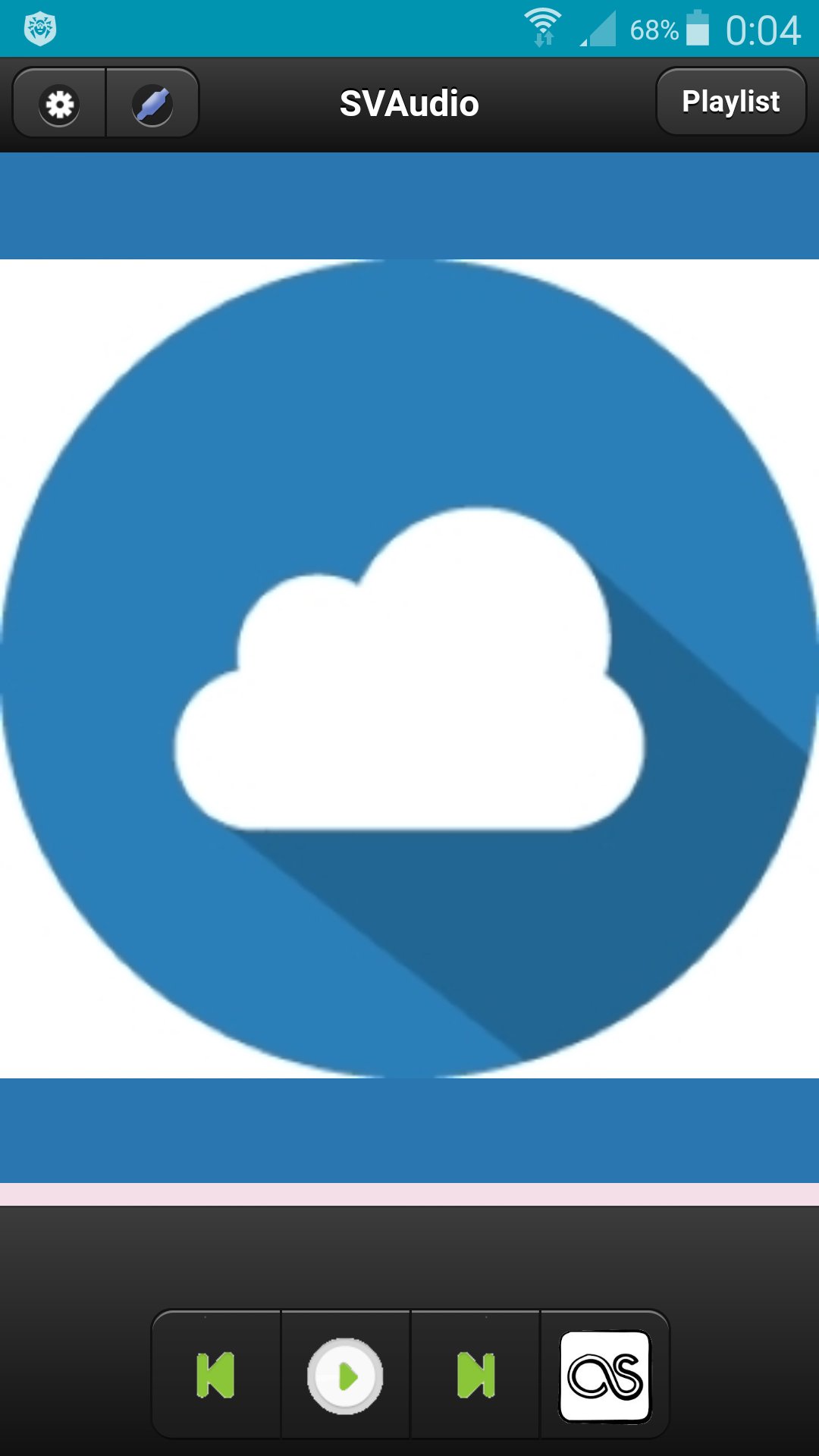
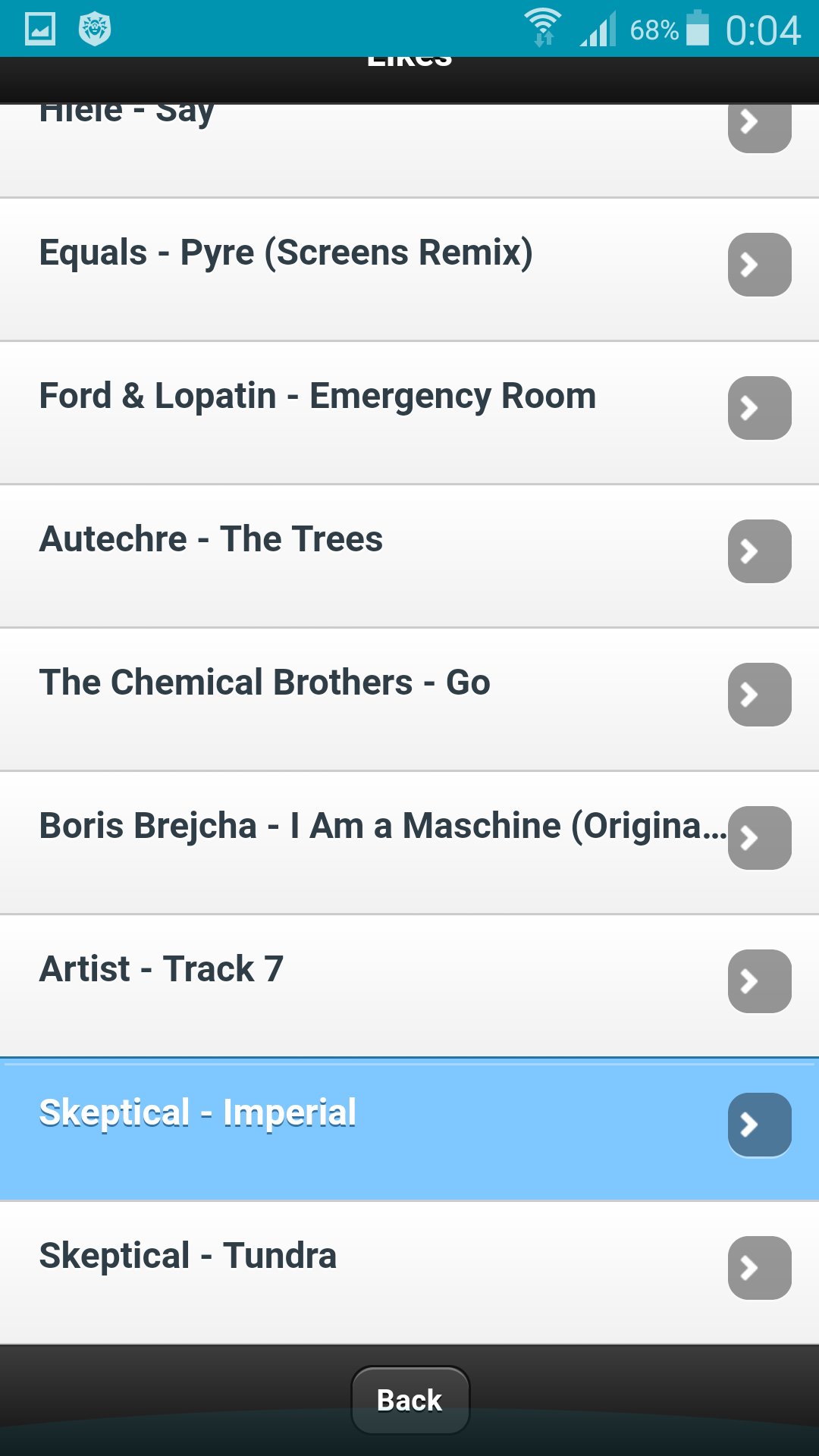
Сloud audio player.
To register a user you need to go to http://svlaboratory.org.
Specify email and user name.
A password will be sent to your account.
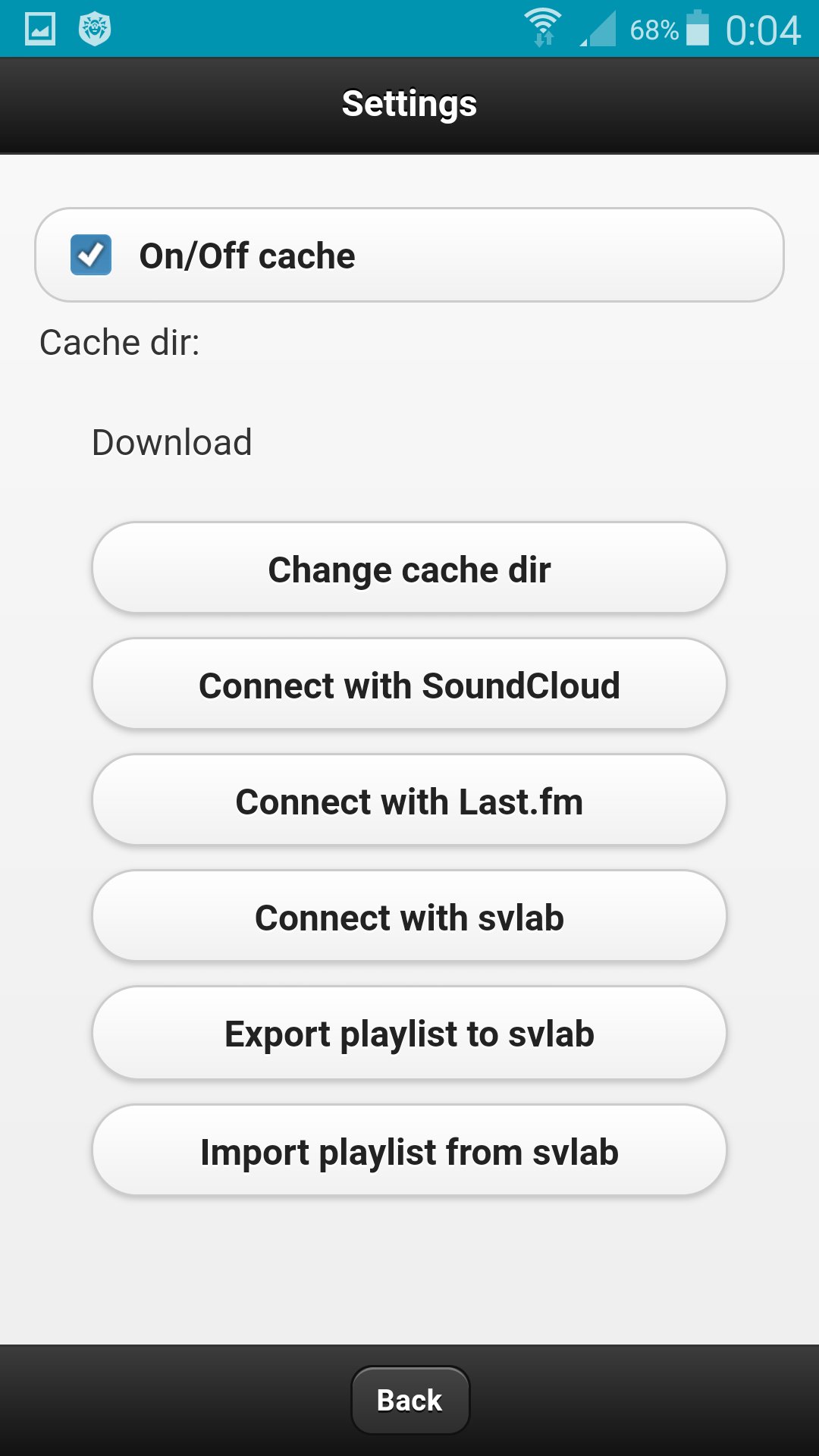
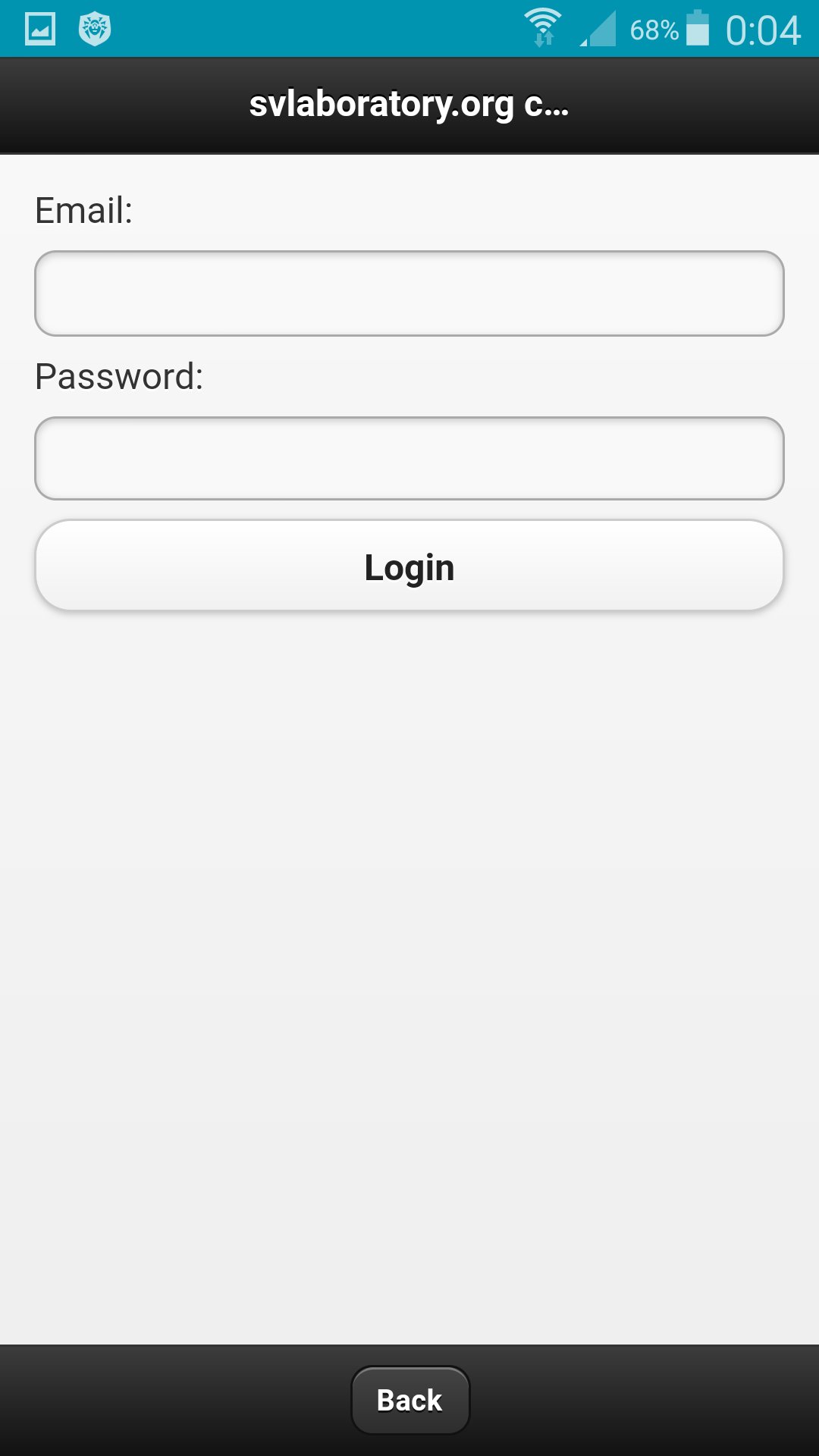
In the application, click the Connect with svlab button in the settings.
Specify email and password for the account.
In the web application http://svlaboratory.org/cloudaudio/index.html, you can also connect the svlab account in the settings.
Upload music to a playlist by selecting files from a personal computer (using the Google Chrome browser).
In settings export a playlist in the web application.
In the application in the settings, import a playlist.
To save music on your phone, specify the folder in the settings and enable caching.
Dernière version
0.0.1Nécessite Android
4.0 and up
Catégories
Gratuit Musique et audio APPLICATIONClassification du contenu
All ages
Signaler
Signaler comme inappropriéLast updated on Jun 17, 2017
Cette version comprend des corrections de bugs mineurs et des améliorations générales. Installez la dernière version pour profiter d’une expérience optimale.


APKPure - Une boutique d'applications multi-plateforme principalement axée sur Android, offrant un vaste contenu lié aux applications. Découvrez l'application que vous souhaitez plus facilement, plus rapidement et en toute sécurité, avec des téléchargements et des installations rapides et efficaces.