
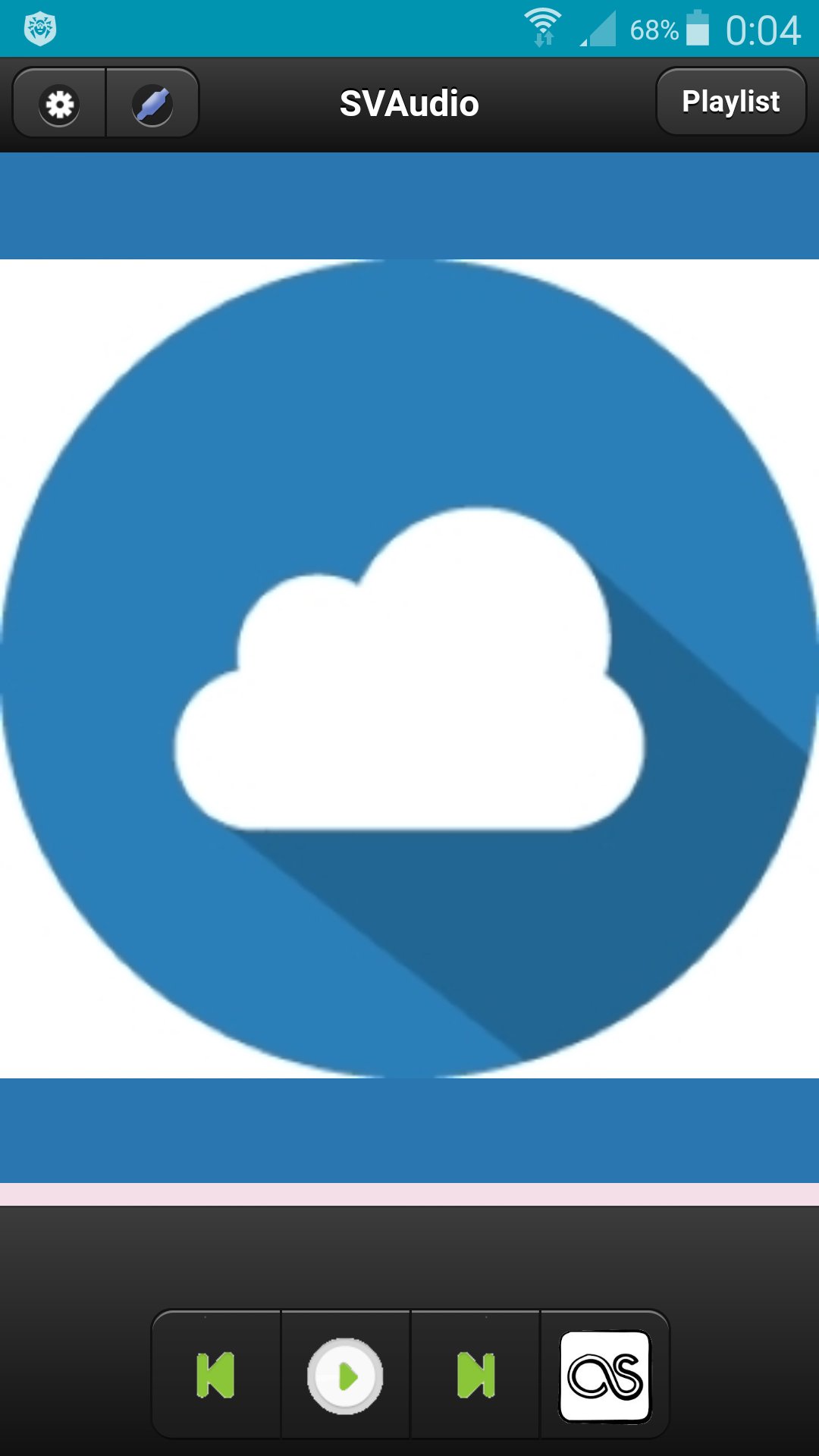
Сloud audio player.
To register a user you need to go to http://svlaboratory.org.
Specify email and user name.
A password will be sent to your account.
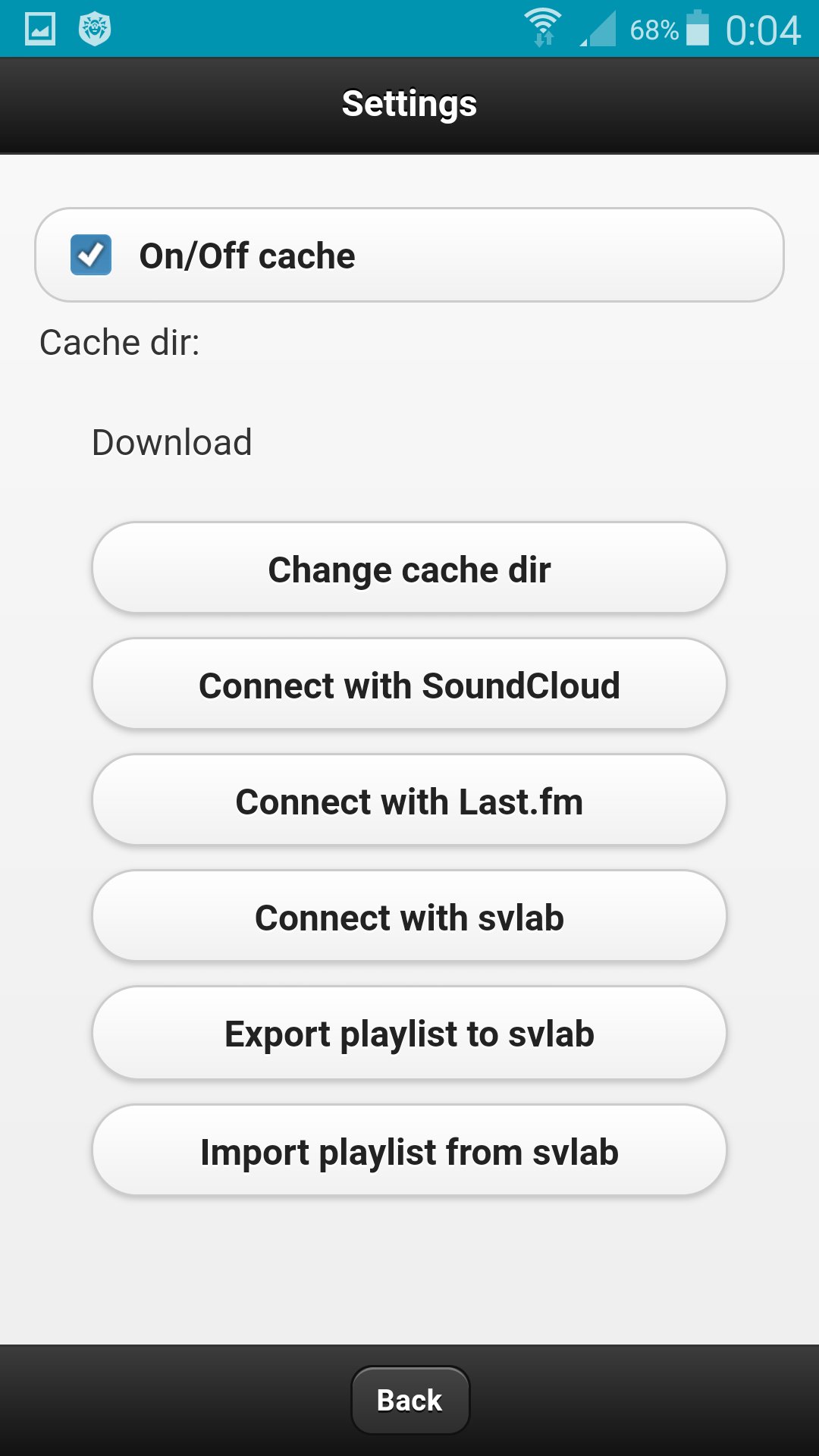
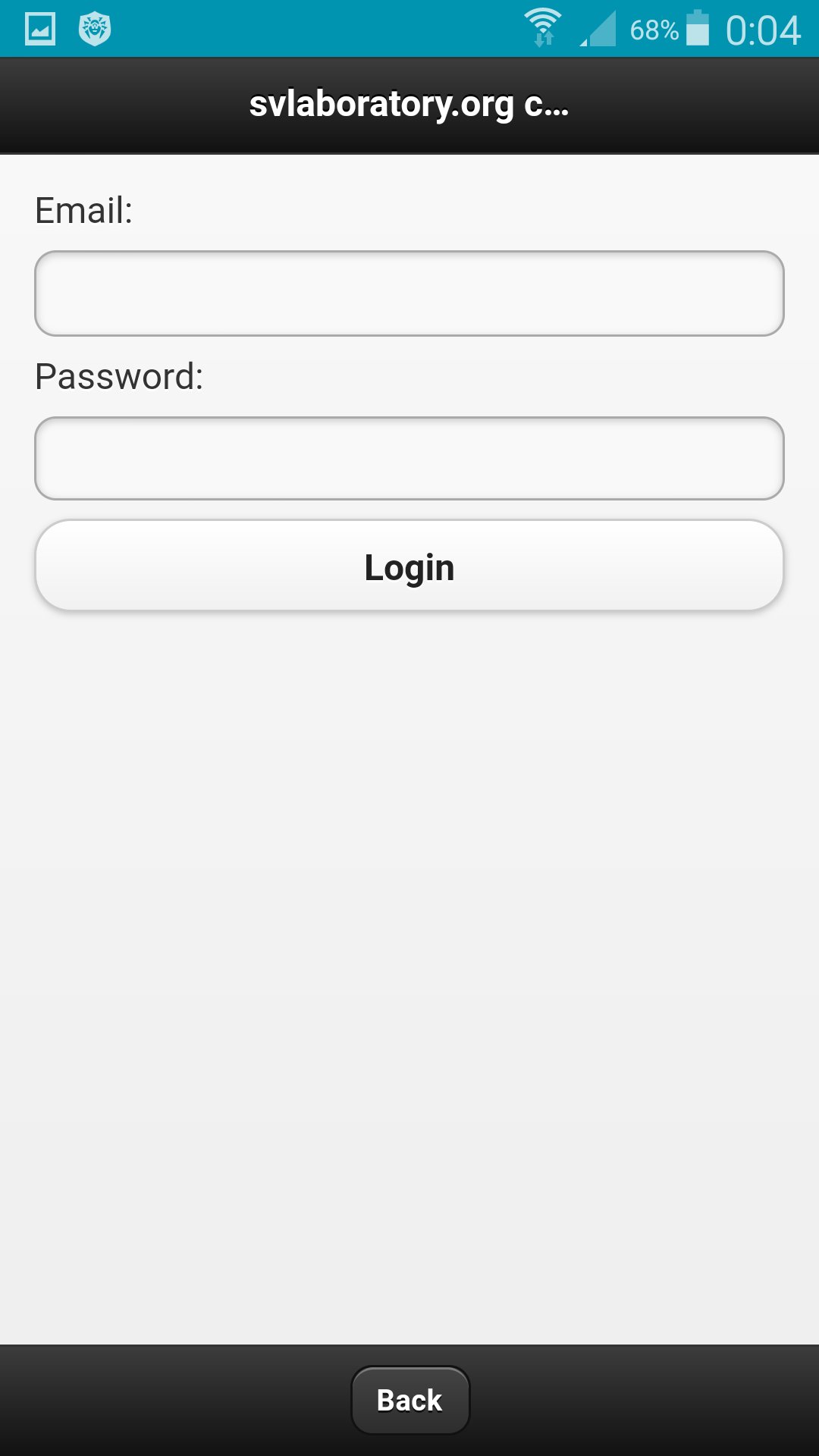
In the application, click the Connect with svlab button in the settings.
Specify email and password for the account.
In the web application http://svlaboratory.org/cloudaudio/index.html, you can also connect the svlab account in the settings.
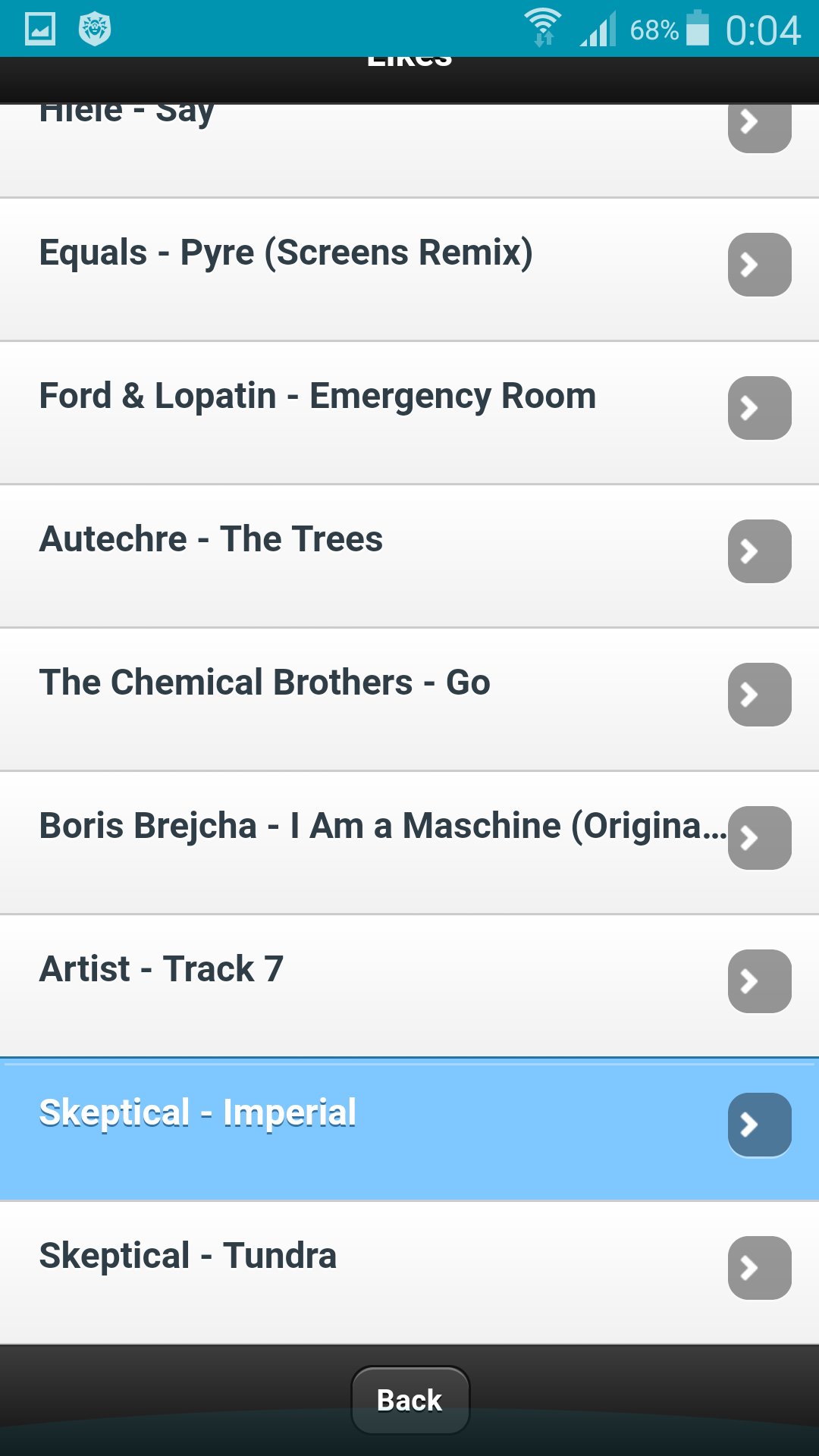
Upload music to a playlist by selecting files from a personal computer (using the Google Chrome browser).
In settings export a playlist in the web application.
In the application in the settings, import a playlist.
To save music on your phone, specify the folder in the settings and enable caching.
Última Versión
0.0.1Requisitos
4.0 and up
Categoría
Gratis Música y audio APPClasificación de contenido
All ages
Reportar
Marcar como inapropiadoLast updated on 17/06/2017
Esta versión incluye pequeñas correcciones de errores y mejoras generales. Actualiza a la versión más reciente para disfrutar de la mejor experiencia.


APKPure - Una tienda de aplicaciones multiplataforma enfocada principalmente en Android, que proporciona un amplio contenido relacionado con aplicaciones. Descubre la aplicación que deseas de forma más fácil, rápida y segura, con descargas e instalaciones rápidas y eficientes.