
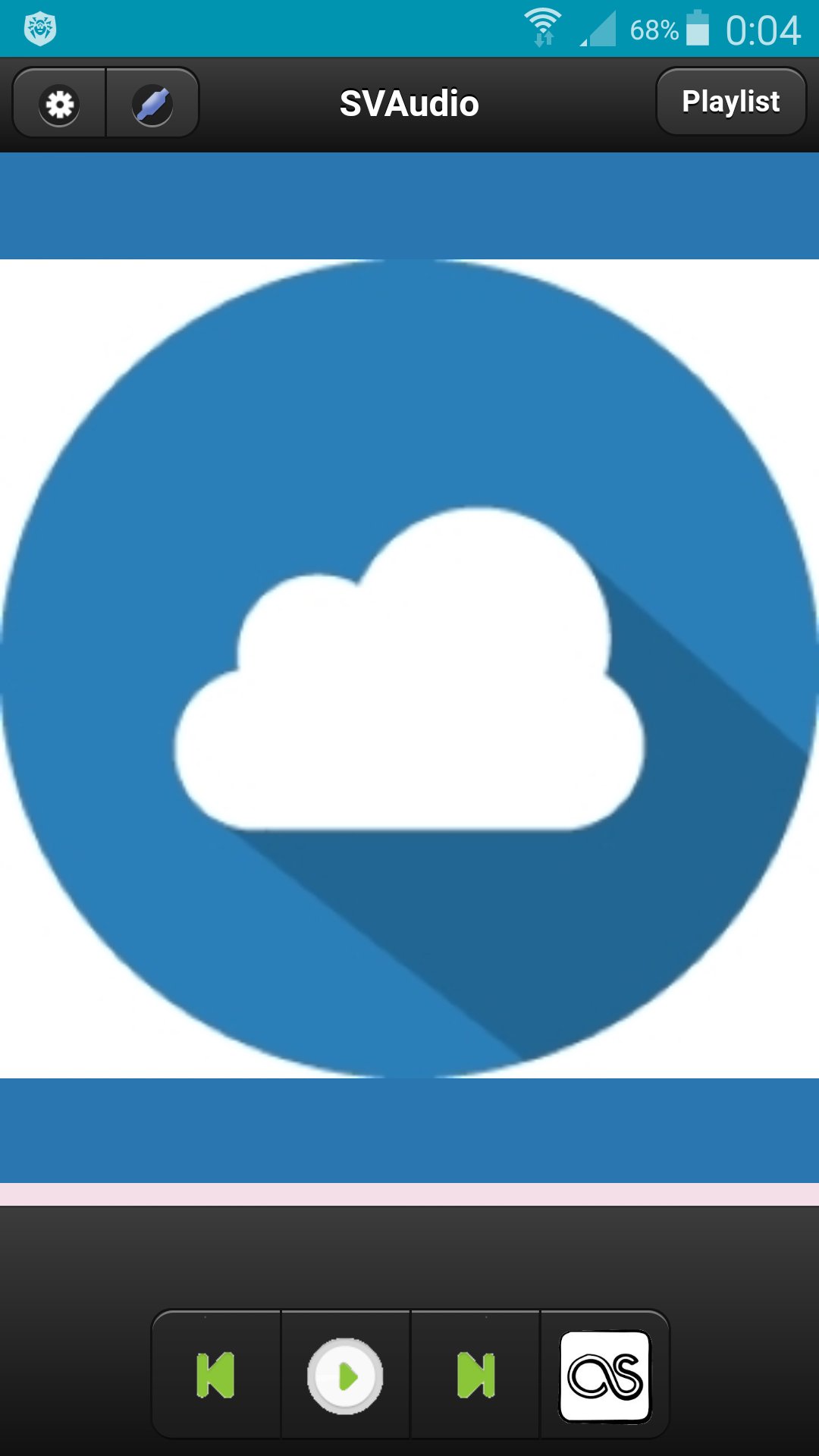
Сloud audio player.
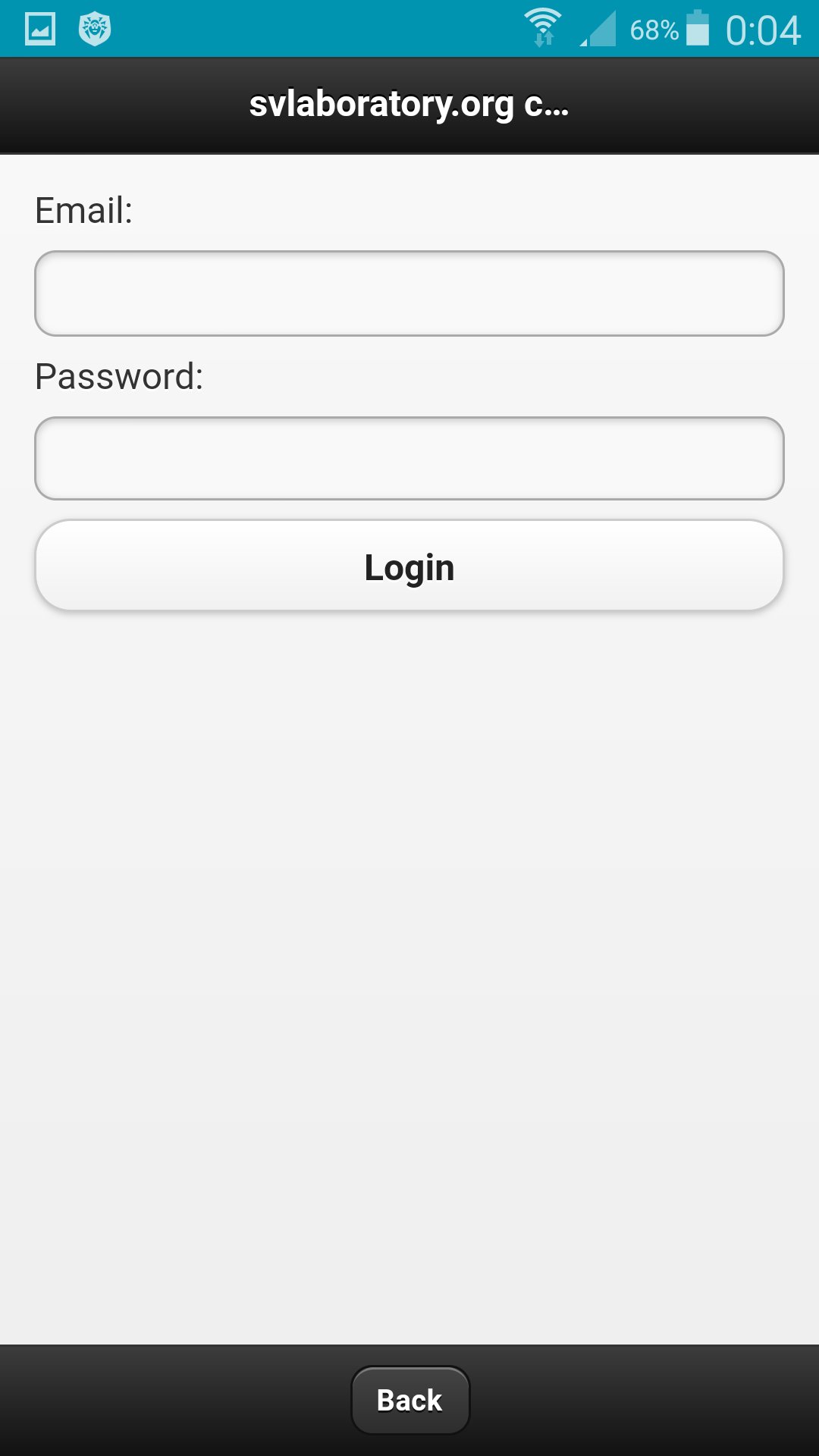
To register a user you need to go to http://svlaboratory.org.
Specify email and user name.
A password will be sent to your account.
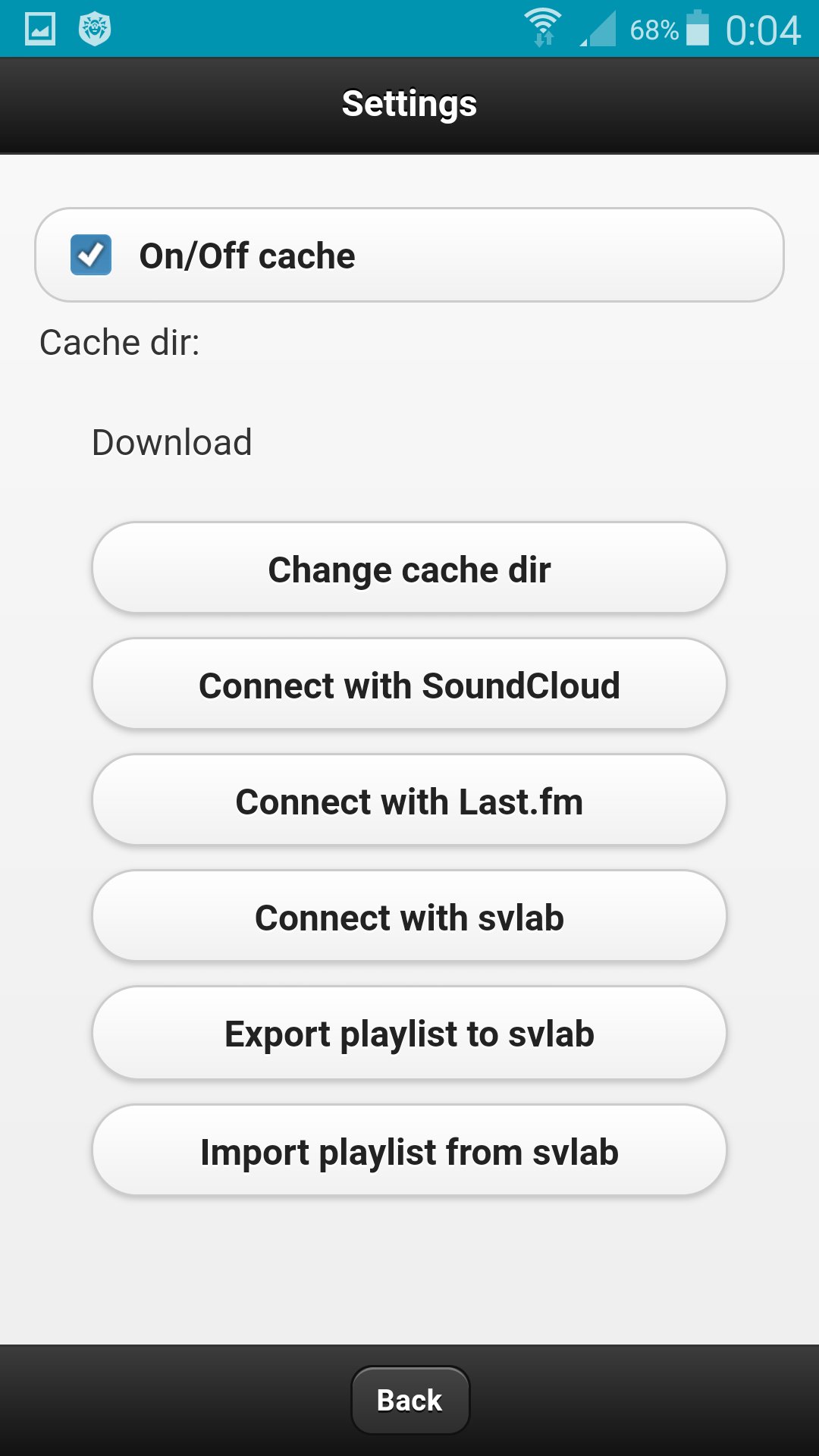
In the application, click the Connect with svlab button in the settings.
Specify email and password for the account.
In the web application http://svlaboratory.org/cloudaudio/index.html, you can also connect the svlab account in the settings.
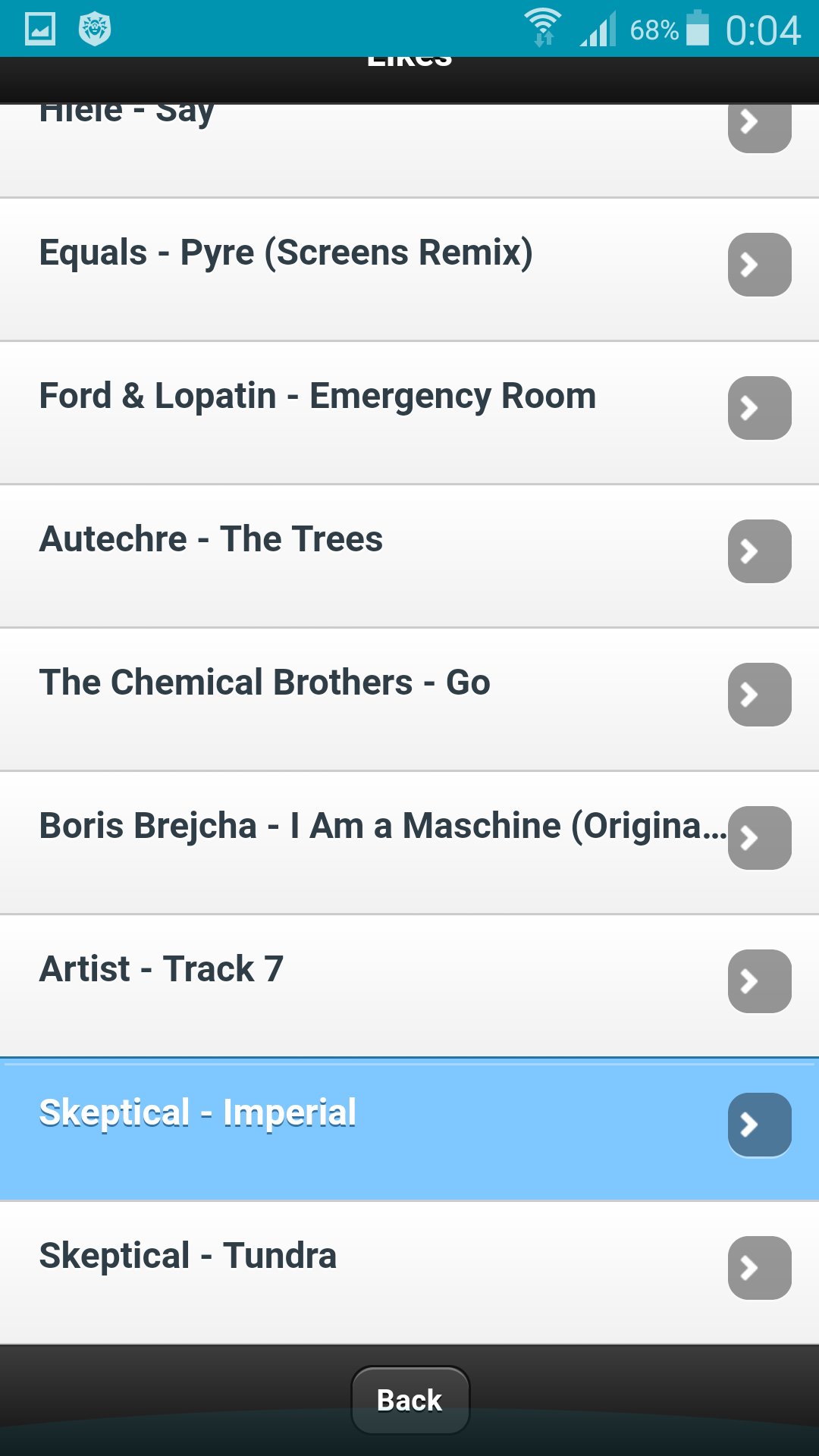
Upload music to a playlist by selecting files from a personal computer (using the Google Chrome browser).
In settings export a playlist in the web application.
In the application in the settings, import a playlist.
To save music on your phone, specify the folder in the settings and enable caching.
Ultima versione
0.0.1È necessario Android
4.0 and up
Categoria
Gratuita Musica e audio APPClassificazione dei contenuti
All ages
Segnala
Segna come inappropriataLast updated on Jun 17, 2017
Questa versione include correzioni di bug minori e miglioramenti generali. Aggiorna alla versione più recente per un'esperienza ottimale.


APKPure - Un app store multi-piattaforma principalmente incentrato su Android, che fornisce un'ampia gamma di contenuti relativi alle app. Scopri l'app che desideri in modo più facile, veloce e sicuro, con download e installazioni rapidi ed efficienti.