To fix "Google Play Services has stopped" error, Open the application and check for update available or not. OR go to App Information screen and clear data/clear cache. Then restart the phone for better performance and efficiency.
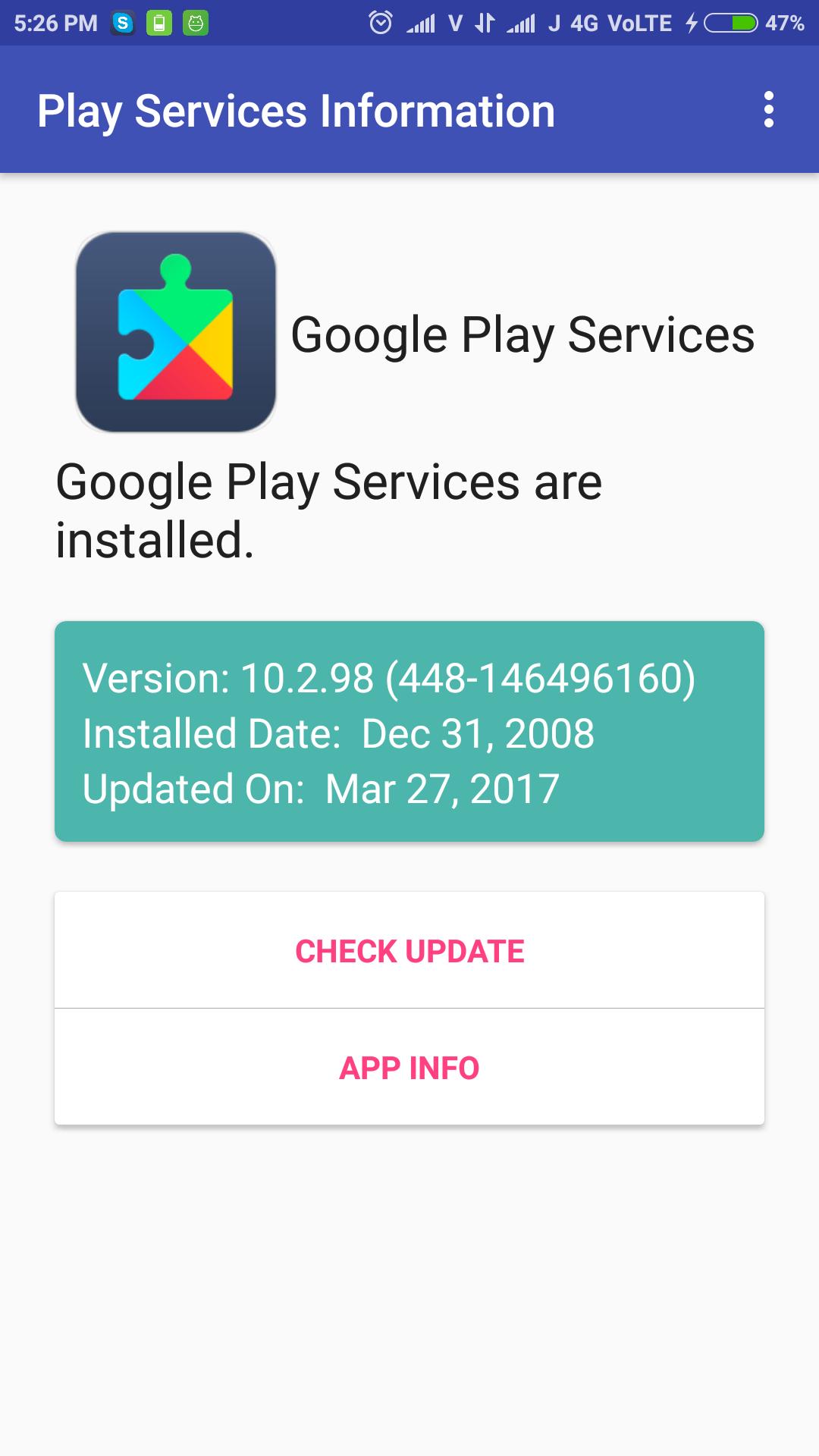
Check Google Play Services update simply, just open the application and check it. It shows installed play services version, installed date and updated date.
The app can be used to install or update the Google Play services.
En Son Sürüm
1.3Yükleyen
Rangsimun Sasisuwan
Gereken Android sürümü
Android 4.0.3+
Kategori
Ücretsiz Araçlar UYGULAMAİçerik derecelendirmesi
Everyone
Bildir
Uygunsuz olarak işaretleLast updated on Sep 27, 2017
Added Play Services APK download Mirror for all phones.



APKPure - Android ağırlıklı, çok platformlu bir uygulama mağazası olup, geniş uygulama içeriği sunmaktadır. İstediğiniz uygulamayı daha kolay, hızlı ve güvenli bir şekilde keşfedin, hızlı ve verimli indirme ve kurulum imkanlarıyla.