To fix "Google Play Services has stopped" error, Open the application and check for update available or not. OR go to App Information screen and clear data/clear cache. Then restart the phone for better performance and efficiency.
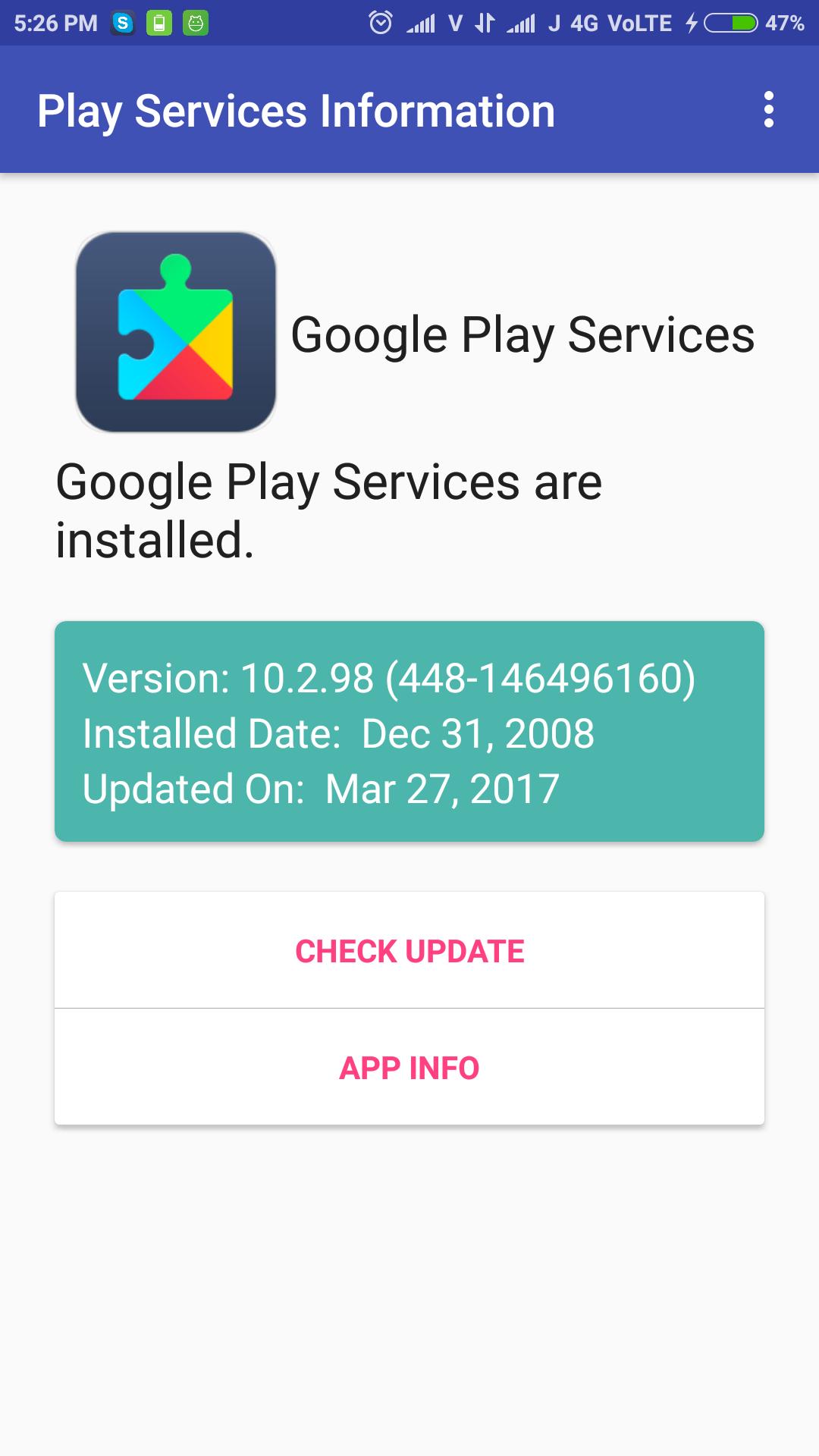
Check Google Play Services update simply, just open the application and check it. It shows installed play services version, installed date and updated date.
The app can be used to install or update the Google Play services.
Latest Version
1.3Uploaded by
Rangsimun Sasisuwan
Requires Android
Android 4.0.3+
Category
Free Tools AppContent Rating
Everyone
Report
Flag as inappropriateLast updated on Sep 27, 2017
Added Play Services APK download Mirror for all phones.



APKPure - A multi-platform app store primarily focused on Android, providing extensive app-related content. Discover the app you want easier, faster, and safer, with quick and efficient downloads and installations.