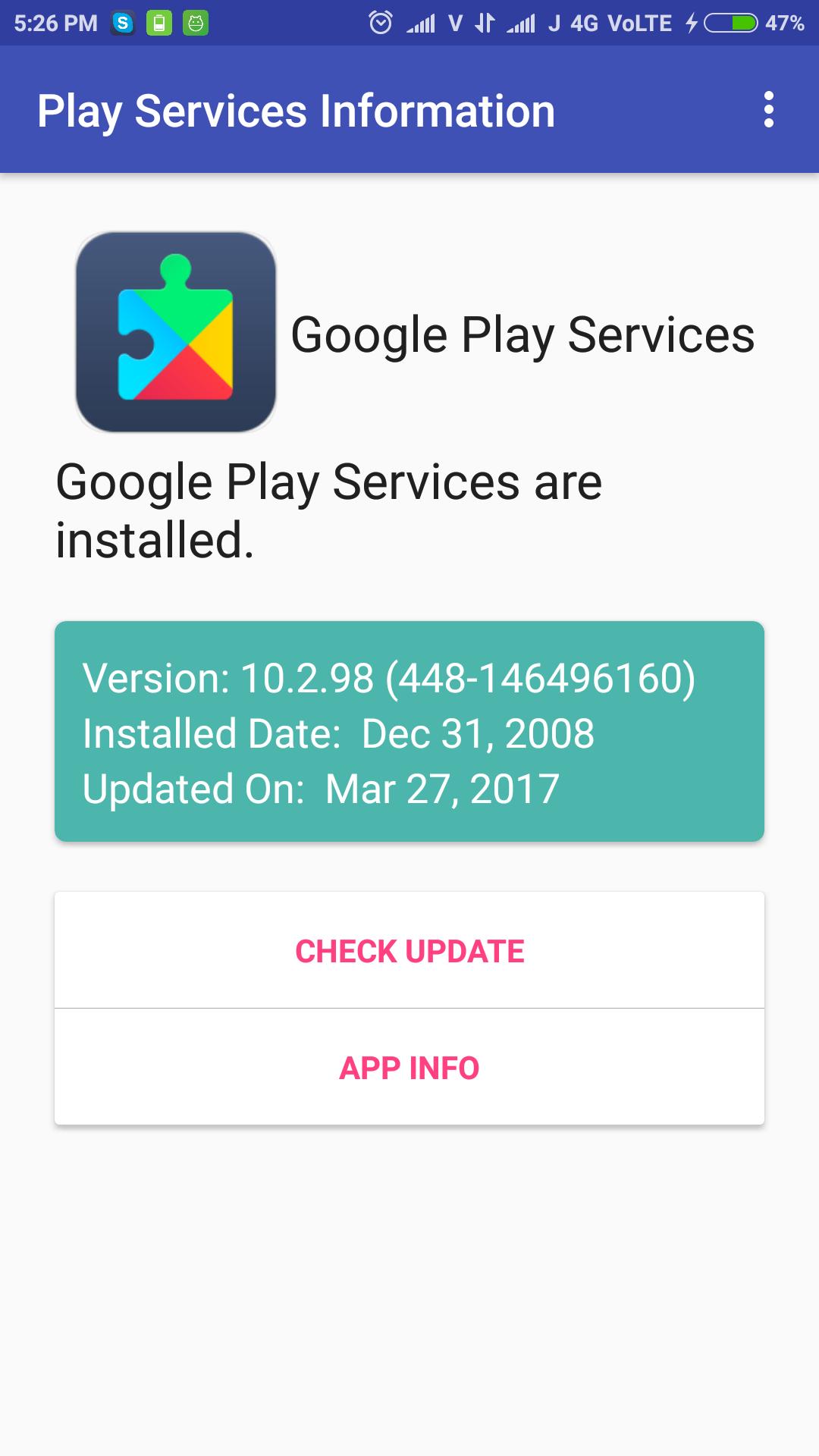
To fix "Google Play Services has stopped" error, Open the application and check for update available or not. OR go to App Information screen and clear data/clear cache. Then restart the phone for better performance and efficiency.
Check Google Play Services update simply, just open the application and check it. It shows installed play services version, installed date and updated date.
The app can be used to install or update the Google Play services.
Última versão
1.3Enviado por
Rangsimun Sasisuwan
Requer Android
Android 4.0.3+
Categoria
Grátis Ferramentas APPClassificação do Conteúdo
Everyone
Relatório
Marcar como inapropriadoLast updated on Sep 27, 2017
Added Play Services APK download Mirror for all phones.



APKPure - Uma loja de aplicativos multiplataforma focada principalmente em Android, fornecendo extenso conteúdo relacionado a apps. Descubra o aplicativo que você deseja de forma mais fácil, rápida e segura, com downloads e instalações rápidos e eficientes.