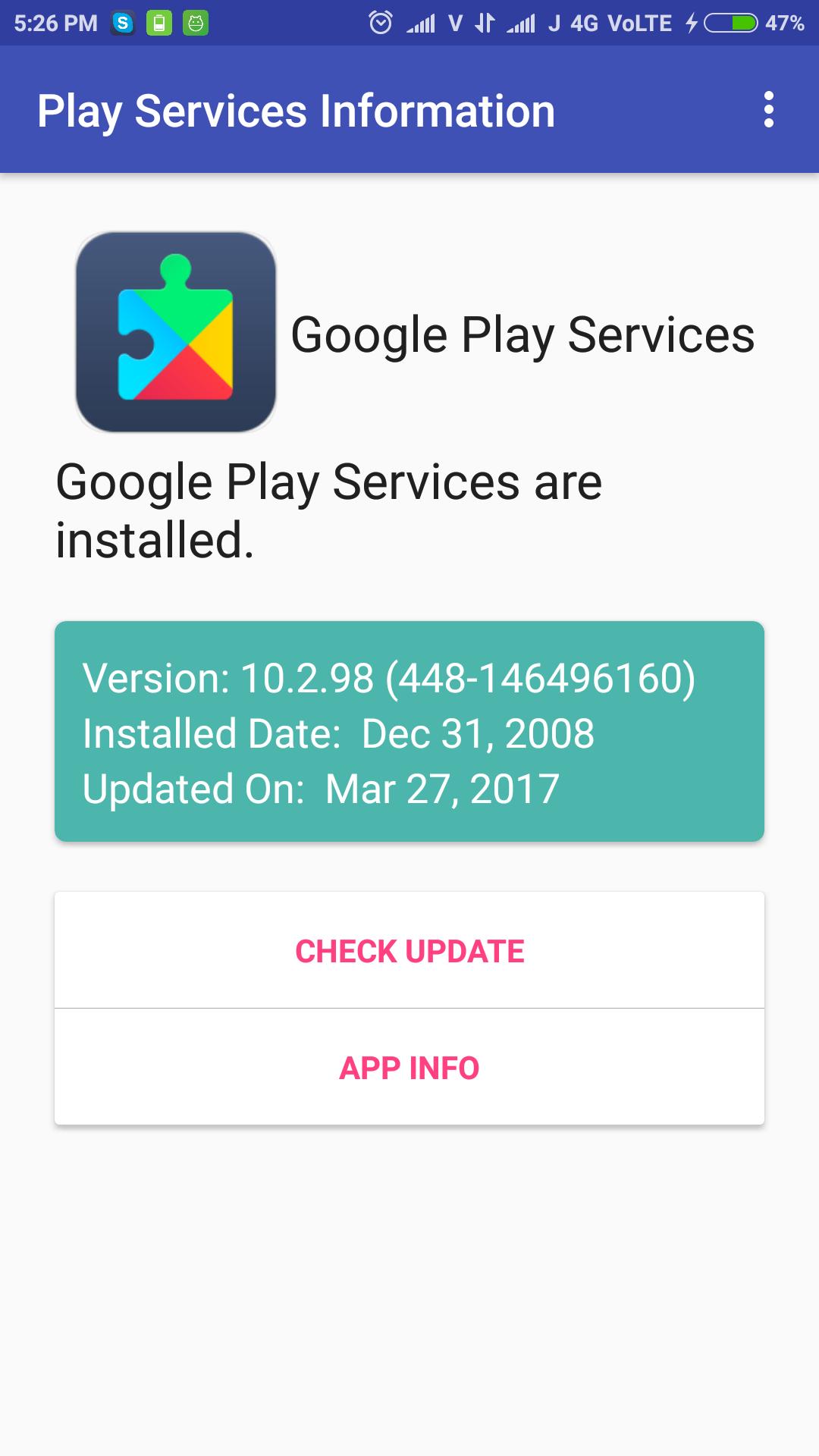
To fix "Google Play Services has stopped" error, Open the application and check for update available or not. OR go to App Information screen and clear data/clear cache. Then restart the phone for better performance and efficiency.
Check Google Play Services update simply, just open the application and check it. It shows installed play services version, installed date and updated date.
The app can be used to install or update the Google Play services.
Última Versión
1.3Presentado por
Rangsimun Sasisuwan
Requisitos
Android 4.0.3+
Categoría
Gratis Herramientas APPClasificación de contenido
Everyone
Reportar
Marcar como inapropiadoLast updated on 27/09/2017
Added Play Services APK download Mirror for all phones.



APKPure - Una tienda de aplicaciones multiplataforma enfocada principalmente en Android, que proporciona un amplio contenido relacionado con aplicaciones. Descubre la aplicación que deseas de forma más fácil, rápida y segura, con descargas e instalaciones rápidas y eficientes.