What is PC Usage?
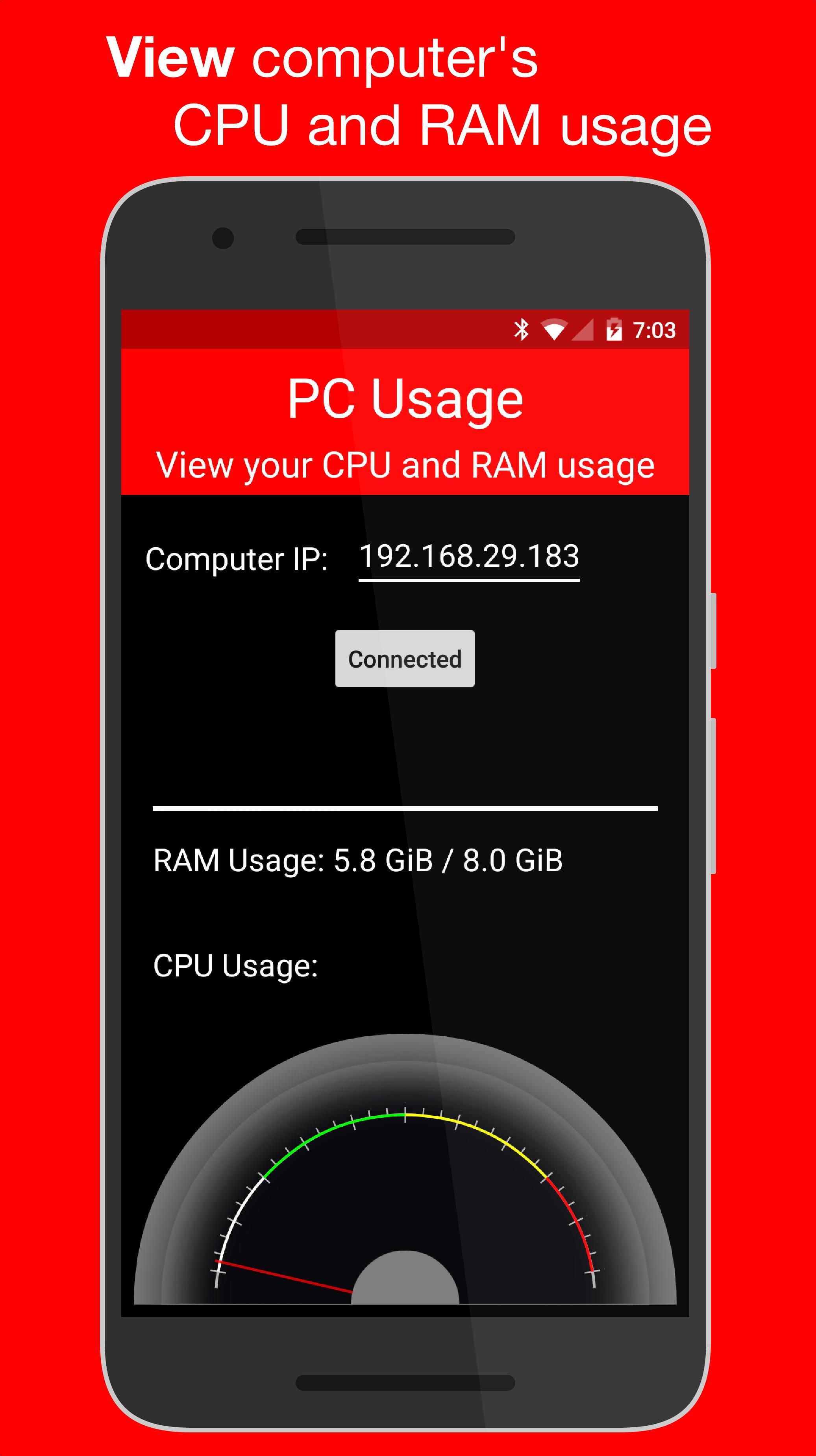
PC Usage is an Android app that allows you to view your computer's CPU and RAM usage.
How it Works
PC Usage detects your computer's CPU and RAM usage, then sends them to the Android device over Wi-Fi and displays them.
Computer Setup
1. Download the computer program:
Windows: https://goo.gl/CS6D5v
Mac / Linux: https://goo.gl/lCwQGL
2. Launch it and start the server.
3. Note your displayed computer's IP address.
Android Device Setup
1. Open the app on your Android device and input the computer's IP address.
2. Press the connect button!
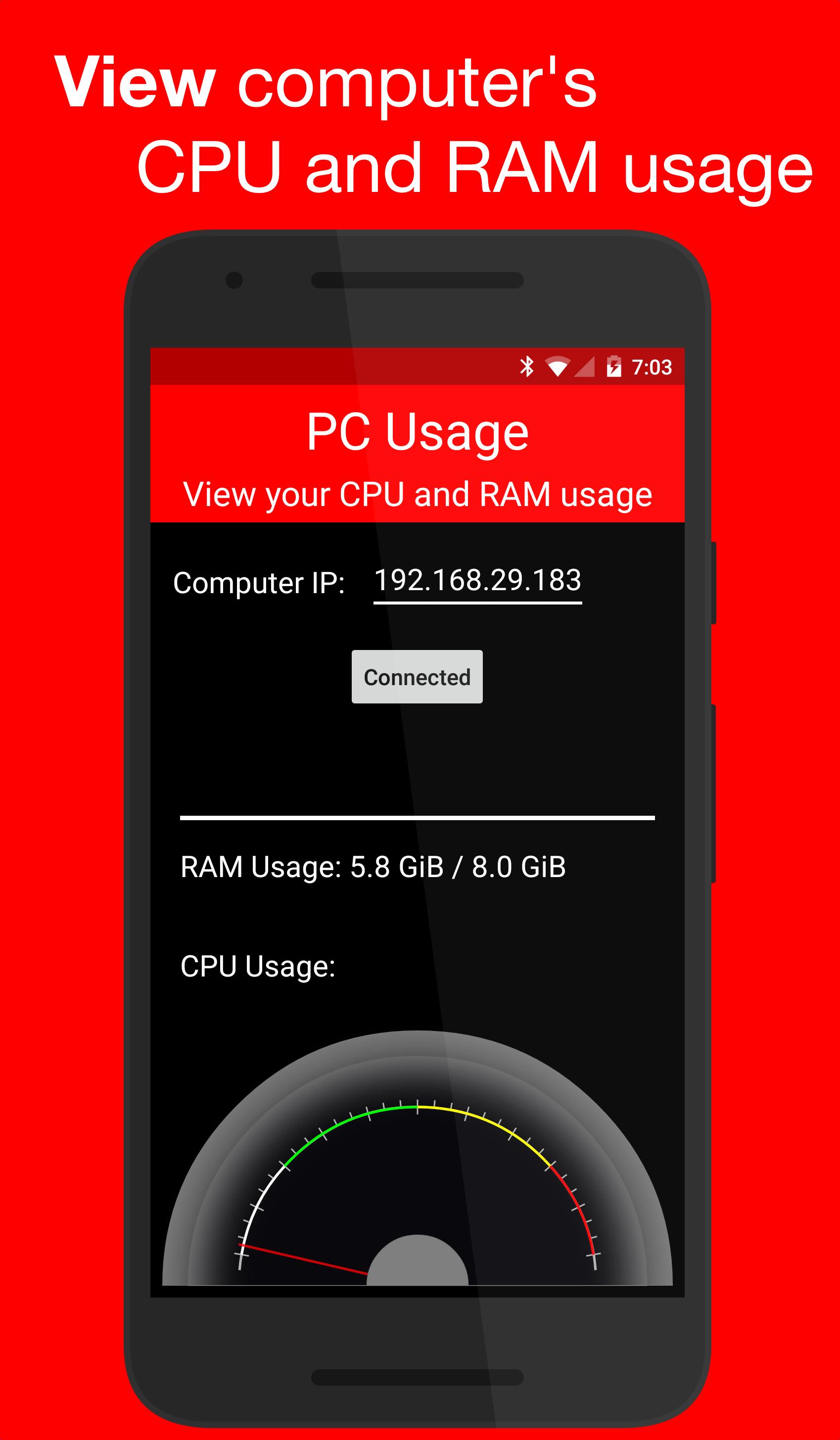
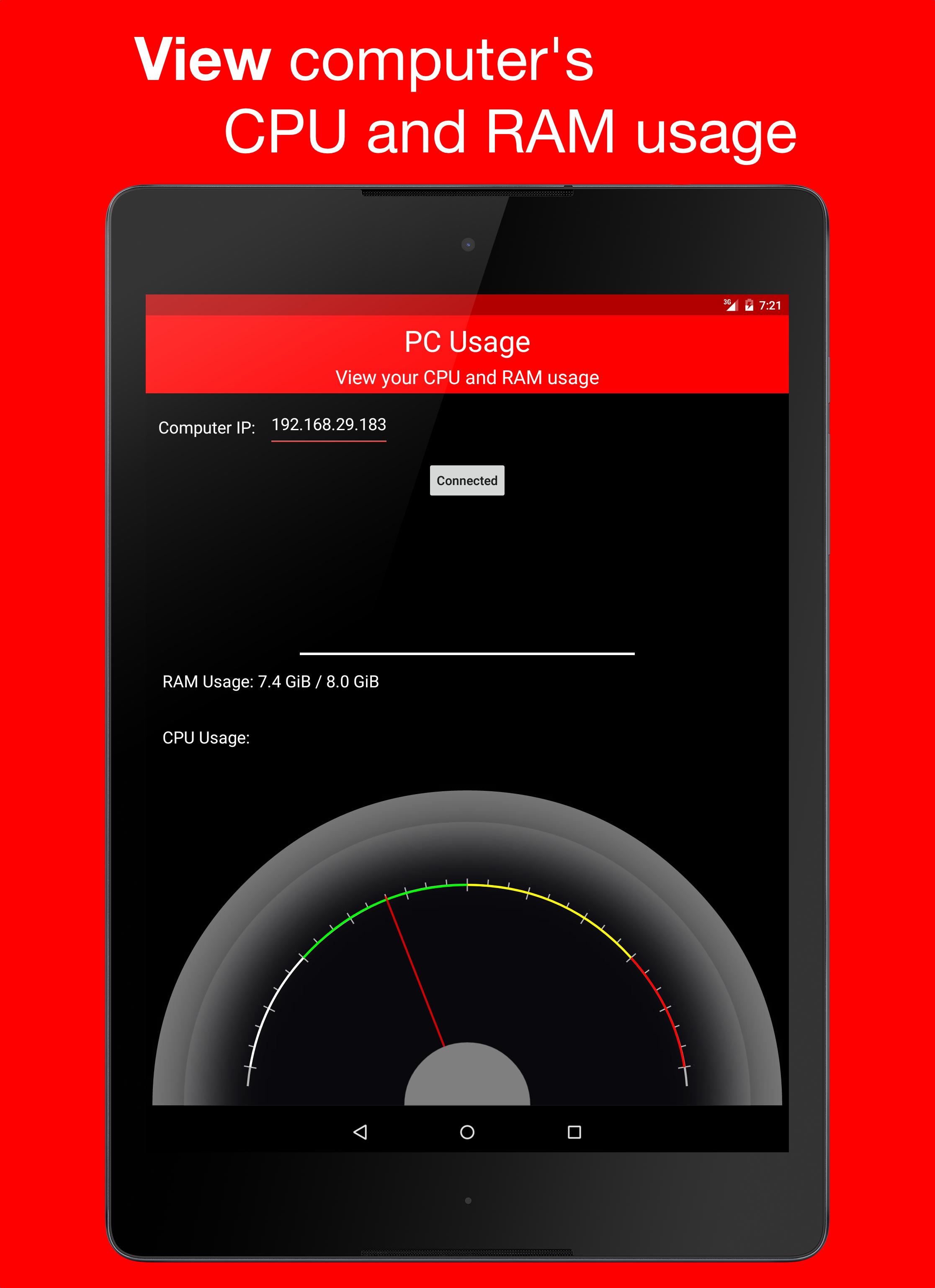
3. If everything was done correctly, a CPU usage gauge and a RAM usage bar should be displayed.
En Son Sürüm
1.0Gereken Android sürümü
4.0 and up
Kategori
Ücretsiz Araçlar UYGULAMAİçerik derecelendirmesi
Everyone
Bildir
Uygunsuz olarak işaretleLast updated on Dec 29, 2015
Bu sürümde küçük hata düzeltmeleri ve genel iyileştirmeler bulunur. En iyi deneyim için en yeni sürüme güncelleyin.

APKPure - Android ağırlıklı, çok platformlu bir uygulama mağazası olup, geniş uygulama içeriği sunmaktadır. İstediğiniz uygulamayı daha kolay, hızlı ve güvenli bir şekilde keşfedin, hızlı ve verimli indirme ve kurulum imkanlarıyla.