What is PC Usage?
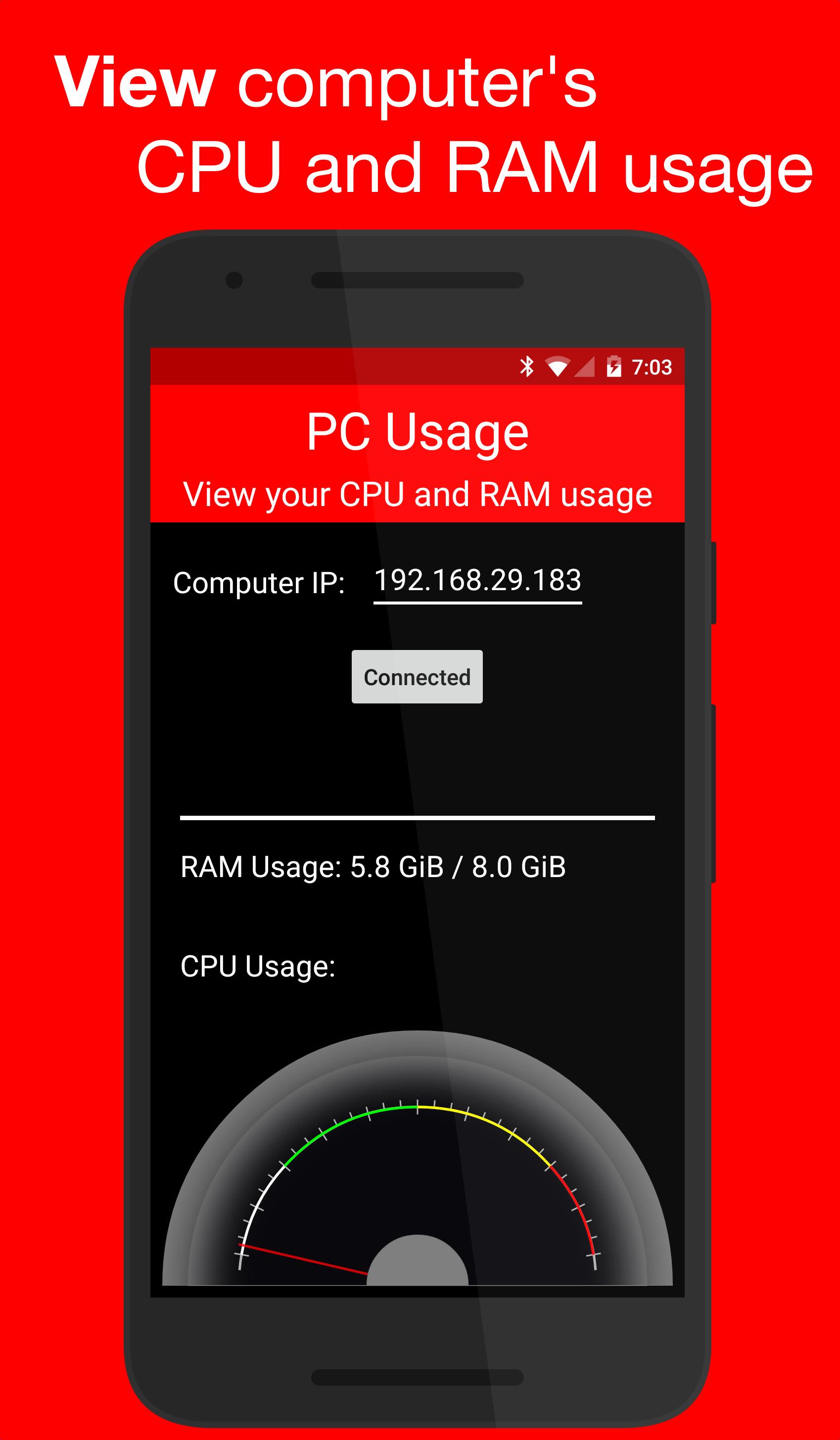
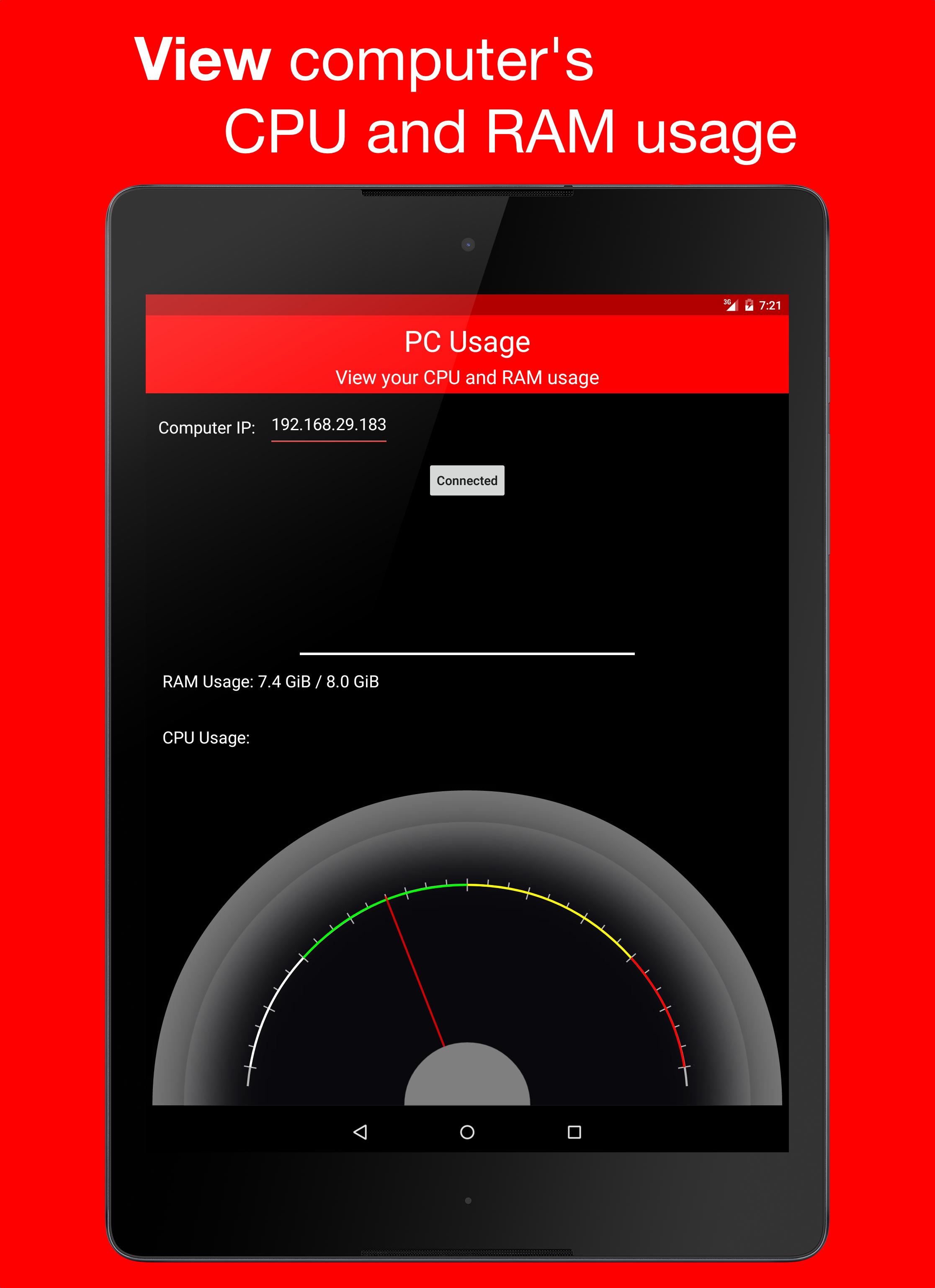
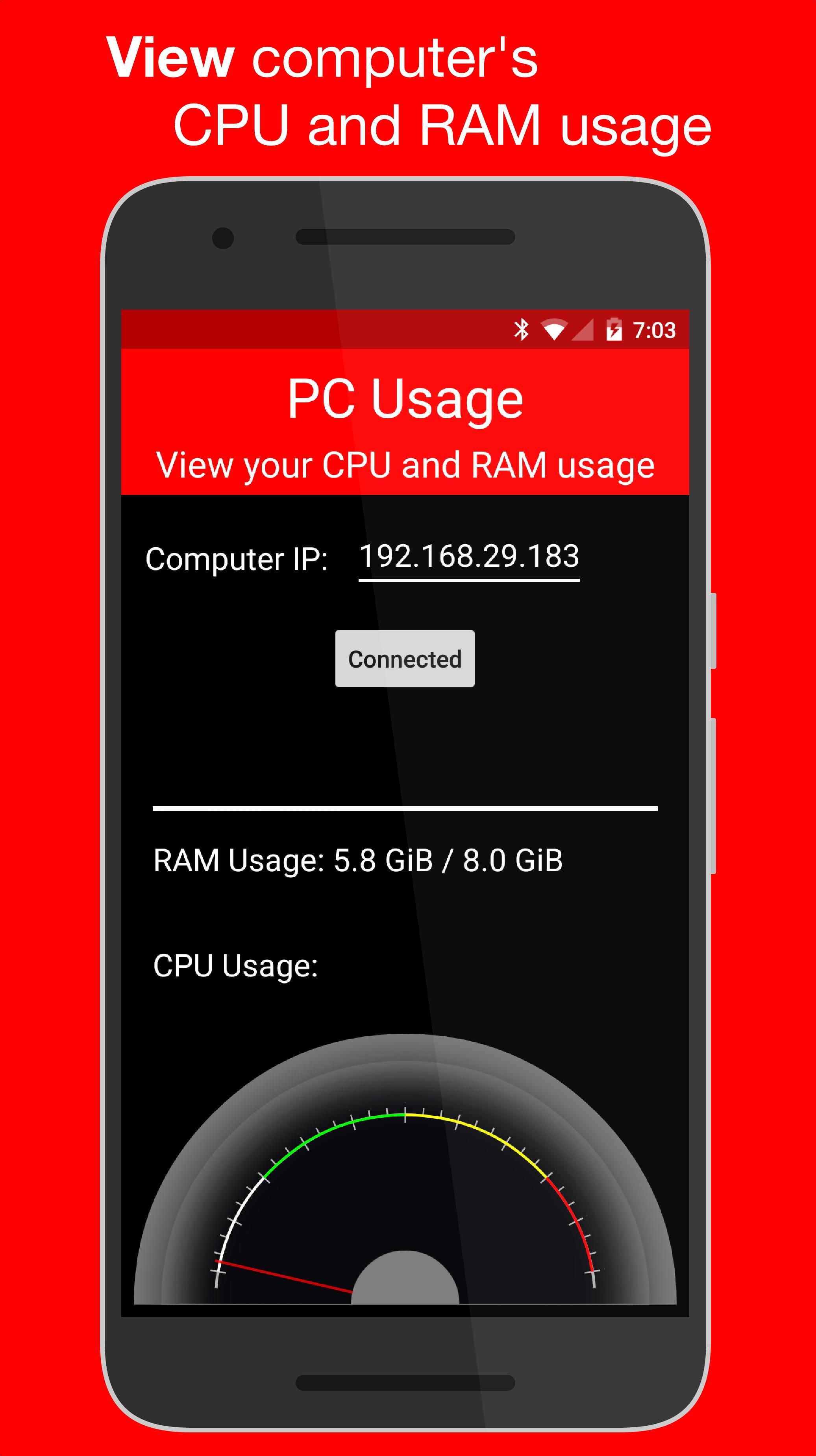
PC Usage is an Android app that allows you to view your computer's CPU and RAM usage.
How it Works
PC Usage detects your computer's CPU and RAM usage, then sends them to the Android device over Wi-Fi and displays them.
Computer Setup
1. Download the computer program:
Windows: https://goo.gl/CS6D5v
Mac / Linux: https://goo.gl/lCwQGL
2. Launch it and start the server.
3. Note your displayed computer's IP address.
Android Device Setup
1. Open the app on your Android device and input the computer's IP address.
2. Press the connect button!
3. If everything was done correctly, a CPU usage gauge and a RAM usage bar should be displayed.
آخرین نسخه
1.0نیاز به اندروید
4.0 and up
دسته بندی
رایگان برنامه ابزاررتبهبندی محتوا
Everyone
گزارش
گزارش محتوای نامناسبLast updated on 29/12/2015
این نسخه شامل رفع اشکالات جزئی و بهبودهای عمومی است. برای بهترین تجربه، برنامه را به جدیدترین نسخه به


APKPure - یک فروشگاه برنامه چند پلتفرمی که در درجه اول روی Android متمرکز شده و محتوای گسترده مربوط به برنامه را ارائه می دهد. برنامه مورد نظر خود را آسانتر ، سریعتر و ایمن تر با بارگیری و نصب سریع و کارآمد کشف کنید.