What is PC Usage?
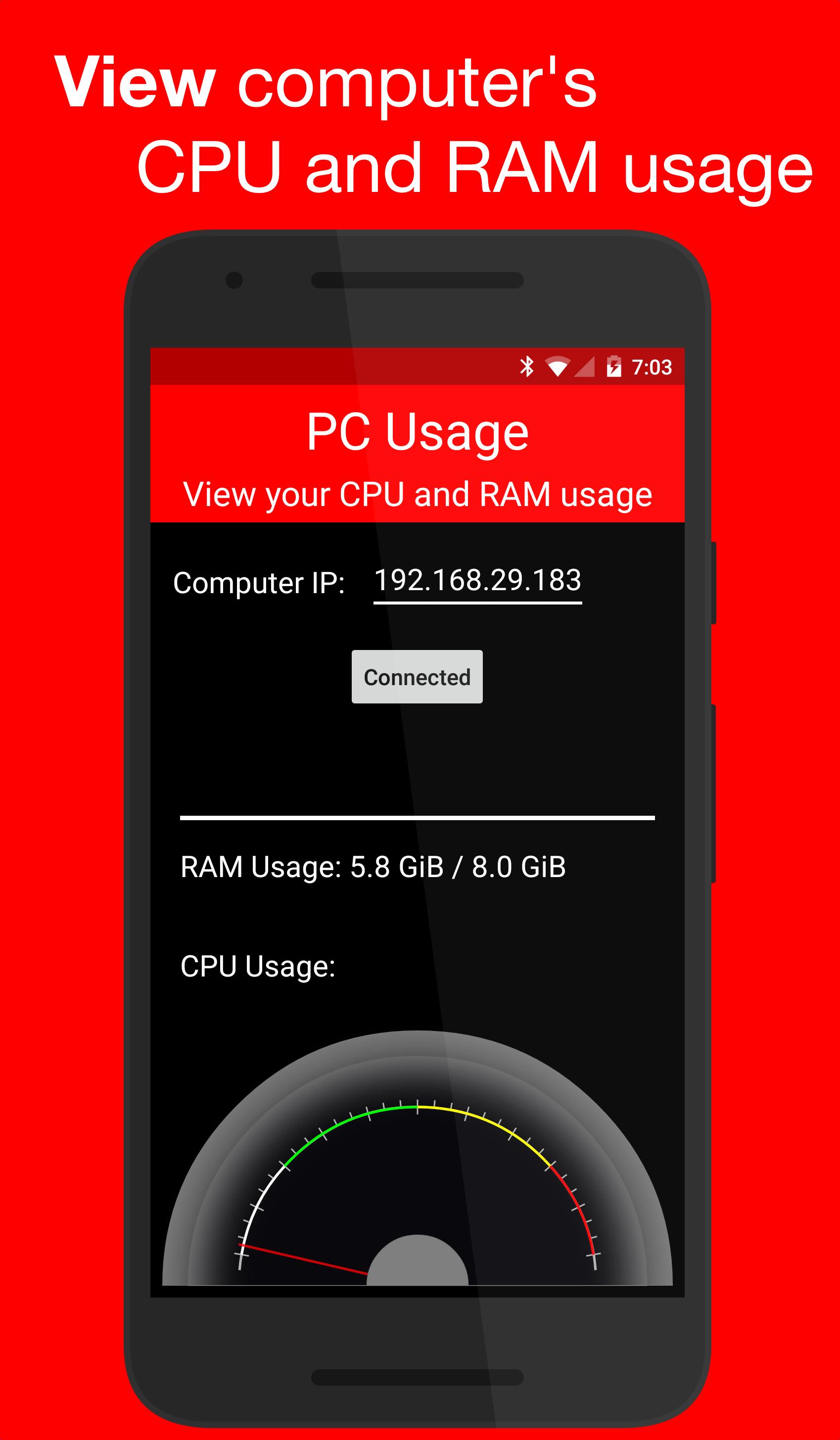
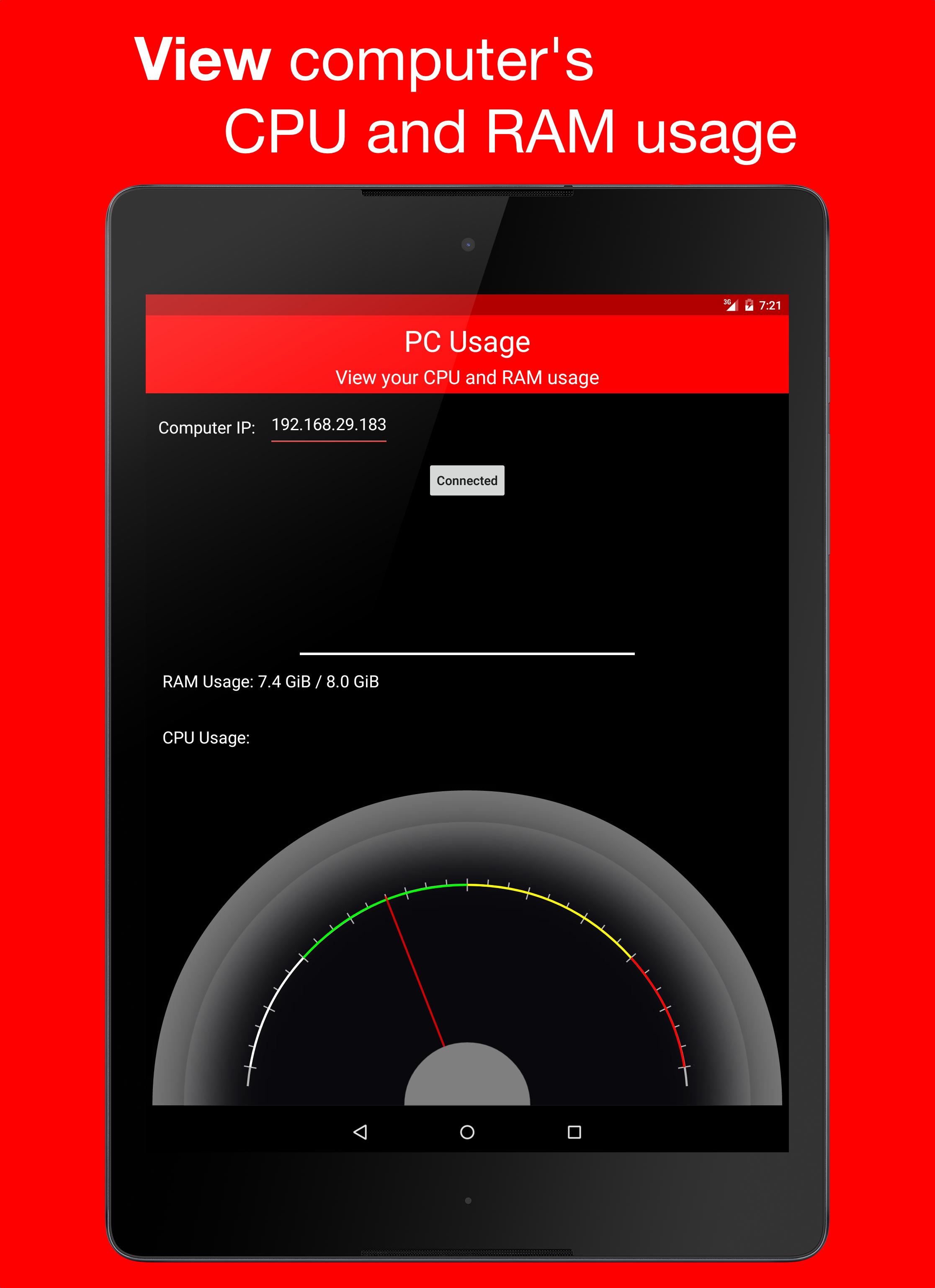
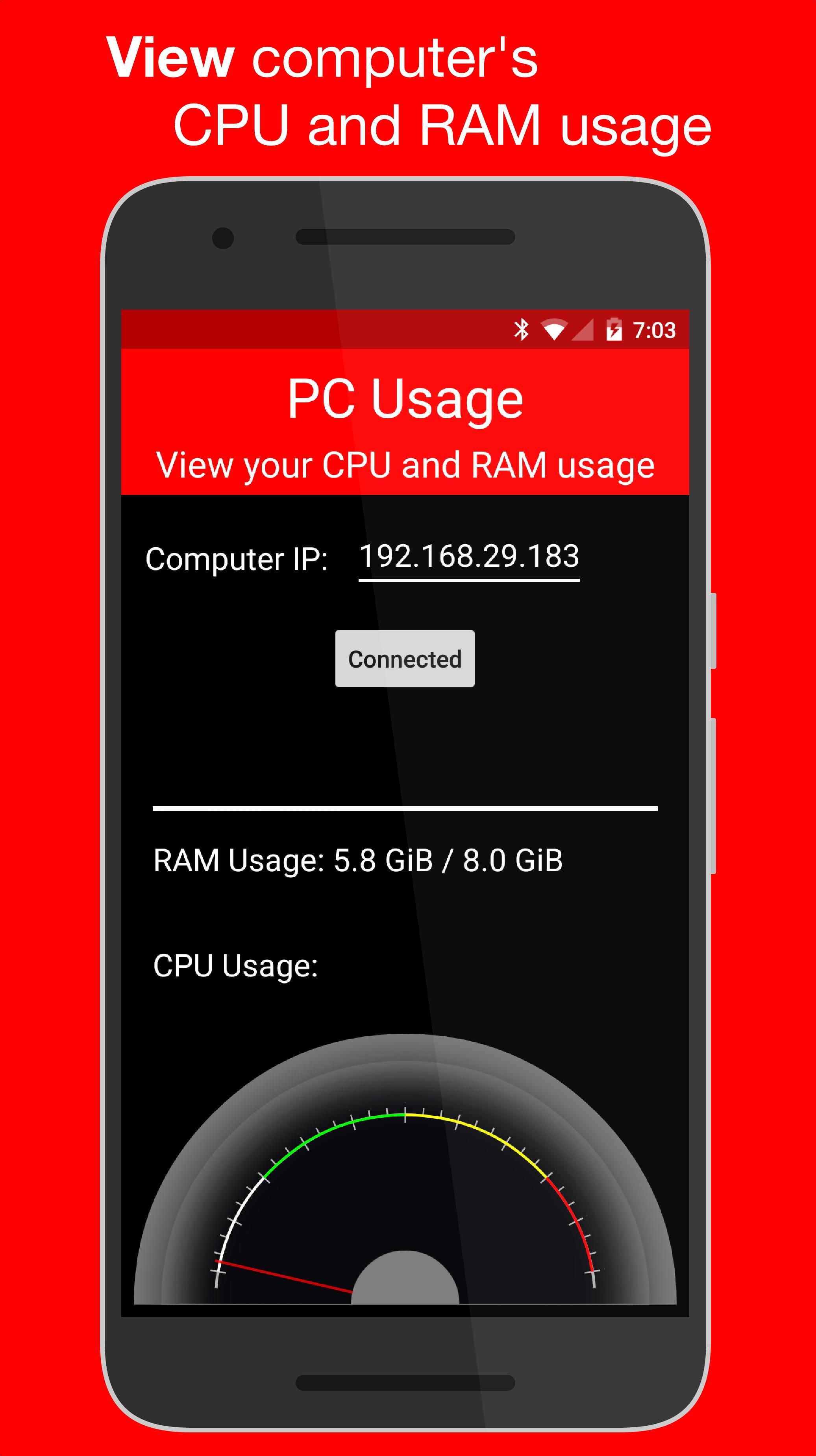
PC Usage is an Android app that allows you to view your computer's CPU and RAM usage.
How it Works
PC Usage detects your computer's CPU and RAM usage, then sends them to the Android device over Wi-Fi and displays them.
Computer Setup
1. Download the computer program:
Windows: https://goo.gl/CS6D5v
Mac / Linux: https://goo.gl/lCwQGL
2. Launch it and start the server.
3. Note your displayed computer's IP address.
Android Device Setup
1. Open the app on your Android device and input the computer's IP address.
2. Press the connect button!
3. If everything was done correctly, a CPU usage gauge and a RAM usage bar should be displayed.
সাম্প্রতিক সংস্করণ
1.0Android প্রয়োজন
4.0 and up
বিভাগ
বিনামূল্যে টুল অ্যাপসামগ্রীর রেটিং
Everyone
রিপোর্ট করুন
অনুপযুক্ত হিসাবে ফ্ল্যাগ করুনLast updated on Dec 29, 2015
এই সংস্করণে ছোটখাটো বাগ ফিক্স ও সাধারণ উন্নতি রয়েছে। সেরা অভিজ্ঞতার জন্য সর্বশেষ সংস্করণে আপডেট করুন।


APKPure - একটি মাল্টি-প্ল্যাটফর্ম অ্যাপ স্টোর যা মূলত অ্যান্ড্রয়েডের উপর ফোকাস করে, বিস্তৃত অ্যাপ-সংক্রান্ত কন্টেন্ট প্রদান করে। দ্রুত এবং দক্ষ ডাউনলোড ও ইনস্টলেশনের মাধ্যমে আপনার কাঙ্ক্ষিত অ্যাপটি আরও সহজে, দ্রুত এবং নিরাপদে আবিষ্কার করুন।