What is PC Usage?
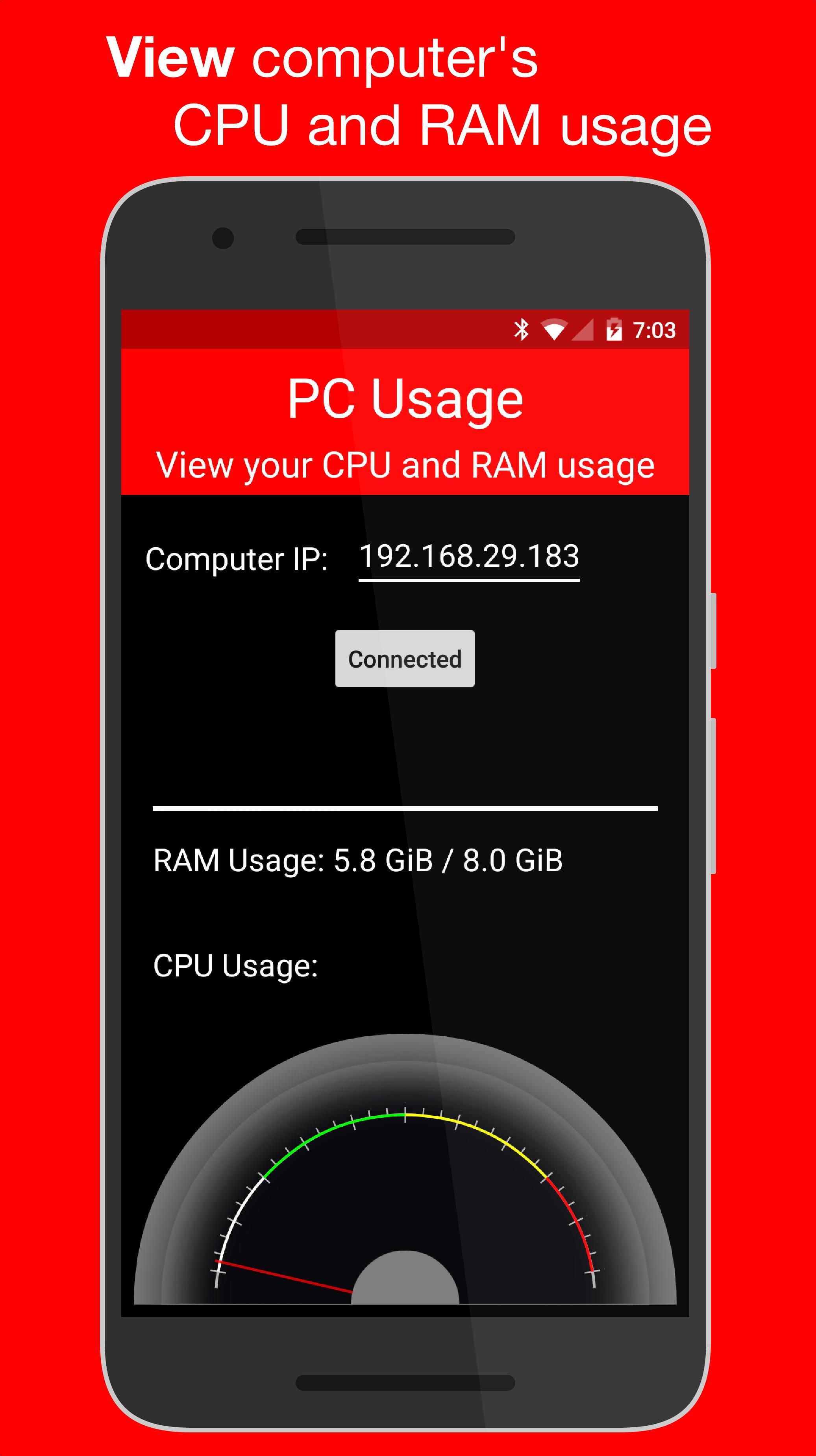
PC Usage is an Android app that allows you to view your computer's CPU and RAM usage.
How it Works
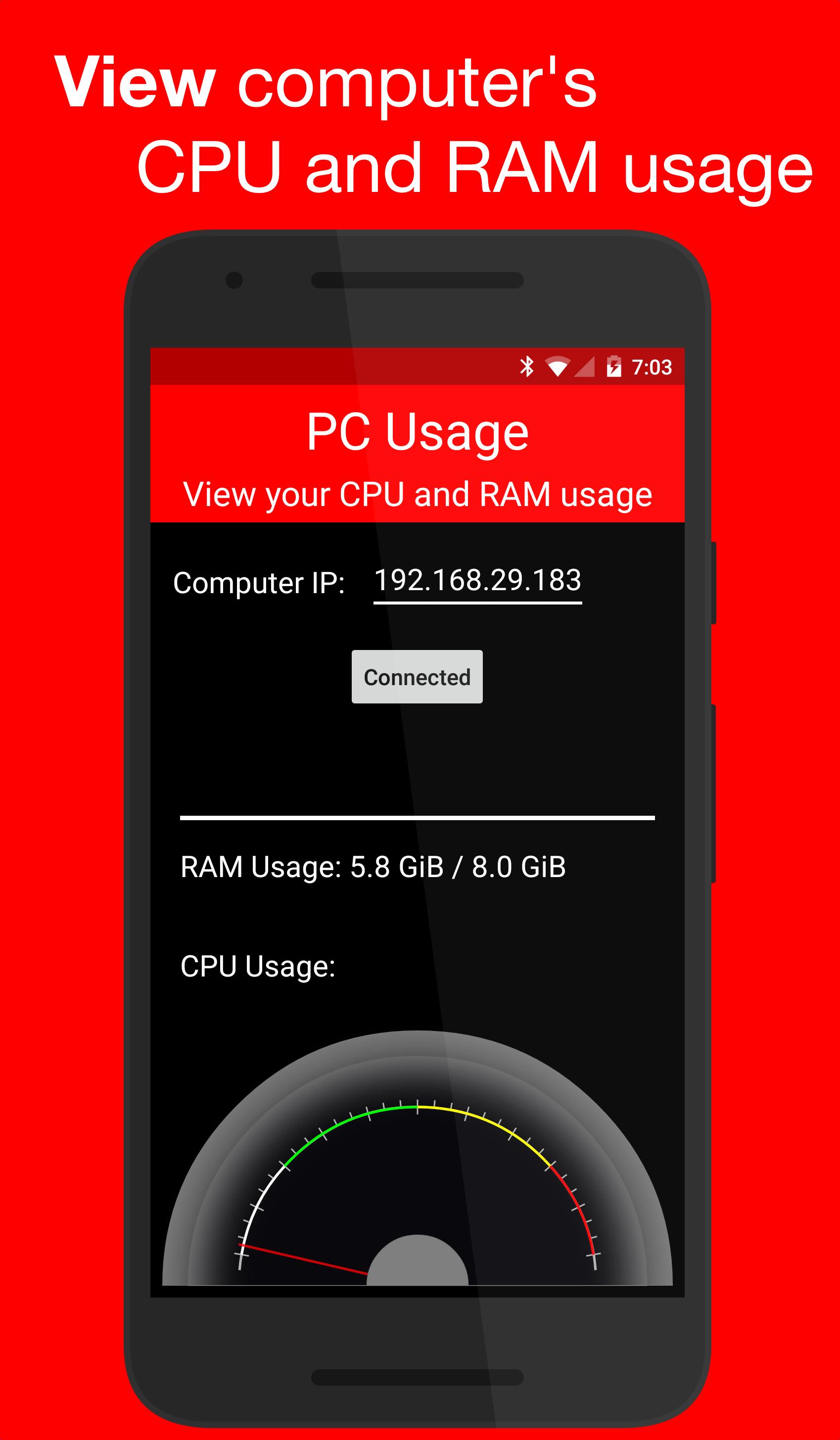
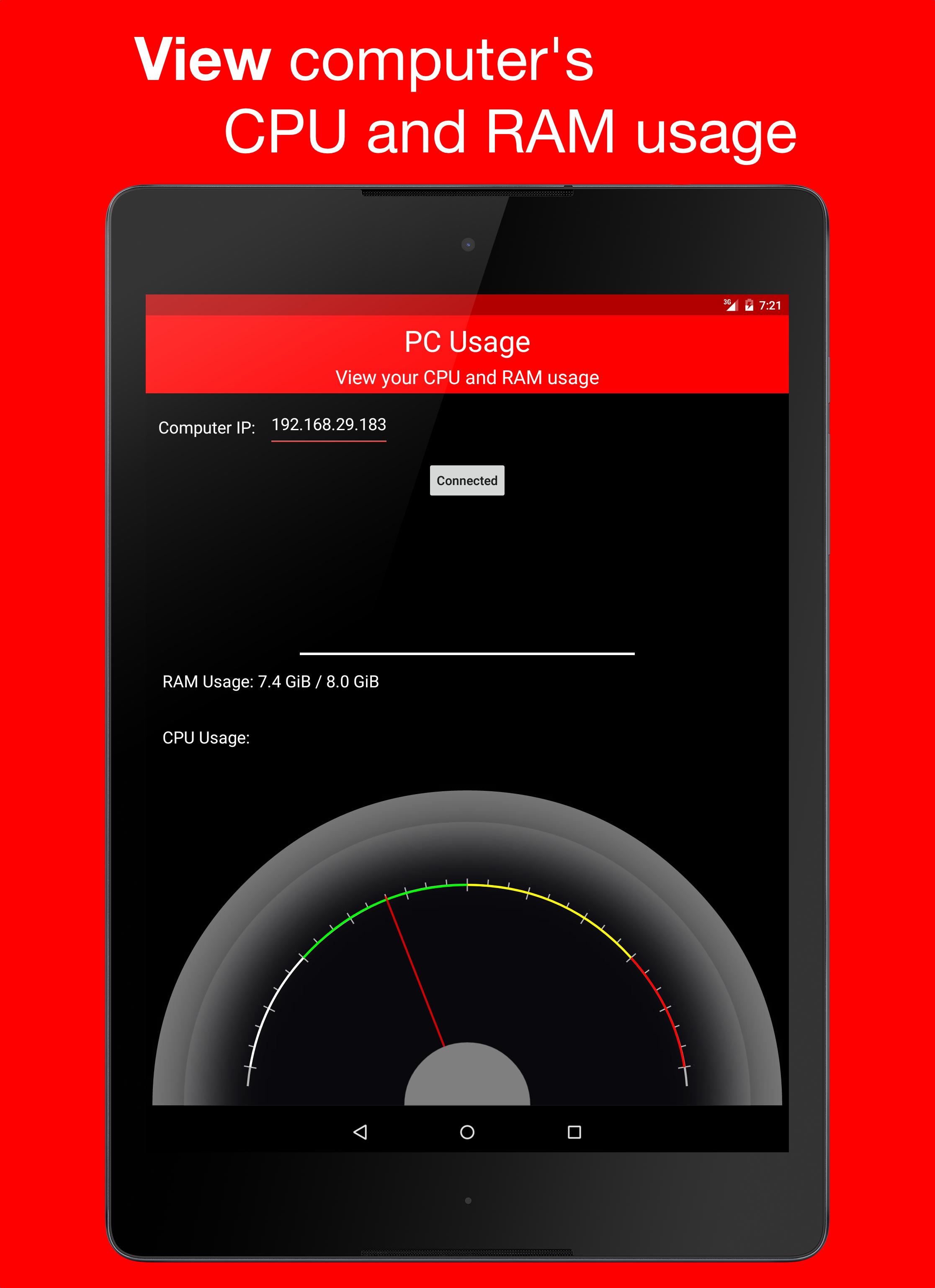
PC Usage detects your computer's CPU and RAM usage, then sends them to the Android device over Wi-Fi and displays them.
Computer Setup
1. Download the computer program:
Windows: https://goo.gl/CS6D5v
Mac / Linux: https://goo.gl/lCwQGL
2. Launch it and start the server.
3. Note your displayed computer's IP address.
Android Device Setup
1. Open the app on your Android device and input the computer's IP address.
2. Press the connect button!
3. If everything was done correctly, a CPU usage gauge and a RAM usage bar should be displayed.
เวอร์ชันล่าสุด
1.0ต้องใช้ Android
4.0 and up
Category
ฟรี เครื่องมือ แอปการจัดประเภทเนื้อหา
Everyone
รายงาน
ปักธงว่าไม่เหมาะสมLast updated on Dec 29, 2015
เวอร์ชันนี้มีการแก้ไขข้อบกพร่องเล็กน้อยและการปรับปรุงทั่วไป อัปเดตเป็นเวอร์ชันล่าสุดเพื่อประสบการณ์ที่ดีที่สุด

APKPure - ร้านค้าแอปพลิเคชันแบบมัลติแพลตฟอร์มที่มุ่งเน้นระบบ Android เป็นหลัก พร้อมให้บริการเนื้อหาที่เกี่ยวกับแอปอย่างครบครัน ค้นพบแอปที่คุณต้องการได้ง่าย รวดเร็ว และปลอดภัยยิ่งขึ้น พร้อมการดาวน์โหลดและติดตั้งที่รวดเร็วและมีประสิทธิภาพ