What is PC Usage?
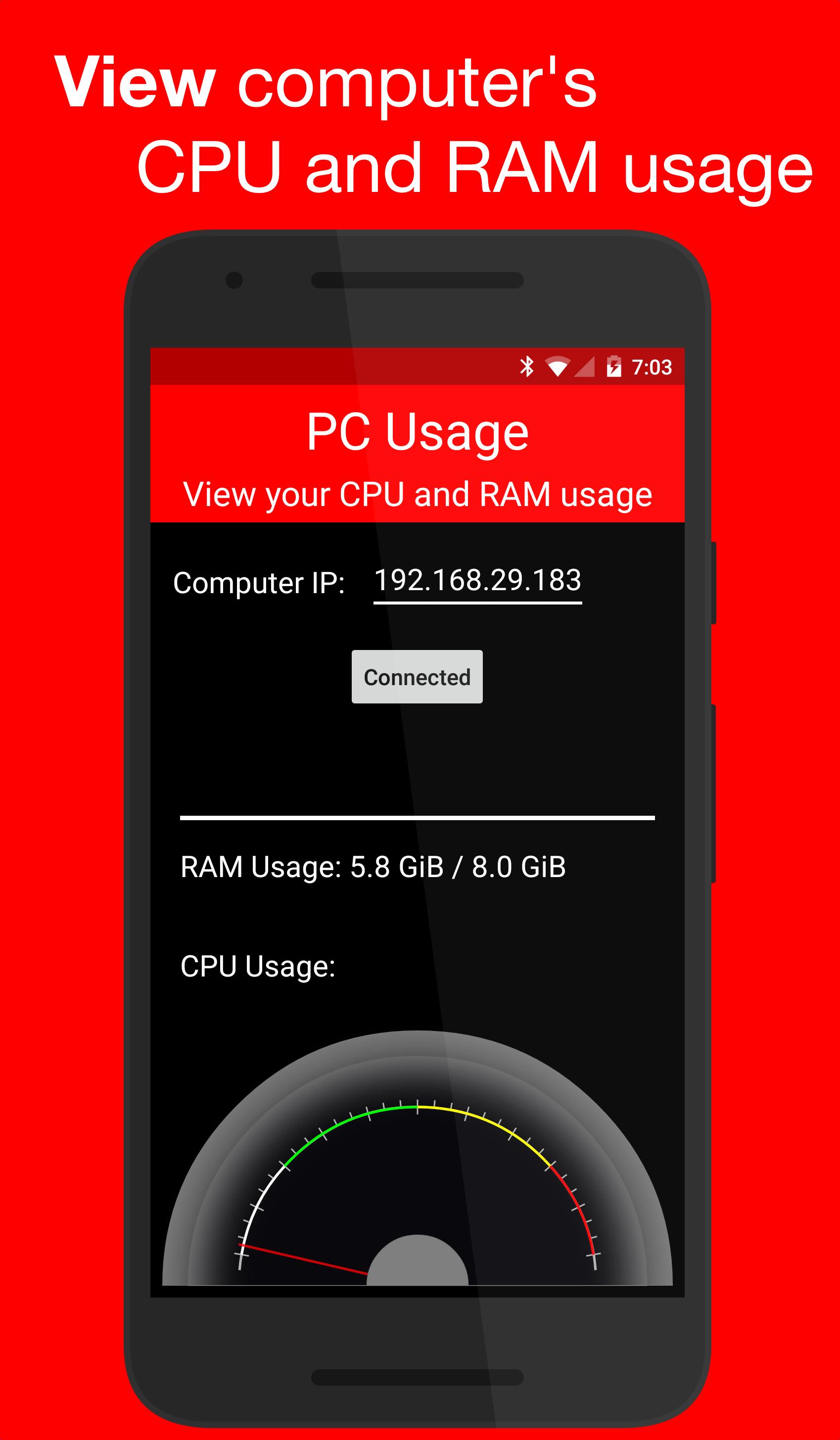
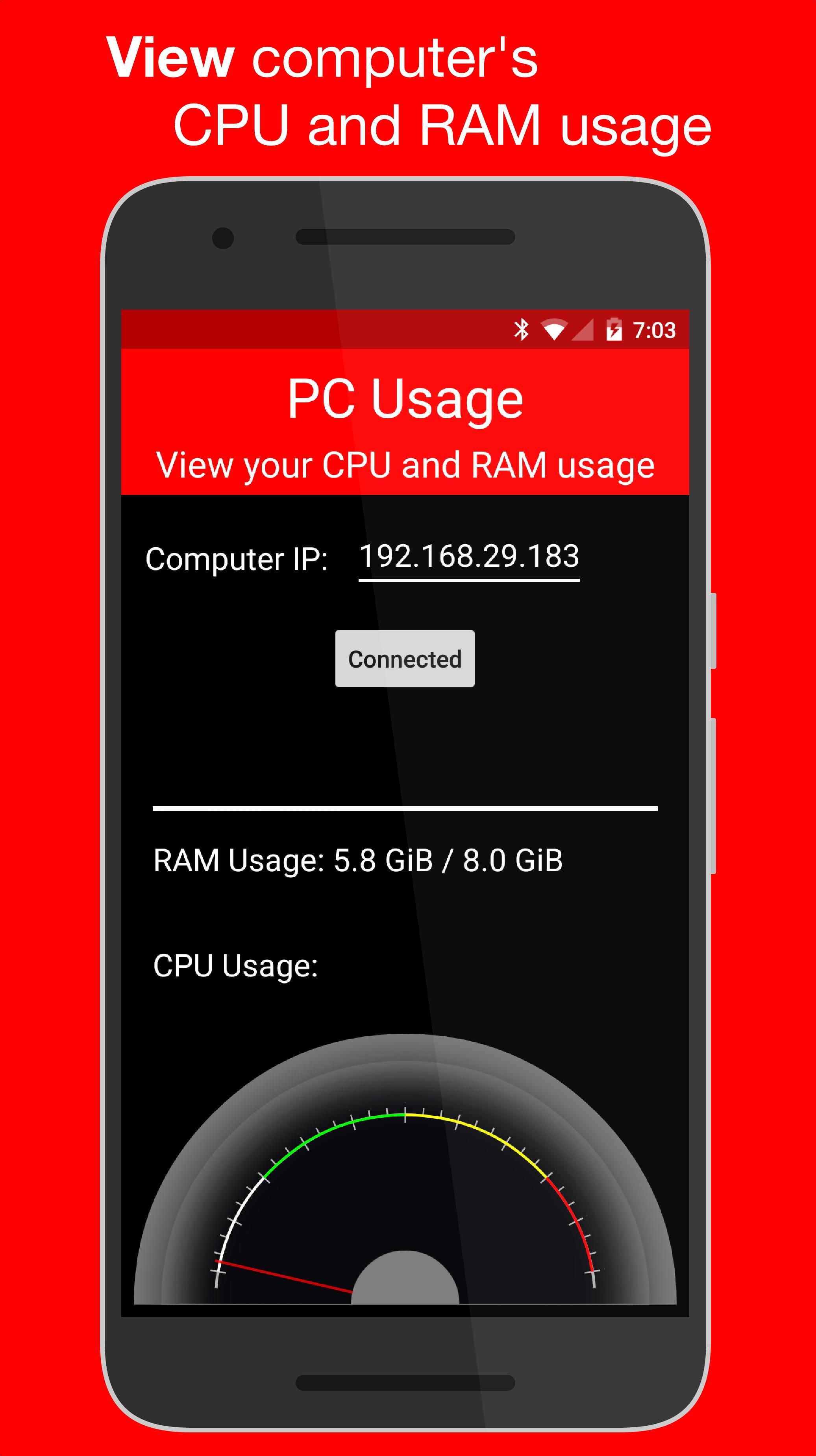
PC Usage is an Android app that allows you to view your computer's CPU and RAM usage.
How it Works
PC Usage detects your computer's CPU and RAM usage, then sends them to the Android device over Wi-Fi and displays them.
Computer Setup
1. Download the computer program:
Windows: https://goo.gl/CS6D5v
Mac / Linux: https://goo.gl/lCwQGL
2. Launch it and start the server.
3. Note your displayed computer's IP address.
Android Device Setup
1. Open the app on your Android device and input the computer's IP address.
2. Press the connect button!
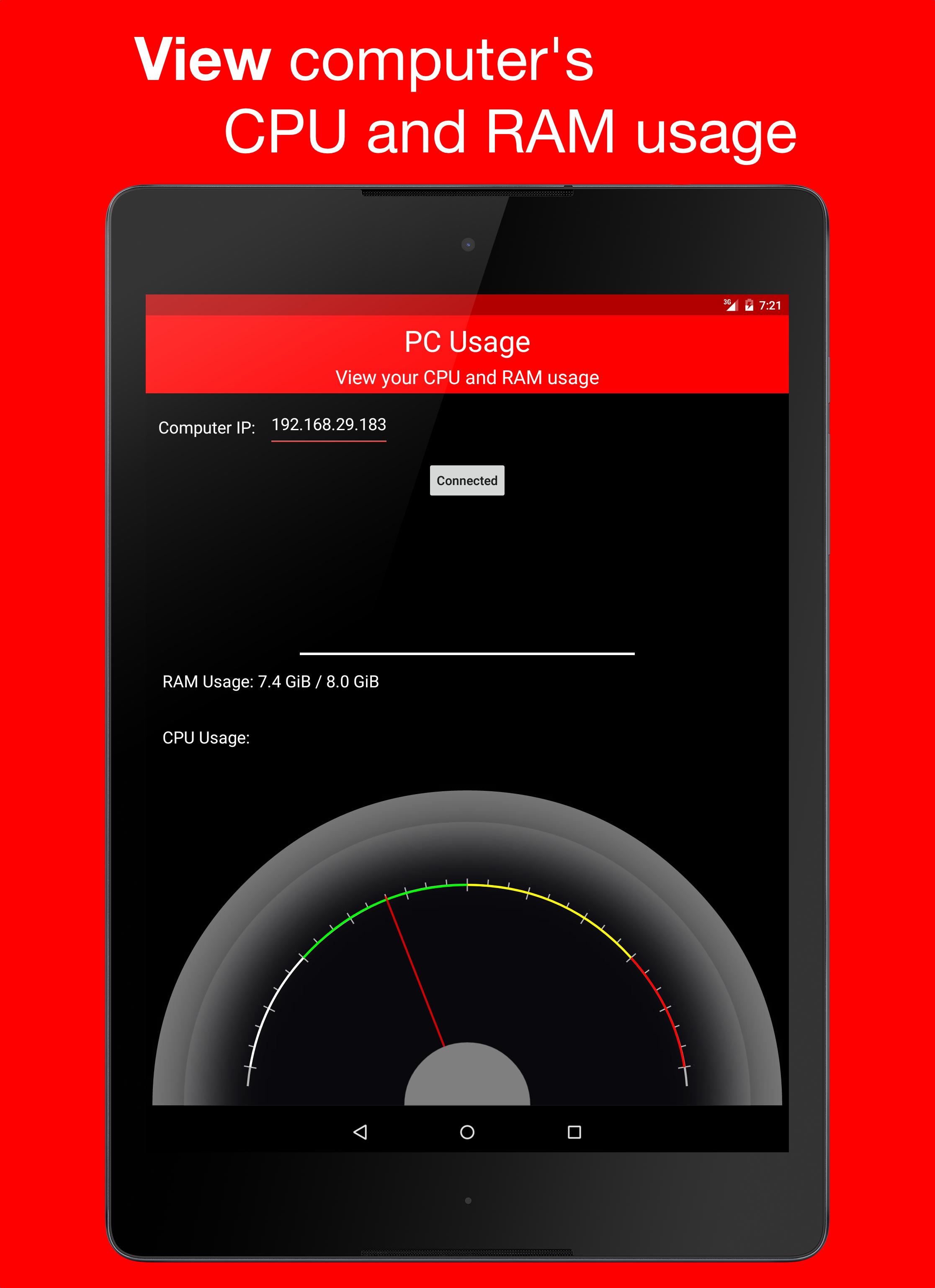
3. If everything was done correctly, a CPU usage gauge and a RAM usage bar should be displayed.
Last updated on 2015年12月29日
このバージョンには軽微な不具合の修正と全般的な改善が含まれています。快適に利用するため、最新版にアップデートしてください。

APKPure - Androidを中心としたマルチプラットフォームのアプリストアで、豊富なアプリ関連コンテンツを提供しています。より簡単に、より速く、より安全にアプリを見つけることができ、ダウンロードとインストールも迅速かつ効率的です。