
This application lock the screen. You can lock the screen just with one click without using the fisical button.
The app is without advertisement, do not burn battery, has no background process and it is one of the smallest (in memory used) simil apps (included not free apps)
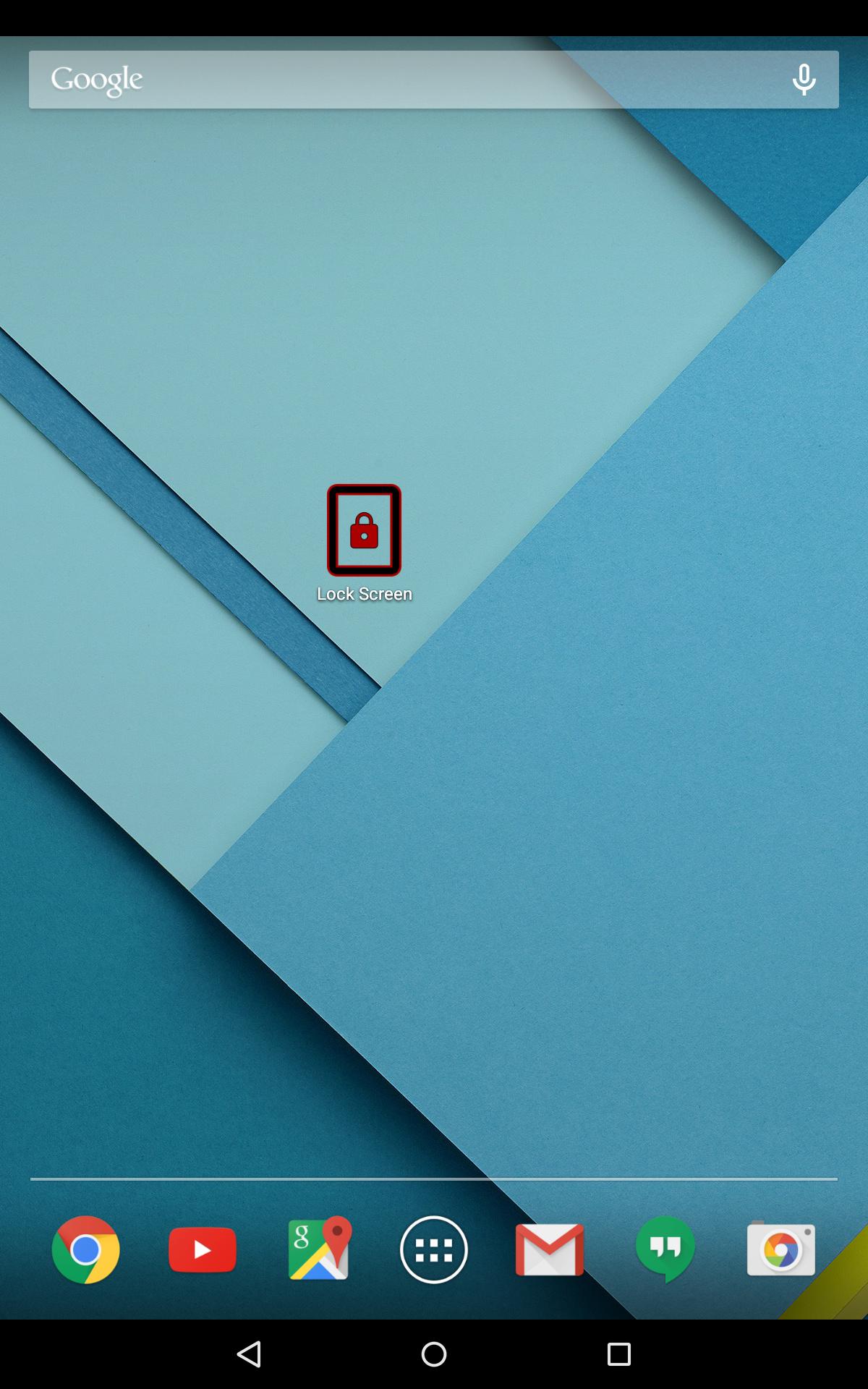
You are able to create a link on the home screen in order to execute it.
Using this app you save your power button.
This app uses the Device Administrator permission. This permission is need in order to lock the screen.
Before to remove the application, perform following steps:
1) Press the menu icon
2) Select "Settings"
3) Select "Security"
4) Select "Device administrators"
5) Uncheck "Lock Screen"
6) Confirm
7) Remove the application in the usual way.
Latest Version
1.3Uploaded by
Shail Vishwakarma
Requires Android
Android 2.2+
Category
Free Tools AppContent Rating
Everyone
Report
Flag as inappropriateLast updated on Sep 13, 2015
new icon
removed unused permission




APKPure - A multi-platform app store primarily focused on Android, providing extensive app-related content. Discover the app you want easier, faster, and safer, with quick and efficient downloads and installations.