Launcher<3 builds on the AOSP Launcher3 codebase to offer a simple interface that feels familiar from the first use. It focuses on speed and everyday convenience without extra clutter, and it runs smoothly across a wide range of Android versions. There is no account signup, no ads, and no data collection. The project is open source for transparency, and it keeps the default Android look many users prefer. Therefore, it is a practical choice if you want a straightforward launcher that just works.
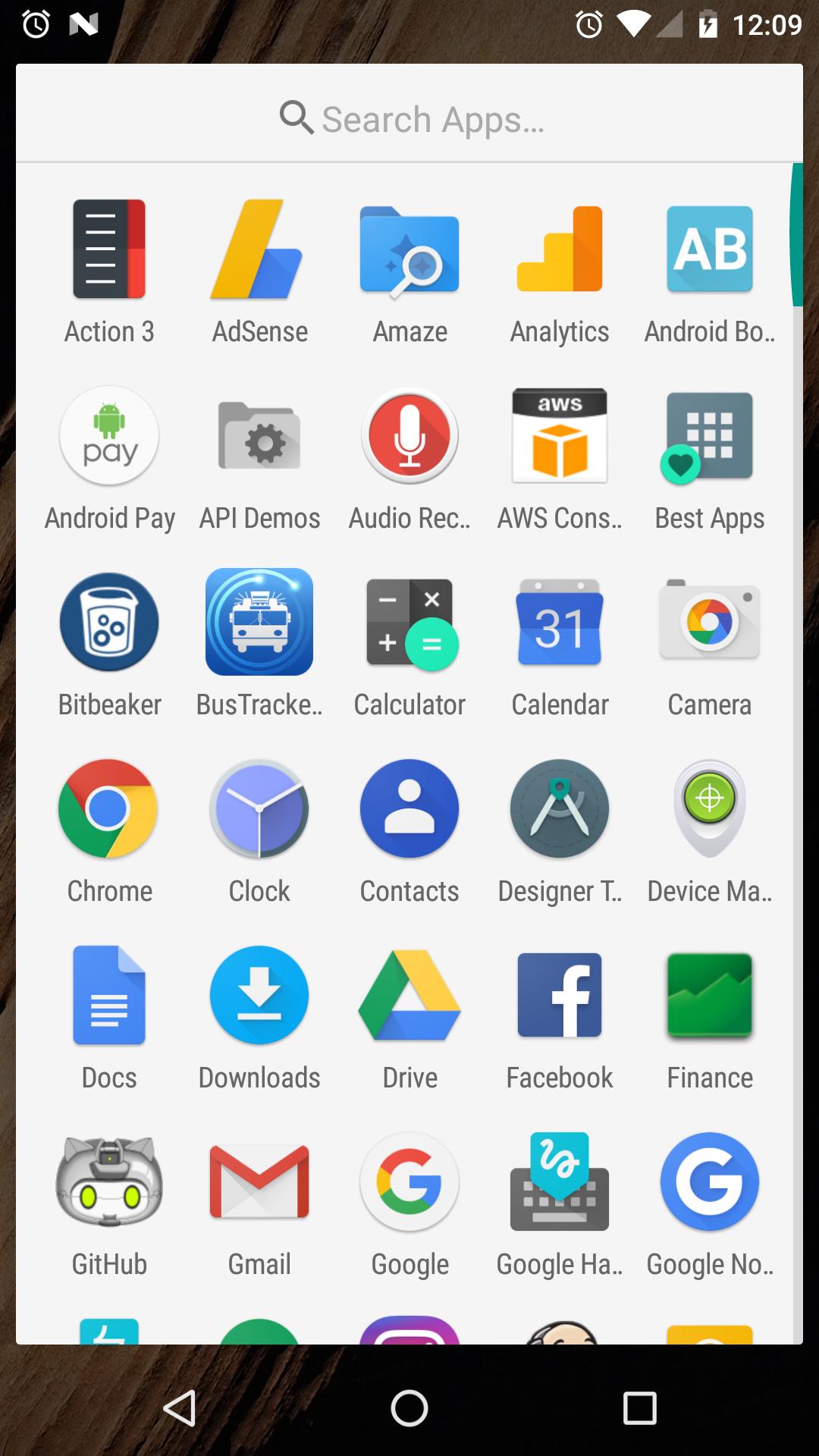
A to Z apps list with fast scroll and search
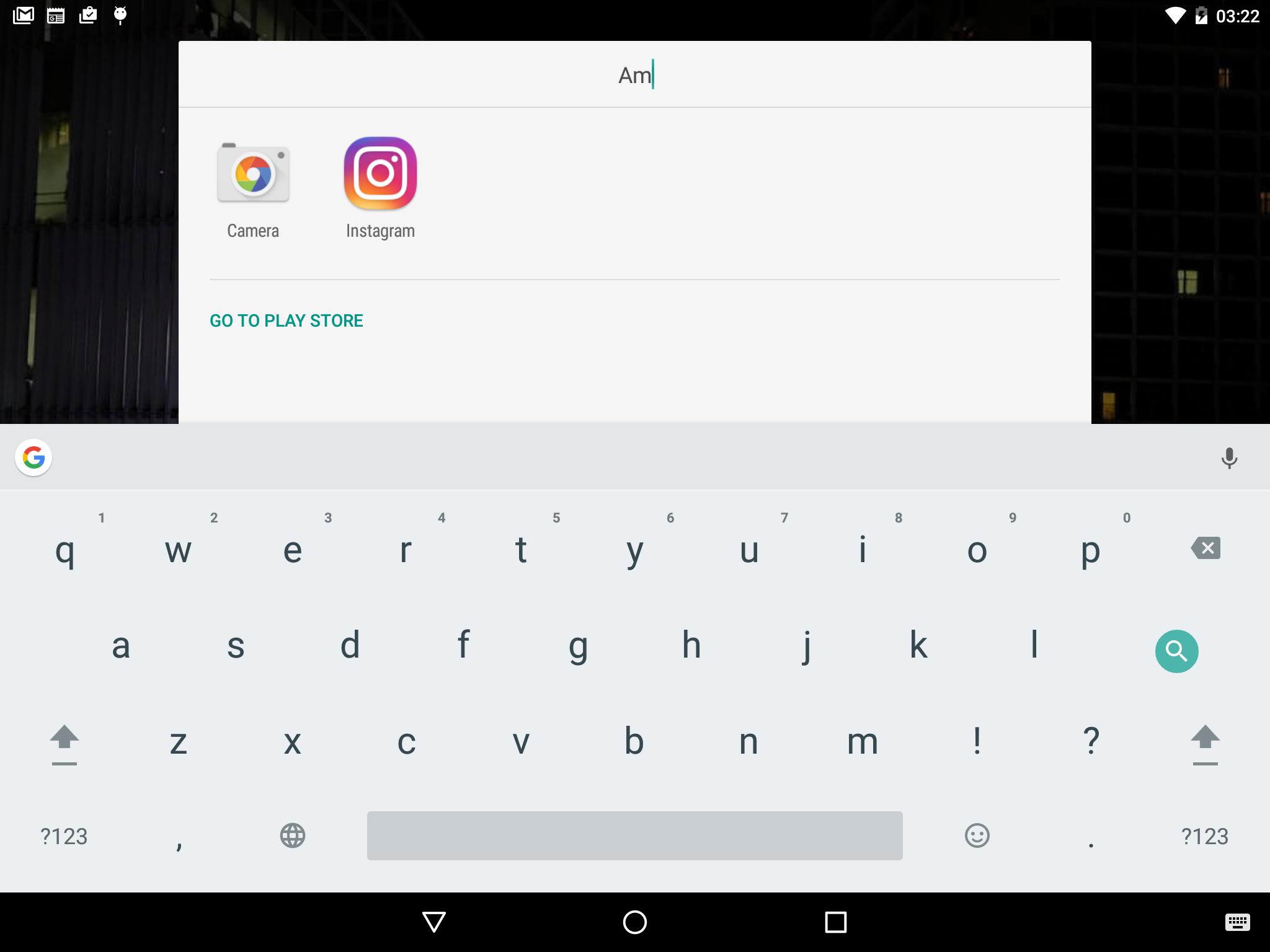
Launcher<3 organizes every app in a clear A to Z list so you can reach anything quickly. You can scroll fast with a side index or use the search box at the top. Moreover, search can take you to results on your device or help you jump to results online.
Smart App Suggestions for quicker access
Frequently used apps appear at the top of your list, so daily actions take fewer taps. Launcher<3 learns from what you open and adjusts over time. As you use your phone, the suggestions update to reflect your routine.
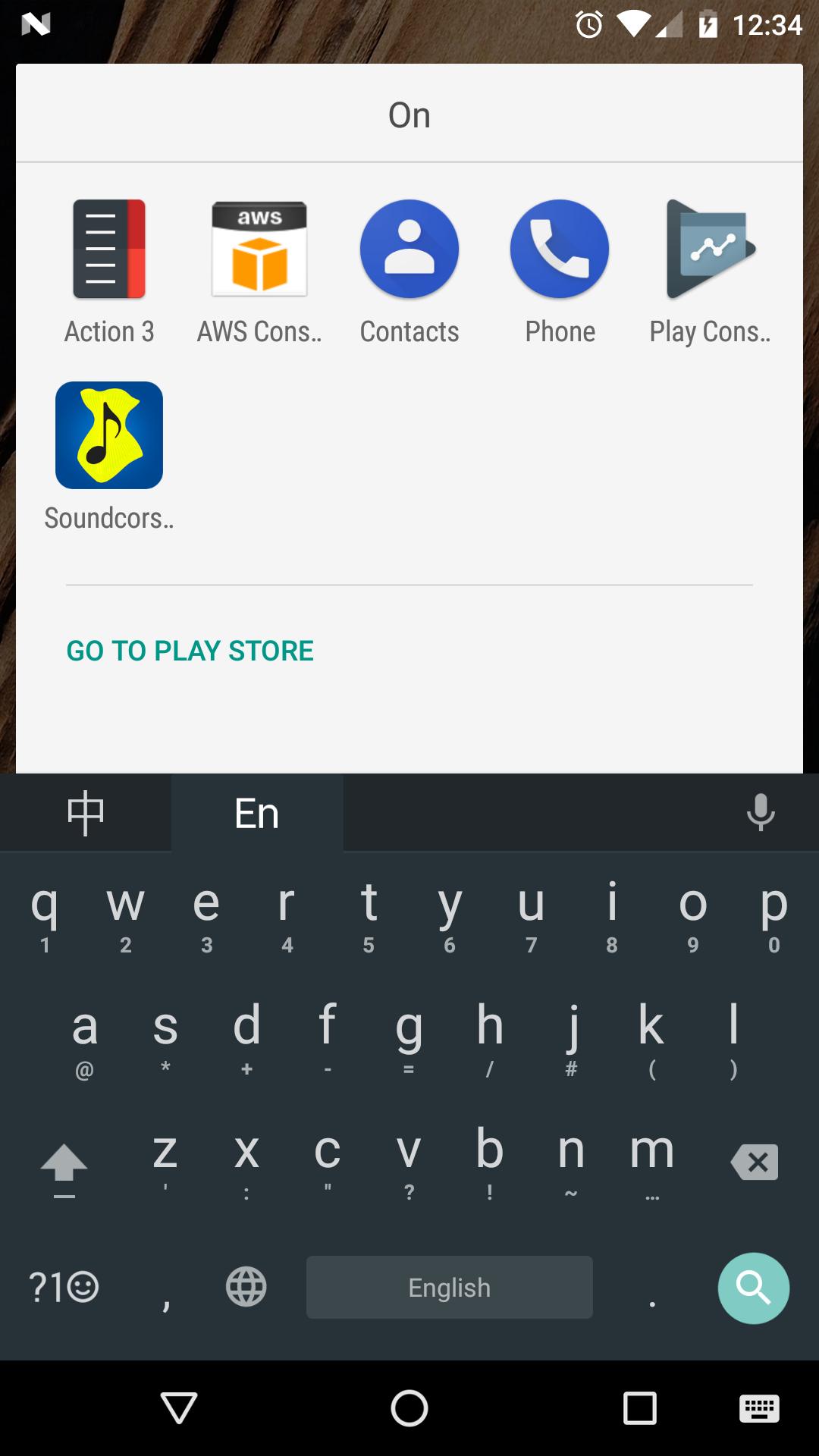
Flexible search that matches from any character
You do not need the exact app name or the first letter. Type any part of the name and Launcher<3 will find it. This reduces typing, and it speeds up finding tools with longer names.
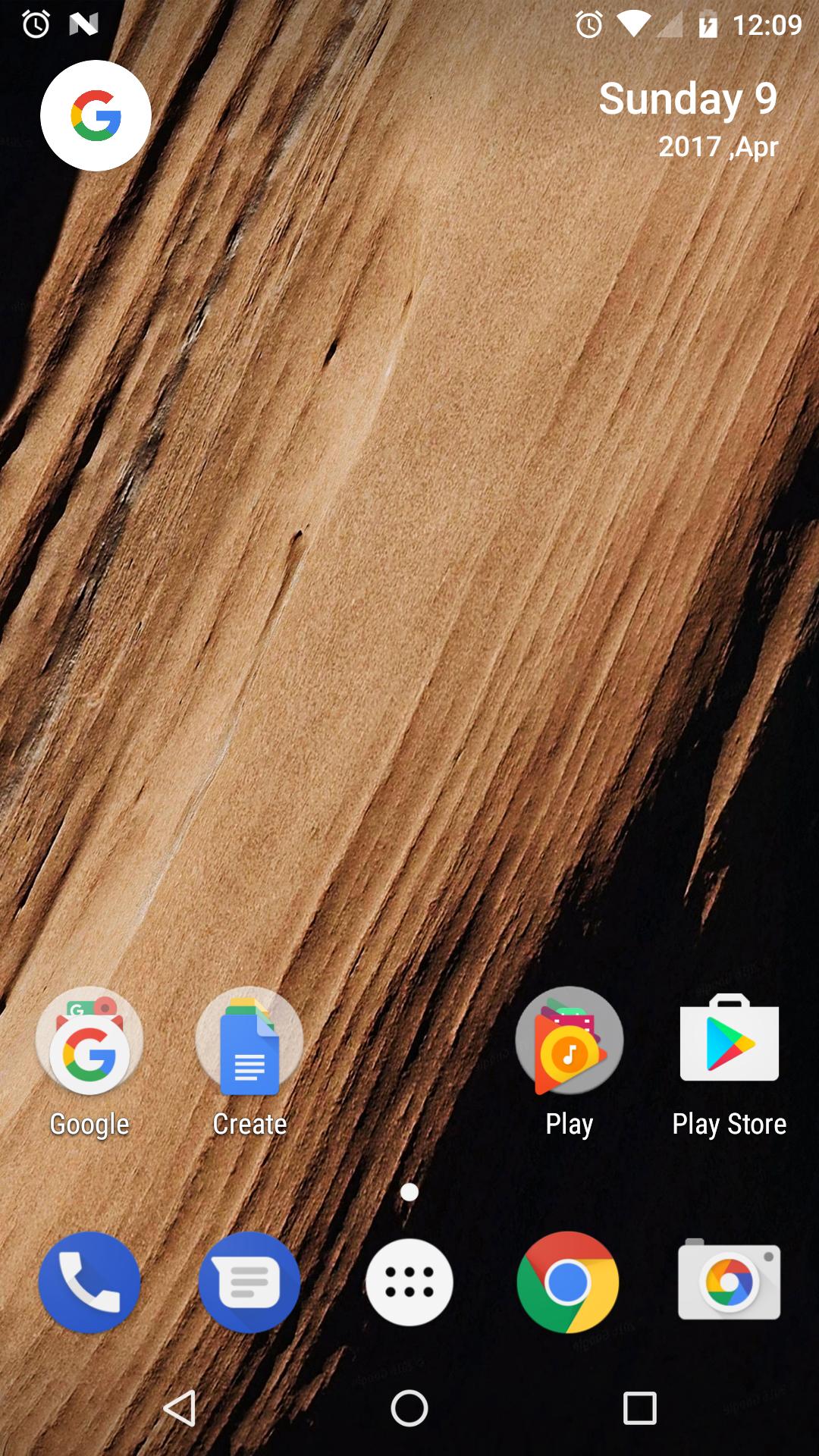
One tap Calendar access in the top right corner
A quick tap on the date opens your calendar app. The date display respects your locale settings for clarity. Therefore, checking schedules becomes a habit you can do from the home screen.
Stock, AOSP based interface without clutter
The layout keeps the clean look of standard Android, so navigation feels natural. Launcher<3 avoids heavy theming and extra menus that slow you down. As a result, you get a familiar home screen with consistent behavior.
Privacy first design and open source code
Launcher<3 does not collect or transfer personal data. There are no analytics calls or hidden trackers. In addition, the code is open source, which allows the community to review changes and improve trust.
Launcher3 is the AOSP base that many devices use as the foundation for the home screen. Launcher<3 is an AOSP based fork that adds helpful touches while staying close to stock. Its package name is com.jasonkung.launcher3, which is different from com.android.launcher3 that some OEMs ship and different from other third party launchers such as Rootless Pixel Launcher.
Launcher<3 keeps your home screen private by design. It does not require accounts, and it does not gather usage data. Also, being open source allows anyone to inspect how it works and confirm its privacy stance.
If you prefer speed and a stock like layout over heavy customization, Launcher<3 is a practical pick. It focuses on quick access to apps and stable navigation. In addition, it fits users who want a minimal launcher that is free of bloat.
Getting started takes only a minute. The interface is straightforward, and the core tools are always in reach. Follow these steps to set it up and move faster every day.
Launcher<3 keeps your home screen fast, simple, and familiar. Get the Launcher<3 APK latest version on APKPure for a clean setup with no data collection.
What is Launcher3 and how is Launcher<3 related?
Launcher3 is the open AOSP launcher that provides the base home screen for Android. Launcher<3 is an AOSP based fork that keeps the stock feel and adds small conveniences like flexible search and suggestions. Its package name is com.jasonkung.launcher3, which is different from the com.android.launcher3 variant that some manufacturers include.
Is Launcher<3 safe to use?
Yes, Launcher<3 is privacy first and does not collect personal data. The project is open source for transparency, and it avoids bundled analytics or trackers. To stay current and secure, download Launcher<3 from APKPure and update with the Launcher<3 APK latest version when available.
How do I install Launcher<3 from APKPure?
Download the Launcher<3 APK on APKPure, then open the file and follow the on screen prompts. If Android blocks the install, allow installation from your browser or file manager in Settings. After installing, press the Home button and choose Launcher<3 as the default.
Why do I see a “package is corrupt” error during install?
This message often means the file did not download completely. Re download the Launcher<3 APK from APKPure, then try again after clearing your package installer cache. If you previously installed a different build with the same package name com.jasonkung.launcher3, uninstall that version before installing the new one.
How do I activate dark mode in Launcher<3?
Launcher<3 follows your system theme on supported Android versions. Turn on dark theme in your device Settings, and the launcher will match it. If your device does not offer a system wide dark option, the launcher will keep the default light look.
Why are notification dots not showing in Launcher<3?
Notification dots require proper permissions and system support. In Settings, grant notification access to Launcher<3 and ensure app notifications are enabled. Also, make sure Launcher<3 is set as the default home app so the system delivers badges to it.
Latest Version
2.2Uploaded by
Yash Kadakiya
Requires Android
Android 4.2+
Category
Free Personalization AppContent Rating
Everyone
Report
Flag as inappropriateLast updated on Mar 5, 2020
Migrating to AndroidX.



APKPure - A multi-platform app store primarily focused on Android, providing extensive app-related content. Discover the app you want easier, faster, and safer, with quick and efficient downloads and installations.