
Screenshot - Capture Screen
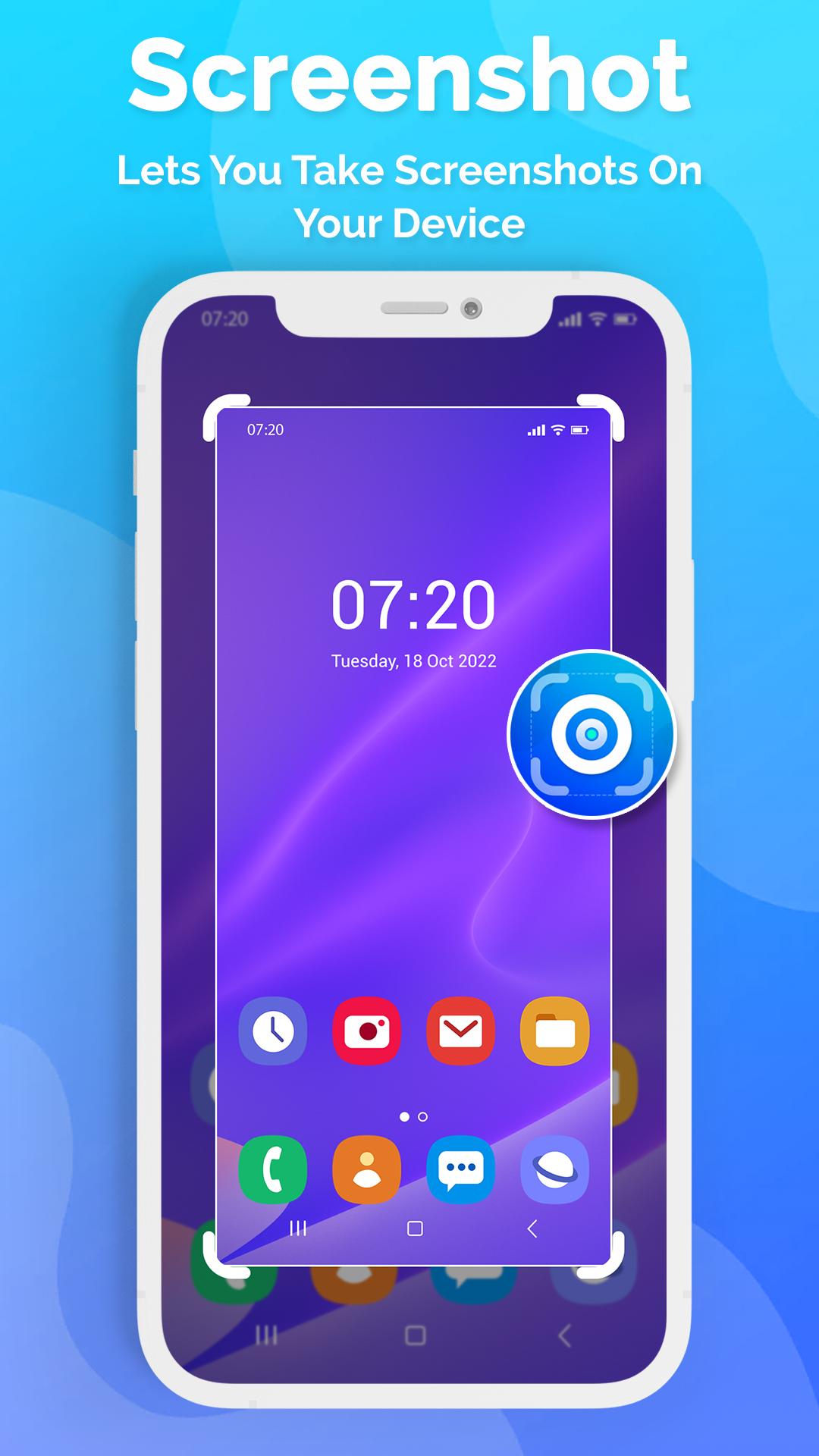
Screenshot Easy lets you take screenshots on your tablet, phone or other Android device the easy way! The screen recorder allows you to capture a video which you can best, easiest and simplest way to capture, edit and share your mobile screen with friends and all. Capture full screen scroll pages, with the scrolling screenshot functionality. Website screenshot captures a full size web page in high quality.
There is an "Overlay button" to capture screen that is displayed on top of everything. You can take the screenshot easily with one touch on the screen. Capture the screen in several apps such as games, wallpapers or any type of apps or videos. Floating button/gadget always remain on the top of the screen, so that you can capture easily at any time. Edit the captured image and share it with your friends in online platform.
It is optimized for high performance especially to take screenshots while playing games or watching videos. It is truly usable with great user experience. It is powerful in its simplicity and convenience of use. Works without internet.
Screen Capture App Key Features :
• Screenshots using overlay button. (Single/Double Tap)
• Time interval to capture screen.
• Screenshots using the key shortcut.
• Display camera preview window while recording screen.
• Screenshot / Shakeshot by just shaking your device.
• Screenshots using notification button.
• Support capture web page screenshots
• Crop instantly in easiest way possible.
• Take the rapid burst of screenshots when screenshot preview is off. You can turn the preview on whenever you want.
• Customize overlay button however you like it from the settings.
• Edit the screenshot with the included image editor.
• Delete unnecessary screenshots.
• Can play the shutter sound and vibrate on screenshot.
• Support portrait, landscape and auto screen record mode.
• Store in different file formats: png, jpg or webp
• Share screenshots easily via social network.
• No root required.
This app provides an easy way to take and edit screenshots! Capture screen by one touch!
If you have any feedback, bug reports, suggestions or you can help with the translations, please contact us. Wish you a nice day!
► Notice: Screen Capture can't capture secure pages, such as Youtube protected content, pages in a banking app, or a password input page.
Latest Version
1.1Uploaded by
Hicham Hicham Usk Bachir
Requires Android
Android 5.0+
Category
Free Tools AppContent Rating
Everyone
Report
Flag as inappropriateLast updated on Dec 20, 2023
Minor bug fixes and improvements. Install or update to the newest version to check it out!






APKPure - A multi-platform app store primarily focused on Android, providing extensive app-related content. Discover the app you want easier, faster, and safer, with quick and efficient downloads and installations.








