Scan Date:Jan 20, 2026
Show More
Intro
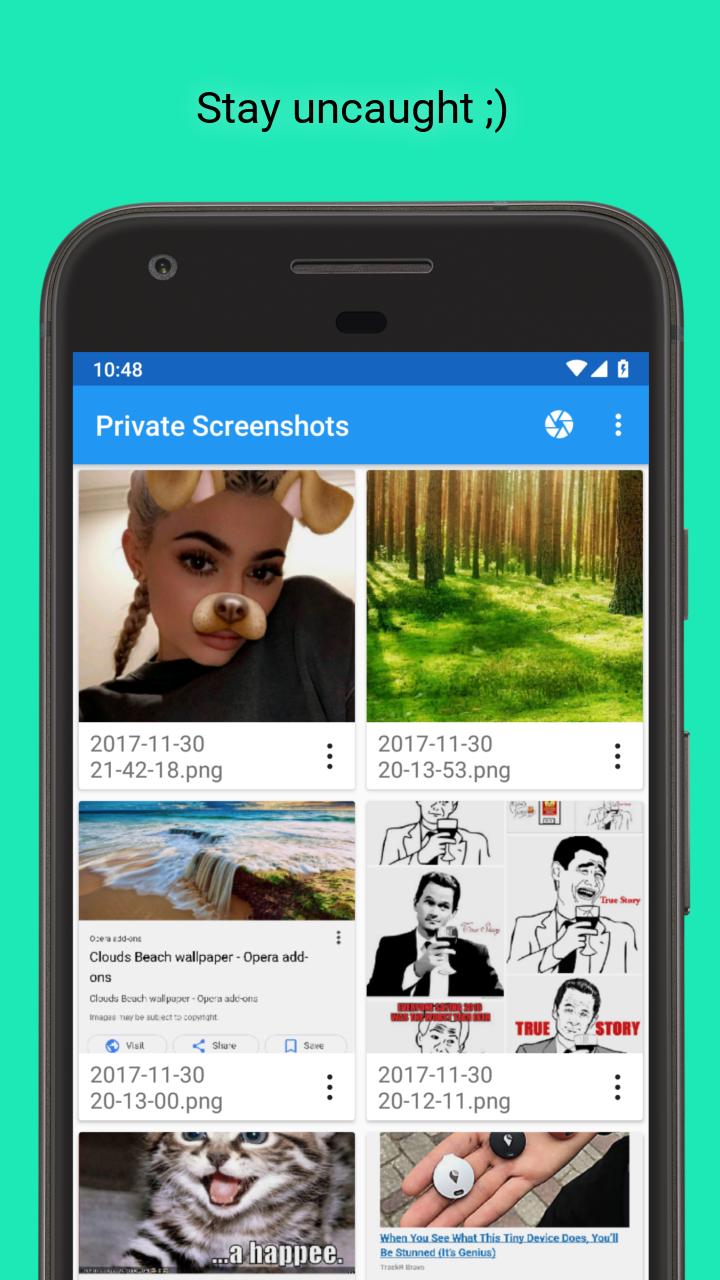
Some of the messaging apps detect screenshots you made from conversations. They notify person, you're chatting with, about the fact that you save a screenshot. Now you can save screenshots absolutely confidential.
Note
This app doesn't work with protected apps, like Netflix, Chrome incognito, Tor Browser, private Telegram chat, banking apps, etc. You will get black screen or just an error.
How it ensures privacy?
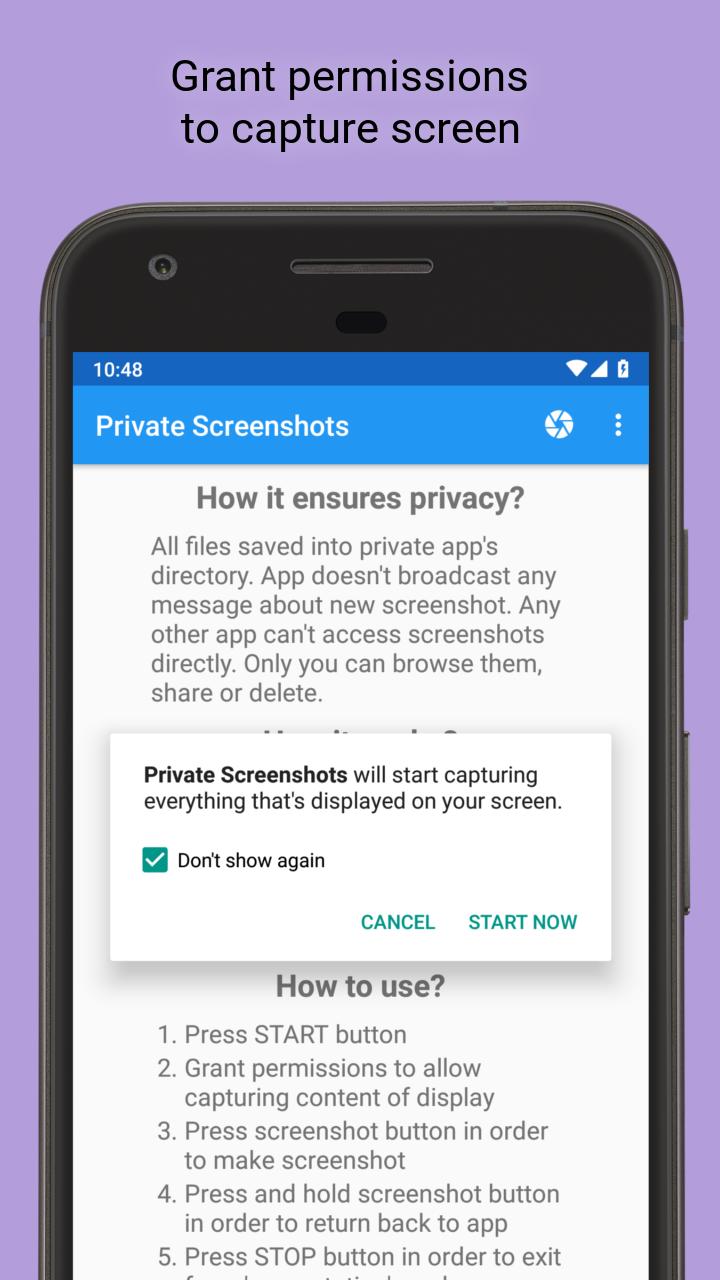
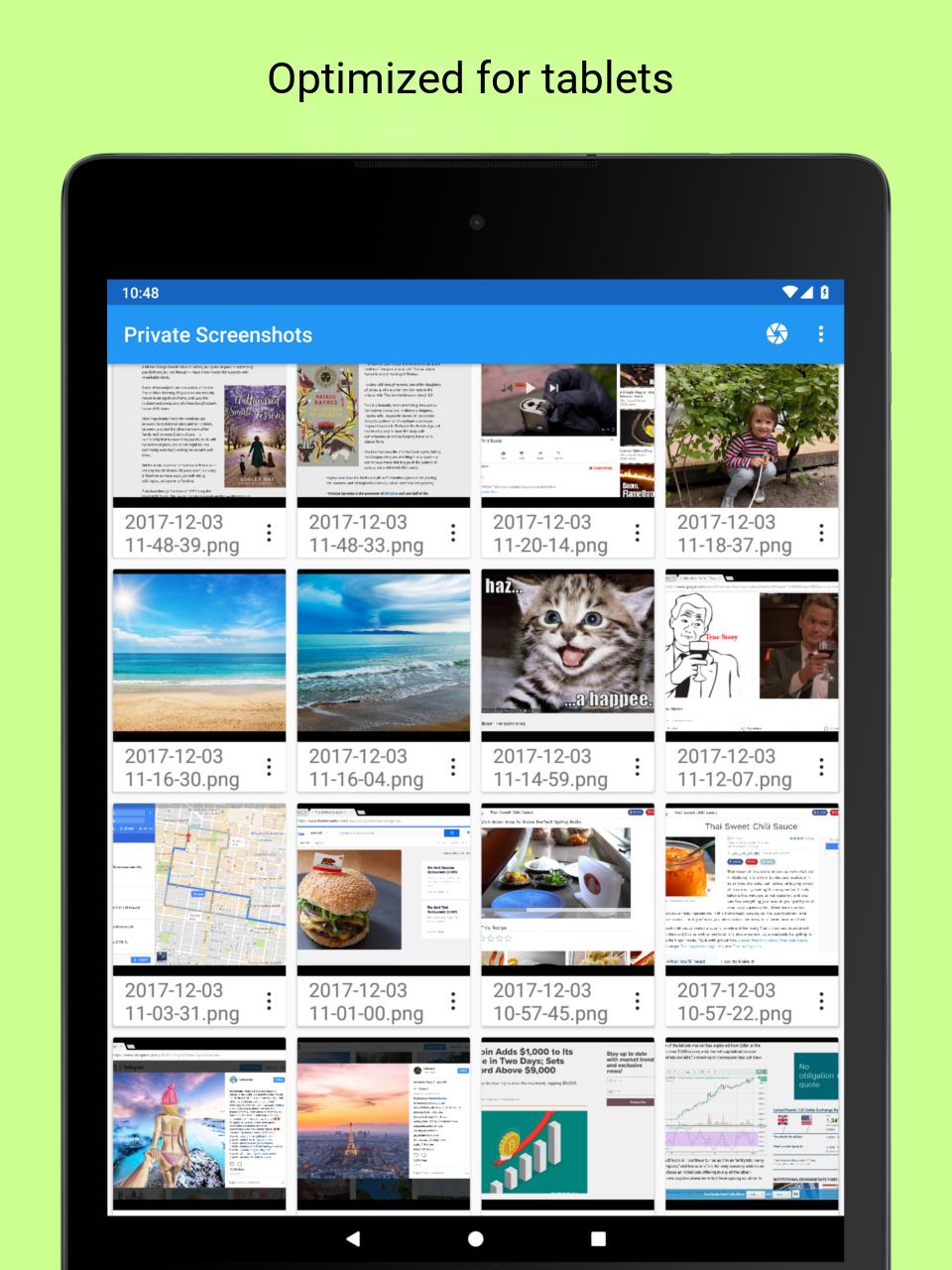
All files are saved into hidden directory. The app doesn't broadcast any message about new screenshot. Any other app can't access screenshots directly. Only you can browse them, share or delete.
How it works?
The app launches 'presentation' mode on your device and captures the whole screen's content. It displays draggable button which saves the current picture from screen into a file.
How to use?
● Press START button
● Grant permissions to allow capturing content of display
● Press screenshot button in order to make screenshot
● Press and hold screenshot button in order to return back to app
● Press STOP button in order to exit from 'presentation' mode
Advanced
● Android 7 and higher: you can put a shortcut into the Quick Settings drawer
● Android 7.1 and higher: hold app's icon to reveal shortcut for quick Start/Stop
Latest Version
1.19.8Uploaded by
ฟิล ธนกฤต
Requires Android
Android 7.0+
Category
Free Tools AppContent Rating
Everyone
Security Report
Report
Flag as inappropriateLast updated on Dec 11, 2025
Minor bug fixes and improvements. Install or update to the newest version to check it out!




APKPure - A multi-platform app store primarily focused on Android, providing extensive app-related content. Discover the app you want easier, faster, and safer, with quick and efficient downloads and installations.