Capture your product photograph from Alpha Software using Your Mobile
Steps:
If you are using Alpha JSoft Software
Step1 : Open Jsoft in your computer
Step2 : Open Tag Generate
Step3 : Android Image Capture Desktop application automatically start in your computer
Step4 : Open Image Capture Android app in your mobile
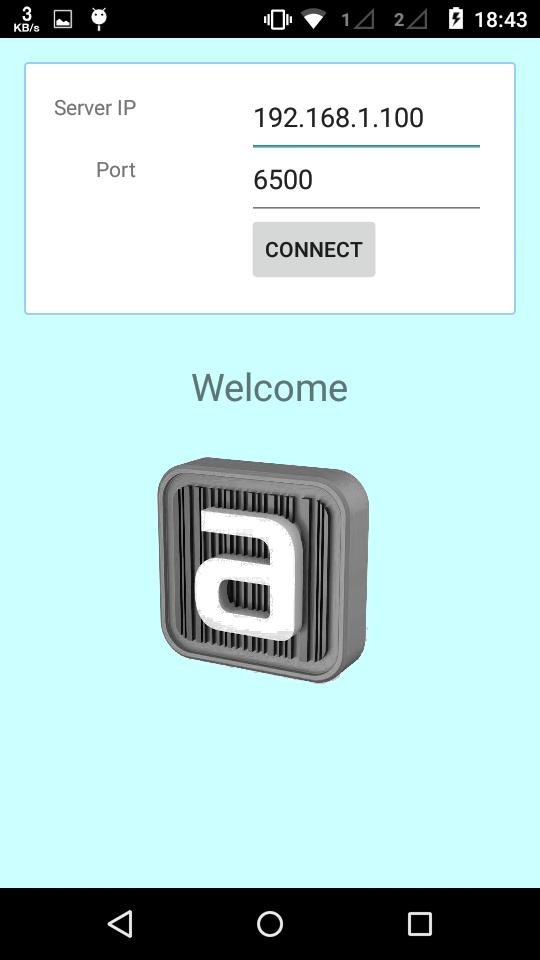
Step5 : Enter your computer IP Addres and port default is (6500) (Make sure your computer and mobile must be in same wifi network)
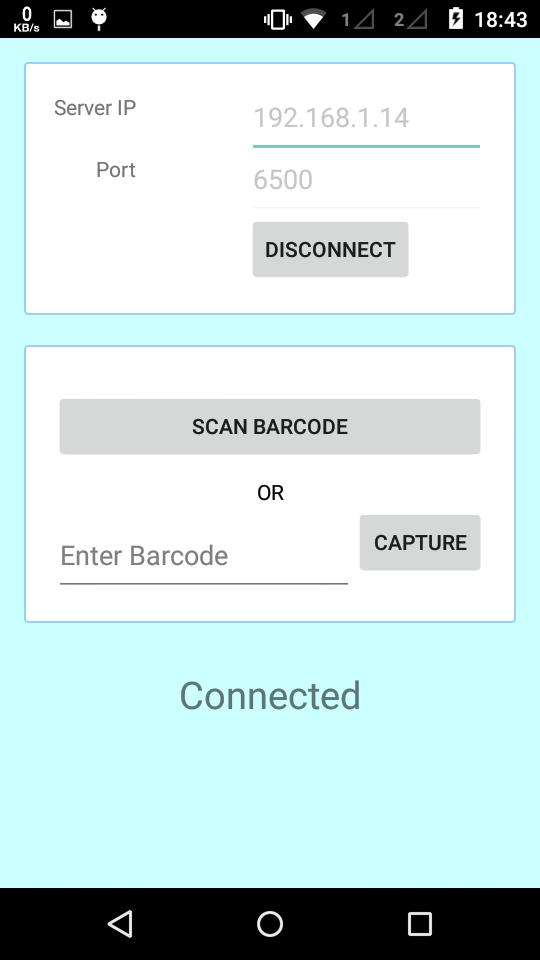
Step6 : Now your mobile and software in connected
Step7 : Select any tag number for example "RG001" and click on Photo Capture in JSoft
Step8 : Now tag number "RG001" show in your mobile
Step9 : Click on tag number and capture photograph
Step10 : Done.. Check in Jsoft.
Ostatnia Wersja
1.3Przesłane przez
Bemwa A. Milad
Wymaga Androida
Android 2.2+
Kategoria
Darmowe Produktywność AplikacjaOcena treści
Everyone
Last updated on Jan 5, 2018
Minor bug fixes and improvements. Install or update to the newest version to check it out!

APKPure - Wieloplatformowy sklep z aplikacjami skupiający się głównie na systemie Android, zapewniający szeroki wybór treści związanych z aplikacjami. Odkrywaj poszukiwane aplikacje łatwiej, szybciej i bezpieczniej, z szybkim i wydajnym pobieraniem oraz instalacją.