Capture your product photograph from Alpha Software using Your Mobile
Steps:
If you are using Alpha JSoft Software
Step1 : Open Jsoft in your computer
Step2 : Open Tag Generate
Step3 : Android Image Capture Desktop application automatically start in your computer
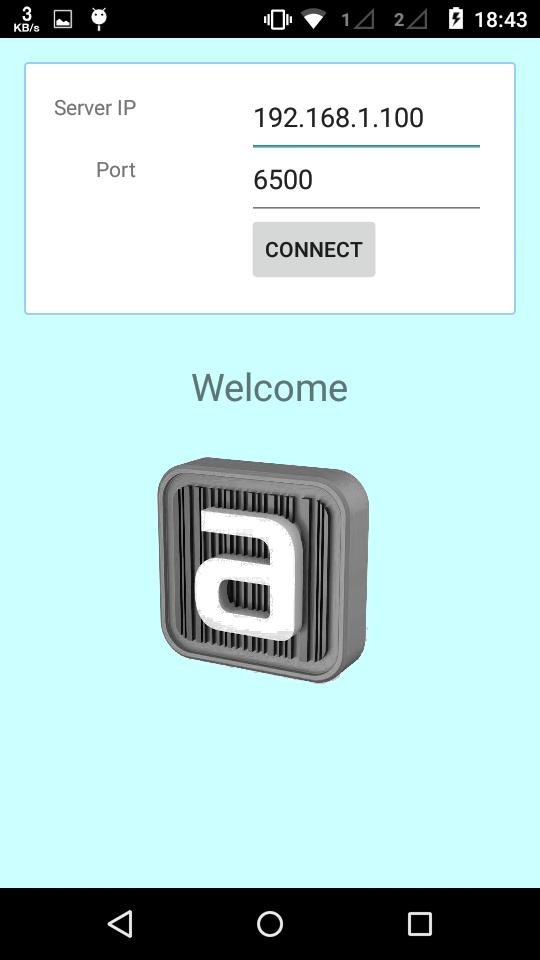
Step4 : Open Image Capture Android app in your mobile
Step5 : Enter your computer IP Addres and port default is (6500) (Make sure your computer and mobile must be in same wifi network)
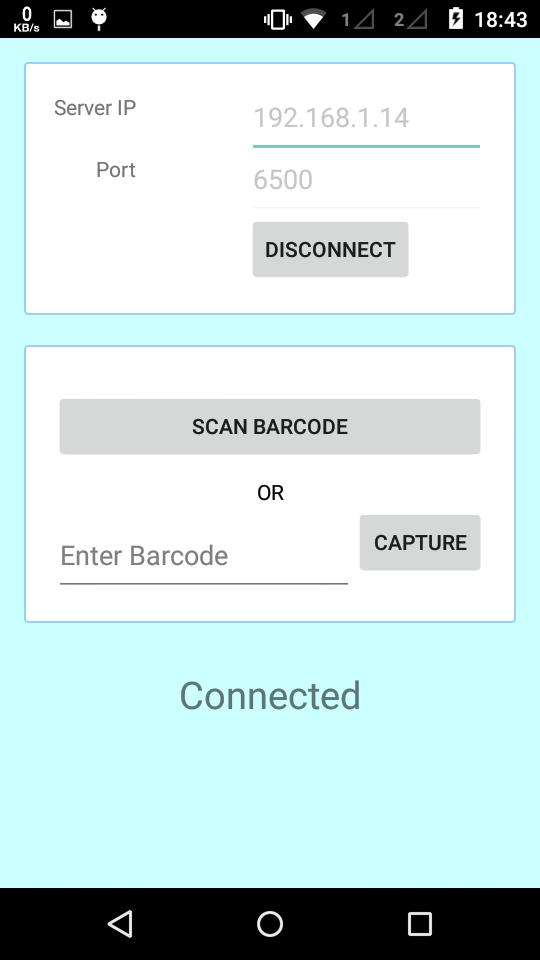
Step6 : Now your mobile and software in connected
Step7 : Select any tag number for example "RG001" and click on Photo Capture in JSoft
Step8 : Now tag number "RG001" show in your mobile
Step9 : Click on tag number and capture photograph
Step10 : Done.. Check in Jsoft.
Dernière version
1.3Telechargé par
Bemwa A. Milad
Nécessite Android
Android 2.2+
Catégories
Gratuit Productivité APPLICATIONClassification du contenu
Everyone
Signaler
Signaler comme inappropriéLast updated on Jan 5, 2018
Minor bug fixes and improvements. Install or update to the newest version to check it out!

APKPure - Une boutique d'applications multi-plateforme principalement axée sur Android, offrant un vaste contenu lié aux applications. Découvrez l'application que vous souhaitez plus facilement, plus rapidement et en toute sécurité, avec des téléchargements et des installations rapides et efficaces.