****You must have the latest version of Go Keyboard to run and apply this skin***
TO APPLY THEME: 1 OF 2 CHOICES,
1.OPEN GO KEYBOARD APPLICATION, CHOOSE THEME SETTINGS, CHOOSE SELECT THEME, CHOOSE YOUR THEME FROM LIST AND CLICK APPLY!
2. WHEN YOU HAVE KEYBOARD OPEN PRESS AND HOLD DOWN SETTINGS BUTTON(BOTTOM LEFT CORNER), CHOOSE THEME SETTINGS, CHOOSE SELECT THEME, CHOOSE YOUR THEME FROM LIST AND CLICK APPLY!
ANY MORE PROBLEMS APPLYING THEME? E-MAIL US WE HAVE A VISUAL TUTORIAL THAT SHOULD HELP!
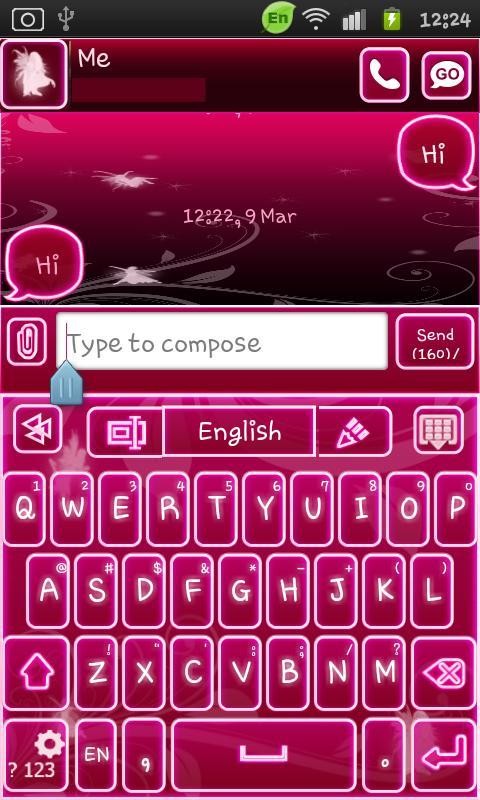
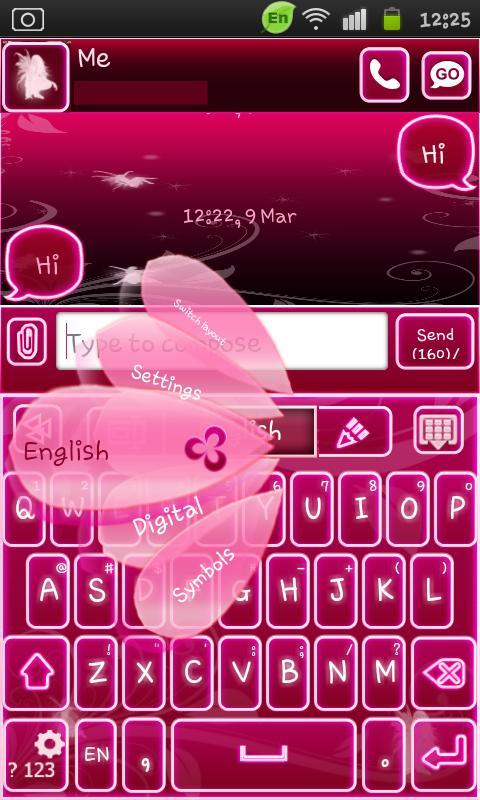
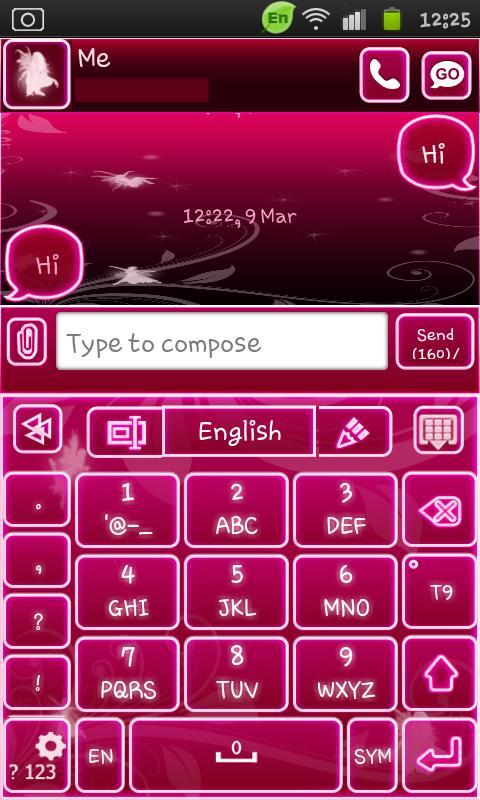
A neon pink fairy keyboard skin for your go keyboard! Get the rest of the series and have your phone twinkle with a little fairy magic!
Latest Version
1.0Uploaded by
Rania Mohamed
Requires Android
Android 1.6+
Category
Free Personalization AppContent Rating
Unrated · Warning – content has not yet been rated. Unrated apps may potentially contain content appropriate for mature audiences only.
Report
Flag as inappropriateLast updated on Aug 23, 2015
***Fairy Pink Go Widget Now Available!***


APKPure - A multi-platform app store primarily focused on Android, providing extensive app-related content. Discover the app you want easier, faster, and safer, with quick and efficient downloads and installations.








