Scan Date:Oct 20, 2025
Show More

2026 Keyboard suits users who message often on WhatsApp, Instagram, TikTok, and Snapchat and want a keyboard that keeps the flow of conversation steady. It centers on clean input, quick reactions, and personalization that adapts as you type. Over time it learns patterns, which helps make everyday texting feel consistent across apps. If you prefer manual installs, many users search for 2026 Keyboard APK when they want direct access to updates and builds.
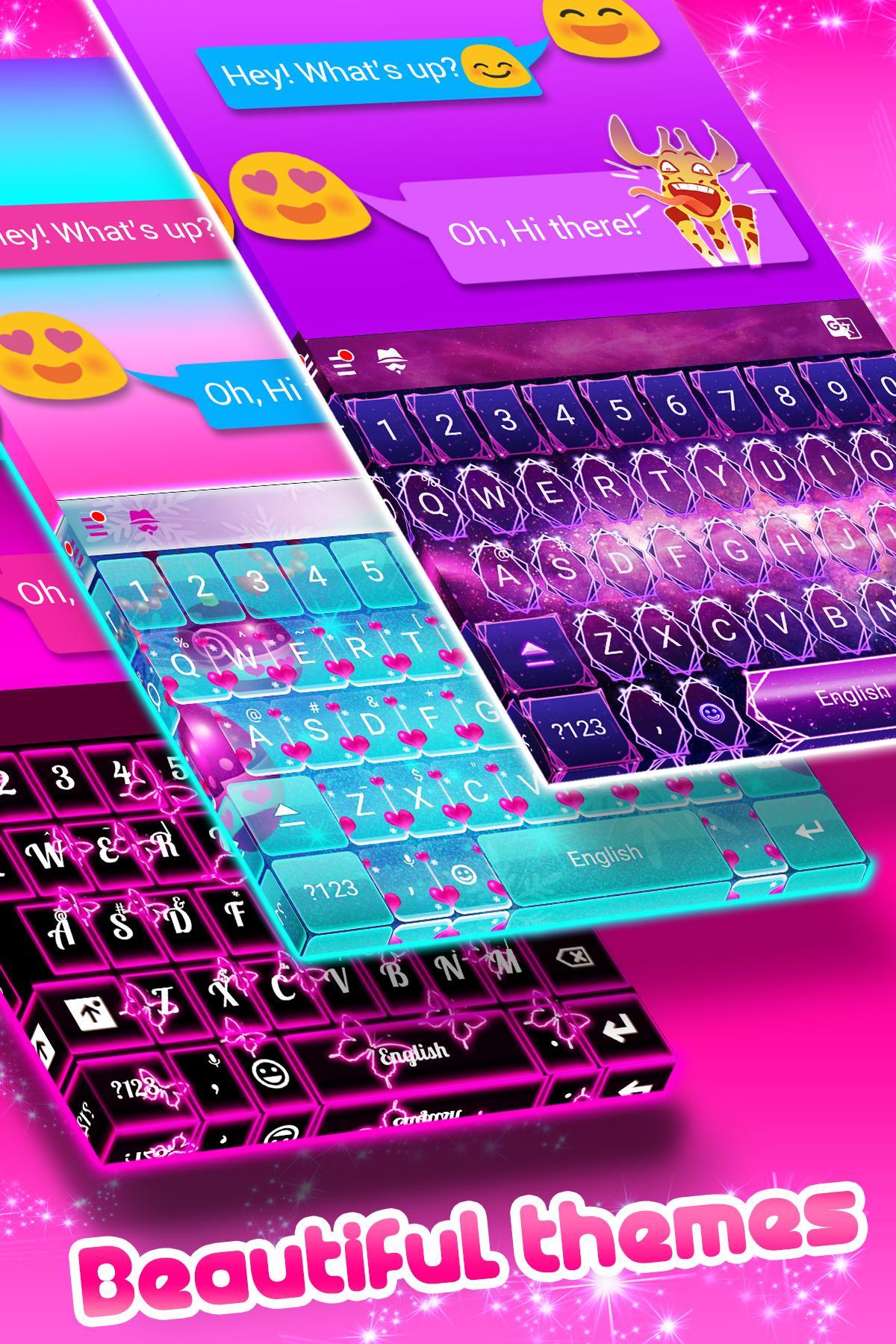
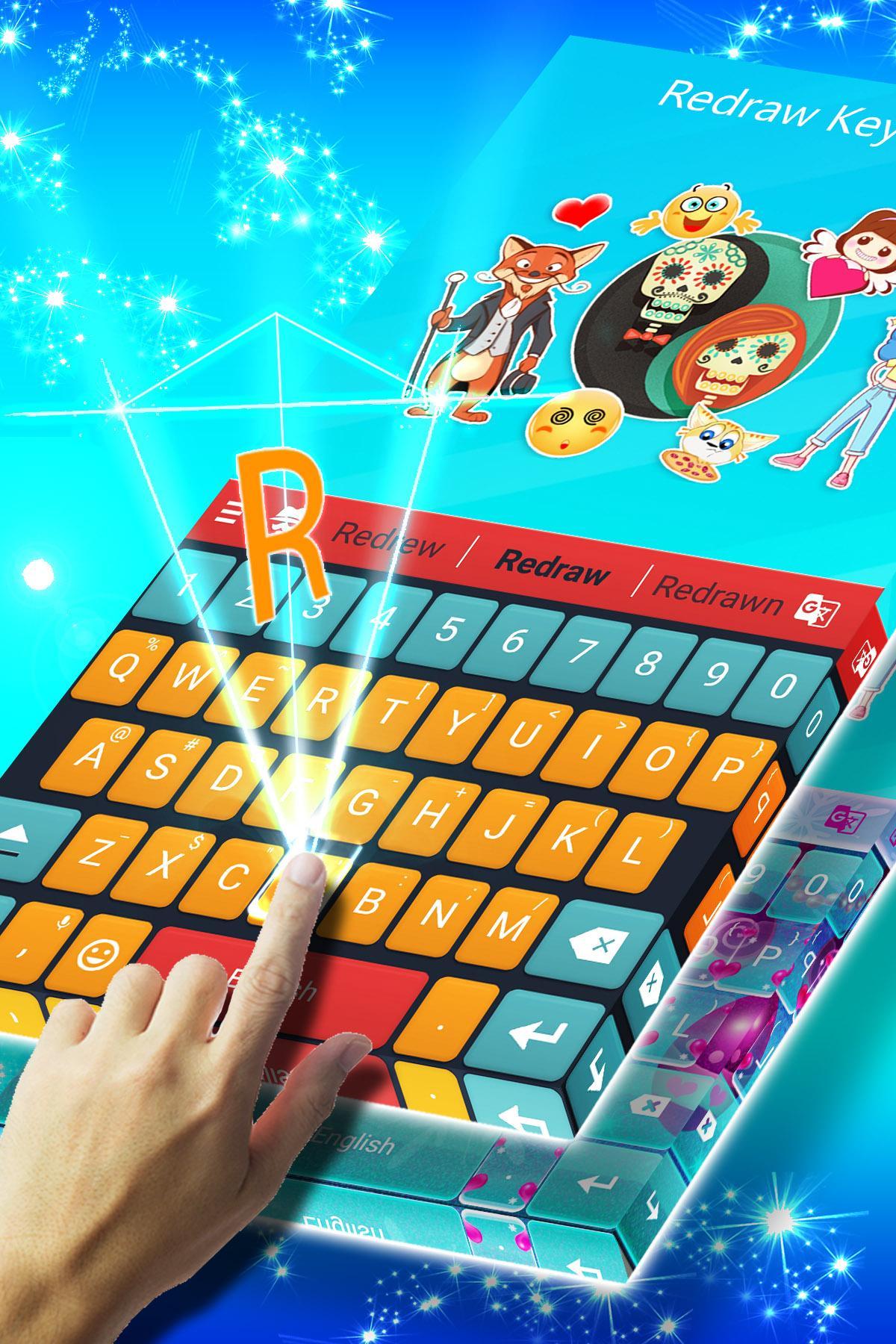
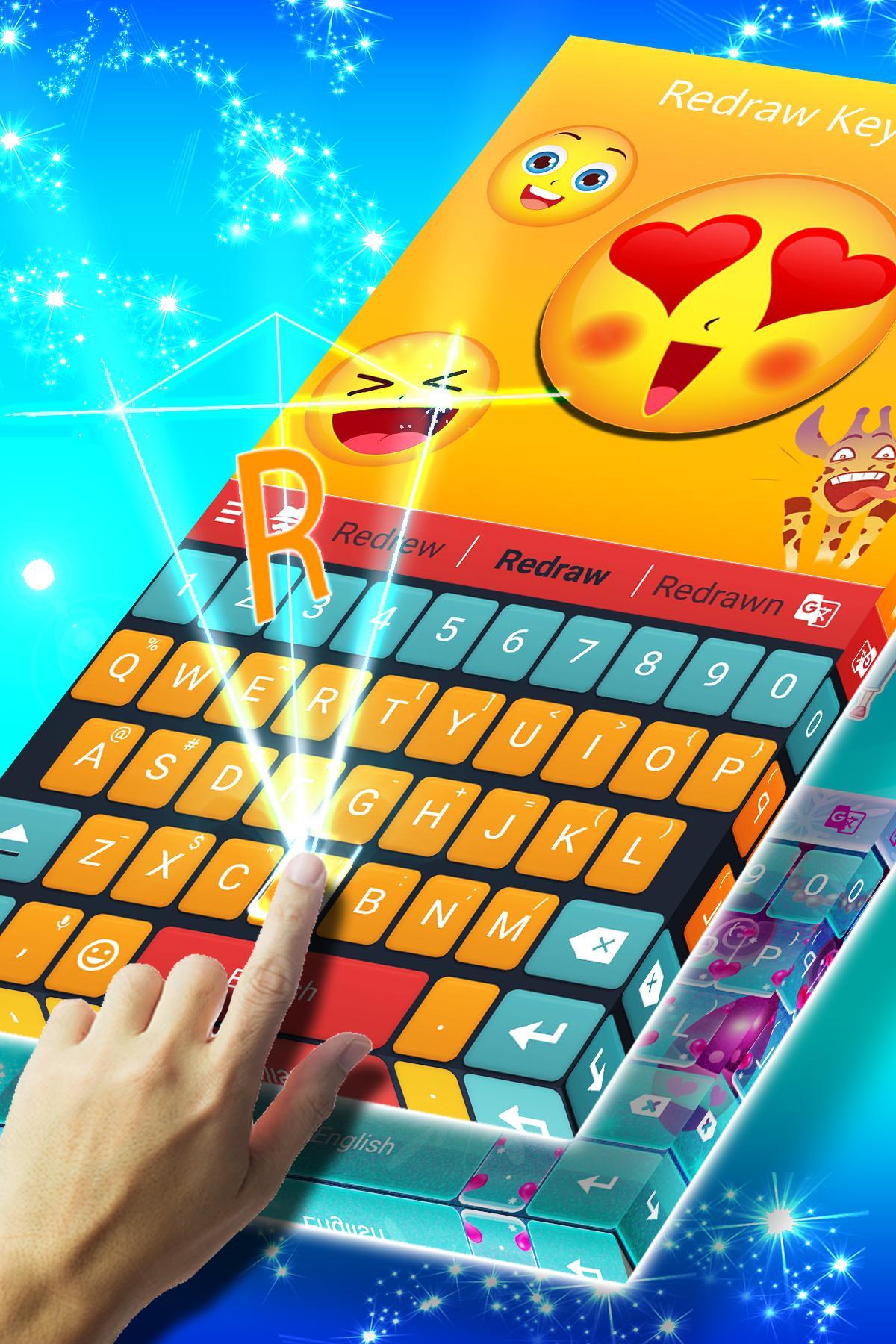
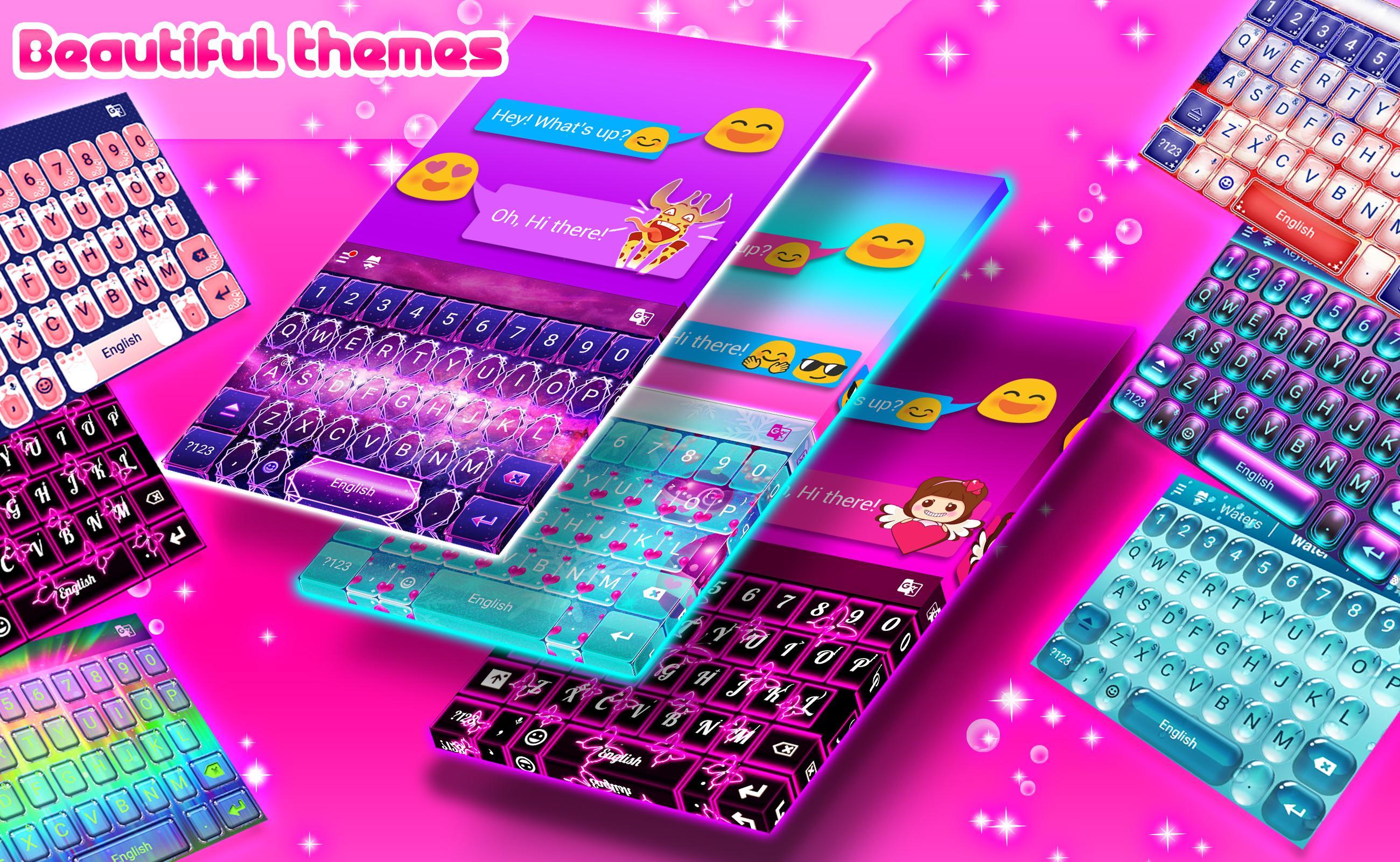
2026 Keyboard lets you adjust the look and layout to match how you type. You can pick themes, change colors, add or remove key borders, and set the keyboard size for one handed use or larger screens. Layout controls include a number row, sound and vibration settings, and the double space dot preference. As you refine these options, the keyboard feels more natural in daily use.
Adaptive typing accuracyTyping feels responsive, and 2026 Keyboard learns your style to help reduce common mistakes. Suggestions improve as your habits become clearer, so you spend less time fixing typos. This approach supports quick replies during busy chats and helps keep longer posts on track.
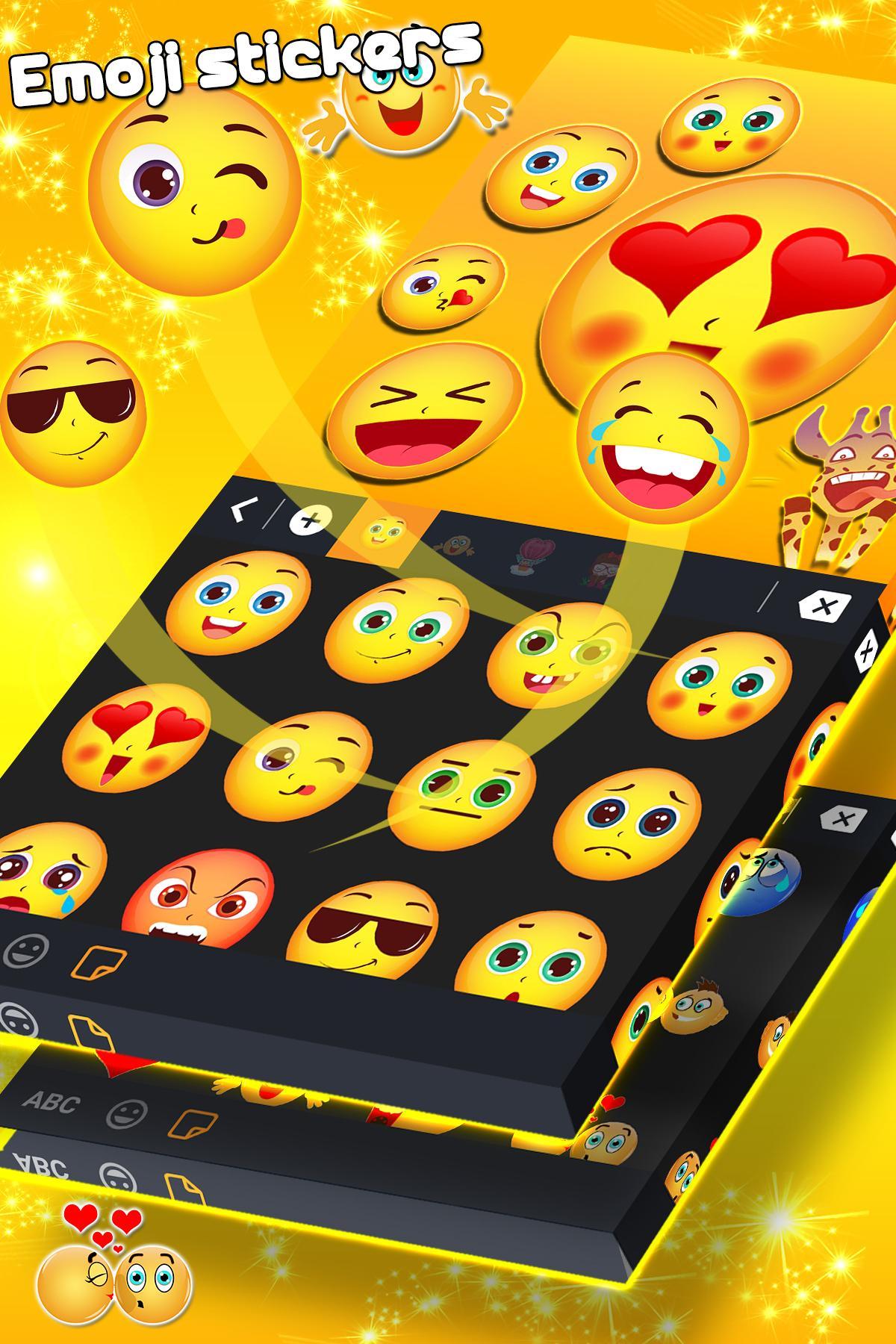
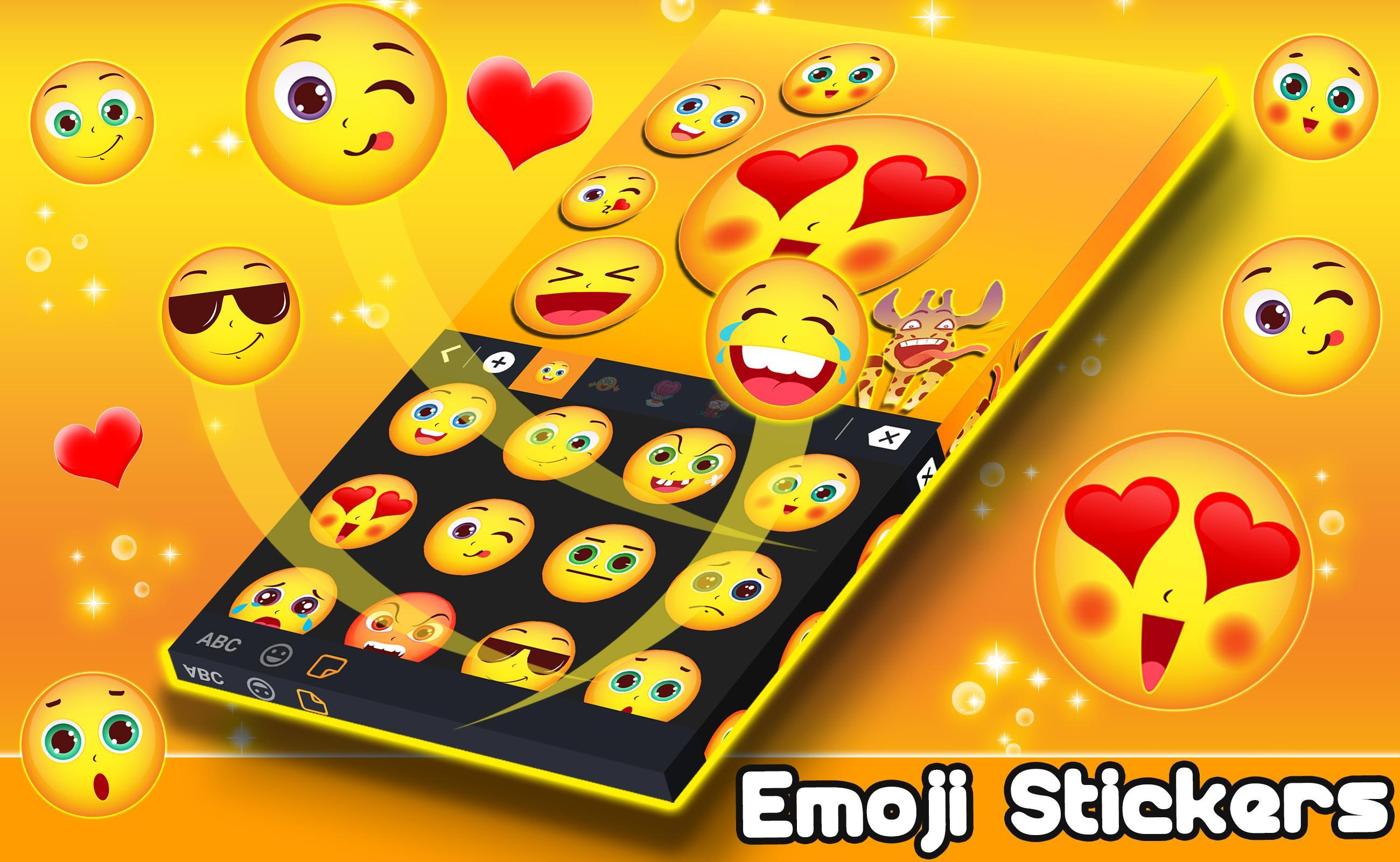
Stickers and GIFs for social appsWhen you want messages to stand out, you can add stickers and GIFs right from the keyboard. This works well in group chats or stories on WhatsApp, Instagram, TikTok, and Snapchat. You can browse, pick, and send without breaking your rhythm, which keeps conversations active and expressive.
GPT Keyboard AssistantThe ChatGPT powered assistant sits inside 2026 Keyboard to help with writing, ideas, and corrections. You can ask for short replies, longer explanations, or code snippets, then insert results directly into your chat or post. This reduces app switching and supports quick edits when you need cleaner wording.
In keyboard browser and clipboard managerWhen you need a source or a link, search the web from the keyboard and share results in the same conversation. The clipboard manager keeps recent copied text and URLs available, so you can paste what you need without hunting through apps. This combination suits users who multitask during chats or while drafting captions.
Some users may recognize the brand as formerly Redraw Keyboard, which helps with discovery and comparison. Queries such as 2026 Keyboard latest version, ChatGPT keyboard, and APK download often point to this product in search. You may also see references to 2025 Themes & Keyboards in older materials and community posts. These mentions reflect naming history and related theme collections that many users followed before adopting 2026 Keyboard.
Getting started is simple, and setup takes only a moment. If you are new to manual installs, you might search for 2026 Keyboard latest version before enabling it in settings.
2026 Keyboard focuses on adaptive typing, quick social sharing, and customization that fits your routine. To begin, download 2026 Keyboard and enable it as your default input method.
For developer support or more information, use the official channels below.
Latest Version
101.0Uploaded by
Ah Beng
Requires Android
Android 6.0+
Category
Free Personalization AppContent Rating
Everyone
Security Report
Report
Flag as inappropriateLast updated on Oct 20, 2025
New improvements, bug fixing, and cool features! Update now and elevate your messaging game



APKPure - A multi-platform app store primarily focused on Android, providing extensive app-related content. Discover the app you want easier, faster, and safer, with quick and efficient downloads and installations.