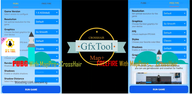
GFX Tool for pecific games helps you configure the game graphics by the best optimized, where you can fully customize the game graphics to get beautiful pictures and smooth gameplay.
Application features :
[Game Tool]
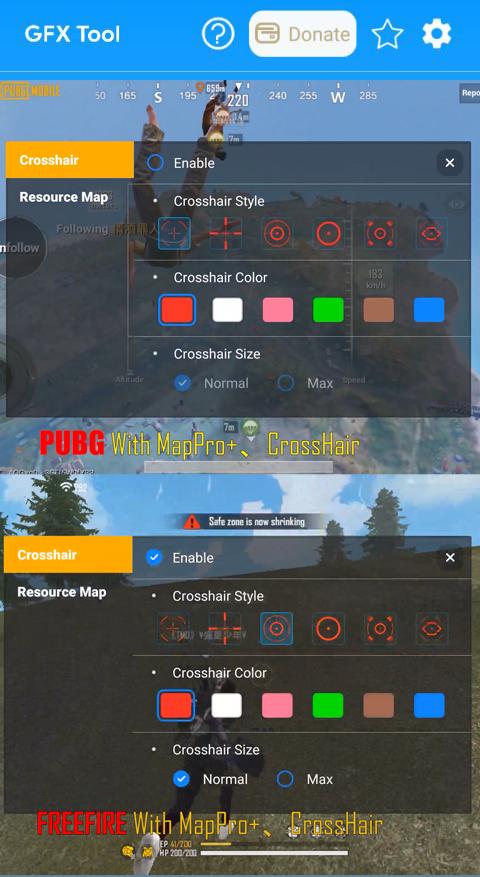
Advanced game map
Custom crosshair
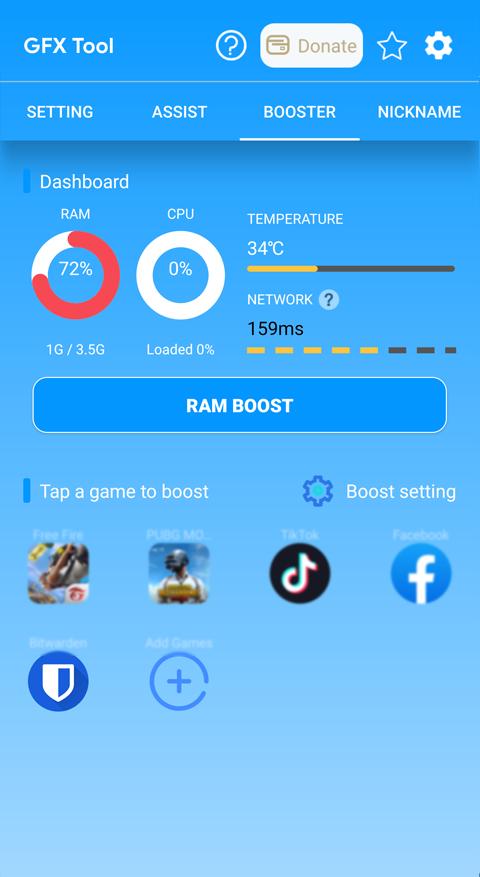
[Game booster]
boosting game with special function reduce lag when play game, clean ram, boosting ram
[Nickname generator]
create beautiful nick name with fancy text and icon
[GFX]
• Change resolution
• Unlock HDR graphics and all FPS levels
• Fully control Anti-aliasing and shadows
• Style : Change Graphic Style
• Support All Devices
• Shadow Distance: Select shadow distance level.
• Moving Shadows: Enable or Disable shadows of players and cars.
• GPU Optimization : Custom OpenGL
• Light Effect : Enable and Disable
• Graphic Rendering : Change Quality Graphic
• Sound Quality: Enable to fix low volume issues.
• And much more other useful options
Latest Version
1.6.8Uploaded by
guoyun654321
Requires Android
Android 5.0+
Category
Free Tools AppContent Rating
Everyone
Report
Flag as inappropriateLast updated on Aug 8, 2023
support pubg 2.7.0







APKPure - A multi-platform app store primarily focused on Android, providing extensive app-related content. Discover the app you want easier, faster, and safer, with quick and efficient downloads and installations.