Scan Date:May 9, 2026
Show More

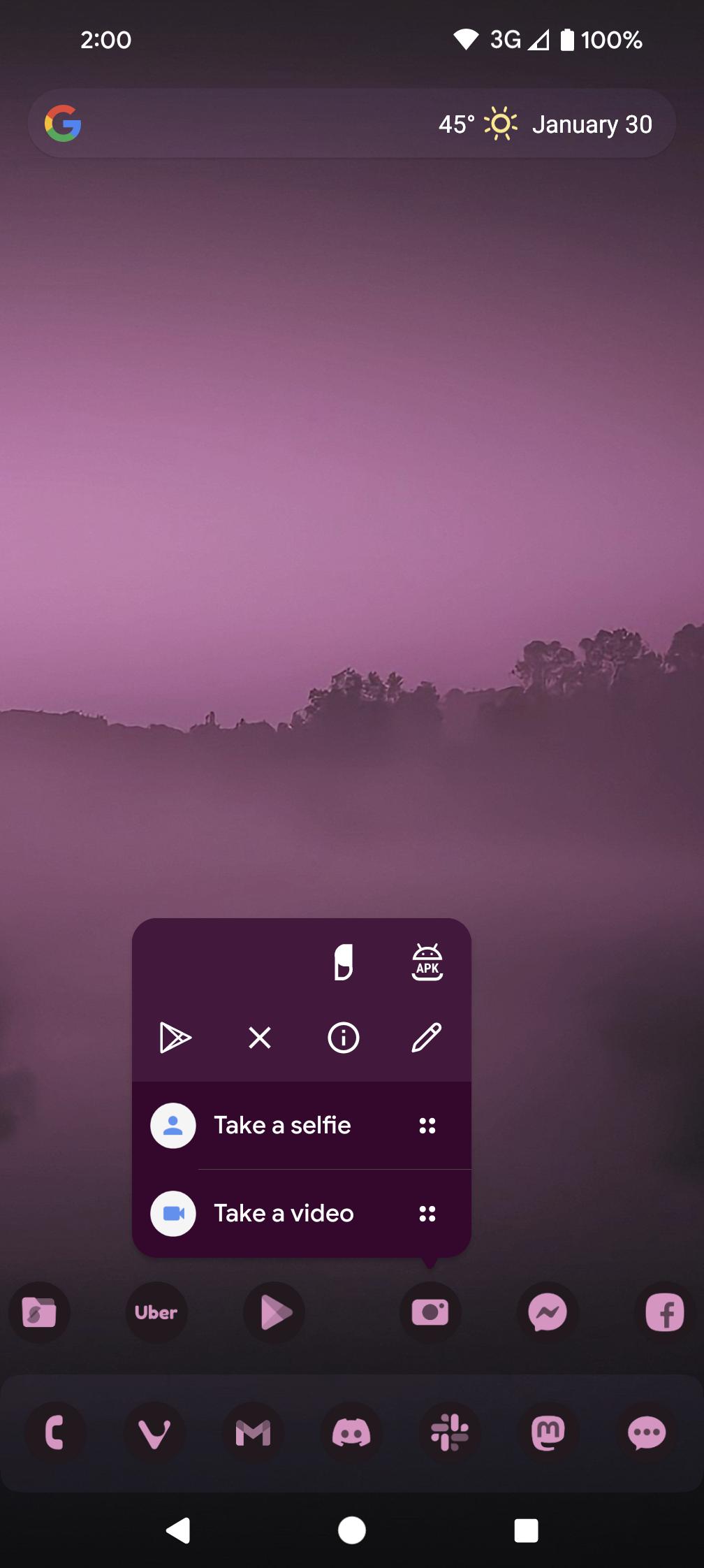
Nova Launcher focuses on speed, flexibility, and control so you can shape your home screen the way you prefer. You can adjust layout, icons, and navigation while keeping performance responsive on both new and older devices. The launcher provides built in tools for searching apps and content, organizing your library, and backing up your setup. There is also an optional Nova Launcher Prime license that unlocks more shortcuts and gestures. Get the Nova Launcher APK on APKPure to set up a clean, efficient home screen with tools that scale from minimal to highly personalized.
Deep customization
Nova Launcher lets you change icon packs, icon shapes, grid size, and label styles. You can fine tune dock rows, folder appearance, and app drawer layout to match your workflow. This level of control helps you build a layout that stays tidy and efficient.
Theming and system colors
Nova Launcher supports Material You color extraction and custom accent colors. You can follow system light or dark mode or schedule themes by time. This keeps your home screen consistent with the rest of your device.
Unified search with Micro Results
Search from one place across apps, contacts, and web suggestions. Micro Results offer quick answers such as calculations, unit conversions, tracking, and more. This reduces the need to open separate apps for simple tasks.
Smart organization and Nova Now
You can group apps, create folders, and organize the drawer for faster access. The Nova Now feed brings customizable cards for widgets, apps, media, weather, and maps. Therefore you keep useful info close without crowding the home screen.
Productivity tools with Nova Launcher Prime
With Prime, Nova Launcher adds gestures like swipe, pinch, and double tap. You also gain icon swipe actions, the ability to hide apps, notification badges, and extra scroll effects. In addition, these tools reduce taps and speed up daily navigation.
Backup and restore across devices
You can export your setup to local storage or the cloud and restore it on a new phone. Stable and beta builds install as direct upgrades and continue working with Nova Prime. This makes it easier to migrate or test versions without losing your layout.
This quick guide covers the basics so you can set up Nova Launcher efficiently. Follow the steps to install, pick your layout, and save a backup. You can adjust advanced options later.
Download the Nova Launcher APK from APKPure, install it, then open Nova Launcher and set it as your default home app when prompted.
Choose to start fresh or import from your current launcher, then set your grid size, icon size, and dock preferences in Nova Settings.
Add widgets to the home screen, create folders for related apps, and organize the app drawer with tabs or groups as needed.
Configure Search and Nova Now cards for apps, media, weather, and maps. Then enable notification badges if you want quick glance info without opening apps.
You can keep your setup safe, open Backup and restore, export your configuration locally or to the cloud, and restore it on another device when needed.
Nova Launcher provides a fast, flexible home screen with strong customization and organization. Click the "Download APK" to get the Nova Launcher on APKPure to build a layout that matches how you use your phone.
Official resources
Website: novalauncher.com
Should I delete Nova Launcher?
There is no need to delete Nova Launcher unless you prefer a different layout or have compatibility issues on your device. You can switch your default home app in system settings at any time and you can back up your Nova setup before making changes. If you want to return, install the Nova Launcher APK again from APKPure and restore your backup.
Does the Nova app drain battery life?
Nova Launcher is designed to run efficiently and it typically has a low impact on battery life. Features like heavy animations, background feed updates, or frequent badge checks may use more power, and you can disable or reduce these in Nova Settings. Keeping a simple layout often helps maintain steady battery usage.
What is the Nova Launcher app?
Nova Launcher is a customizable home screen replacement for Android that manages icons, widgets, search, and organization. It replaces the default launcher and adds tools for theming and shortcuts, with extra options available through Nova Launcher Prime. You can download the Nova Launcher APK latest version on APKPure for a secure and easy install.
Latest Version
87500 (8.7.5)Uploaded by
Afonso Henrique
Requires Android
Android 8.0+
Category
Free Tools AppContent Rating
Everyone
Security Report
Report
Flag as inappropriateLast updated on May 12, 2026
Minor bug fixes and improvements. Install or update to the newest version to check it out!





APKPure - A multi-platform app store primarily focused on Android, providing extensive app-related content. Discover the app you want easier, faster, and safer, with quick and efficient downloads and installations.