

Gamer Box - Game Booster addresses lag and uneven graphics during play. It focuses on steadier frame rates and tuned visuals that match your device, from low end to high end. Root access is required for its engine to work, and it supports phones and tablets. Compatibility is stronger on Android 4.3 and later. With clear prompts and a simple flow, you can launch titles through Gamer Box - Game Booster APK and adjust behavior to suit each session.
Profile-based engine for gameplay
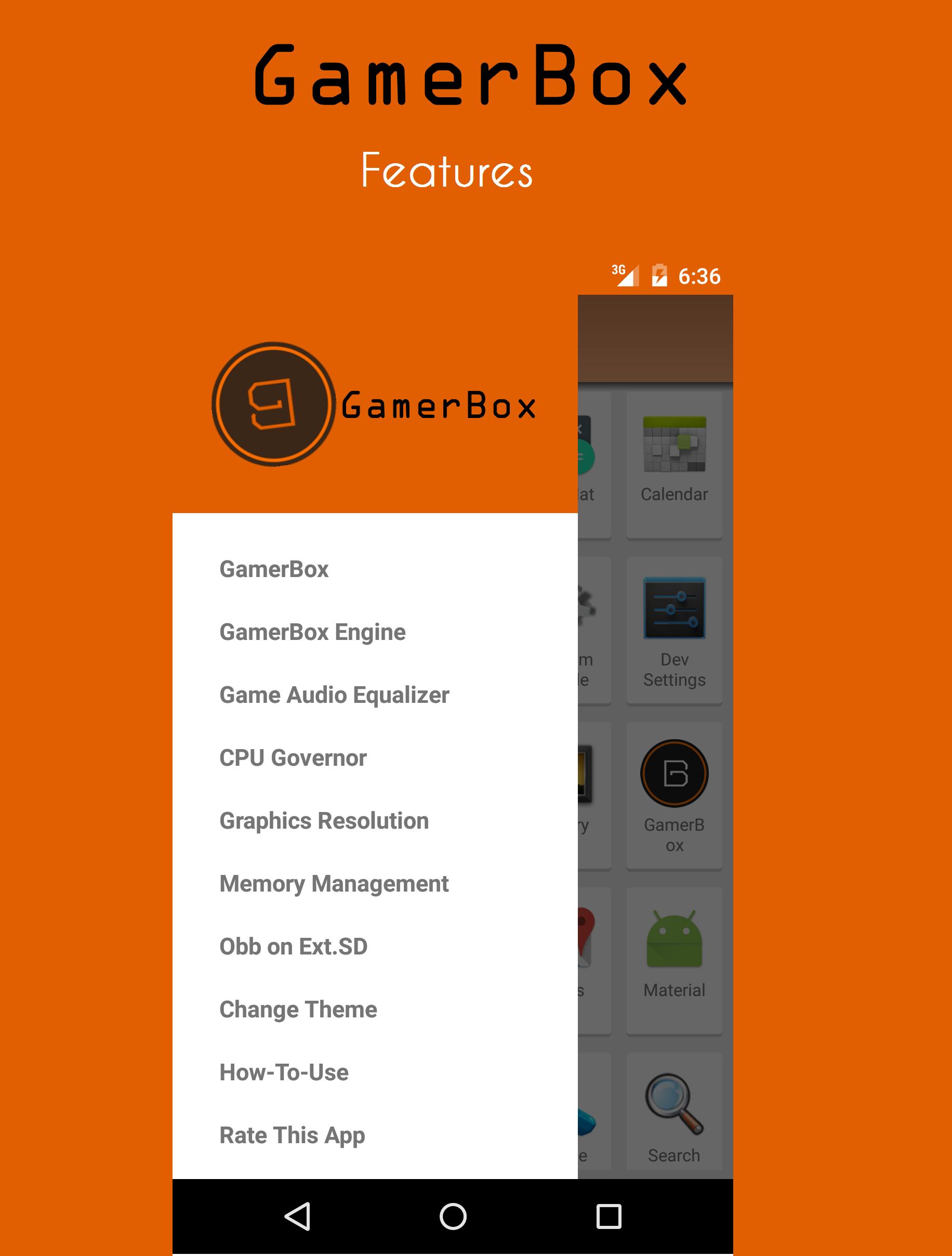
Gamer Box - Game Booster uses an engine with three profiles designed for different play needs. Turn the engine on before starting your game. When it starts, System UI may briefly restart and freeze for a moment, which is expected. To stop the engine and regain navigation controls, tap the notification after you finish playing.
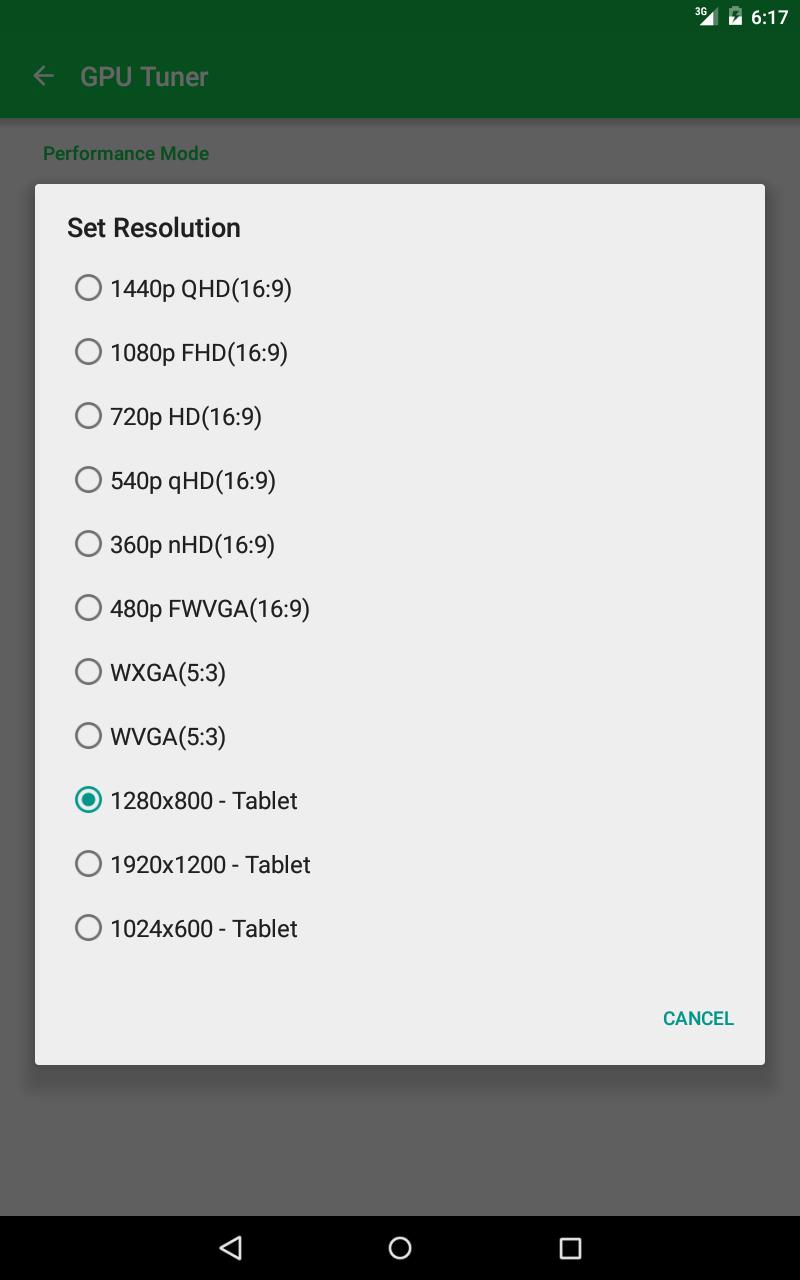
Custom graphics resolutions
Set a resolution that fits your device and display. The app includes the following options:
You can test which resolutions work on your device.
CPU and memory tuning
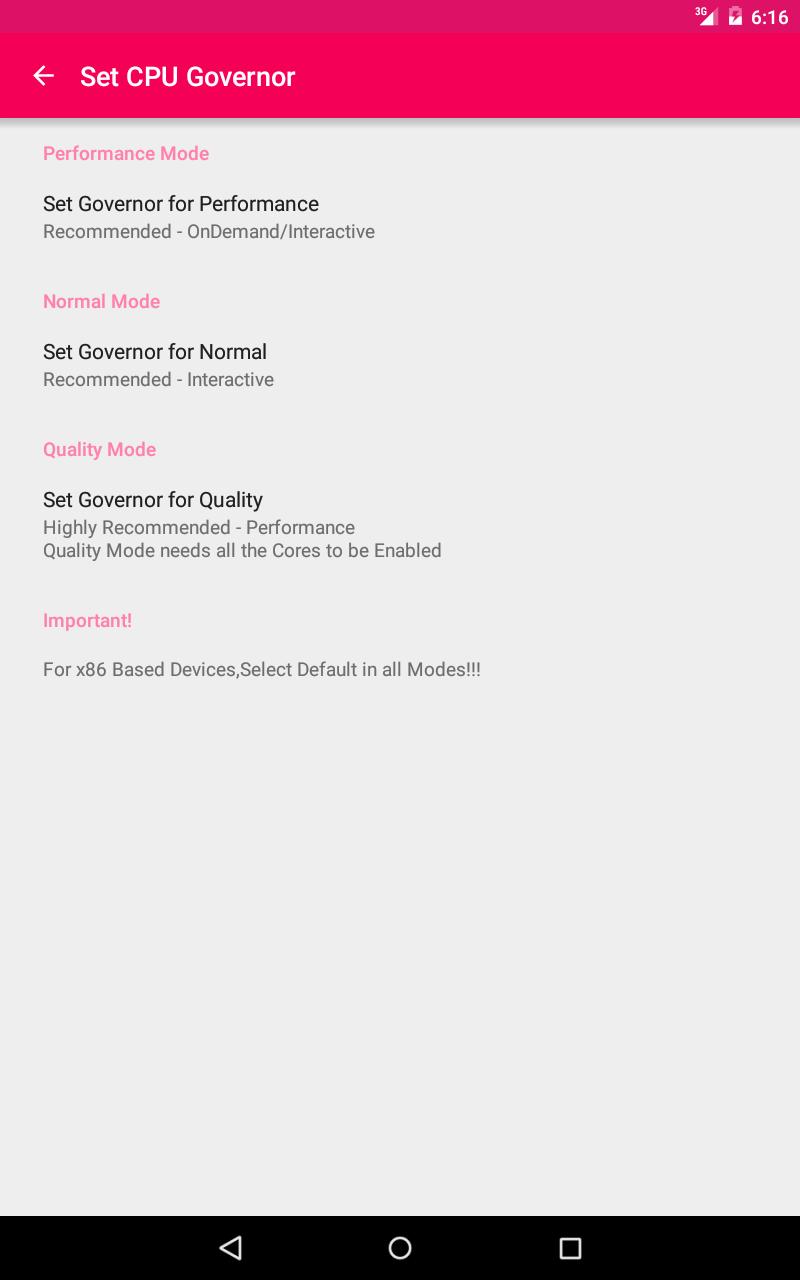
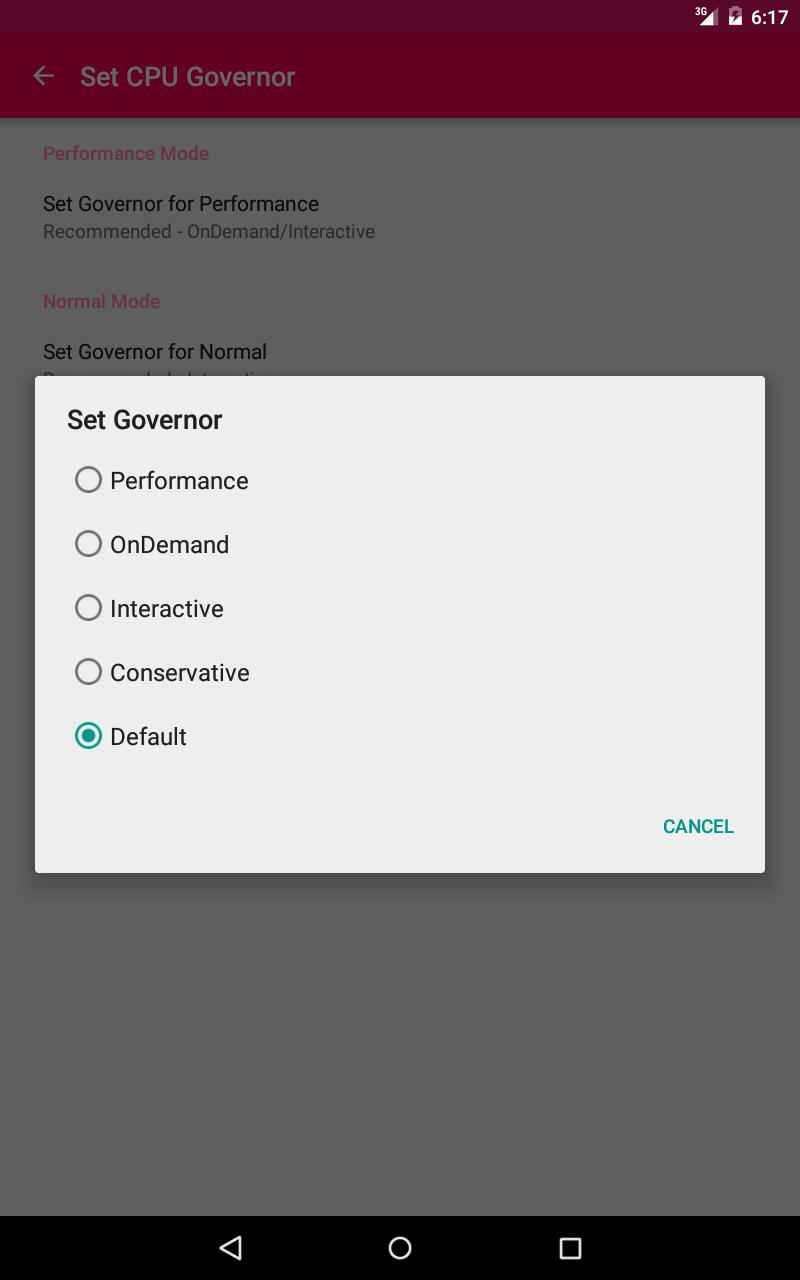
Choose a CPU governor for your session, including Performance, OnDemand, Interactive, and Conservative. On x86 devices, use the default option. Memory tools include optional swap in the cache partition, ZRAM compression for devices with less than 1 GB of RAM, and min free levels from Very Light to Very Aggressive. If your device has more than 1 GB of RAM, use the game audio equalizer. Before you download Gamer Box - Game Booster, confirm root access and an active internet connection, as the app shows ads.
This app offers practical controls for performance and visuals on rooted devices. Review the prompts, pick a profile, then launch your game. For updates and stability improvements, install the Gamer Box - Game Booster latest version and check device compatibility before changing settings.
Latest Version
1.1Uploaded by
محمد علي
Requires Android
Android 4.1+
Category
Free Tools AppReport
Flag as inappropriateLast updated on Jul 13, 2015
1.Game Audio Equalizer For Customizing in-Game Audio
2.Powerful Memory Boosting Algorithm
3.Memory Deep Cleaning
4.Auto Memory Defrag When switching the Engine on
5.Fixed Some UI Glitches
6.Added Pro-Theme Option for Free Version
7.Added Pro-Xposed Module for Free Version
8.Reduced App-Memory Usage





APKPure - A multi-platform app store primarily focused on Android, providing extensive app-related content. Discover the app you want easier, faster, and safer, with quick and efficient downloads and installations.