If you're wondering search how to edit your file at android,you can try this software,File Explorer Tool.
It can read the root directory and run/install the apk that you download directly.
**It's very easy to operate!
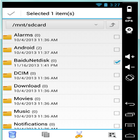
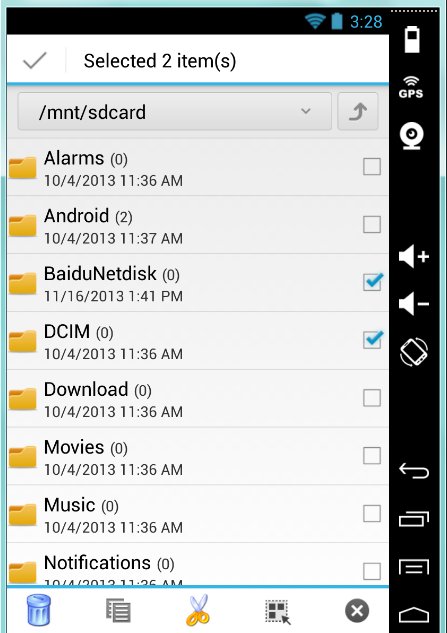
Step1: Check or unchecked the file or directory. It will show the toolbar-"delete,cut,copy,select"...ect. Do it what you want to do.
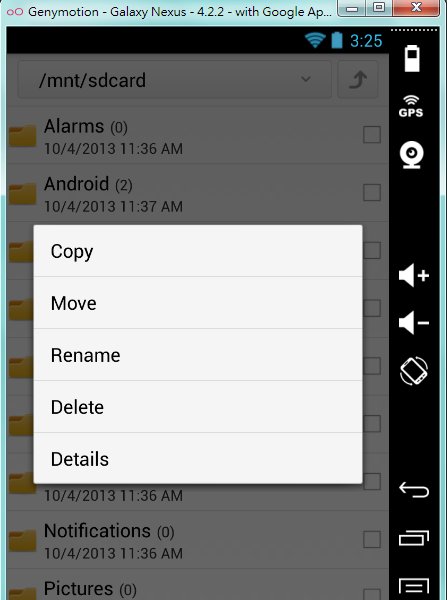
Step2: Touch the file or directory for a moment.It will show the toolbar-"rename,cut,delete,copy,detail". Do it what you want to do.
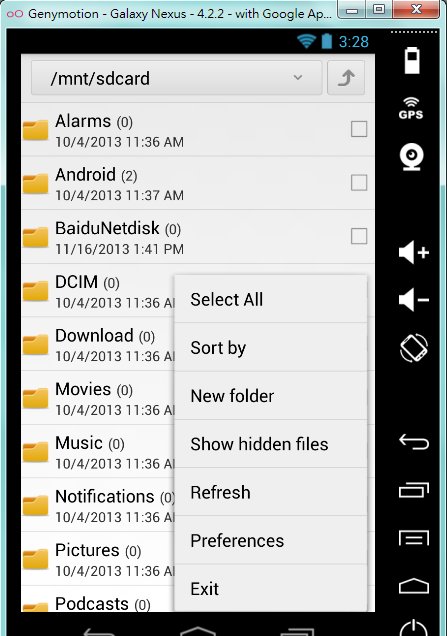
Step3: Clicking the 『Menu key』.It will show the toolbar-"Sort,Create New Fold,refresh,preferences".Do it what you want to do.
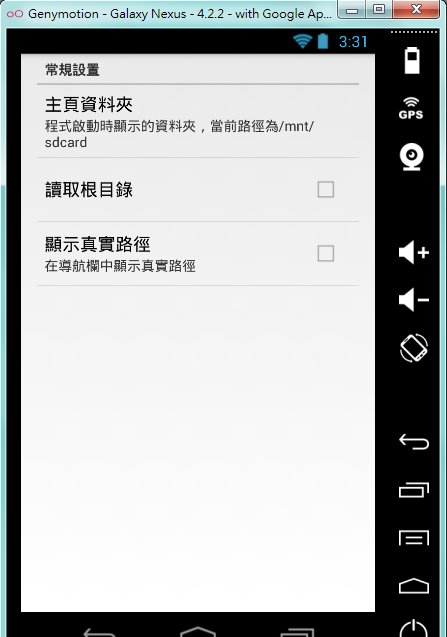
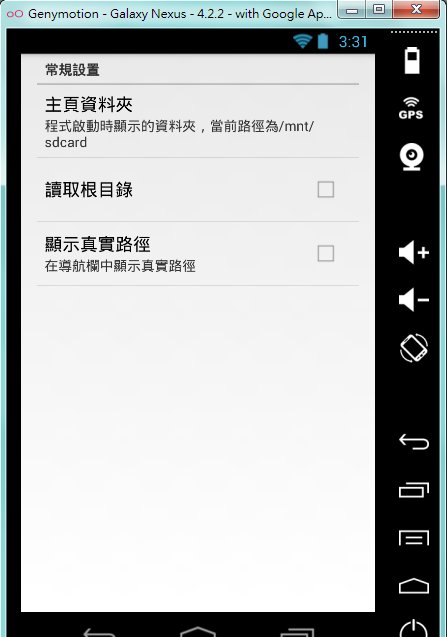
If you want to read the root directory,You can choose toolbar "the preferences".And check the "Read Root".
If you want to exit the program,firstly,you must go the to main sd directory by clicking the 『Return key』of your mobile device.
And press the 『Return key』 again.Then you'll exit the program.
Latest Version
0.1Uploaded by
เบิร์ด ไงจะใครละ
Requires Android
Android 4.0+
Category
Free Tools AppContent Rating
Everyone
Report
Flag as inappropriateLast updated on Dec 14, 2015
This release includes minor bug fixes and general improvements. Update to the latest version for the best experience.





APKPure - A multi-platform app store primarily focused on Android, providing extensive app-related content. Discover the app you want easier, faster, and safer, with quick and efficient downloads and installations.