If you're wondering search how to edit your file at android,you can try this software,File Explorer Tool.
It can read the root directory and run/install the apk that you download directly.
**It's very easy to operate!
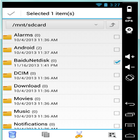
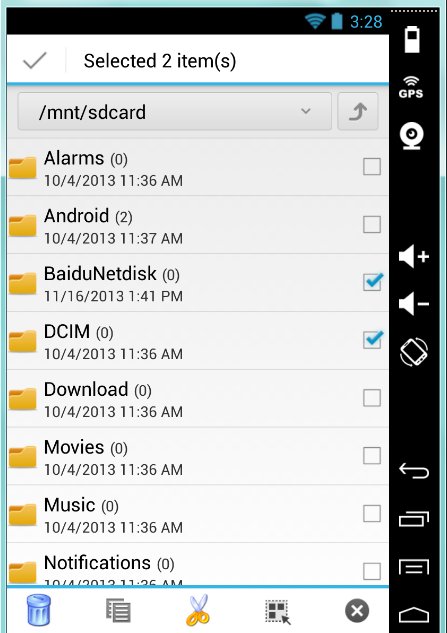
Step1: Check or unchecked the file or directory. It will show the toolbar-"delete,cut,copy,select"...ect. Do it what you want to do.
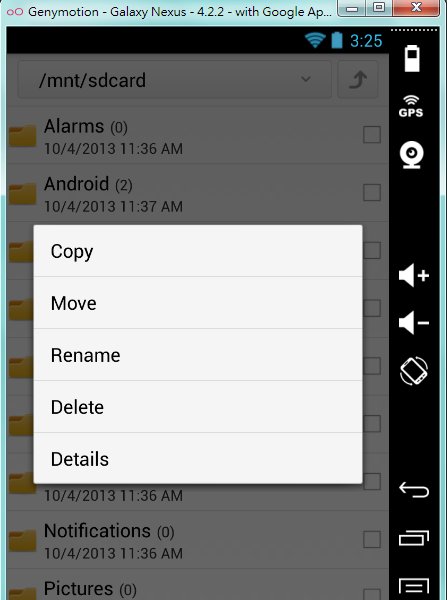
Step2: Touch the file or directory for a moment.It will show the toolbar-"rename,cut,delete,copy,detail". Do it what you want to do.
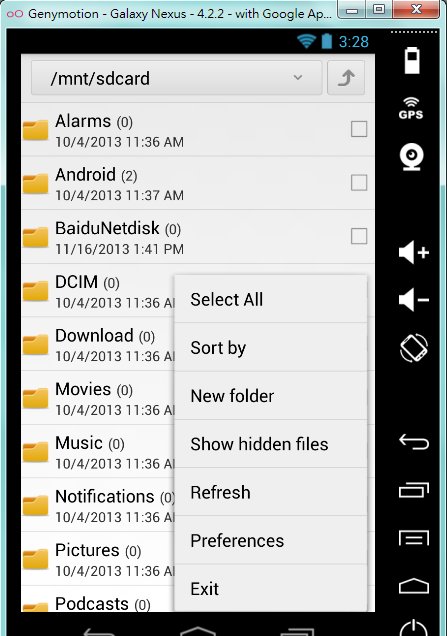
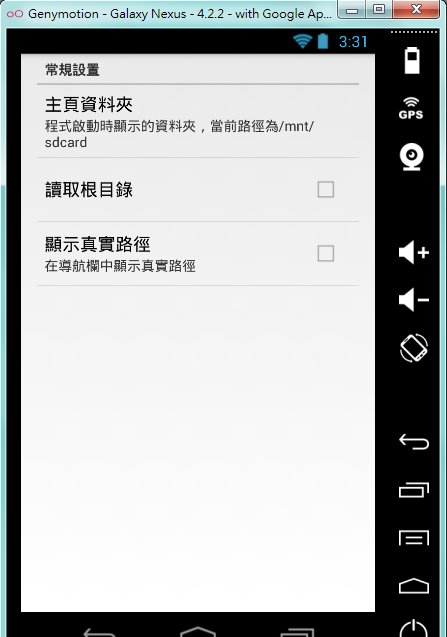
Step3: Clicking the 『Menu key』.It will show the toolbar-"Sort,Create New Fold,refresh,preferences".Do it what you want to do.
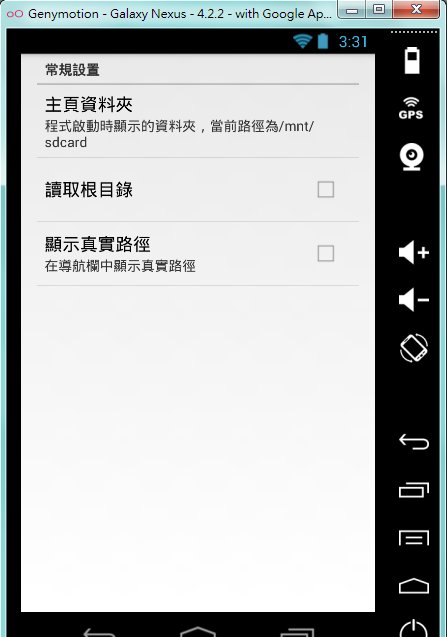
If you want to read the root directory,You can choose toolbar "the preferences".And check the "Read Root".
If you want to exit the program,firstly,you must go the to main sd directory by clicking the 『Return key』of your mobile device.
And press the 『Return key』 again.Then you'll exit the program.
Последняя версия
0.1Загрузил
เบิร์ด ไงจะใครละ
Требуемая версия Android
Android 4.0+
Категория
Бесплатно Инструменты ПриложениеВозрастные ограничения
Everyone
Жаловаться
Сообщить о неприемлемом содержанииLast updated on 14/12/2015
В этой версии исправлены мелкие ошибки и внесены общие улучшения. Обновите приложение до последней версии для максимального удобства.




APKPure - Мультиплатформенный магазин приложений, в основном ориентированный на Android, предоставляющий обширный контент, связанный с приложениями. Находите нужные приложения проще, быстрее и безопаснее, с быстрой и эффективной загрузкой и установкой.