


Package Name:nullbyte.emlviewer
SHA-256:cf3fbca57cedac01aa59fa79dcc92e022da4aad1884d39a56d2af50770914948
Show More

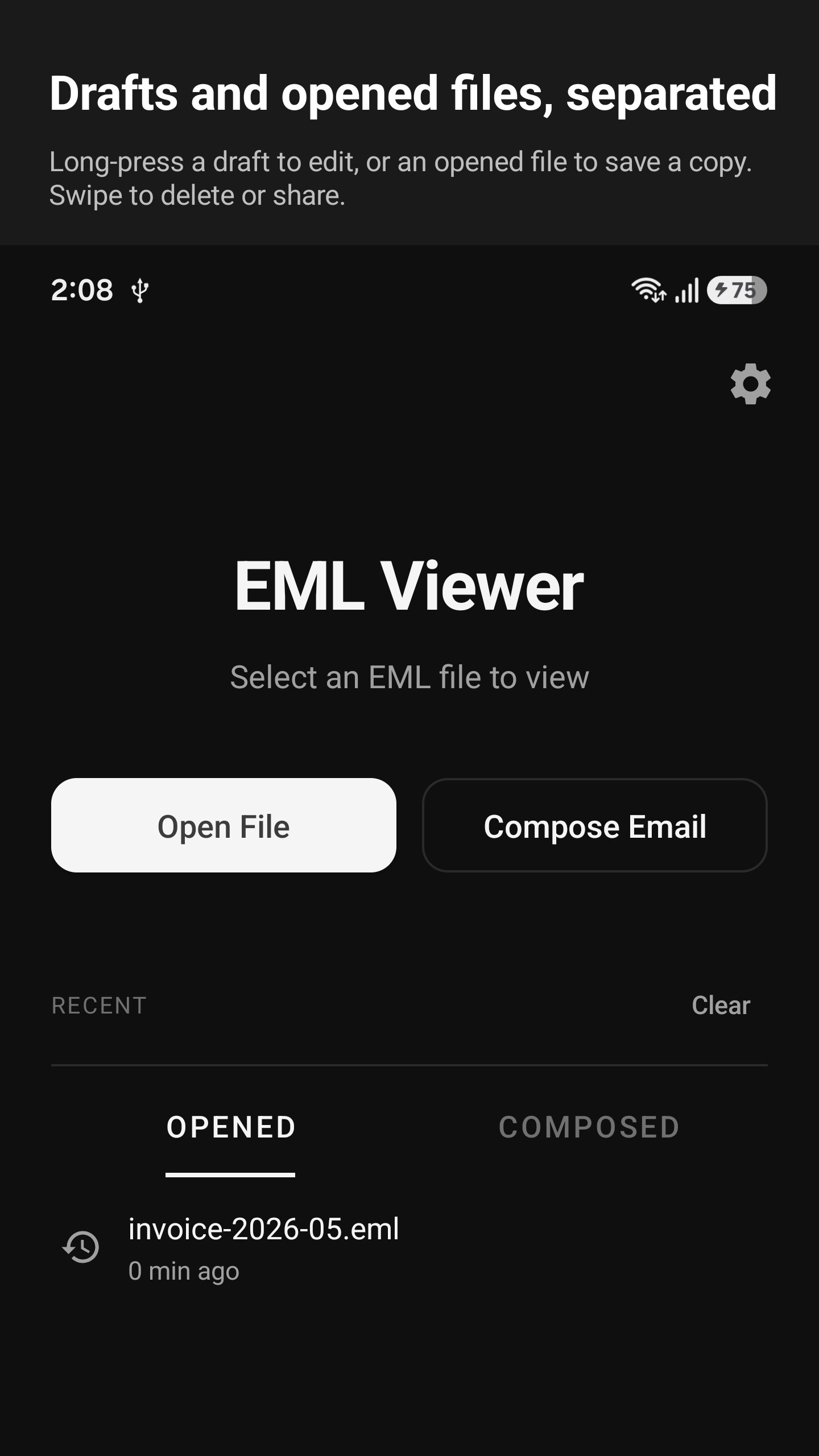
EML Viewer opens email files that are stored on your phone. It supports
three formats: .eml (standard email), .msg (Outlook), and winmail.dat
(Outlook attachment). You can open a file from the file picker, from
Downloads, from a cloud drive, or by tapping it in any other app.
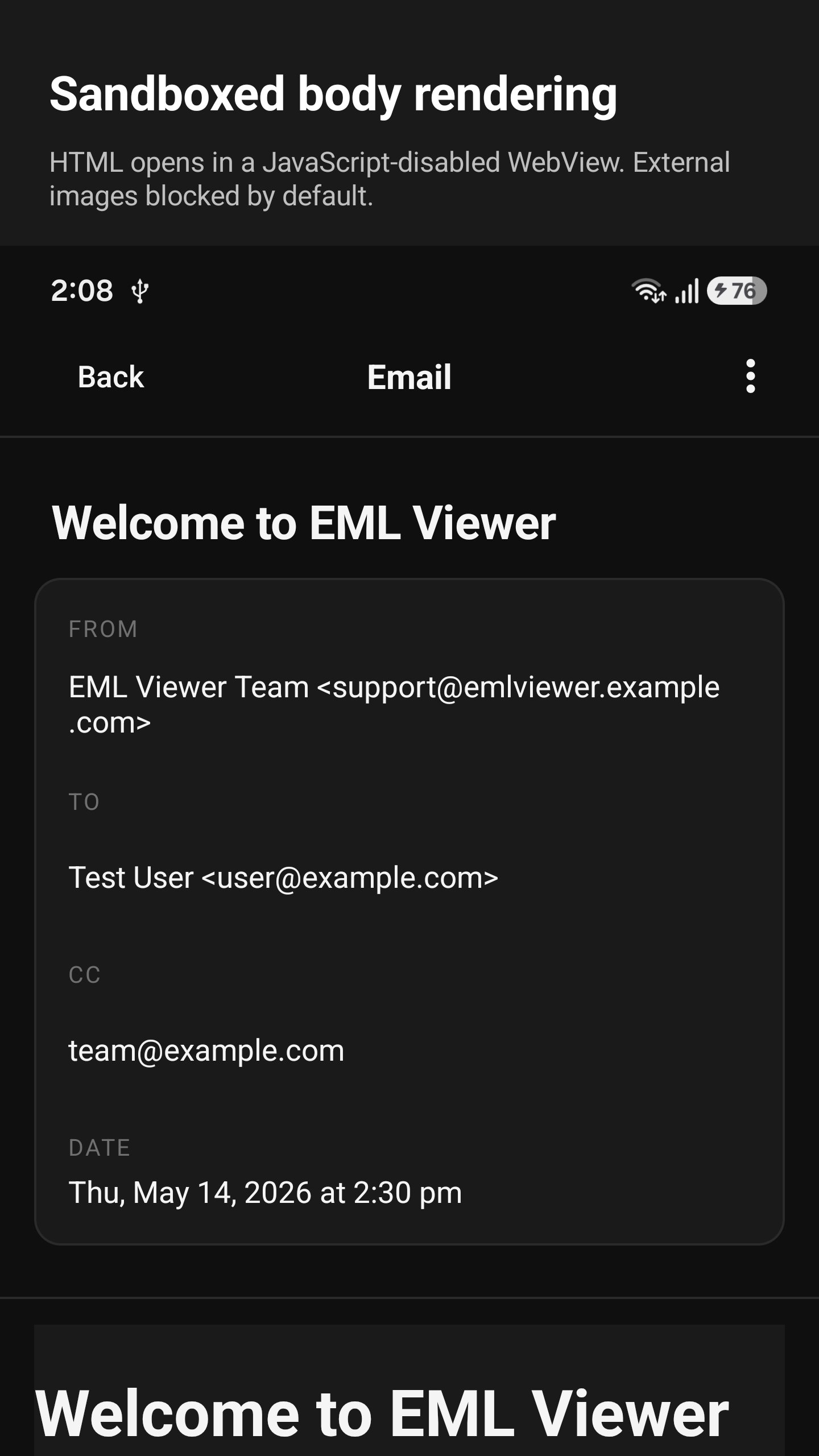
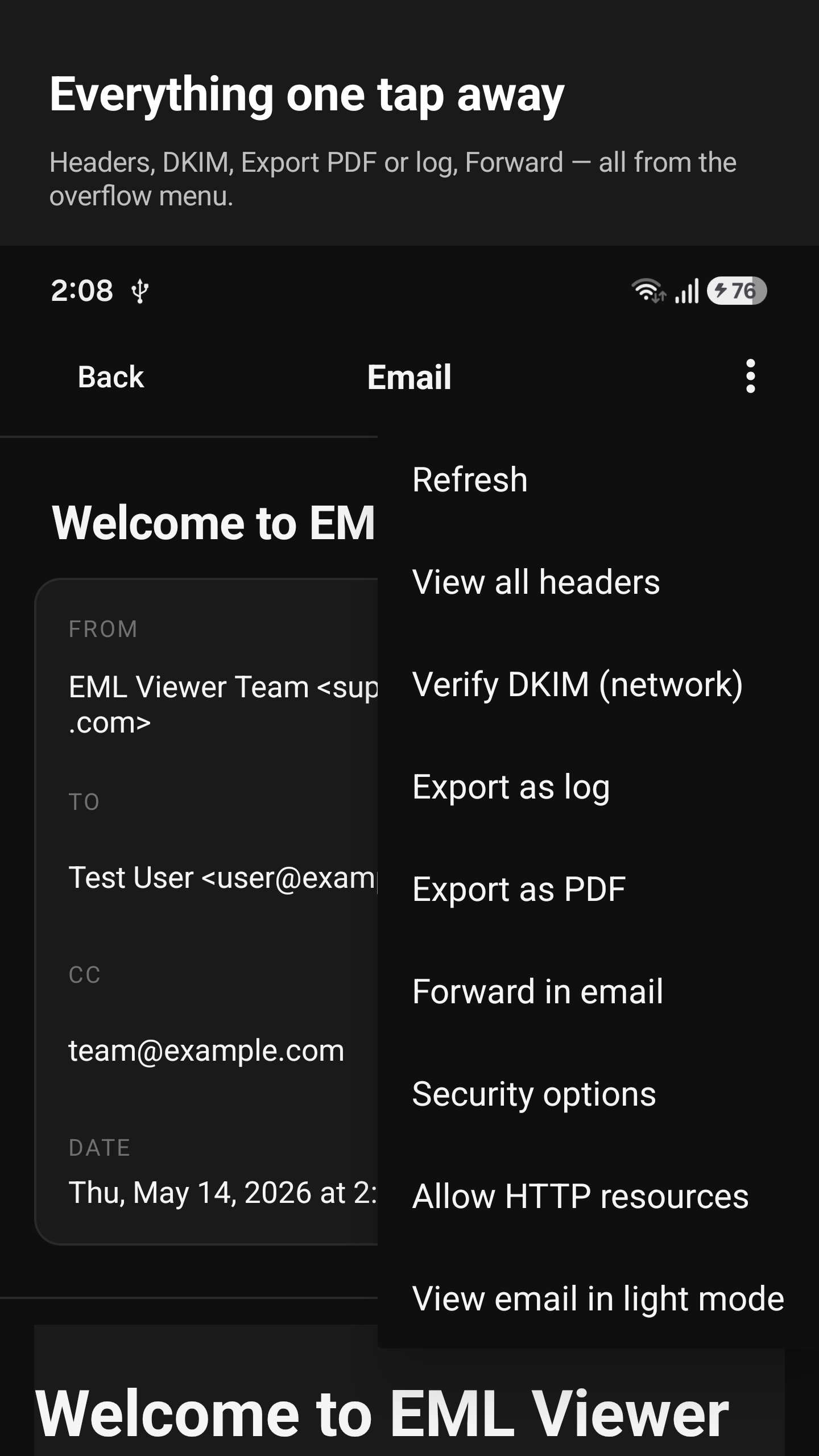
Each email is shown the way it was sent. You can read the body, view
the original headers, see the attachments, and save them to your
device.
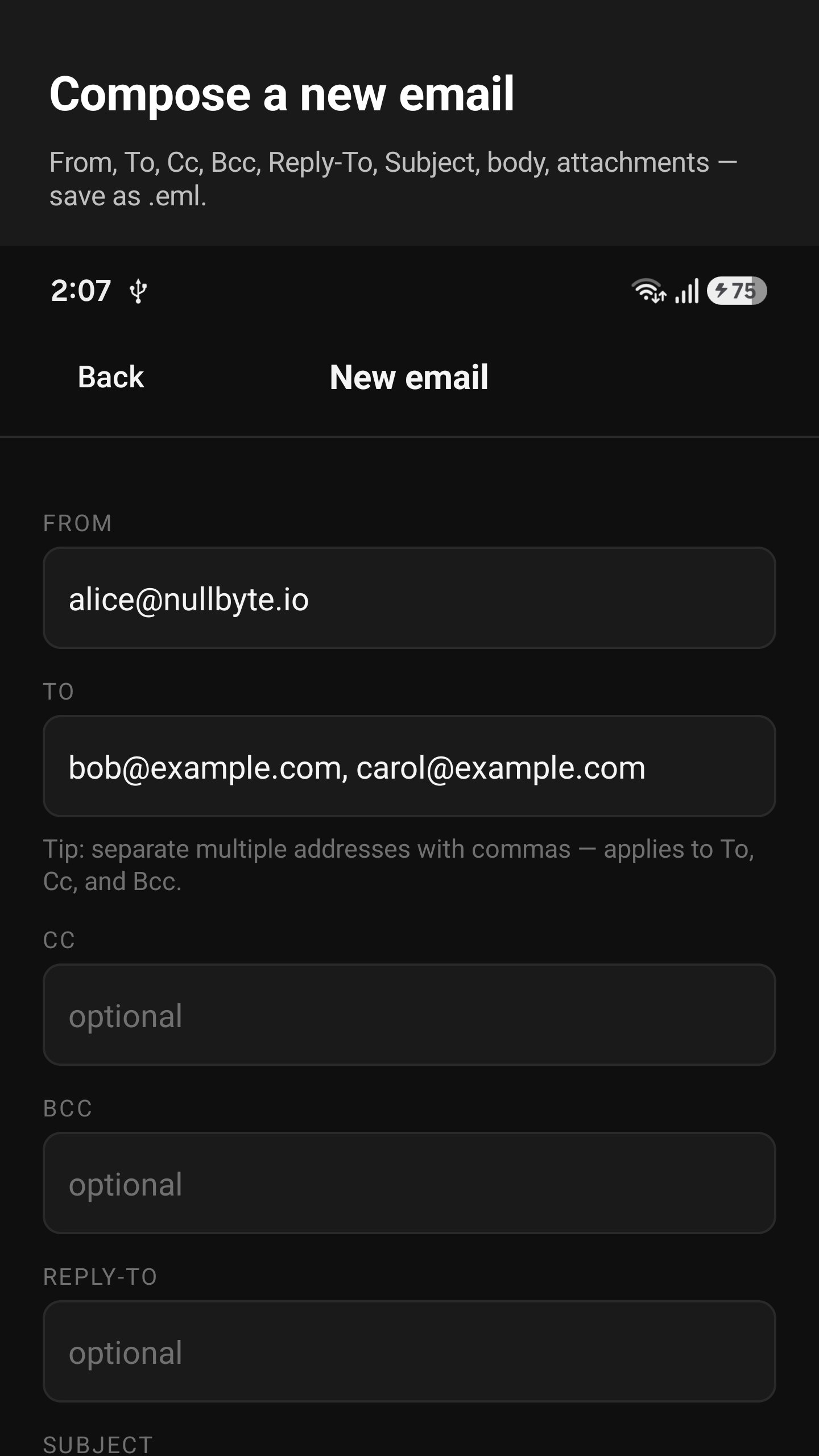
You can also compose a new email — write a subject, recipients, body,
and attachments — and save it as a .eml file. Forward the file in any
mail app to send it.
Latest Version
1.0.0Uploaded by
Harmiz Aboody
Requires Android
Android 8.0+
Category
Free Tools AppContent Rating
Everyone
Security Report
Check Now
Report
Flag as inappropriateLast updated on Jul 6, 2026
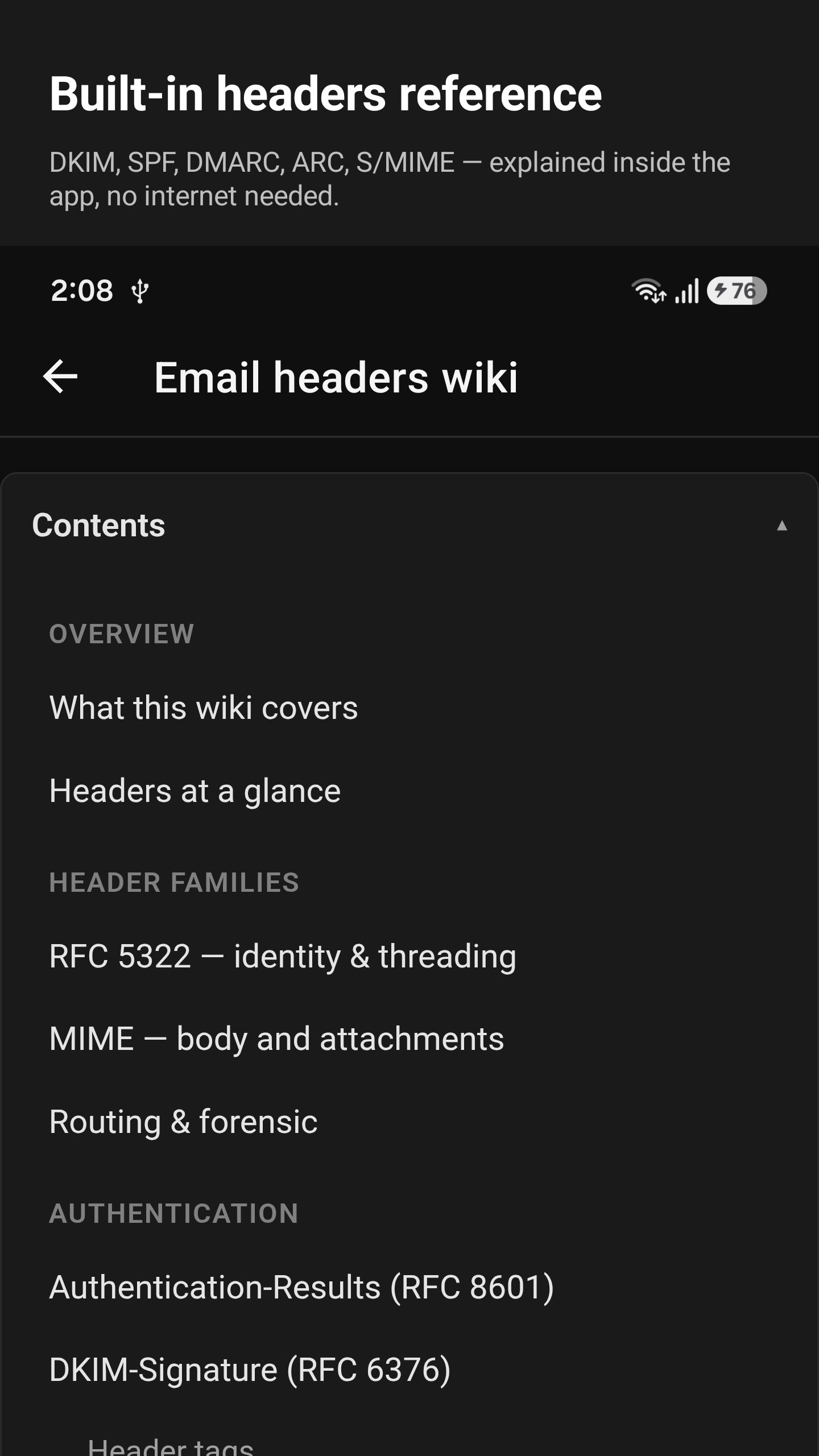
Open and read saved email files right on your phone, including .eml and Outlook files. View attachments, save emails as PDFs, write and forward messages, check email details and headers, and quickly reopen recent files.


APKPure - A multi-platform app store primarily focused on Android, providing extensive app-related content. Discover the app you want easier, faster, and safer, with quick and efficient downloads and installations.
















