Our website uses necessary cookies to enable basic functions and optional cookies to help us to enhance your user experience. Learn more about our cookie policy by clicking "Learn More".
Accept All Only Necessary Cookies
EML Viewer 圖標

EML Viewer


V1dhun
1.0.0
  • 2026年07月06日
    Update date
  • Security
  • Everyone
  • Android 8.0+
    Android OS

關於EML Viewer

開啟 .eml 檔案。編寫 .eml 檔案。查看最近使用記錄。

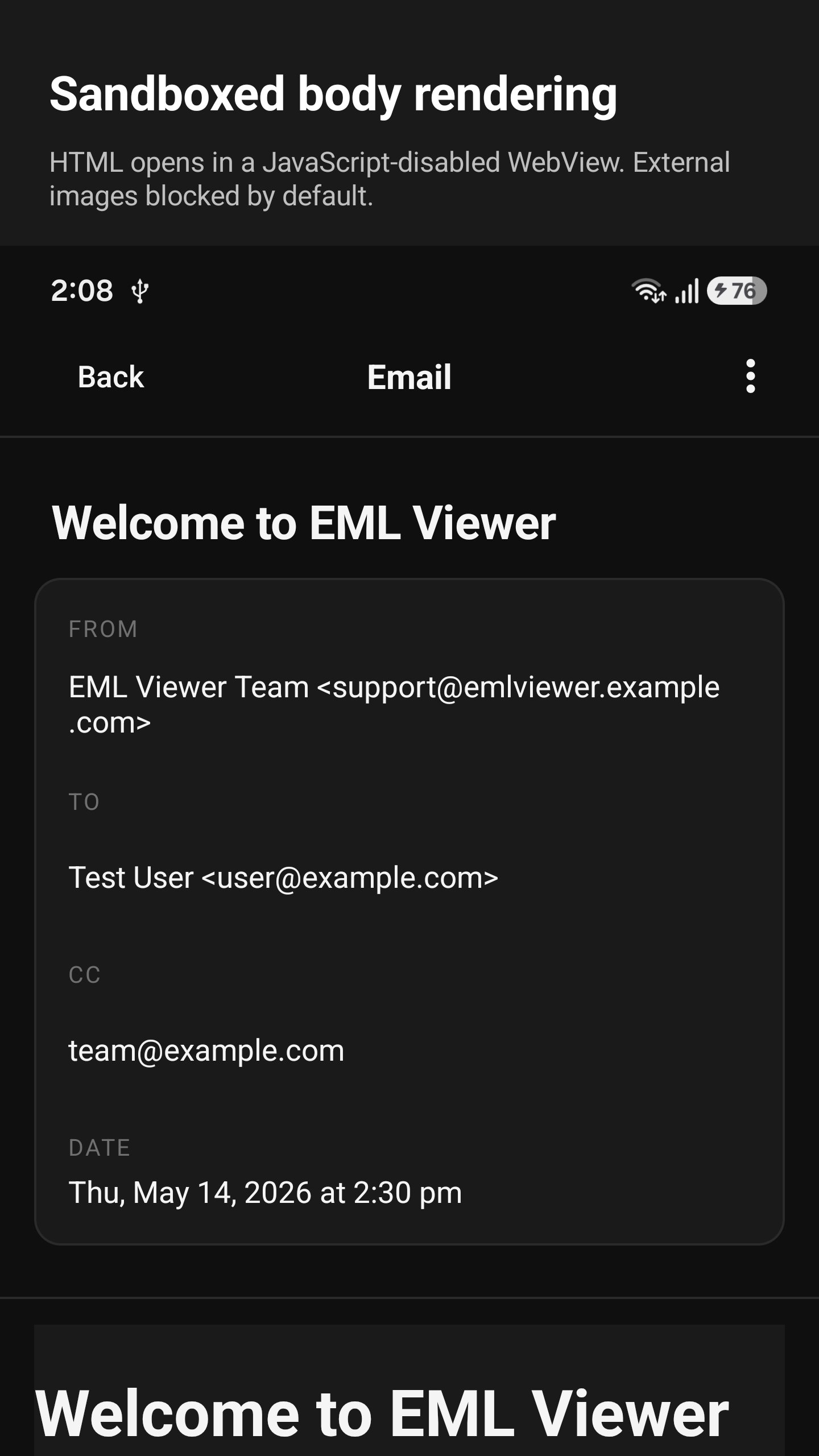
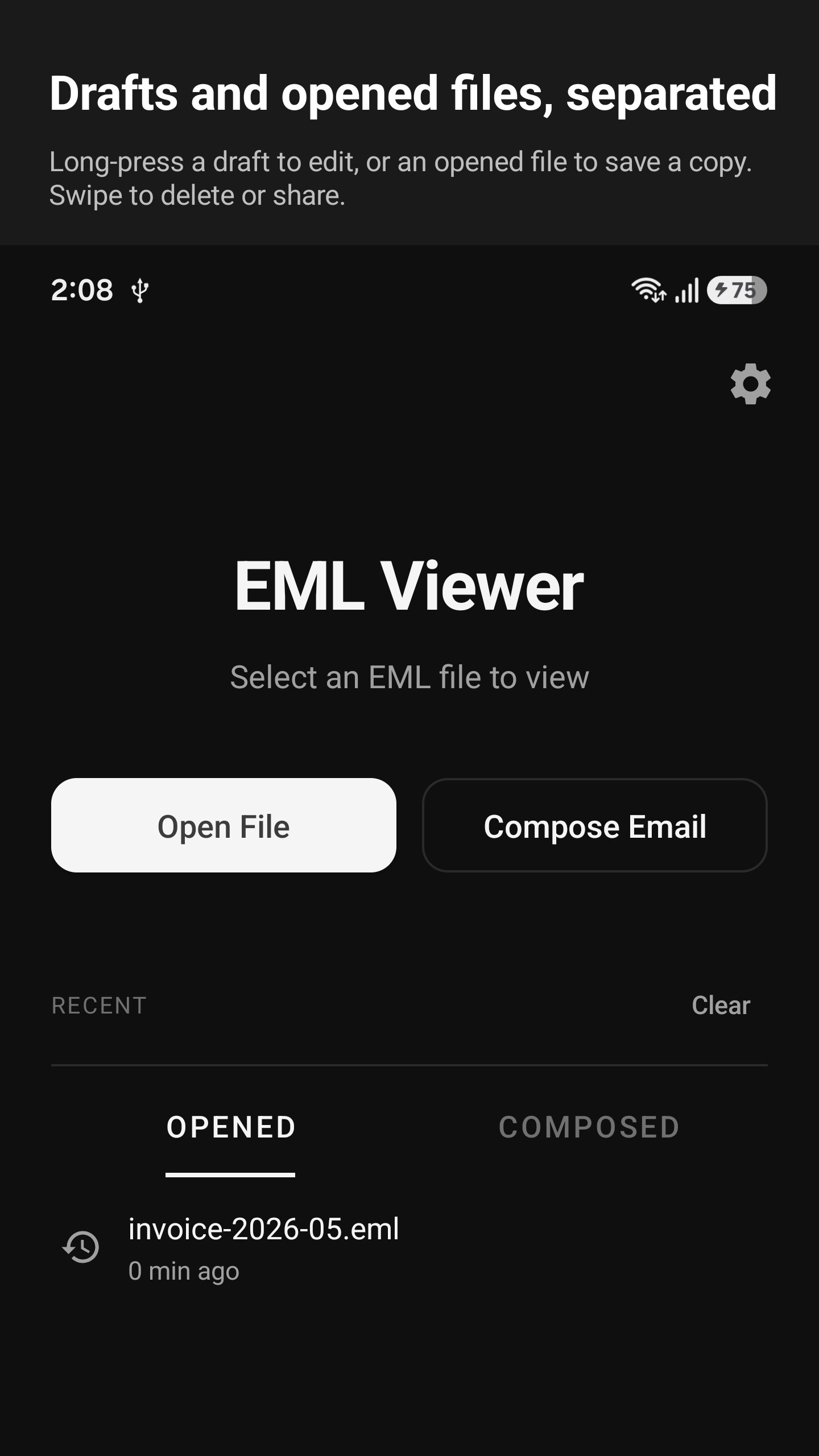
EML Viewer 可以開啟儲存在手機上的電子郵件檔案。它支援三種格式:.eml(標準電子郵件)、.msg(Outlook)和 winmail.dat(Outlook 附件)。

您可以從檔案選擇器、下載、雲端磁碟或任何其他應用程式點擊開啟檔案。

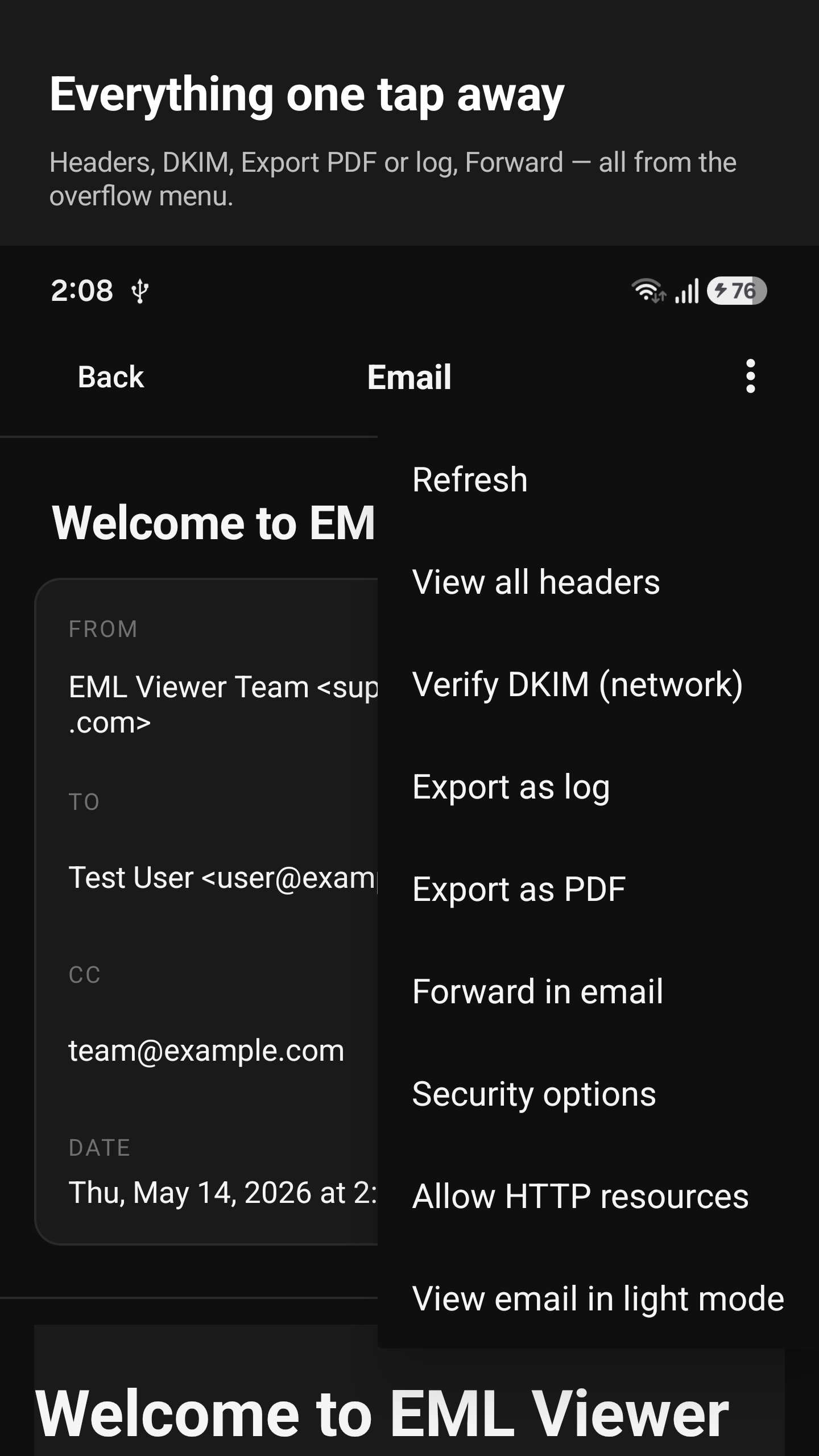
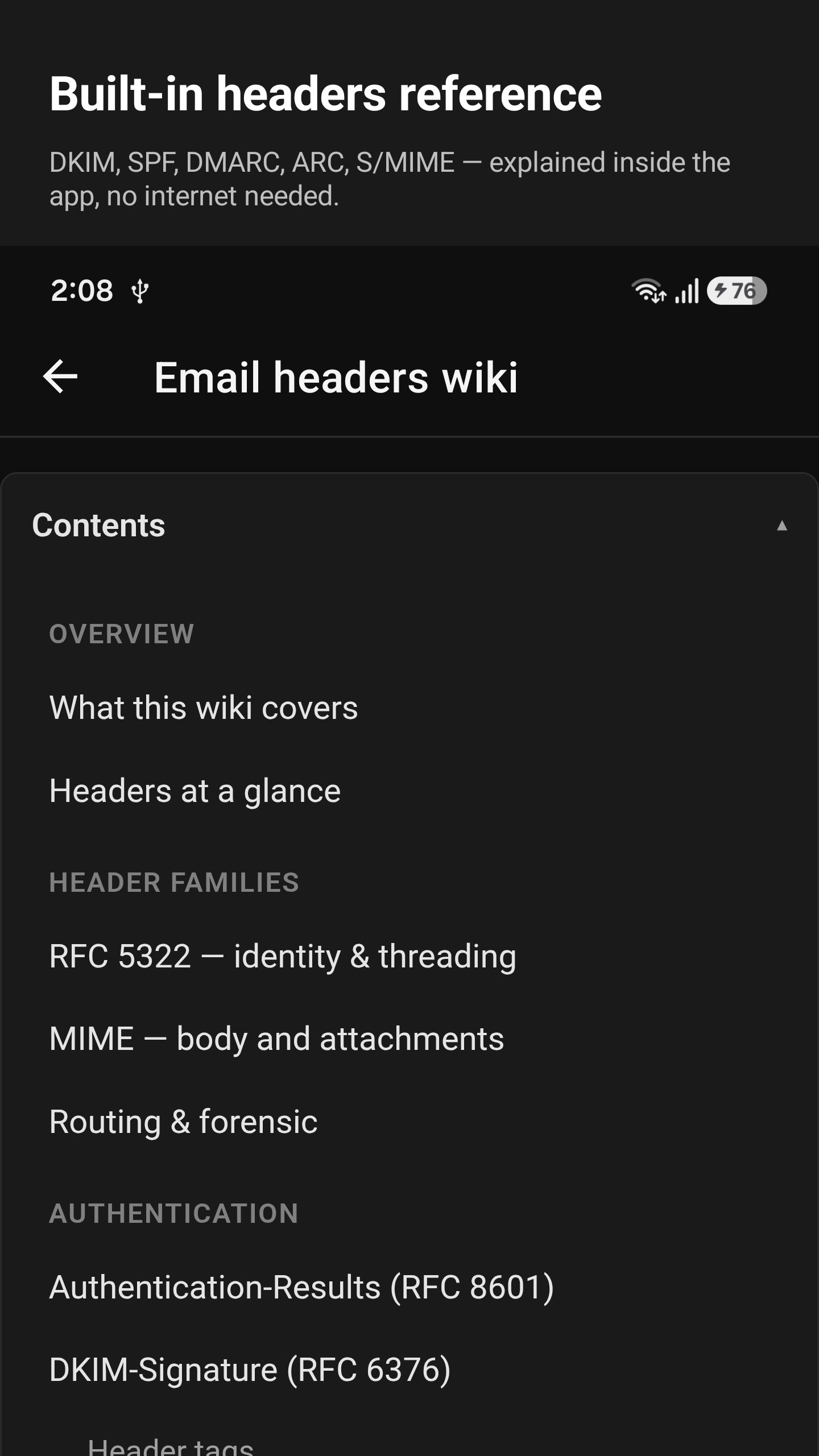
每封電子郵件都以發送時的形式顯示。您可以閱讀郵件正文、查看原始郵件頭、查看附件,並將其儲存到您的裝置。

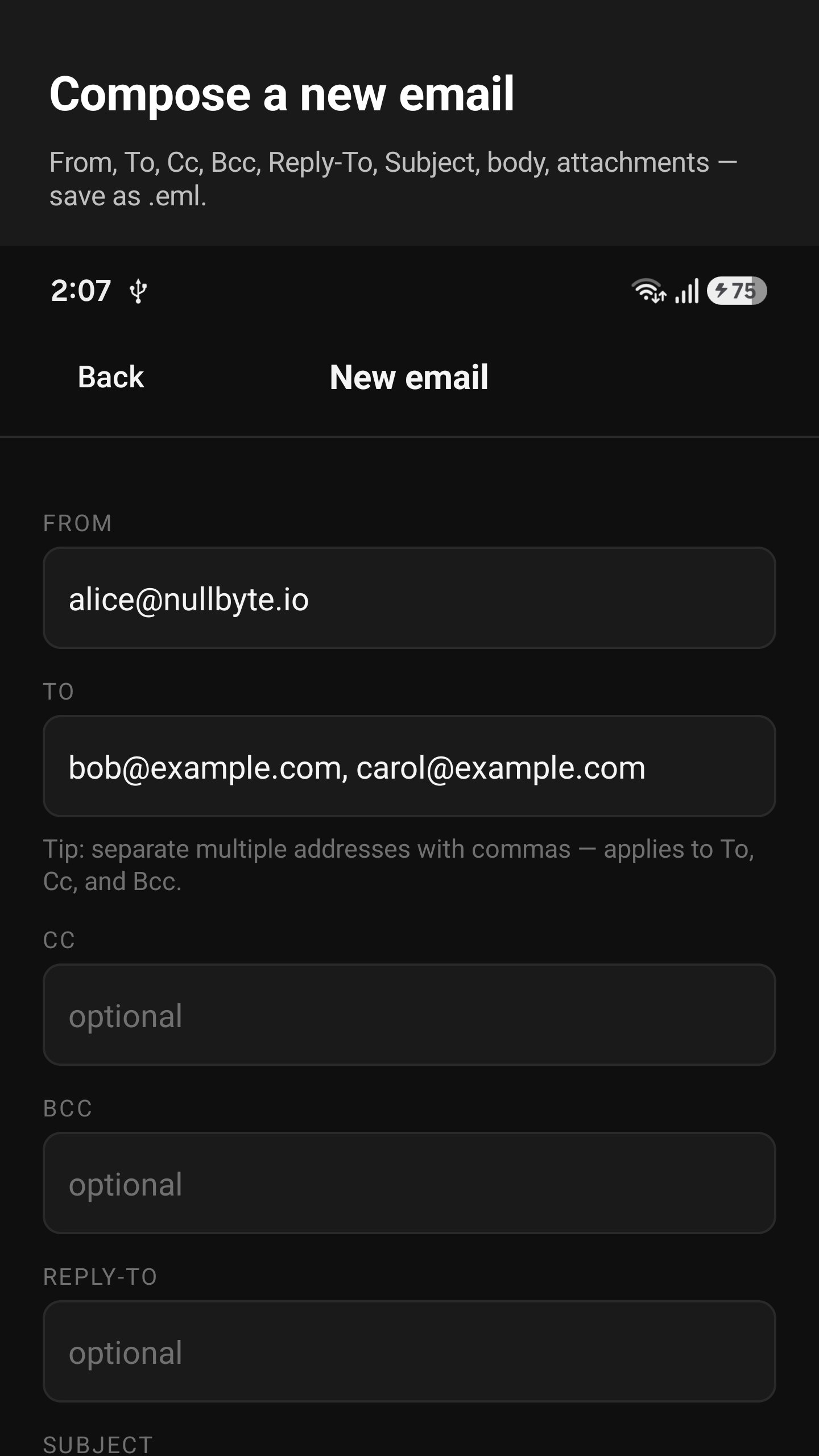
您還可以撰寫新郵件——輸入主題、收件人、正文和附件——並將其儲存為 .eml 檔案。然後,在任何郵件應用程式中轉發該文件即可發送。

更多

更多應用信息

最新版本

1.0.0

上傳者

Harmiz Aboody

系統要求

Android 8.0+

需要授權

內容分級

Everyone

安全報告

最新版本1.0.0更新日誌

Last updated on 2026年07月06日

Open and read saved email files right on your phone, including .eml and Outlook files. View attachments, save emails as PDFs, write and forward messages, check email details and headers, and quickly reopen recent files.

更多
安全檢查已完成
没有病毒
没有间谍软件
没有恶意软件
没有病毒
没有间谍软件
没有恶意软件
套件名稱:nullbyte.emlviewer
SHA-256:cf3fbca57cedac01aa59fa79dcc92e022da4aad1884d39a56d2af50770914948
SHA-1:eba1192b206a5d4a7498c18a16d34ca1770842ed
更多
驗證者: APKPURE

EML Viewer 螢幕截圖

EML Viewer 海報EML Viewer 截圖 1EML Viewer 截圖 2EML Viewer 截圖 3EML Viewer 截圖 4EML Viewer 截圖 5EML Viewer 截圖 6EML Viewer 截圖 7

相關標籤

24 小時熱門文章

訂閱APKPure
第一時間獲取熱門安卓遊戲應用的首發體驗,最新資訊和玩法教程。
不,謝謝
訂閱
訂閱成功!
您已訂閱APKPure。