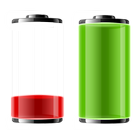
IMPORTANT! With this version we have switched the default order of the icons in the widget (you can change it back in the widget settings). The dock battery will now be the on the left, and the main battery on the right side, to reflect the changes in the new Asus updates!
IMPORTANT! It is possible that the widget will not immediately appear in the widget list after installation. To refresh the widget list, you should either restart your device (long press the power button and shut down, the start again), or restart the launcher app (Settings -> Applications -> Manage applications -> All -> Launcher -> Force stop).
Do this after installing the widget, then go to your home screen, tap the "+" in the top right corner of your screen, go to the widgets tab, and scroll to the right. You will find the widget there.
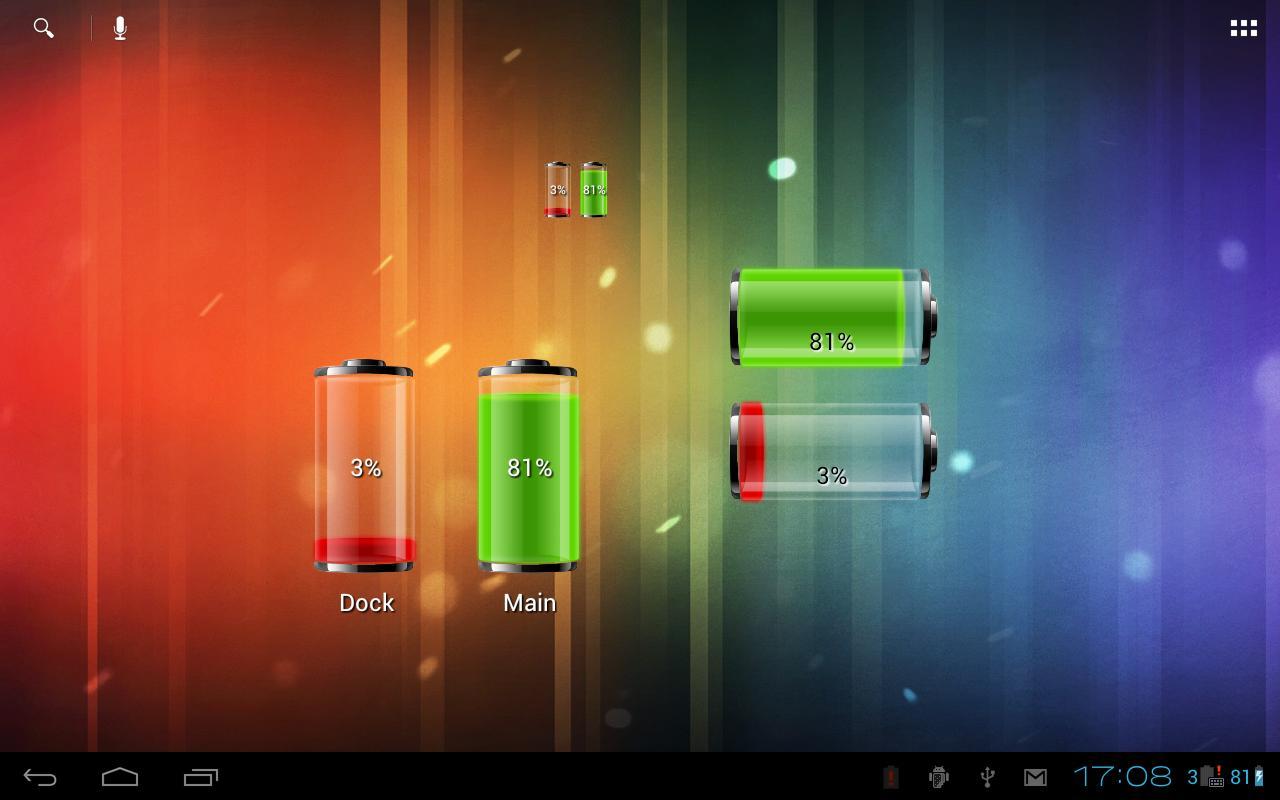
This is a Battery Widget that displays the status for the internal battery, and the secondary battery in your dock station. It is mostly intended for the Asus Eee Pad Transformer tablet (which is the only device that currently reports the dock battery life). All other devices will only show the main battery icon.
The widget is resizable, and can be as little as 1 cell on your screen, or fill your whole home screen! Advanced options allow you to change the size and the position of the status text, and hide the second battery gauge when it is disconnected.
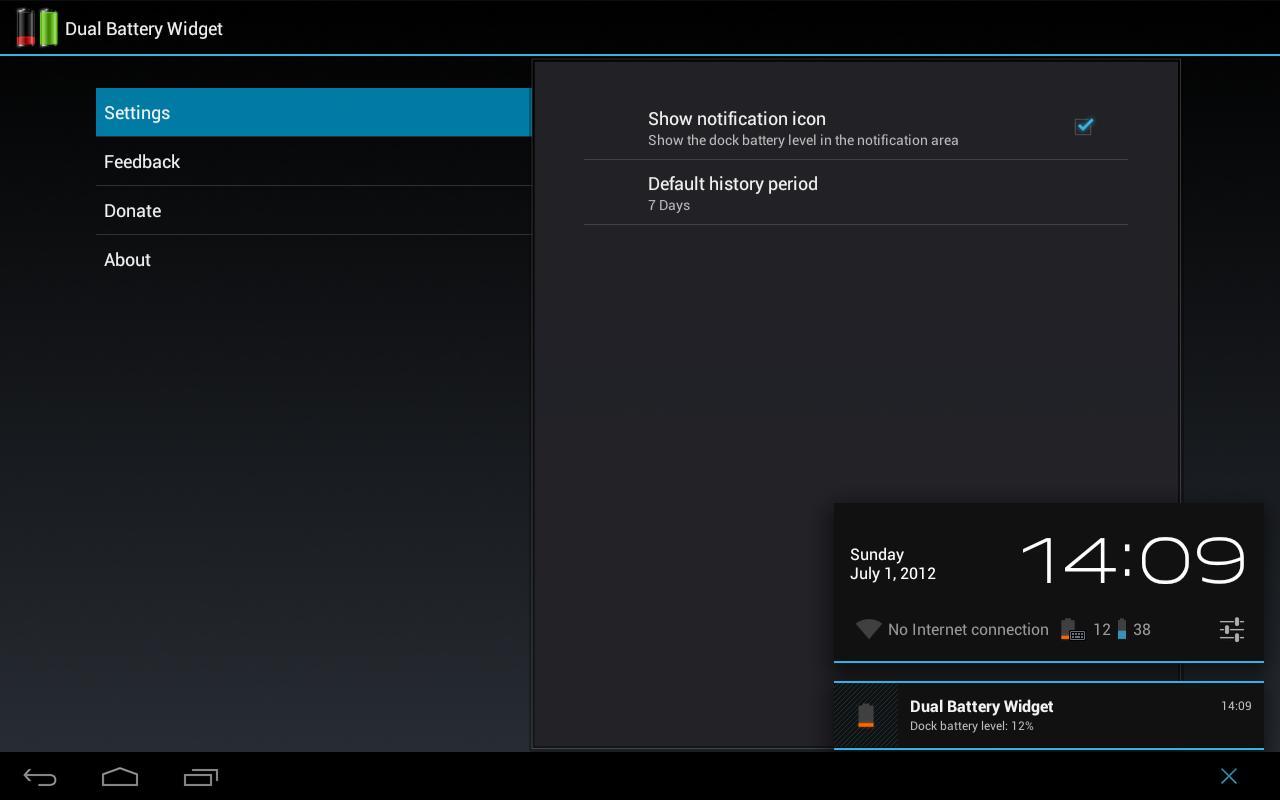
It will also store the battery history and display the stored values in a chart for later review.
Any feedback is welcomed!
If you have a device that has access to a secondary battery, but this widget does not identify it, drop me an e-mail with the device model, so that I can add support for it.
Tags: EeePad, Asus Eee Pad Transformer, Honeycomb, Dock Battery, Battery Widget, Second Battery, Multiple Batteries
Latest Version
1.1.8Uploaded by
Albin Garcia
Requires Android
Android 1.6+
Category
Free Tools AppContent Rating
Everyone
Report
Flag as inappropriateLast updated on Jun 18, 2015
v1.1.8:
! bugfix: the widget chart updates weren't enabled until you added a widget sometimes
* change: limited the minimal feedback length
v1.1.7:
! bugfix: widget was not updating on some devices! Sorry :)
! bugfix: since 1.0 widget became smaller. Fixed!
! bugfix: at some point the widget was losing battery labels






APKPure - A multi-platform app store primarily focused on Android, providing extensive app-related content. Discover the app you want easier, faster, and safer, with quick and efficient downloads and installations.















