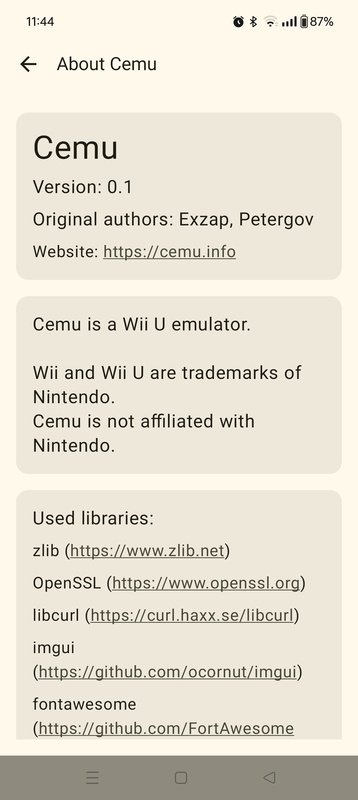
Cemu is a Wii U emulator that allows you to enjoy some of the most important releases for this Nintendo console on your Android device. The emulator, whose first version for Windows was available in 2015, has finally arrived on Android in 2025, offering virtually the same features and the same compatibility with the console catalog.
Set up Cemu on Android in secondsAnyone who has previously set up the Cemu emulator on Windows or Mac will have no problem doing so on Android, as the procedure is virtually identical. All you need to do is download the Keys file and save it in the emulator folder. When the app asks you to indicate the path to this file, simply do so, and that's it. Apart from this, you just need each ROM in its proper format on your device.
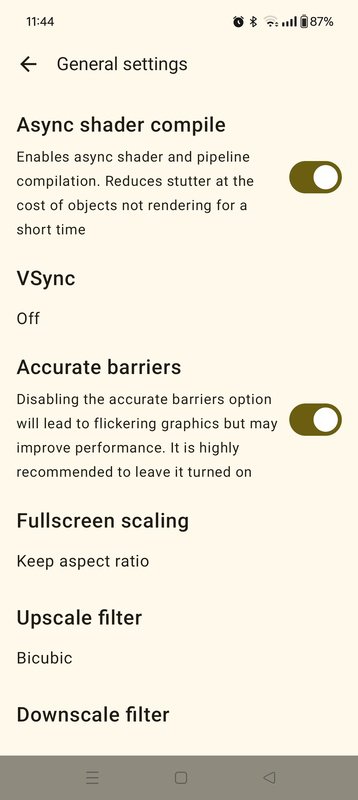
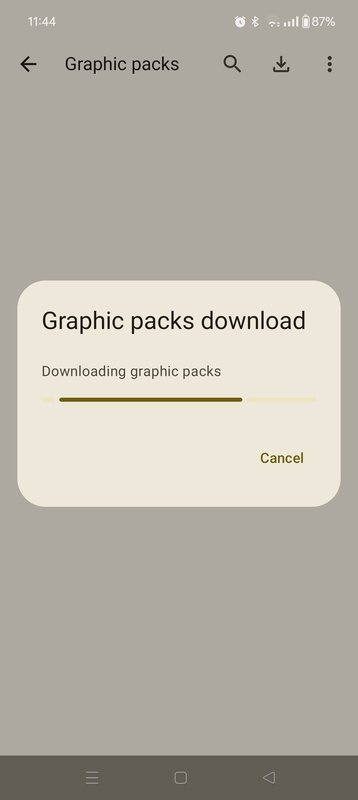
Games of the caliber of Super Mario 3D World, The Legend of Zelda: Breath of the Wild or Xenoblade Chronicles X run at full performance, with no glitches or noticeable FPS rate drops. Thanks to the different graphic packages you can download directly from the app, you can also use custom setups for each game. These custom settings will allow you to squeeze the most out of your Android's performance, even if it isn't a high-end device.
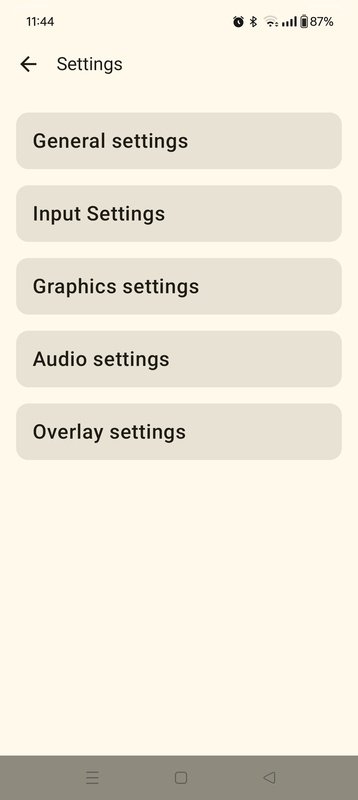
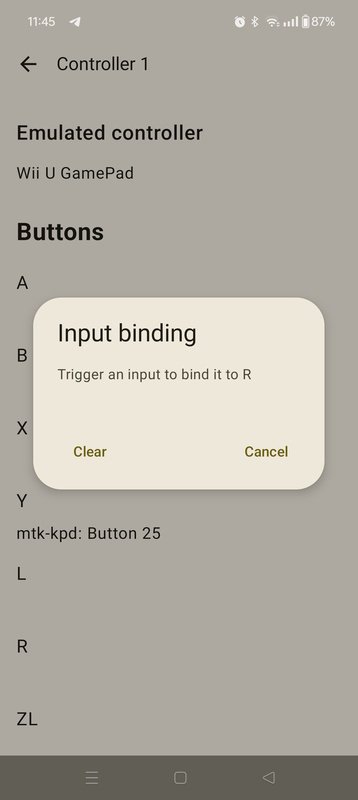
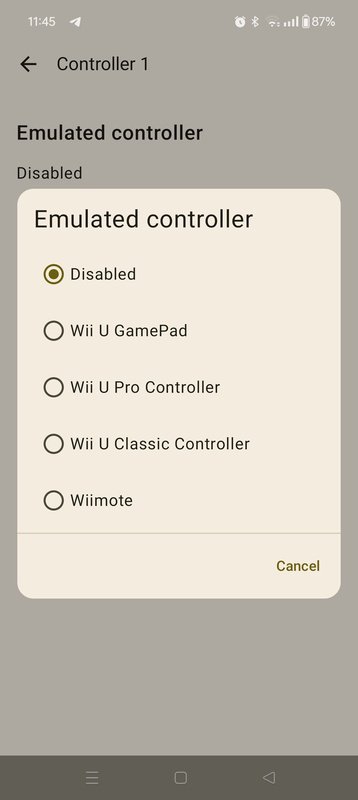
Configure the emulator controlsCemu will allow you to use both the standard controller and the Classic Controller (more similar to a traditional controller), which are the most commonly used controllers in the vast majority of video games on the console. Thanks to Android devices' own features, it is also easier to emulate touch on the screen or interactions with the microphone. As usual with most emulators, you can easily connect any controller via Bluetooth. This way, if you have an Xbox or PlayStation-style controller, you can use it to play games.
Play any Wii U video game on AndroidDownload the Cemu APK and enjoy an incredible emulator that will allow you to play some of the best Wii U titles from the comfort of your Android device. This is a must-have app for emulation enthusiasts, as it offers spectacular performance even on mid-range and low-end Android devices.
Latest Version
0.3Uploaded by
Team Cemu
Requires Android
Android 11.0+
Category
Free Tools AppReport
Flag as inappropriateLast updated on Jan 27, 2026
Minor bug fixes and improvements. Install or update to the newest version to check it out!


APKPure - A multi-platform app store primarily focused on Android, providing extensive app-related content. Discover the app you want easier, faster, and safer, with quick and efficient downloads and installations.