
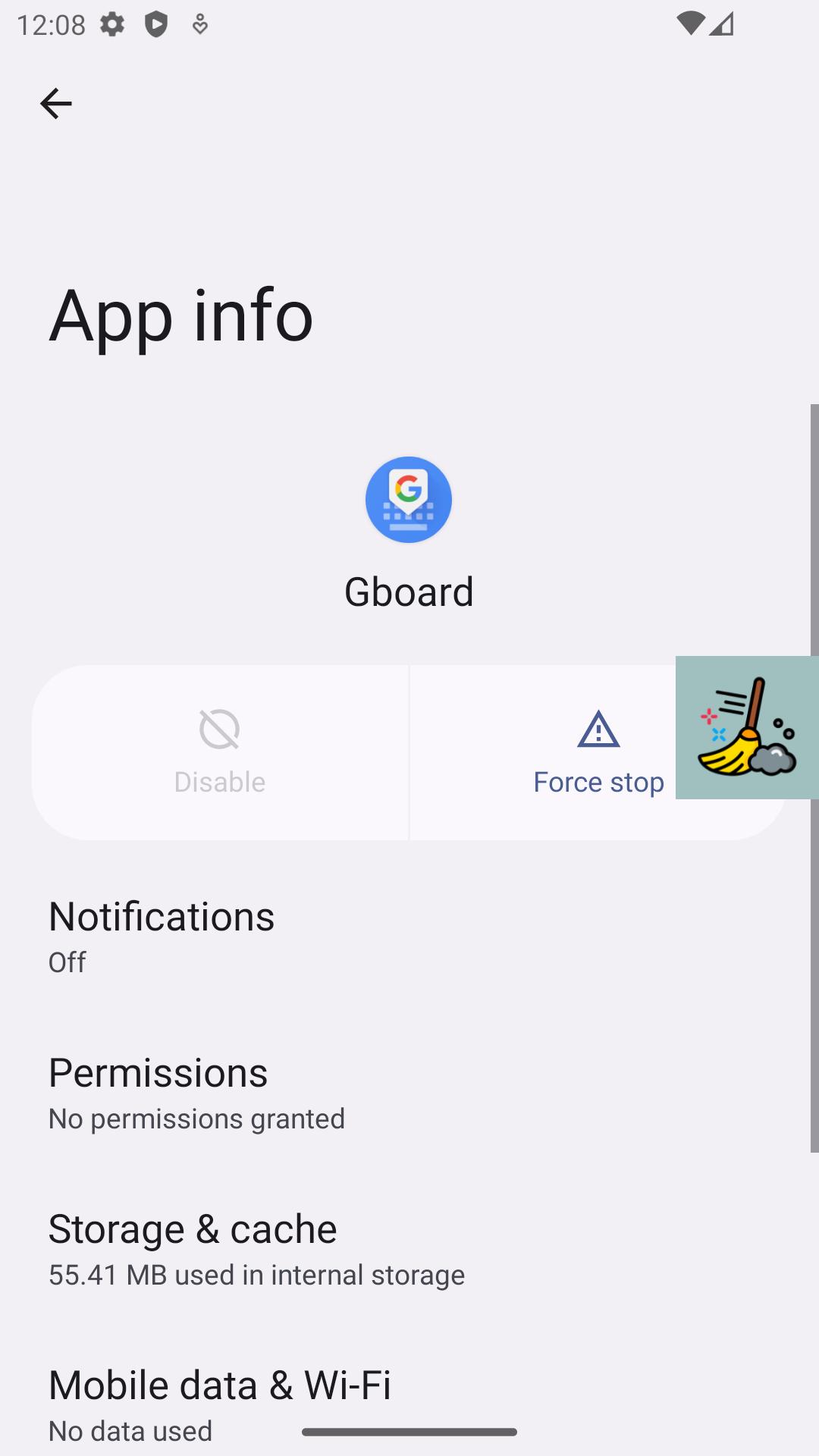
Since Android 6 (Marshmallow) it is no longer possible to clear cache of all apps at same time and Google has moved this permission to system apps only. There is only one possible way left - open manually info about application and find specific "Storage" menu and then press "Clean cache" button.
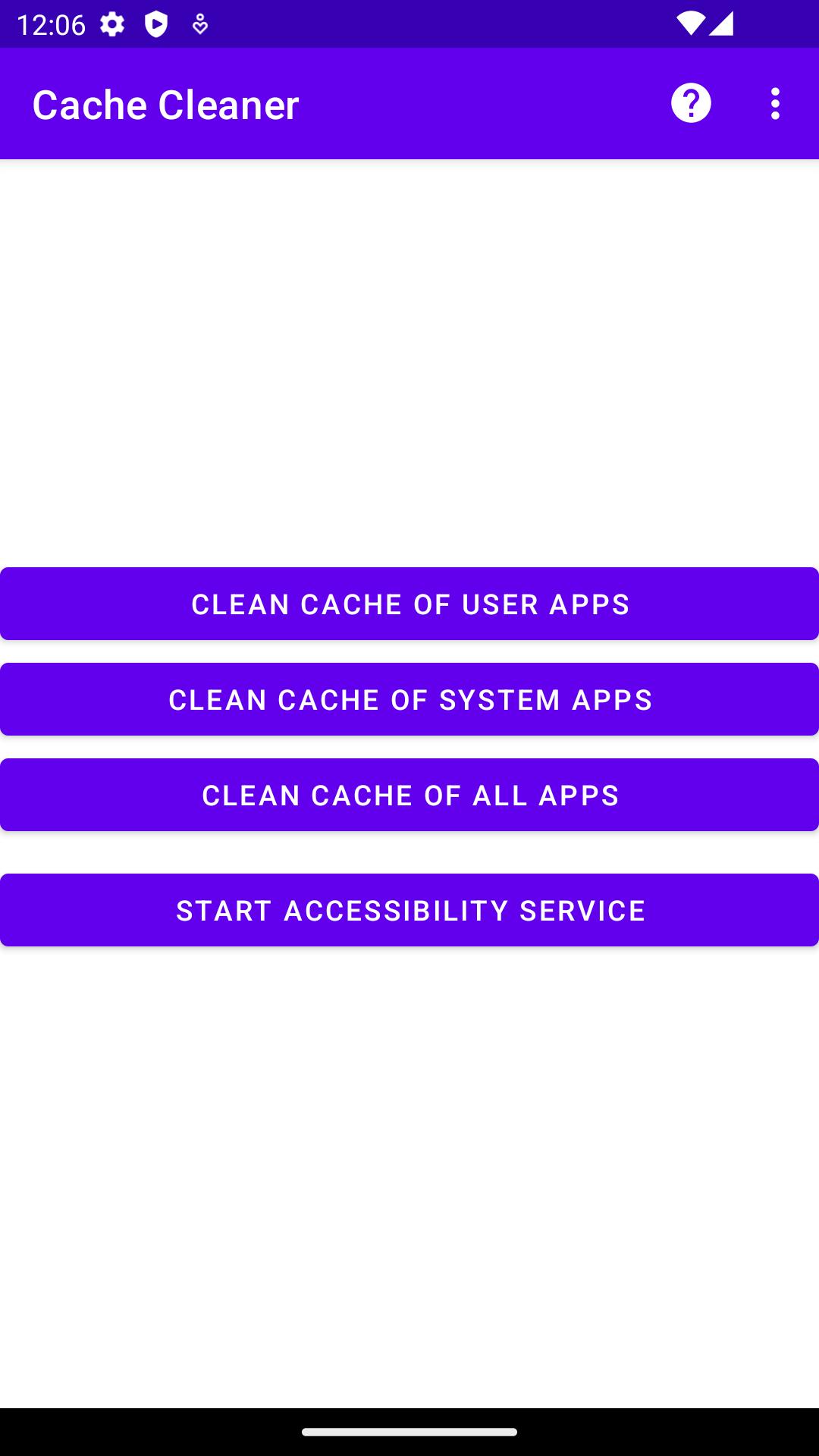
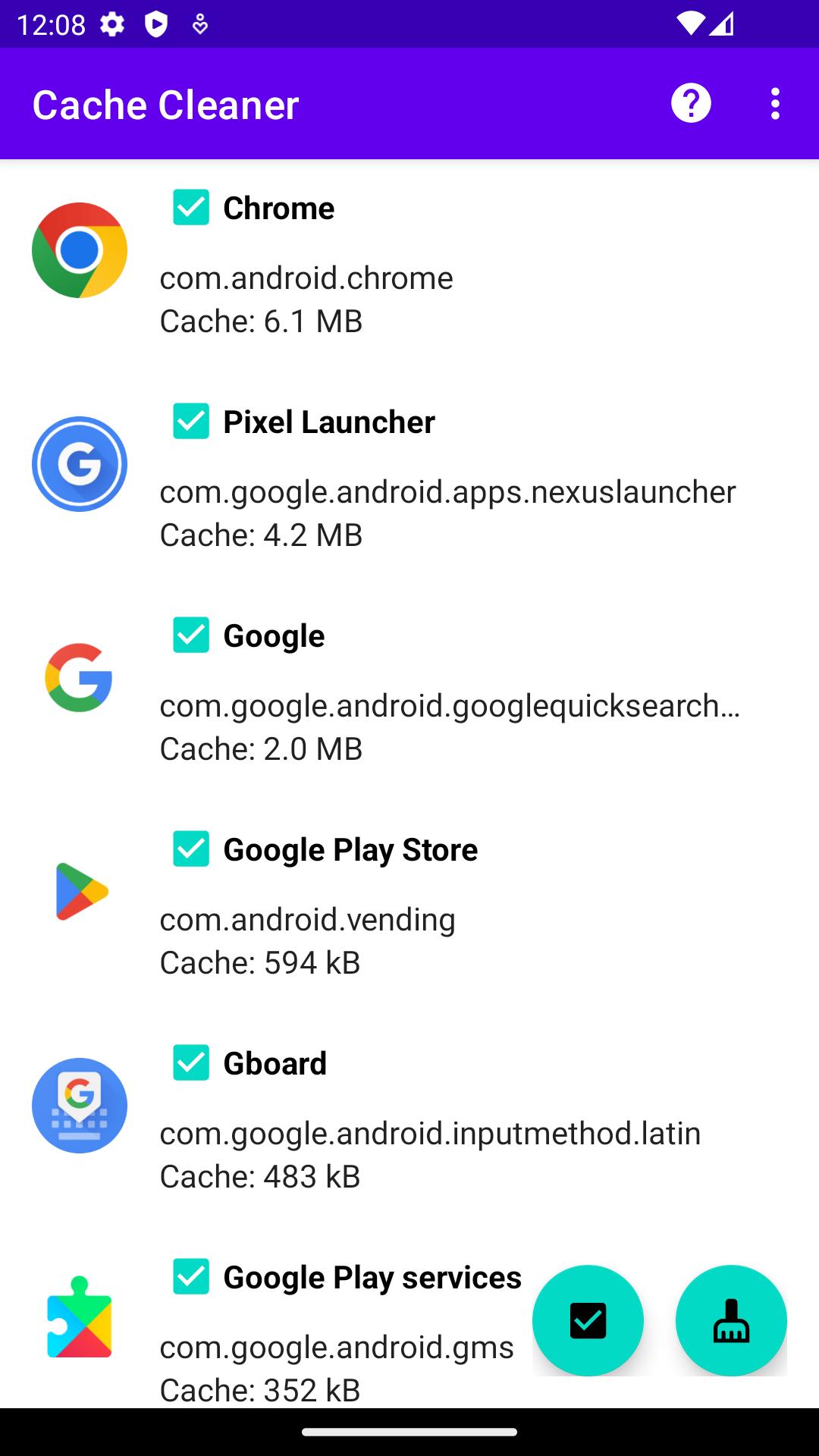
Cache Cleaner can request all installed user and system apps and it replaces all manual actions related to clean cache using Accessibility service.
Accessibility services declaration:
- This application requires the Accessibility Services API to implement its core functions, such as performing clicks, swipes and other core functions.
- The accessibility permission is required for Android 6 and above.
- This application does not collect and/or share personal or sensitive data using the accessibility capabilities.
Usage stats declaration:
- This application requires the Usage stats to implement its core function, such as get cache size of installed applications.
- The Usage stats permission is required for Android 8 and above.
- This application does not collect and/or share personal or sensitive data using the Usage stats.
Source code: https://github.com/bmx666/android-appcachecleaner
Latest Version
2.2.10Uploaded by
Maxim Paymushkin
Requires Android
Android 6.0+
Category
Free Tools AppContent Rating
Everyone
Report
Flag as inappropriateLast updated on Jul 30, 2025
This release includes minor bug fixes and general improvements. Update to the latest version for the best experience.

APKPure - A multi-platform app store primarily focused on Android, providing extensive app-related content. Discover the app you want easier, faster, and safer, with quick and efficient downloads and installations.