Scan Date:Aug 30, 2025
Show More
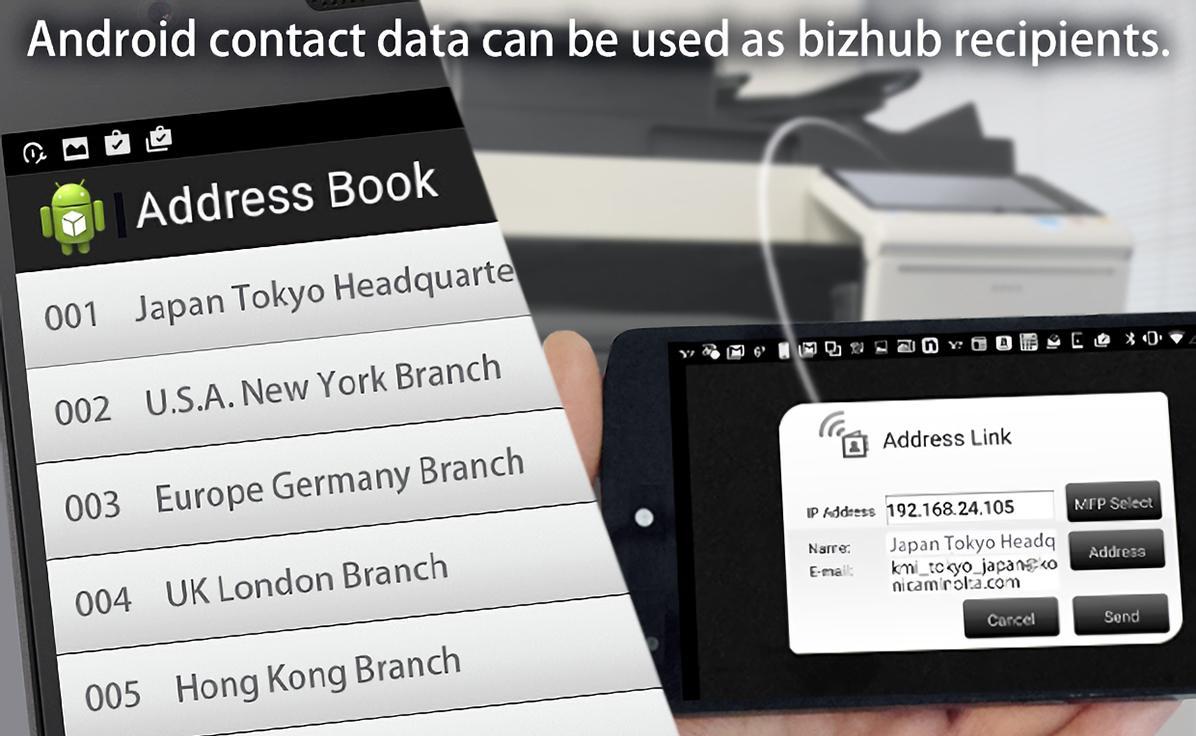
Enables Remote MFP panel operations, data entry and importing of scanned data using Android devices. In addition, it is possible to use the Android device address book when sending data from the MFP.
[Introduction of Main Functions of Application]
Panel Link:
-Enables remote operation by displaying the MFP panel screen on the Android screen.
Panel Link Scan:
-Enables saving image data scanned using the MFP to the connected Android device.
It is possible to select PDF and Compact PDF as a save file format. For Compact PDF, it is possible to enable the OCR function.
(Note: Please refer to the following page for languages available in the OCR language settings.
https://www.btapac.konicaminolta.com/solutions/remote_access/spec_android.html)
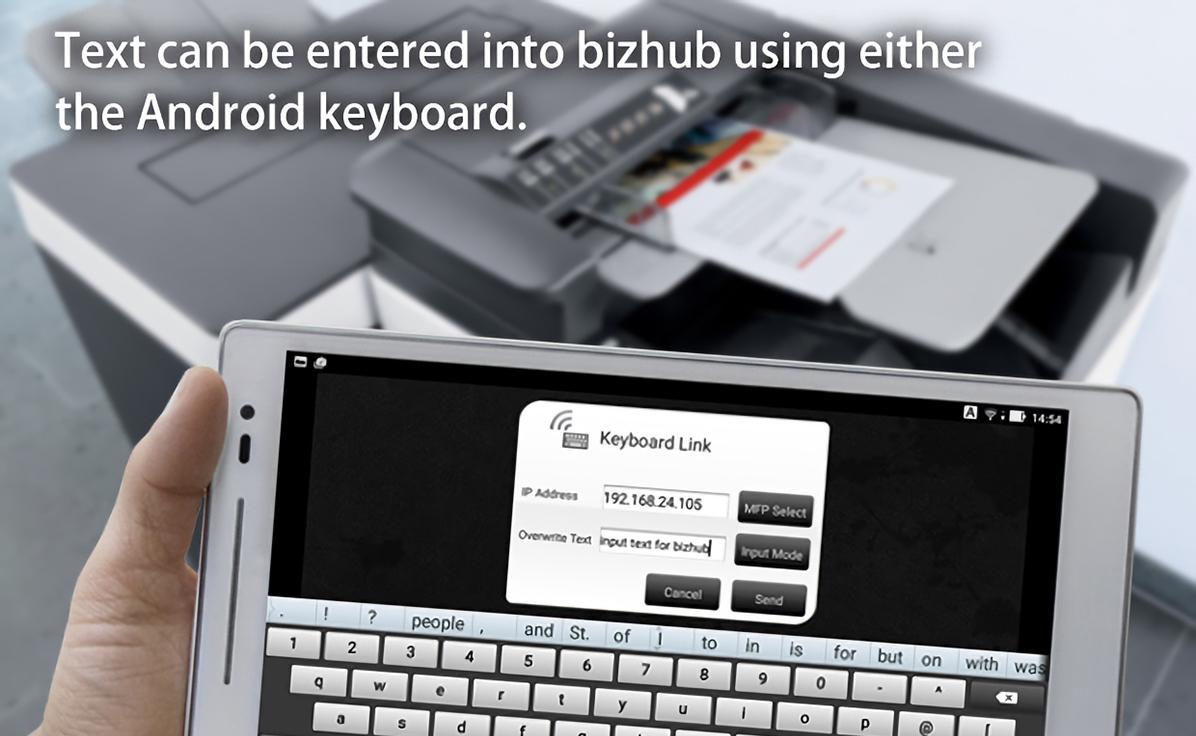
Keyboard Link*:
-Enables data entry on the MFP panel screen from the Android device.
You can select whether characters entered will be inserted at the cursor position or overwrite the current text.
Address Link*:
-It is possible to send images scanned with the MFP using the Android device’s address book.
*If there are more than 2 MFPs, please confirm the IP address of the MFP you are using in order to avoid erroneous data transmission.
[Supported Environment]
The following environments are supported.
OS:
Android OS 4.4/5.0/5.1/6.0/7.0/7.1/8.0/8.1/9.0/10/11/12/13/14/15/16
Tested devices:
Google Nexus 5
Google Nexus 6
Google Nexus 6p
Google Nexus 7 2012
Google Nexus 7 2013
Google Nexus 9
Google Nexus 10
Google Pixel 3
Google Pixel 3 XL
Google Pixel 6
Google Pixel 7 Pro
The device must be a mobile computing device such as smartphone or tablet with Wi-Fi connectivity enabled.
The device must have undergone Google CTS testing. (Devices with independently customized operating systems such as e-book readers are not supported.)
Please refer to the following page for additional operating requirements.
URL:
https://www.btapac.konicaminolta.com/solutions/remote_access/spec_android.html
[Supported printing devices]
Please refer to the following page for supported printing devices.
URL:
https://www.btapac.konicaminolta.com/solutions/remote_access/spec_android.html
Latest Version
3.1.5Uploaded by
Mjido Mouden
Requires Android
Android 4.0.3+
Category
Free Productivity AppContent Rating
Everyone
Security Report
Report
Flag as inappropriateLast updated on May 22, 2025
- Bug fix




APKPure - A multi-platform app store primarily focused on Android, providing extensive app-related content. Discover the app you want easier, faster, and safer, with quick and efficient downloads and installations.