Scan Date:May 13, 2026
Show More


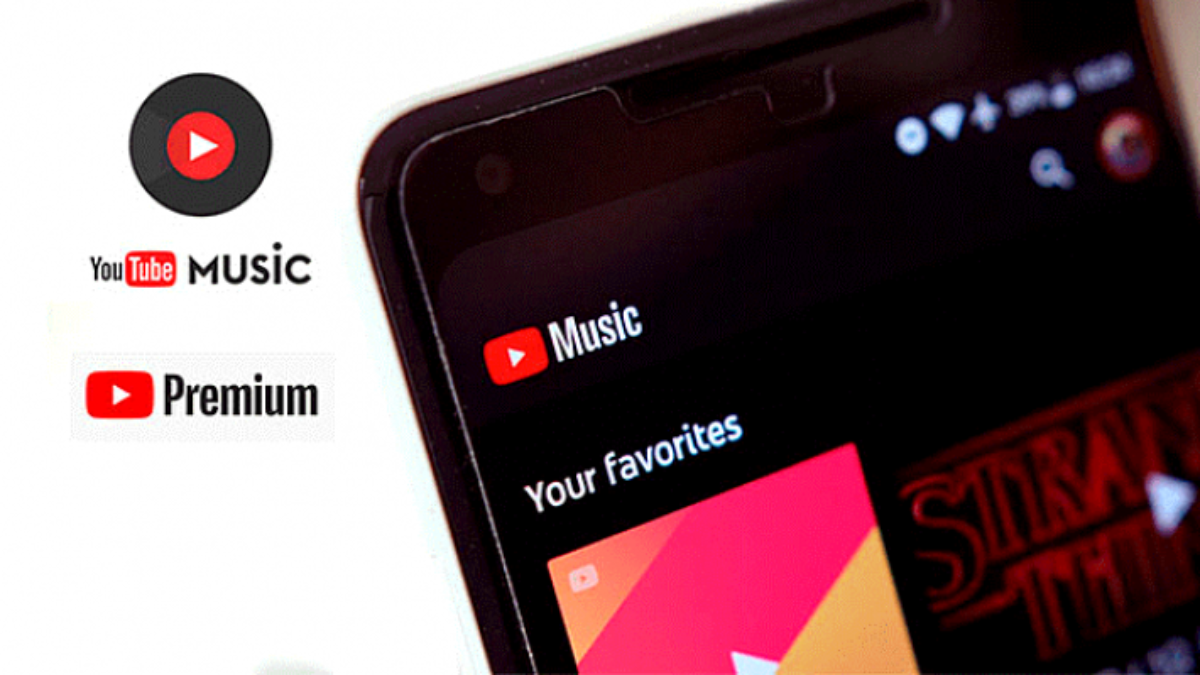
YouTube Music brings together over 100 million tracks, official videos, live performances, covers, remixes, and podcasts in one place. It adapts to your tastes and activities, and it works across phone, desktop, car, TV, speakers, and wearables. You can follow lyrics, switch between video and audio, and keep your favorites in a unified Library. Download YouTube Music APK latest version on APKPure and start listening the way you prefer. If you want ad-free listening, background play, and offline downloads, you can upgrade to Music Premium at any time.
Personalized mixes and Radio Builder
YouTube Music learns your tastes to create custom mixes for different moments. You also get discovery playlists that refresh regularly. In addition, Radio Builder lets you pick artists or songs and fine-tune a station with filters to match your mood.
Explore new music and podcasts
The Explore and Samples tabs help you find tracks, videos, and podcasts you might like. You can browse genre and mood hubs or check global charts to see what is trending. Therefore, it becomes easier to keep your queue fresh every day.
Switch between video and audio with lyrics
YouTube Music lets you move from audio to official music videos with one tap. You can follow along with synced lyrics while you listen. This is helpful when you want to learn a song or focus on a specific verse.
Listen across phone, car, TV, and wearables
YouTube Music works on your phone, desktop, smart TVs, smart speakers, and Wear OS watches. It integrates with Google Assistant, Waze, and Google Maps for easier control while you travel. Moreover, a watch Tile on Wear OS offers quick access to playback.
Manage your Library and build playlists together
Your Library keeps liked songs, albums, artists, and playlists in one place. You get smart suggestions while you build playlists, which saves time. You can also create collaborative playlists on YouTube Music so friends can add tracks together.
Upgrade with Music Premium
Music Premium provides ad-free listening, background play, and offline downloads, including smart downloads. Higher audio quality is available when you upgrade. If you have YouTube Premium, these Music benefits are included for YouTube as well.
The free tier includes on-demand music videos and podcasts with ads. Background play and offline downloads are not available on the free tier. Music Premium removes ads and enables background play and offline downloads; pricing and trials vary by region. YouTube Premium bundles ad-free YouTube with all Music Premium benefits in one plan.
You can listen on a computer by visiting music.youtube.com in your browser. For quicker access, install the desktop web app when your browser offers the Install app option, which creates a standalone window. Your Library, playlists, and recommendations stay in sync with your phone.
Offline downloads are available inside the app for Music Premium members and play within YouTube Music. These downloads are not exported as MP3 or MP4 files. Therefore, if you need offline listening, use the in-app download feature and manage content in your Library.
Follow these steps to download YouTube Music APK and begin listening. The process is simple on Android, and you can also control playback from a Wear OS watch.
Download YouTube Music APK latest version on APKPure.
Confirm Install. If prompted, allow your browser or file manager to install apps from this source in Settings.
After installation, open YouTube Music, sign in, and select a few artists and genres so recommendations can start.
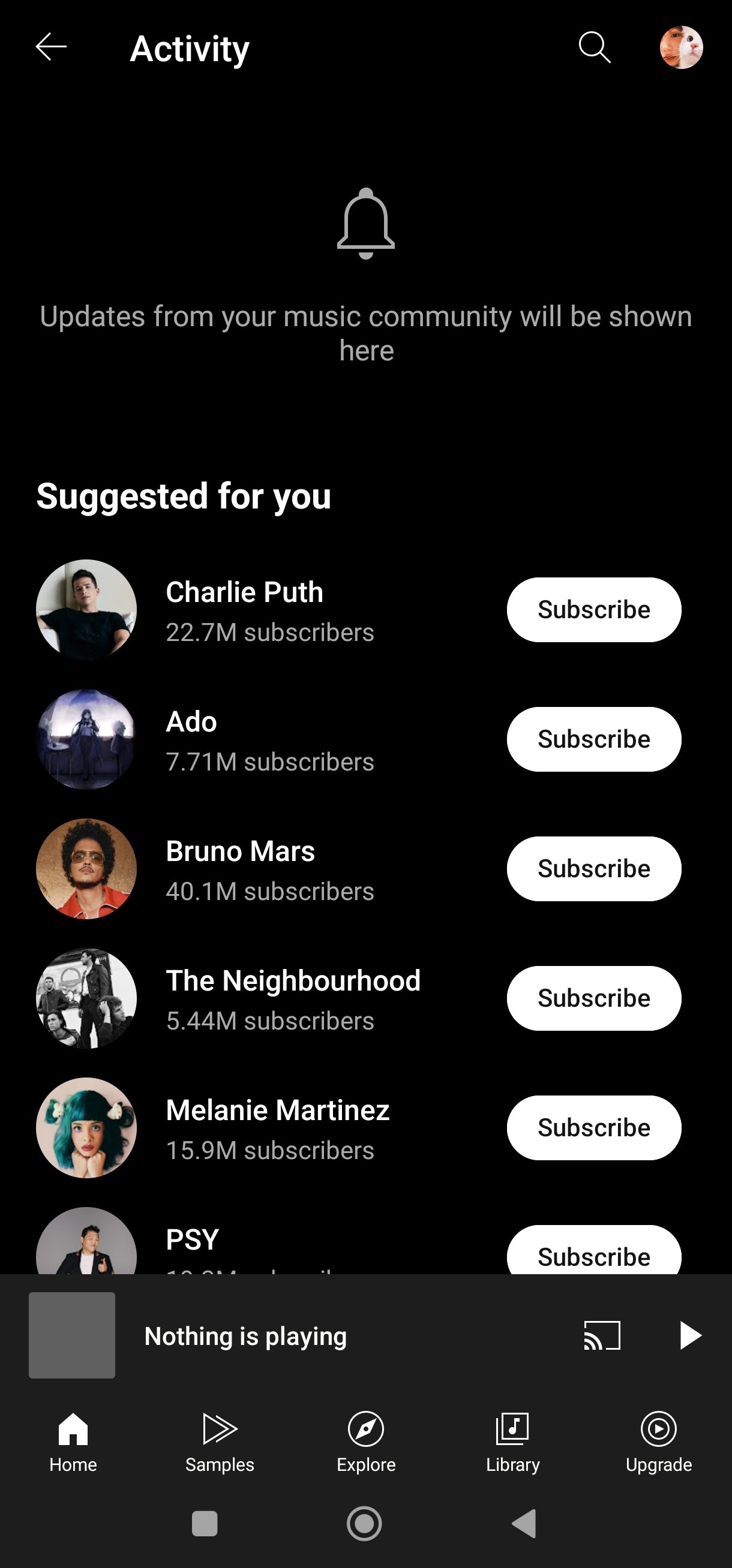
Set up your Library by liking songs and subscribing to artists. You can switch between audio and video and turn on lyrics at any time.
Then, on your Wear OS watch, open YouTube Music if available and add the watch Tile for quick controls. Use the Tile to play, pause, and skip while your phone handles playback.
YouTube Music helps you discover, watch, and listen across devices with a Library that stays with you. Download YouTube Music APK latest version on Android via APKPure and choose the tier that fits how you listen.
Official website
Can I use YouTube Music on PC or Mac?
Yes, you can use YouTube Music on PC or Mac at music.youtube.com. You can also install the desktop web app from your browser for faster access. Your playlists, likes, and history sync with your phone automatically.
What is Radio Builder in YouTube Music?
Radio Builder is a tool that creates a personalized station from your chosen artists, songs, and filters. You can adjust variety and mood to refine what plays next. This feature is available to both free and paid users.
Latest Version
9.19.50Uploaded by
Sakthi Dx Sakthi
Requires Android
Android 8.0+
Category
Free Music & Audio AppContent Rating
Teen · Diverse Content: Discretion Advised
Security Report
Report
Flag as inappropriateLast updated on May 13, 2026
Minor bug fixes and improvements. Install or update to the newest version to check it out!





APKPure - A multi-platform app store primarily focused on Android, providing extensive app-related content. Discover the app you want easier, faster, and safer, with quick and efficient downloads and installations.