Scan Date:May 6, 2026
Show More


Spotify for Android TV suits couch listening, family rooms, and group hangouts where the TV is your main hub. It presents music, talk shows, and long form audio with visuals that feel natural from a distance, so scrolling and reading at home stays comfortable. You can move between devices without fuss, keeping playback steady on the television while you browse elsewhere. To get started, simply download Spotify for Android TV and sign in to your account.
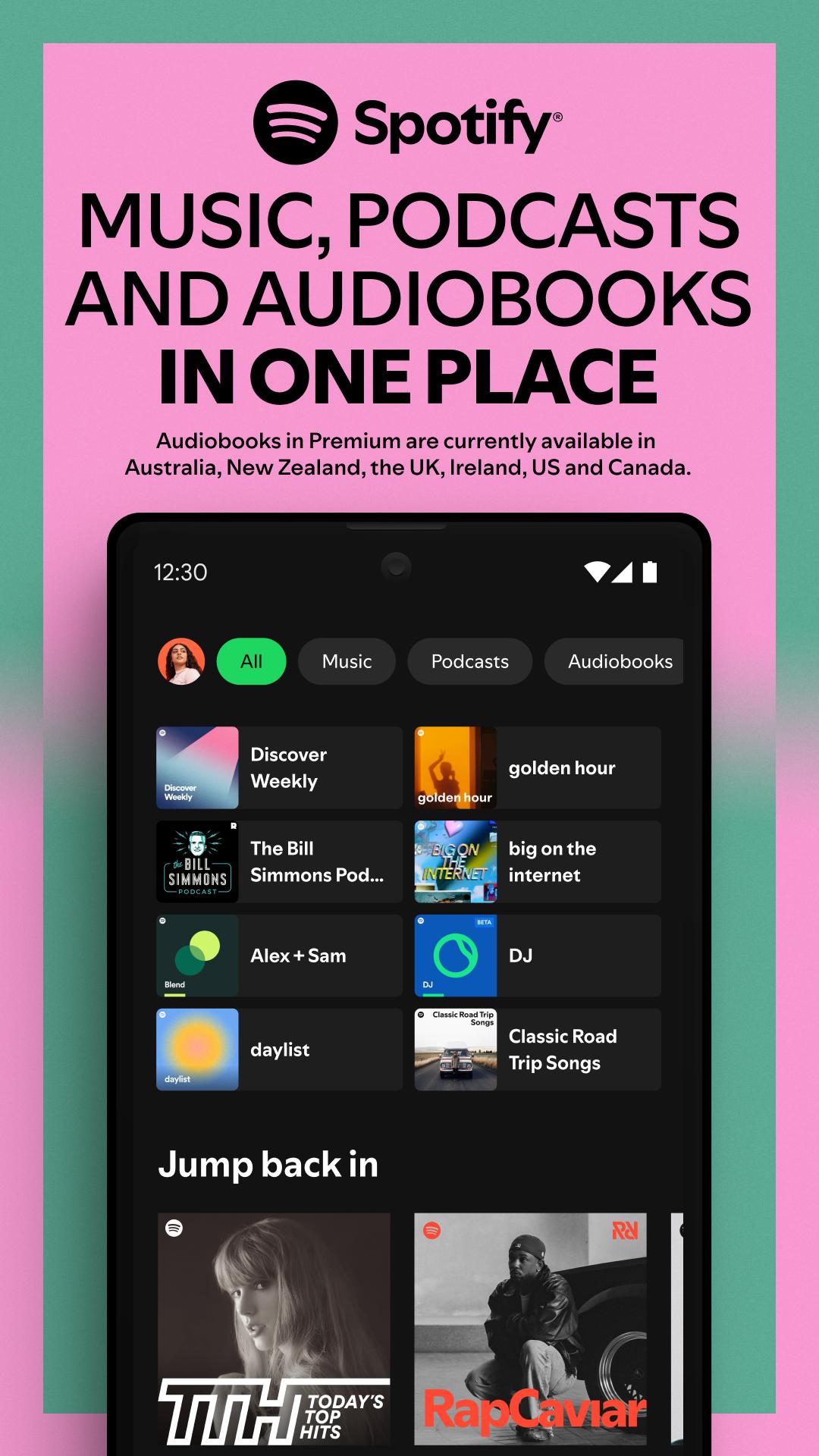
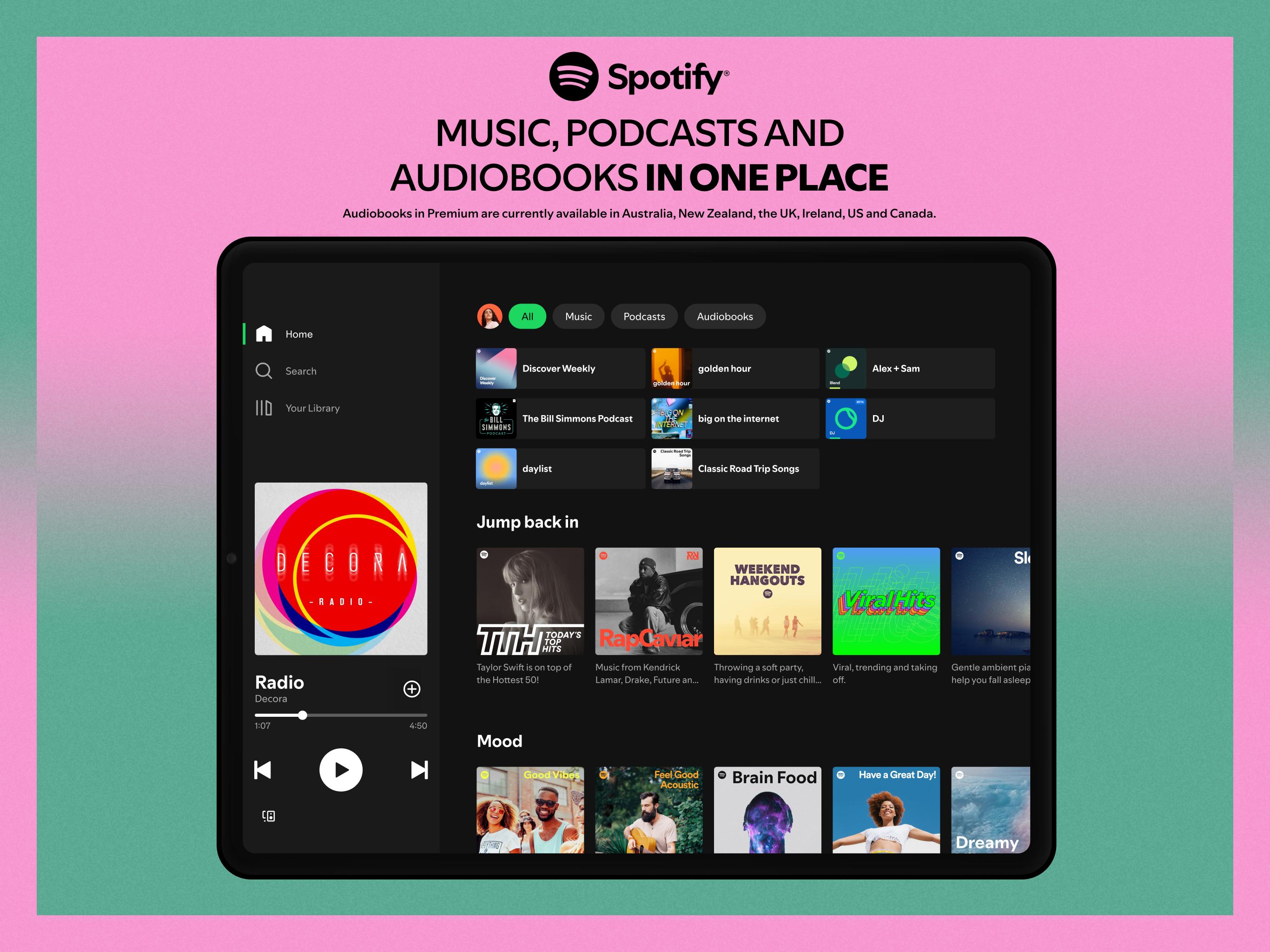
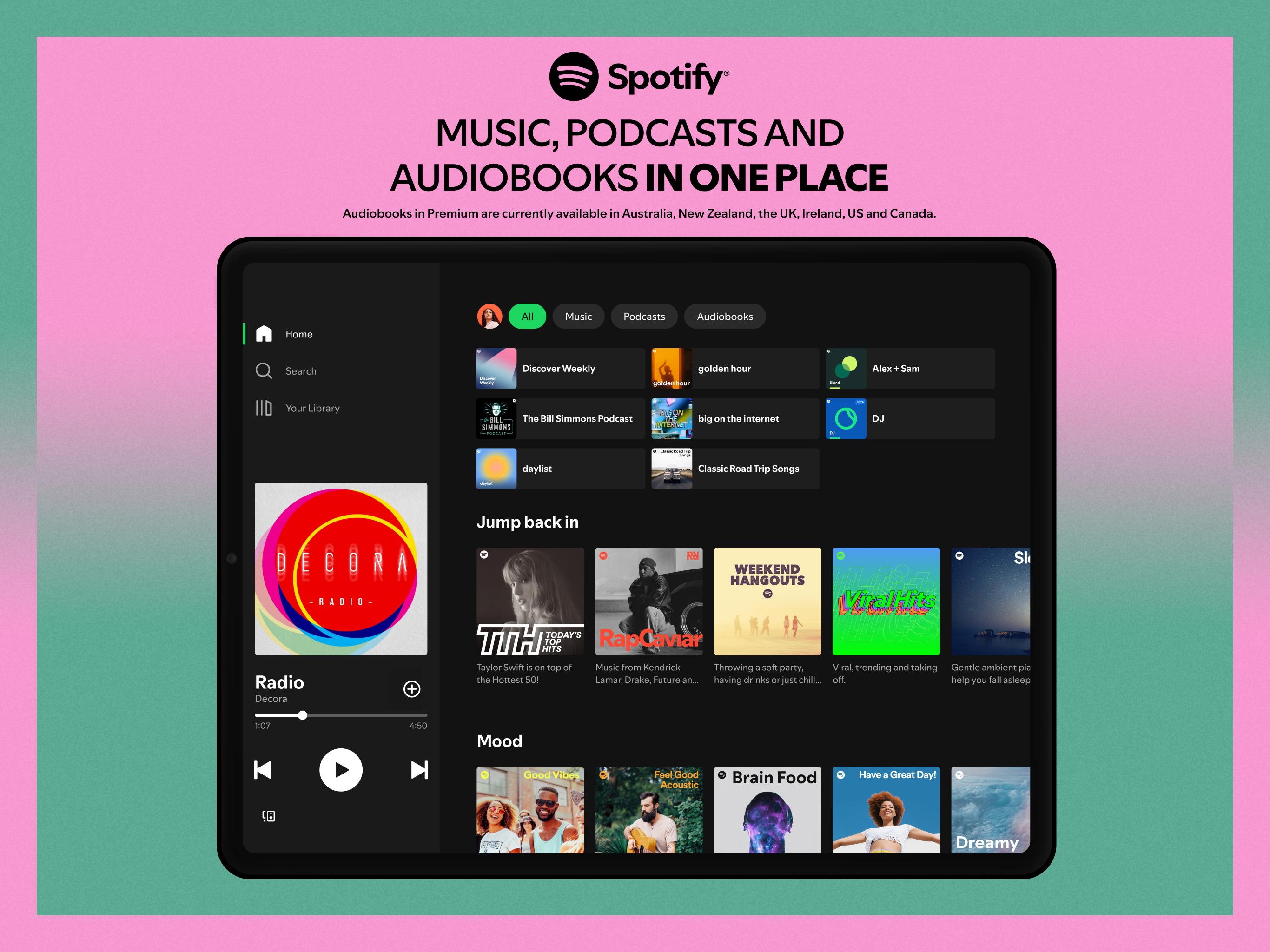
Spotify for Android TV offers millions of songs, podcasts, audiobooks, and a large catalog of video podcasts with clear, TV friendly visuals. The layout is designed for living room viewing, so navigation is straightforward with a remote. Availability of video can vary by region and TV model.
Control from your phone with Spotify ConnectWith Spotify Connect, you can start playback on the television, then control everything from your phone without interrupting the music. Browse, add to the queue, shuffle, and adjust volume while the TV keeps playing. The Spotify TV app also works well with your remote, so you can swap between phone and TV controls when needed.
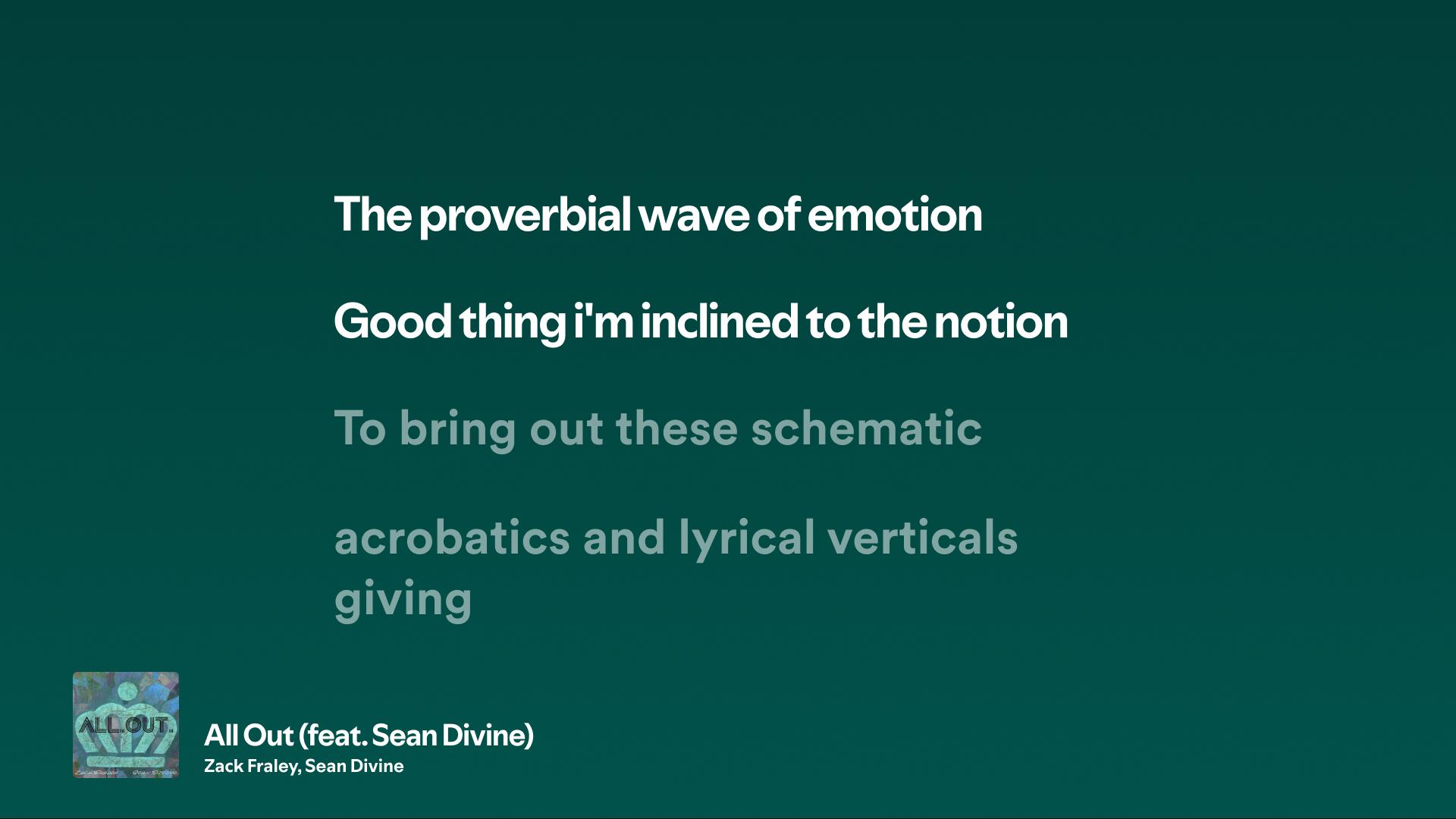
On screen lyrics where availableLyrics can appear on the TV for many tracks, which makes singing along simple during a home hangout. You see lines in sync with the music, right on the big screen. Lyrics availability depends on your region and device.
Jam for shared listening with PremiumWith Premium, you can host a Jam so friends contribute songs straight into your TV queue. This setup suits parties and casual get togethers where everyone wants a turn. You keep control over what plays next while the group adds suggestions.
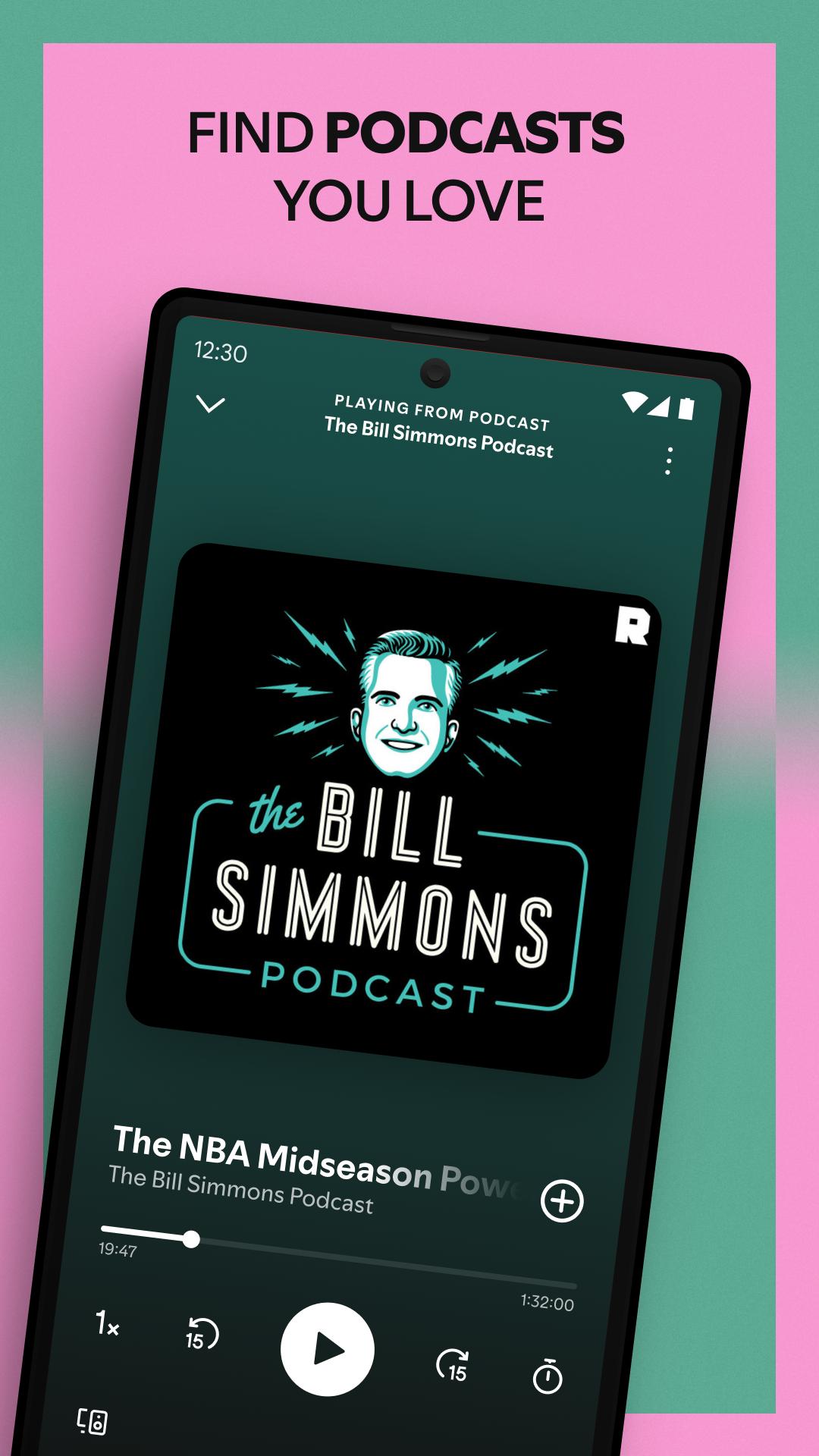
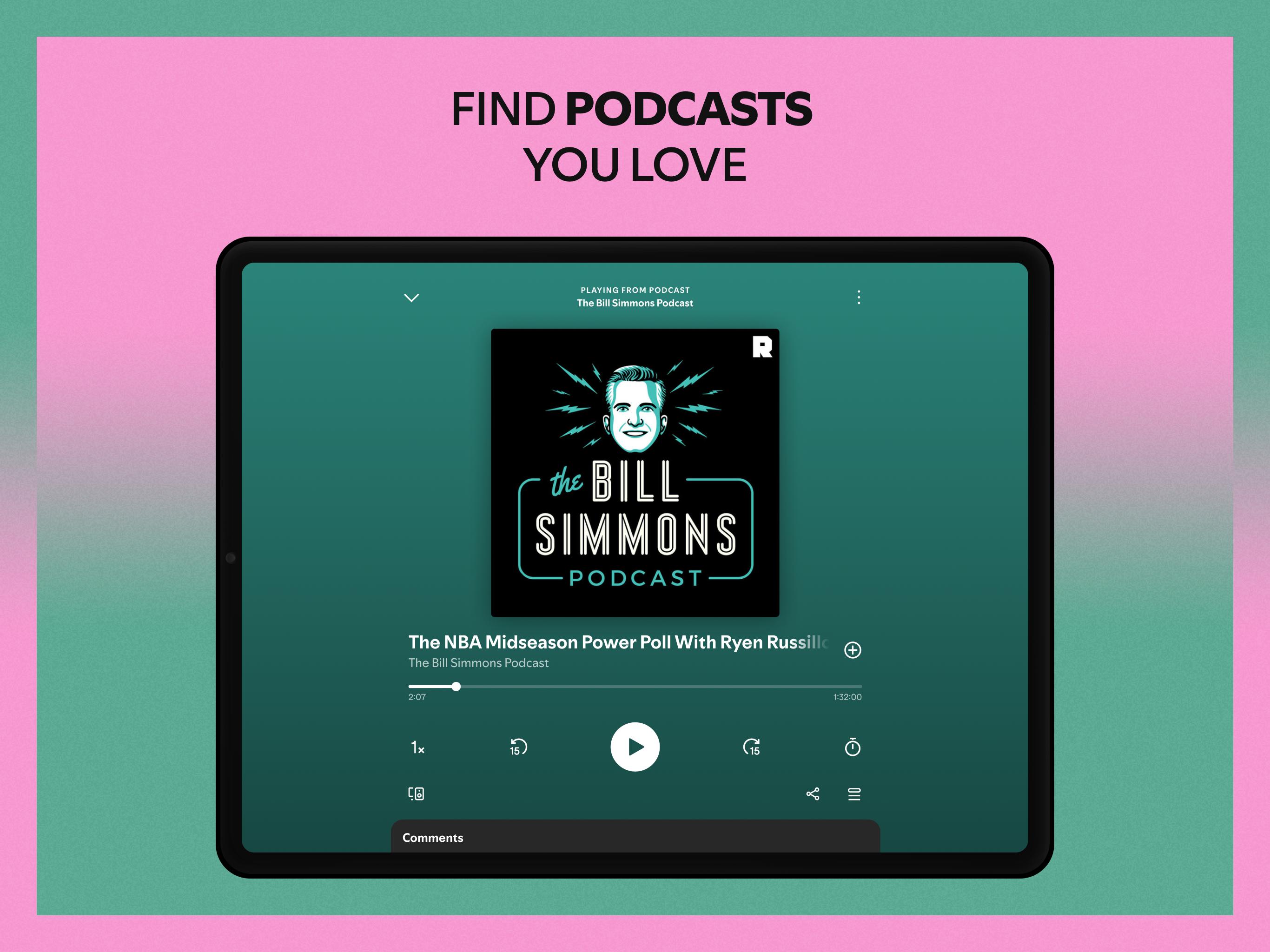
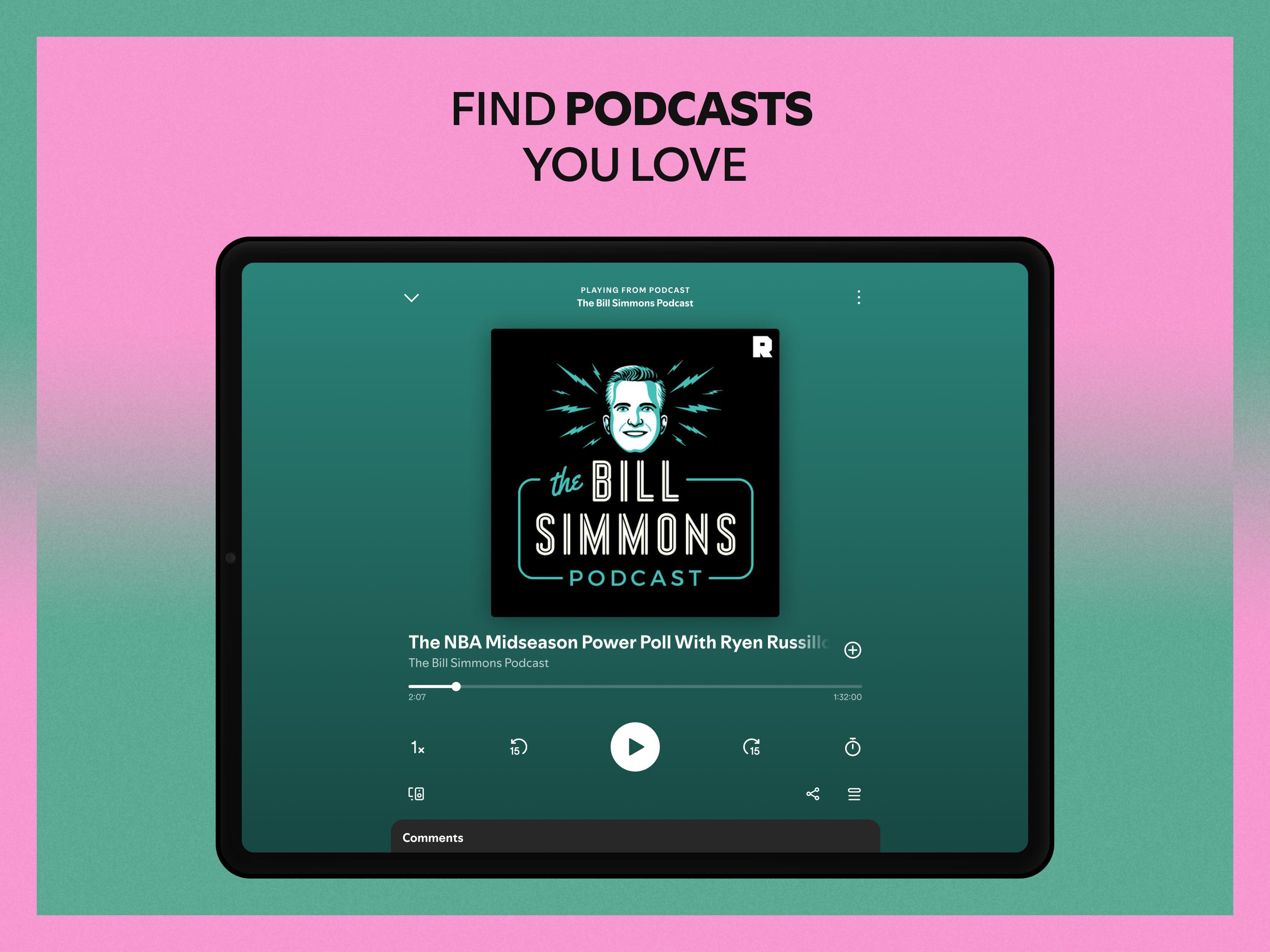
Accounts, assistants, and quick podcast resumeSpotify for Android TV lets you switch between accounts, so each person at home can reach their own library fast. On supported devices, you can use Google Assistant for hands free play and basic control. Recent podcast episodes are easy to resume on the TV when you sit down again.
Feature availability can differ by country and TV model, especially for lyrics and video podcasts. Premium adds ad free listening, enhanced audio options, and access to Jam for group sessions. The app works across many TVs, gaming consoles, and streaming media players that support Spotify Connect, so your phone can control playback on the device you choose.
If you prefer direct installation methods, the Spotify for Android TV APK is useful for devices where the app is not preinstalled. Always ensure your TV or media player supports the Spotify TV app and is on the same network as your phone for Connect to work reliably.
You can control the TV experience from your mobile, which mirrors how you use Spotify elsewhere. To keep things smooth, make sure both devices are online. For the first setup, use the Spotify for Android TV latest version.
Spotify for Android TV brings familiar controls and a broad catalog to the living room. To begin, download the Spotify for Android TV APK and sign in to your account.
For official details on compatible devices and features, visit the link below.
Latest Version
1.134.2Uploaded by
Ahmed Ali
Requires Android
Android 6.0+
Category
Free Music & Audio AppContent Rating
Teen
Security Report
Report
Flag as inappropriateLast updated on May 6, 2026
Improved playback behavior and various bug fixes


APKPure - A multi-platform app store primarily focused on Android, providing extensive app-related content. Discover the app you want easier, faster, and safer, with quick and efficient downloads and installations.