Scan Date:Feb 27, 2026
Show More


Samsung Wallet (Samsung Pay) helps you handle daily transactions and essentials from a single app on your Galaxy phone or watch. It suits users who want quick access to cards, passes, and IDs without carrying a physical wallet, and it adds security with biometric protection. Because it brings multiple tools together, you can move from checkout to boarding to unlocking with a few taps. If you plan to download Samsung Wallet (Samsung Pay), note that availability and features depend on your device, bank, and region.
Fast payments in stores, apps, and online
Samsung Wallet (Samsung Pay) lets you tap to pay at contactless terminals that accept NFC. You can also check out in participating apps and websites using saved cards. Rewards and merchant offers may be available, which you can view and use at checkout where supported. All transactions are secured by Samsung Knox and device-level authentication.
All your cards and passes in one place
You can store credit and debit cards, gift cards, and membership or loyalty cards in the app. Boarding passes and movie tickets can be added for quick access when you need them. Organization is simple, so you can find the right pass at the right time without opening separate apps. This reduces the need to carry plastic cards.
Digital keys for home and car
Samsung Wallet (Samsung Pay) supports compatible smart door locks and select cars, so you can add eligible digital keys. Unlock with NFC or Ultra Wideband when supported by your phone and vehicle. On specific car models, remote start and other controls may be available through the stored key. Actual functions vary by manufacturer and device capabilities.
Identity and login with Samsung Pass
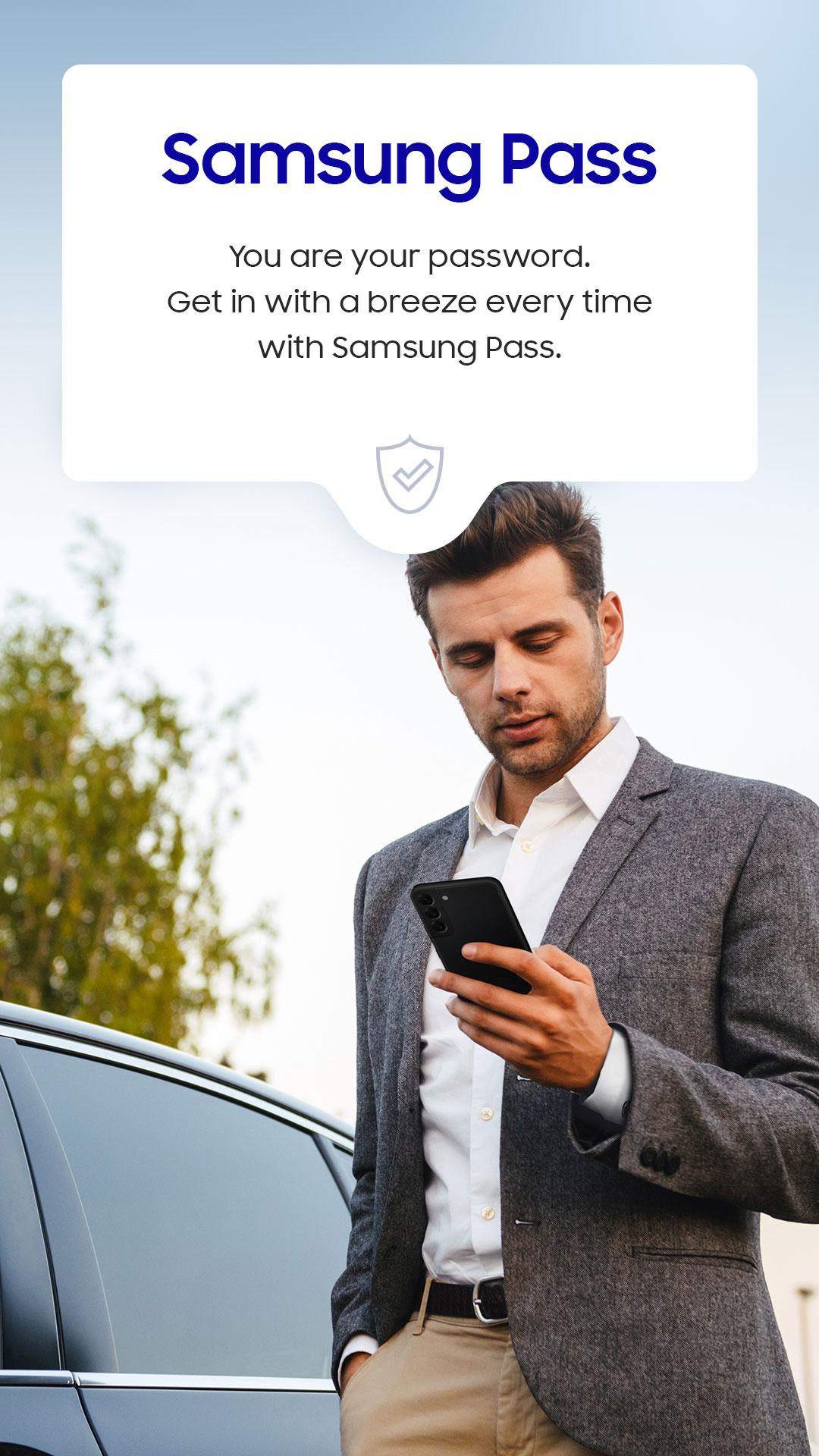
The app includes Samsung Pass to save passwords and autofill them when you sign in to websites and apps. You can also carry select Digital IDs, such as student ID or mobile driver’s license where supported by local partners. All sensitive data is protected by your screen lock and biometrics. This helps reduce manual typing while keeping control on your device.
Works on Galaxy phone and watch with Quick Access
Quick Access lets you swipe up to reach your cards and passes from the screen, so you can pay without searching through menus. On Galaxy Z Flip models, certain actions are available from the Flex Window for faster access. You can also add supported cards to your Galaxy Watch to pay from your wrist. The same security protections apply on both devices.
Features in Samsung Wallet (Samsung Pay) can differ by phone model, software version, bank, card issuer, carrier, and country. Supported card networks generally include Visa, Mastercard, American Express, and Discover, while actual participation depends on your bank. If you plan to use a Galaxy Watch, add cards to the watch separately, since watch payments may not be available from all issuers. Security protections are provided by Samsung Knox, and biometrics are required for sensitive actions.
Some options are available only in select markets. Tap to Transfer for sending money is currently offered in the United States with participating partners. Installment payments at checkout are also rolling out in the United States with eligible cards. Digital ID support varies by partner and region, including mobile driver’s license and TSA ID use in select states. Movie ticket support can include Atom Tickets in supported regions. In India, UPI onboarding is available during Galaxy device setup through Samsung Wallet, and participation depends on supported banks and providers.
Home keys work with select SmartThings compatible locks. Car keys work with specific vehicles, including popular models such as BMW 1 to 8 Series, X5 to X7, and iX. Additional examples include Kia Niro, Hyundai Palisade, and Genesis GV60 and G90. Availability requires the right phone hardware, such as NFC or Ultra Wideband, and partner support from the vehicle manufacturer. Remote start and other functions are limited to supported models only.
Getting started is straightforward, and setup only takes a few minutes. After installation, you can secure the app, add your first card, and prepare for contactless payments. For the best experience, ensure you are using the Samsung Wallet (Samsung Pay) latest version.
Samsung Wallet (Samsung Pay) brings payments, passes, digital IDs, and keys together on your Galaxy devices with added protection. To set up and start using contactless payments and stored passes, install the Samsung Wallet (Samsung Pay) APK and follow the onboarding steps in the app.
For official resources and coverage details, visit the Samsung page below.
Latest Version
15.8.60Uploaded by
Samsung Electronics Co., Ltd.
Requires Android
Android 10.0+
Category
Free Lifestyle AppContent Rating
Everyone
Security Report
Report
Flag as inappropriateLast updated on Feb 28, 2026
Minor bug fixes and improvements. Install or update to the newest version to check it out!






APKPure - A multi-platform app store primarily focused on Android, providing extensive app-related content. Discover the app you want easier, faster, and safer, with quick and efficient downloads and installations.