


How to Download Samsung Wallet (Samsung Pay) APK Latest Version 15.8.60 for Android 2026
2026-02-28
Read through this guide to learn how to download and install Samsung Wallet (Samsung Pay) apk latest version 15.8.60 on mobile in 2026. Follow the step-by-step tutorial to download Samsung Wallet (Samsung Pay) apk for Android.
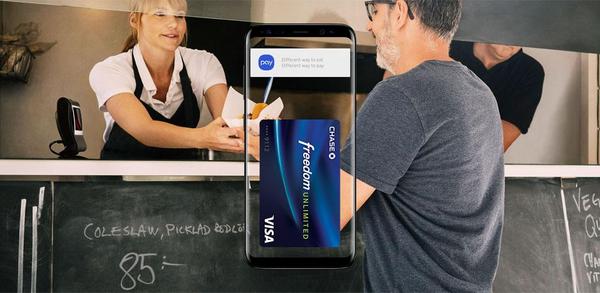
About Samsung Wallet (Samsung Pay)
Samsung Pay has been integrated into Samsung Wallet, providing a simplified in-app experience with additional features such as digital keys, asset management, and boarding passes. Users can also carry popular cards and receive cash back awards at top merchants. However, compatibility may vary by device and country/region.

Samsung Wallet (Samsung Pay) is a finance app that keeps payments, passes, and digital keys in one secure place.
How to download Samsung Wallet (Samsung Pay) on Mobile
Step 1: Go to APKPure.com and search for Samsung Wallet (Samsung Pay).
Step 2: Press the Download APK button to begin downloading it to your phone.
Step 3: Once the download is completed, start installing Samsung Wallet (Samsung Pay) on your phone.
Step 4: After the installation is finished, launch it and enjoy playing Samsung Wallet (Samsung Pay) on your mobile device right away.
What's New in the Latest Version 15.8.60
Last updated on Feb 28, 2026
Minor bug fixes and improvements. Install or update to the newest version to check it out!
If you're looking for more popular mobile games, then look no further than APKPure. Our editors have carefully selected the following three articles for you to read and discover more:
- How to Download Grab - Taxi & Food Delivery APK Latest Version 5.410.0 for Android 2026
- How to Download DevCheck Device & System Info APK Latest Version 6.40 for Android 2026
- How to Download Music Player - MP3 Player APK Latest Version 7.8.3 for Android 2026
 NEWS
NEWS REVIEWS
 HOWTO
HOWTO








