Scan Date:Apr 30, 2026
Show More

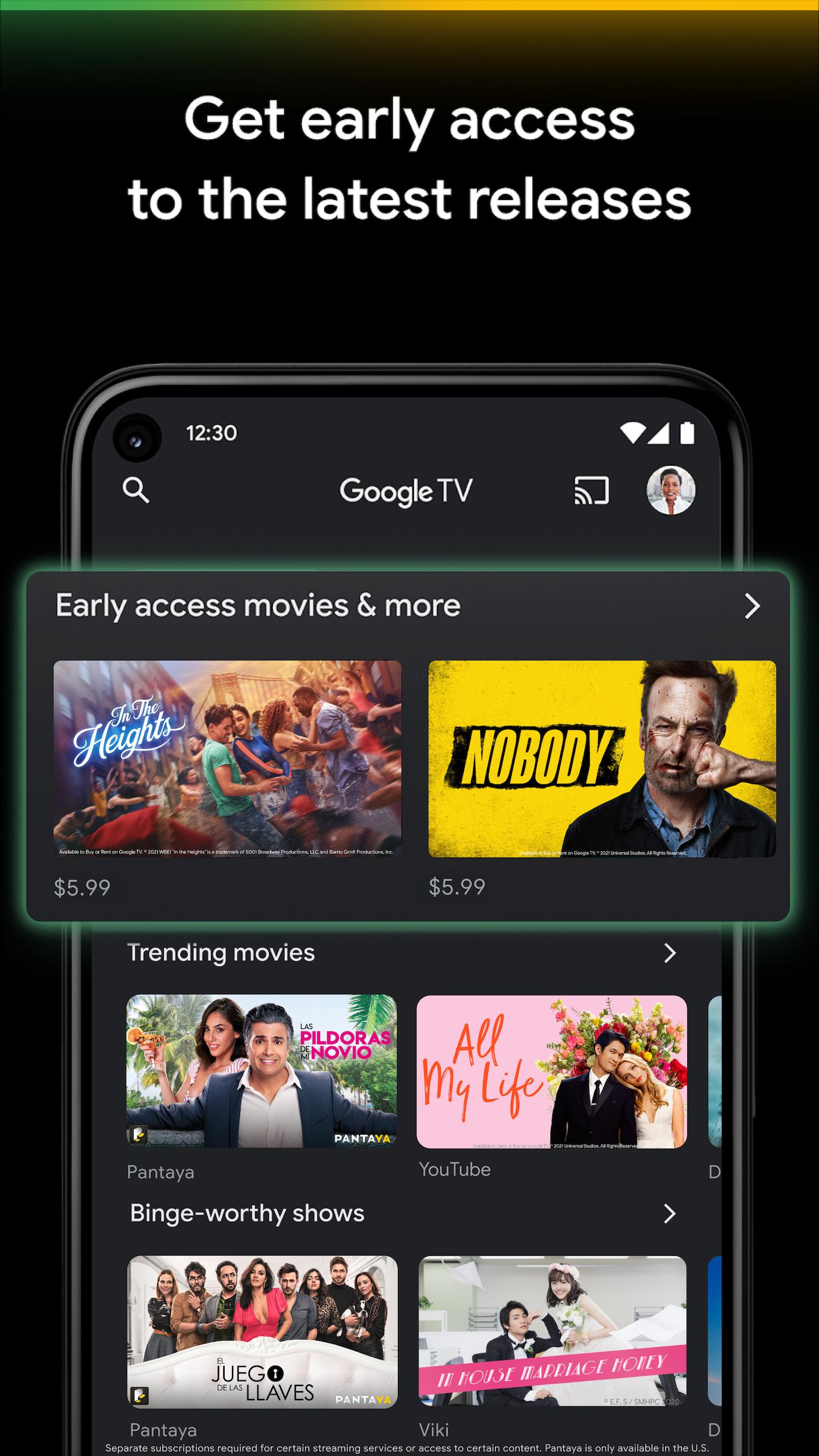
Google TV helps users who juggle multiple streaming apps and want one place to find, manage, and enjoy their shows and movies. It brings your purchases and rentals into a single Library, keeps them synced across devices, and continues your history from the earlier Play Movies & TV experience. The app is free to use, and you only pay for content you choose to buy or rent. In addition, availability depends on your country, so it is helpful to check before you download Google TV.
Google TV lets you search and browse a large catalog of movies and episodes in one place. You can see which streaming apps offer a title and view personalized recommendations based on what you like and what is trending. This reduces time spent switching between apps and helps you quickly decide what to watch next.
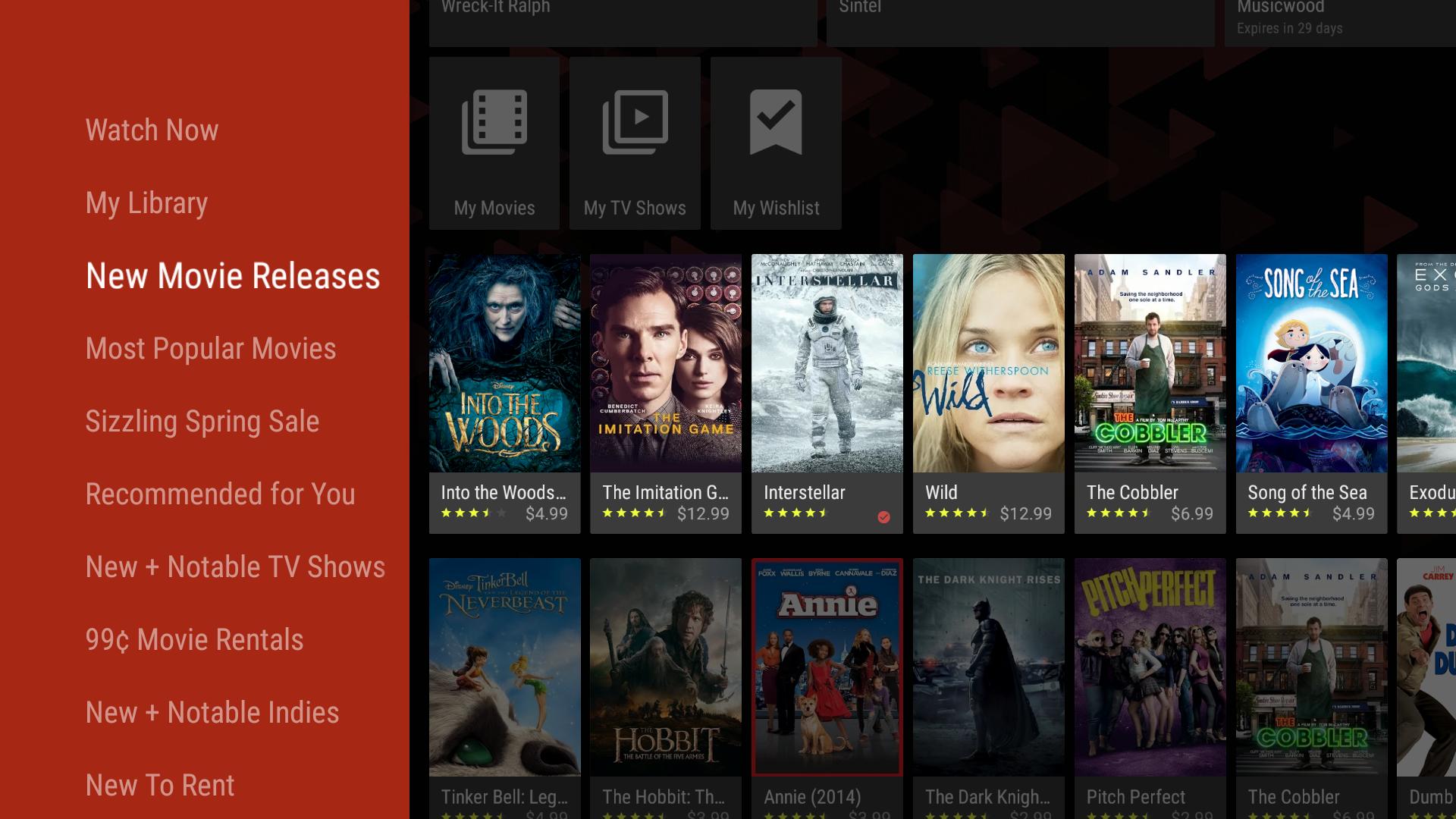
Shop new releases and manage your LibraryYou can buy or rent new releases in the Shop tab, then find all purchases inside your Library. Google TV keeps your Library synced across devices so your content is ready when you switch screens. If you plan to travel, you can download purchased items for offline viewing and watch later without a connection.
Universal Watchlist across phone, TV, and webGoogle TV supports a single Watchlist that collects titles from different apps. You add items on your phone, then pick them up on your TV or in web search when you get home. This helps keep track of what you want to watch without remembering which app it belongs to.
Built in remote control on your phoneGoogle TV includes a remote so you can control a Google TV or Android TV device from your phone. To connect, open the app, tap the remote icon, select your TV, and enter the pairing code shown on the screen. After setup, use on screen controls and your phone keyboard for faster typing of passwords, titles, and searches.
Cross device viewing and castingGoogle TV supports viewing on a phone or tablet and controlling playback on compatible TVs. When your phone and TV are on the same Wi Fi, you choose a title in the app and control it on the big screen. This makes it simple to move from mobile discovery to TV watching without extra steps.
The app is free to use for browsing, watchlists, and managing your Library. You only pay for rentals or purchases made in the Shop tab and for any linked subscriptions from other streaming services. Availability and catalog options vary by country, so content may differ for each user. If you prefer mobile installation, a Google TV app download is also an option for Android users.
Google TV is the updated experience that replaces Play Movies & TV. Previously purchased movies and shows remain in your Library and stay synced across devices. This continuity helps users keep access to older purchases while using newer discovery and control tools.
Use these steps to start browsing, build your Watchlist, shop new releases, and control your TV from your phone. If you need a direct install, the Google TV APK can be used on compatible Android devices.
Google TV brings discovery, purchases, watchlists, and TV control into one place on your phone. For the most stable experience, get the Google TV latest version and sign in to access your synced Library across devices.
For official details and support, visit the developer site below.
Latest Version
4.39.4323.905973084.8-releaseUploaded by
Thanaprach Kongphuwatch
Requires Android
Android 10.0+
Category
Free Video Players & Editors AppContent Rating
Teen
Security Report
Report
Flag as inappropriateLast updated on Apr 30, 2026
Minor bug fixes and improvements. Install or update to the newest version to check it out!







APKPure - A multi-platform app store primarily focused on Android, providing extensive app-related content. Discover the app you want easier, faster, and safer, with quick and efficient downloads and installations.