

Scan Date:Apr 7, 2026
Show More
You can easily log in to RMS to confirm sales, edit product inventory, confirm contact from Rakuten Ichiba, and promptly respond to inquiries to buyers.
The functions available in the Rakuten RMS app are as follows.
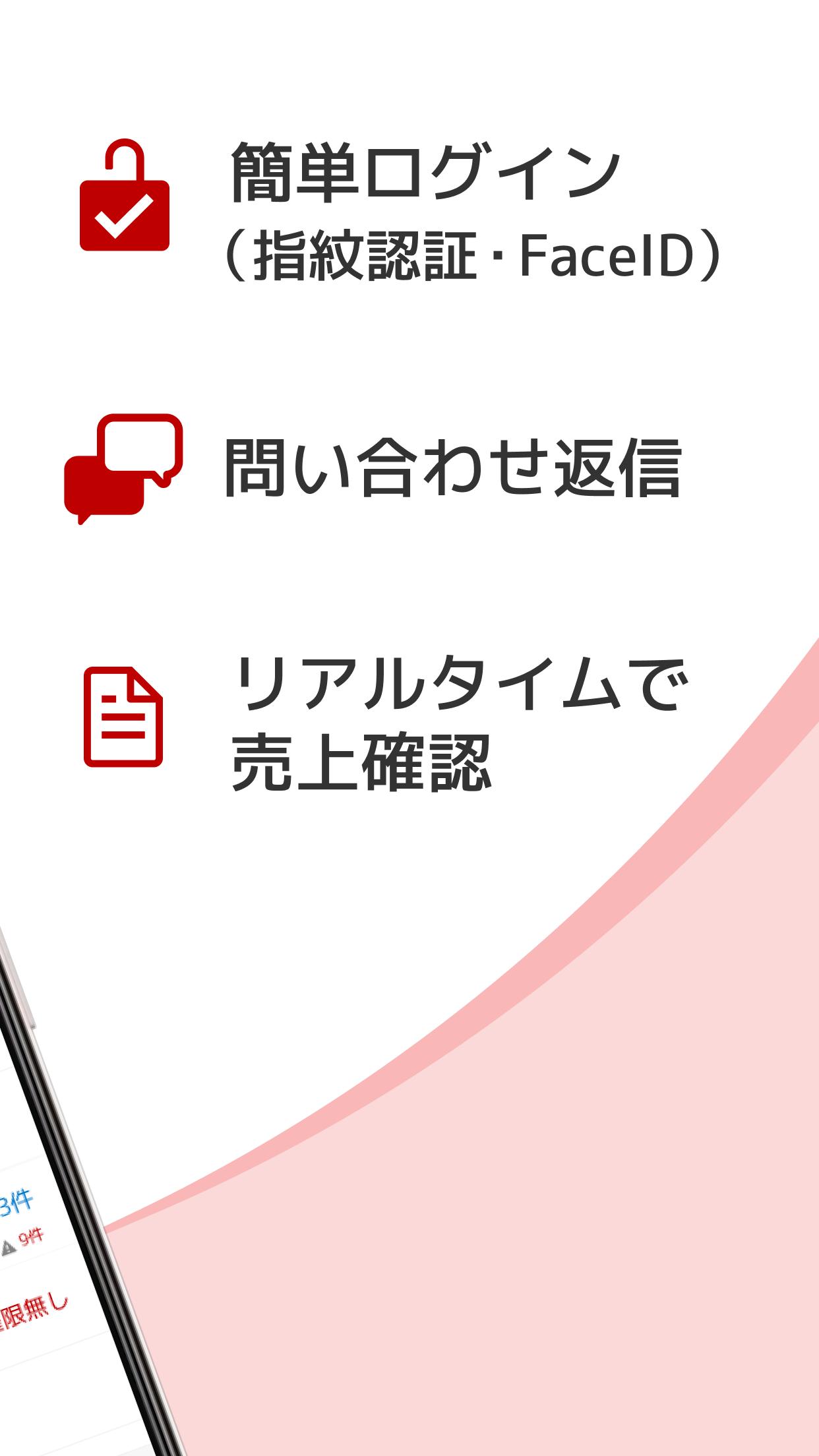
■ Easy login
If you are using a compatible model, you can easily log in with fingerprint / face recognition.
* When logging in to a specific store for the first time from the RMS app, you will need to enter your ID / password.
* After 14 days from the date you log in to a specific store for the first time from the RMS app, you will need to enter your ID / password again.
■ Confirmation of sales
You can check the previous day's and current month's sales, conversion rate, unit price per customer, and their monthly and year-on-year changes.
■ Reply to inquiry
You can reply to inquiries from users using templates and images.
If the notification setting is ON, a new inquiry notification will be displayed.
■ Order confirmation
You can check the latest order status.
■ Edit existing products
Part of existing product information can be edited.
■ Information from Rakuten
You can check support news and system trouble information.
If the notification setting is ON, a notification from Rakuten will be displayed in case of emergency.
■ Confirmation of contact information of EC consultant in charge
You can check the phone number that goes directly to your EC consultant.
Latest Version
4.5.0Uploaded by
Ŋâi Šâêf
Requires Android
Android 11.0+
Category
Free Business AppContent Rating
Everyone
Security Report
Report
Flag as inappropriateLast updated on Apr 7, 2026
● 店舗の皆様から多数ご要望いただいておりました、注文詳細画面への送付先電話番号の表示機能を追加しました。
● 当日出荷指定の受注が発送待ちになった際に、プッシュ通知を行う機能を追加しました。
● ソーシャルギフト注文関連の機能を追加しました。
● ソーシャルギフト問い合わせ関連の機能を追加しました。
● Android 16 に対応しました。





APKPure - A multi-platform app store primarily focused on Android, providing extensive app-related content. Discover the app you want easier, faster, and safer, with quick and efficient downloads and installations.