Package Name:com.compressfiles.zipunzipfiles
SHA-256:d1cb52ea6764eb2372ced3662e1fc82b0d0890a72245c537ea1c477e8e2eecc0
Show More

Zip-UnZip Files & Compress is a versatile file management application. It allows you to efficiently compress and decompress files and folders.
With this app, you can easily compress files or folders into ZIP and other formats. It reduces the overall size and makes it easy to share with others or store in phone storage. Additionally, it allows you to extract file from ZIP archives or decompress various other compressed file formats.
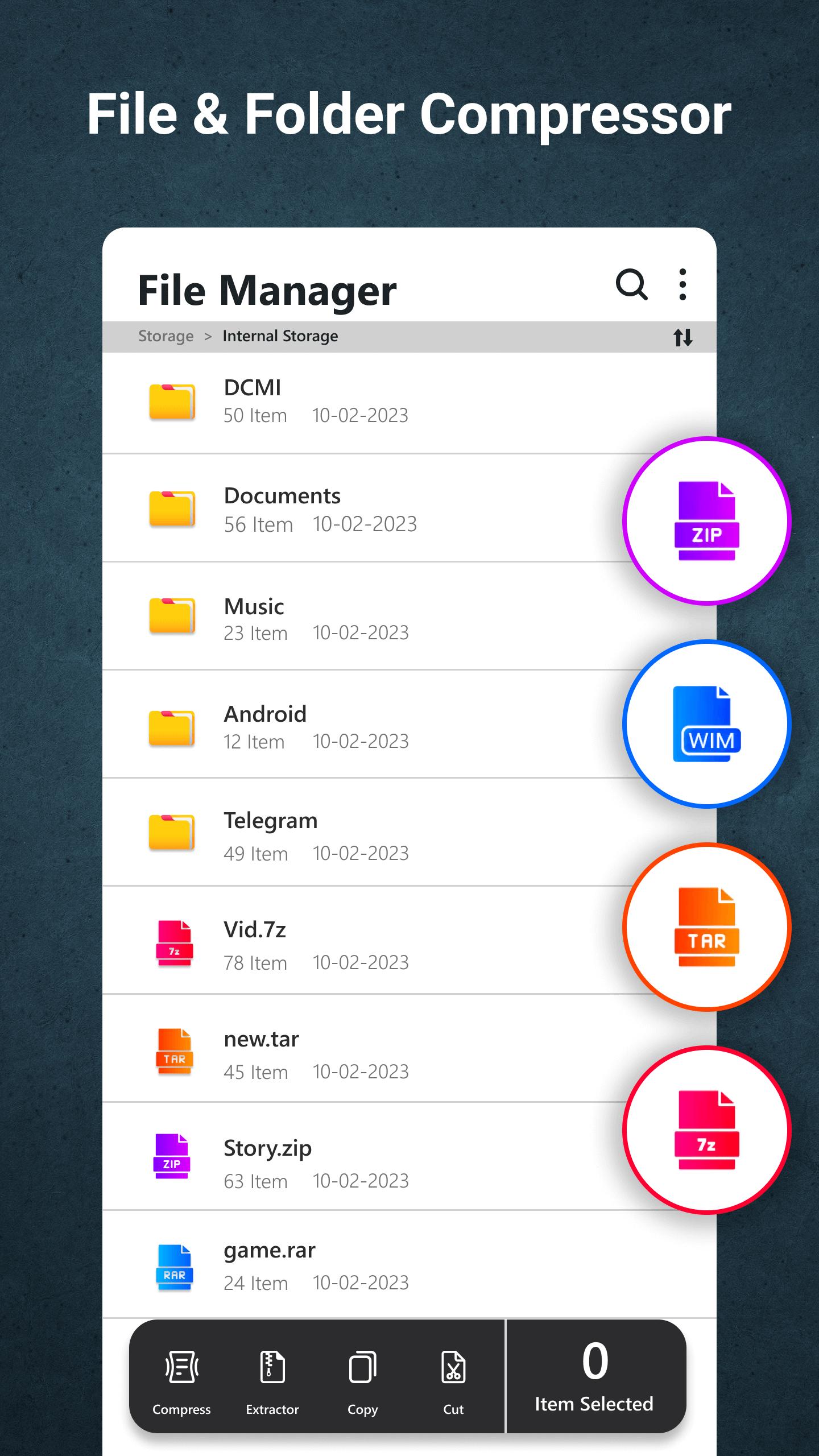
This is a fast and easy-to-use zip extractor and zip opener. You can also create password-protected zip, tar, wim, xz & 7z files or folders.
Easy to select multiple files and compress them with multiple formats like .zip, .7z, .tar, and .rar and multiple levels like Normal, Fast, Fastest, Maximum, Ultra, and Store.
Features of Zip-UnZip Files & Compress App:
1. File Compression: The app enables you to compress files or folders quickly and effectively. By reducing the size of your file, you can save storage space on your device and transfer them more conveniently.
2. ZIP Archive Creation: You can create ZIP archives effortlessly with this zip-unzip file app. Simply select the files or folders you want to compress, choose the compression settings, and generate a ZIP file for easy sharing or backup purposes.
3. File Extraction: Extracting files from ZIP archives or other formats (tar, Wim, xz & 7z)is instant with this app. Whether you receive a ZIP file via email or download it online, you can effortlessly extract its contents and access them.
4. Supported Compression Formats: In addition to ZIP, the app supports decompressing file from various popular compression formats such as 7Z, TAR, GZ, and more. This ensures that you can handle a wide range of compressed files with ease.
5. File Management: The Zip-UnZip Files & Compress app provides a user-friendly file management system, allowing you to browse, delete, copy, or move files and folders within the app. This helps you organize your compressed files efficiently and keep your storage clutter-free.
6. Password Protection: You can set passwords for your compressed zip files for security purposes. This feature ensures that only authorized individuals can access the contents of your archives, providing an extra layer of confidentiality.
7. Intuitive User Interface: The zip-unzip Files app features a clean and intuitive user interface, making it easy for both beginners and experienced users to navigate and perform the extraction, opening, and compression tasks seamlessly.
Zip-UnZip Files & Compress is a powerful and reliable tool that simplifies the process of compressing and decompressing file. Whether you need to reduce file sizes for storage or send files securely, this app provides a comprehensive solution. The best zip extractor, opener, and compressor application.
Latest Version
10.0Uploaded by
Hager Hany
Requires Android
Android 8.0+
Category
Free Tools AppContent Rating
Everyone
Security Report
Check Now
Report
Flag as inappropriateLast updated on Sep 19, 2025
Minor bug fixes and improvements. Install or update to the newest version to check it out!




APKPure - A multi-platform app store primarily focused on Android, providing extensive app-related content. Discover the app you want easier, faster, and safer, with quick and efficient downloads and installations.