Scan Date:Mar 20, 2026
Show More
Draw & Make Handwriting fonts app allows you to turn your own handwriting into a custom font for your smartphone's keyboard. You can create the original handwriting fonts TTF and use them in creating the post or in messaging. This draw & make own fonts app provides a selection of font styles to give an attractive look and make your smartphone typing stunning.
How to generate custom handwriting fonts?
1. Click on Create Font.
2. Give the font & designer's name.
3. Adjust the brush size, color, and style for drawing the fonts.
4. You can select the desired font style to draw your handwriting fonts.
5. Start drawing the fonts. (Uppercase letters, Lowercase letters, Numbers & Special Characters)
After completing the font creation, you can generate a TrueType Font (TTF) file. You can use it on your mobile phone, computer, or laptop.
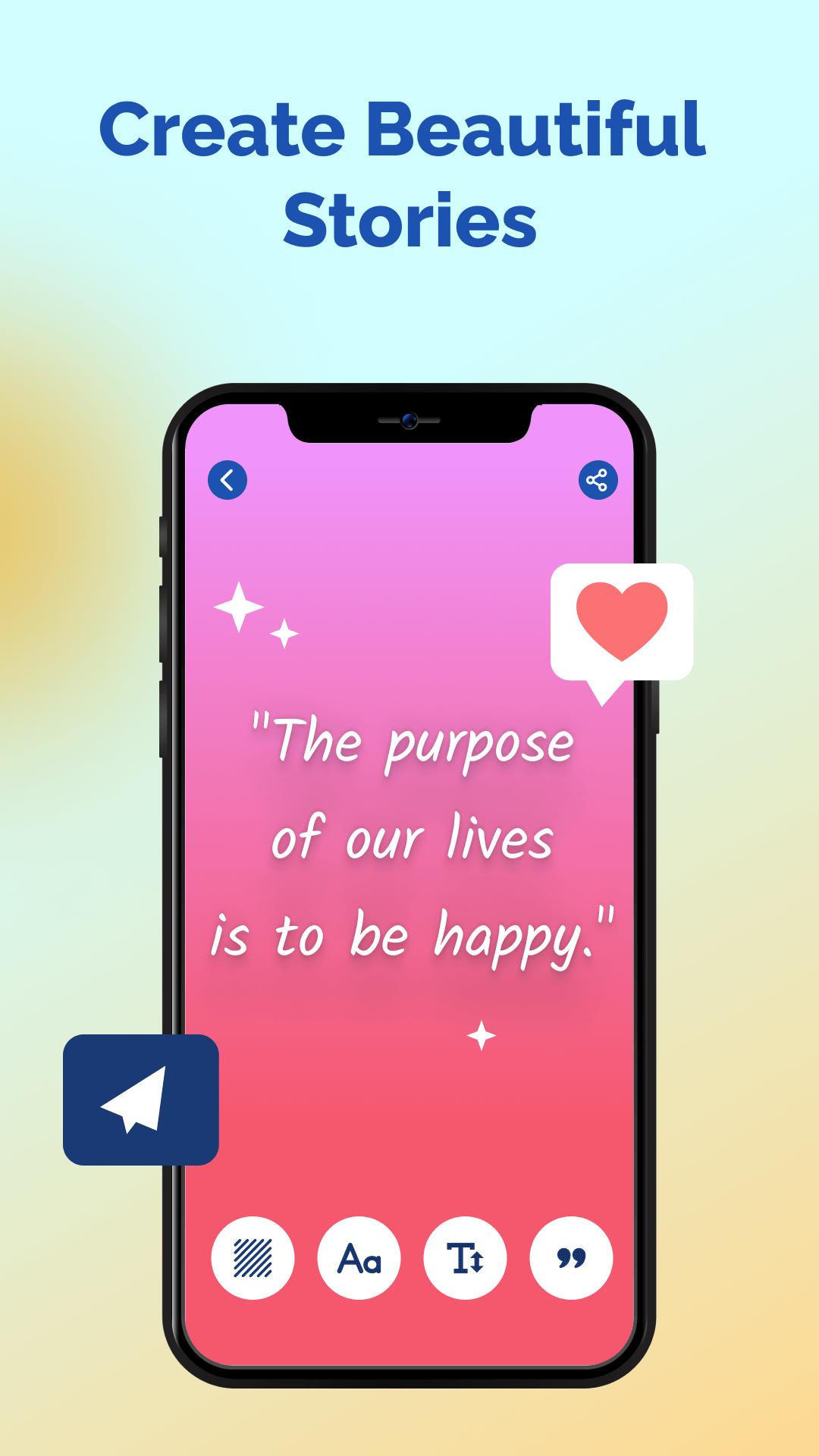
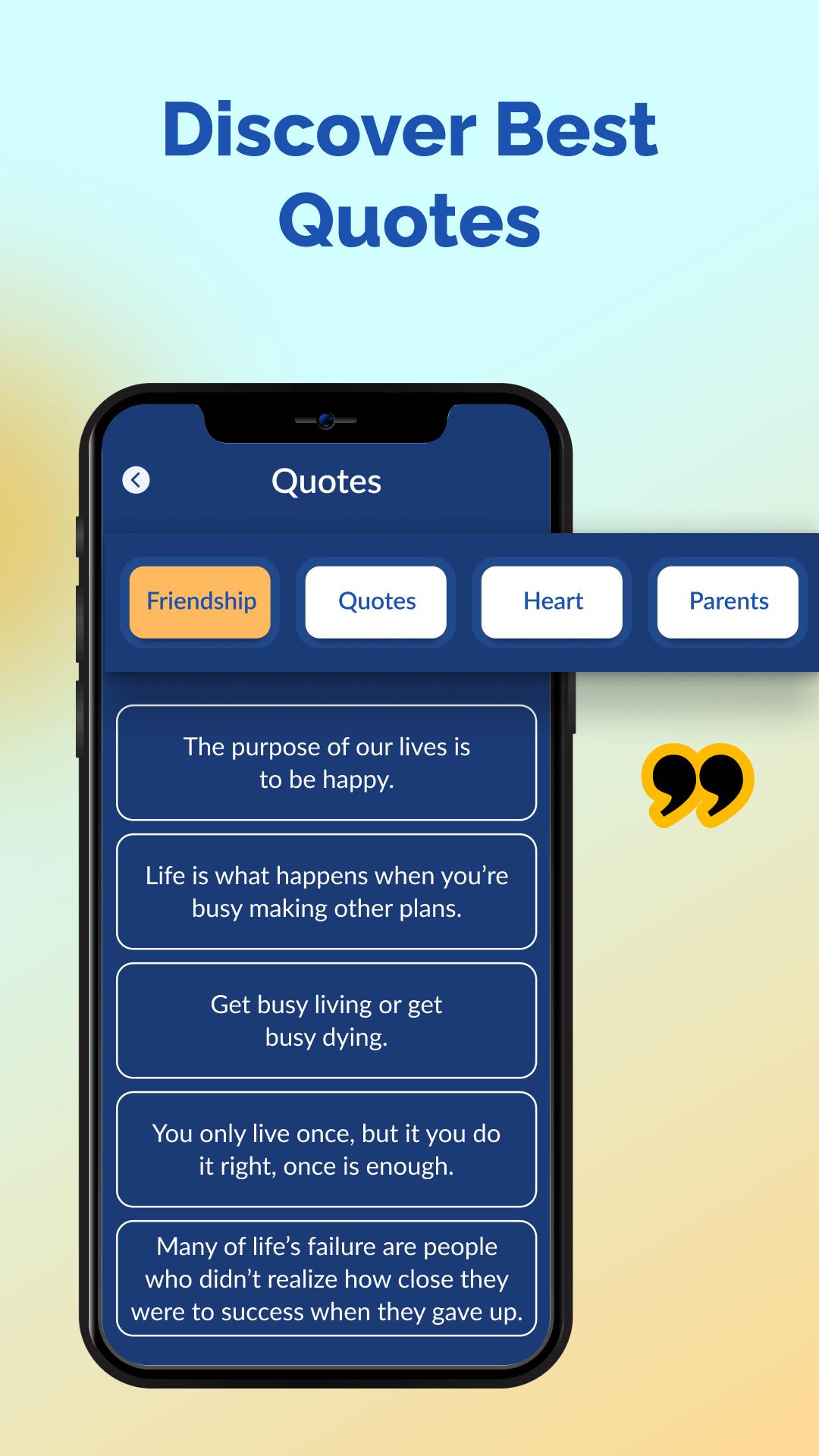
You can create the post with these handwritten fonts. Write your own words or quotes with your unique handwritten fonts. Share the post on social media and make a surprise to your friends, family, and colleagues. You can adjust the text size, select the upper or lowercase fonts, and set the background as desired. This handwriting font creator gives bundles of quotes in various categories. You can select friendship, quotes, heart, dreamcatcher, border, parents, butterfly, flower, god, inspirational, and motivational.
The exciting features of the "Draw & Make Handwriting Fonts" app:
1. Simple and Easy Creation: Using this app, it's easy to create your own handwriting artistic font.
2. Use Your Custom Font in Keyboard: You can use the created fonts on your smartphone's keyboard. Easy to use in messaging and typing with your unique handwriting style.
3. Variety of Stylish Fonts: The app offers a collection of stylish font styles. You can select the perfect font for your handwriting style.
4. Brush Customization: Easy to adjust the brush size, color, and style while drawing your font.
Get… Set… Go… to type in your handwritten fonts. Download the app and use your own handwriting keyboard for typing.
Latest Version
26.0Uploaded by
Arwin P. De Ade
Requires Android
Android 8.0+
Category
Free Tools AppContent Rating
Everyone
Security Report
Report
Flag as inappropriateLast updated on Mar 20, 2026
- Bug Fixes.




APKPure - A multi-platform app store primarily focused on Android, providing extensive app-related content. Discover the app you want easier, faster, and safer, with quick and efficient downloads and installations.