

Package Name:feb14.zaha.project
SHA-256:5bccb0d4a8d90dd82dc746c68fb66f3c95ff66a89fce0351831b971ce5e7c9e5
Show More

Zaha VPN helps users who move between public hotspots and home networks and want consistent, private browsing. It is designed to protect your traffic and keep your IP hidden while you connect to websites and services across regions. In cafés, airports, or campuses, connections can be restricted or unstable, so the app emphasizes steady access without exposing browsing details. Many Android users search for Zaha VPN APK when they need a simple way to install the service and start browsing with more privacy.
Zaha VPN does not record browsing history or location data, which limits what can be tied back to your activity. This stance helps reduce exposure if networks are monitored or logs are requested. It offers a straightforward approach to anonymity by avoiding storage of identifiable usage records.
Encryption and IP protection on public Wi-FiWhen you connect through Zaha VPN, your traffic is encrypted and your IP address is masked. This reduces the risk of data interception on shared hotspots such as cafés, airports, and hotels. It also adds a layer of protection at home, keeping your connection private from local observers.
Unlimited bandwidth for daily useZaha VPN removes data caps so you can browse, stream, and download without hitting a limit set by the app. Actual speed depends on your internet provider, device, and server load. For routine use, this can simplify planning, since you do not need to ration traffic while connected.
V2Ray protocol supportThe app supports V2Ray to improve reliability when networks filter or throttle common VPN traffic. This protocol can help you connect when certain routes are blocked or unstable. In restrictive environments, switching to V2Ray often maintains access where standard options struggle.
Anti-censorship and access to global sitesZaha VPN focuses on connecting in hostile or highly restrictive environments by offering tools that resist blocking. It helps you reach websites and services that may be limited by region or local rules. This is useful for campus or workplace networks that restrict common sites during certain hours.
No-logs means Zaha VPN does not store your browsing history or location details on its servers. Your encrypted traffic passes through the VPN tunnel, but identifiable usage records are not retained. This approach supports privacy even in regions with stricter data requirements, while your use of online services remains subject to local laws and each service’s terms.
Unlimited bandwidth removes in-app limits, yet your speed still depends on local connectivity and server conditions. If a network is restrictive, V2Ray may trade a small amount of speed for better stability. When performance drops, switching server locations or reconnecting often improves consistency.
Shared hotspots can expose unencrypted traffic to others on the same network. Zaha VPN encrypts your connection and masks your IP, which reduces the chances of data capture. Even with a VPN, avoid entering sensitive information on unknown or suspicious sites and use HTTPS whenever it is available.
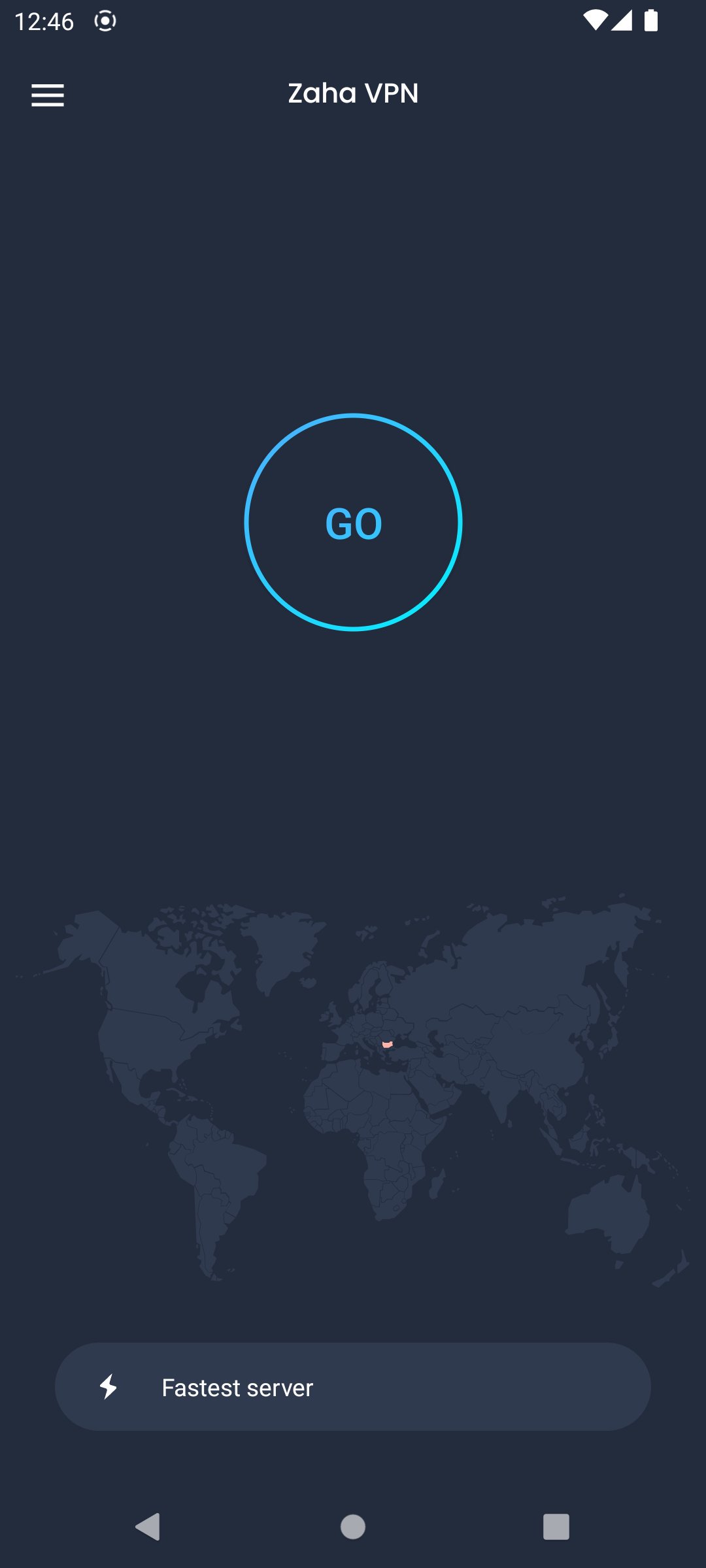
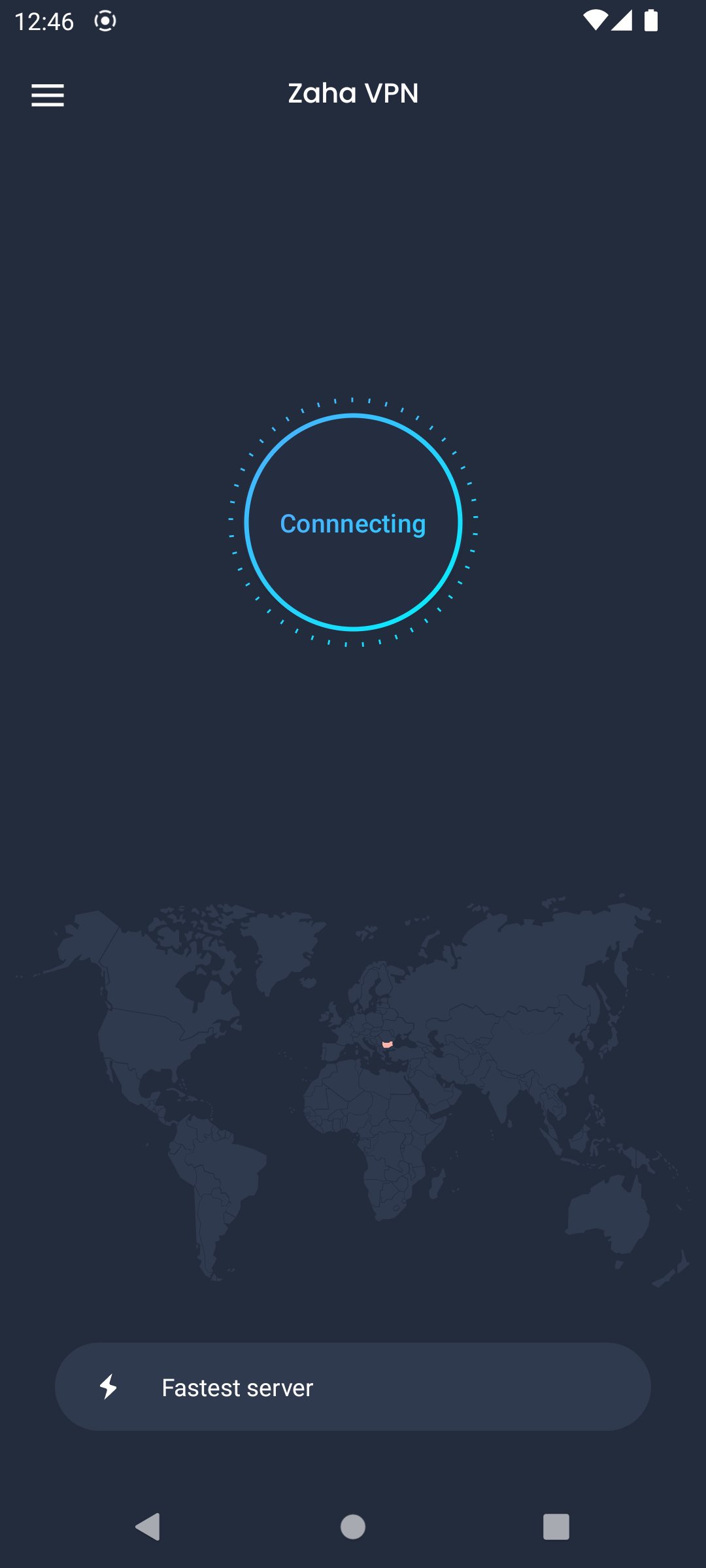
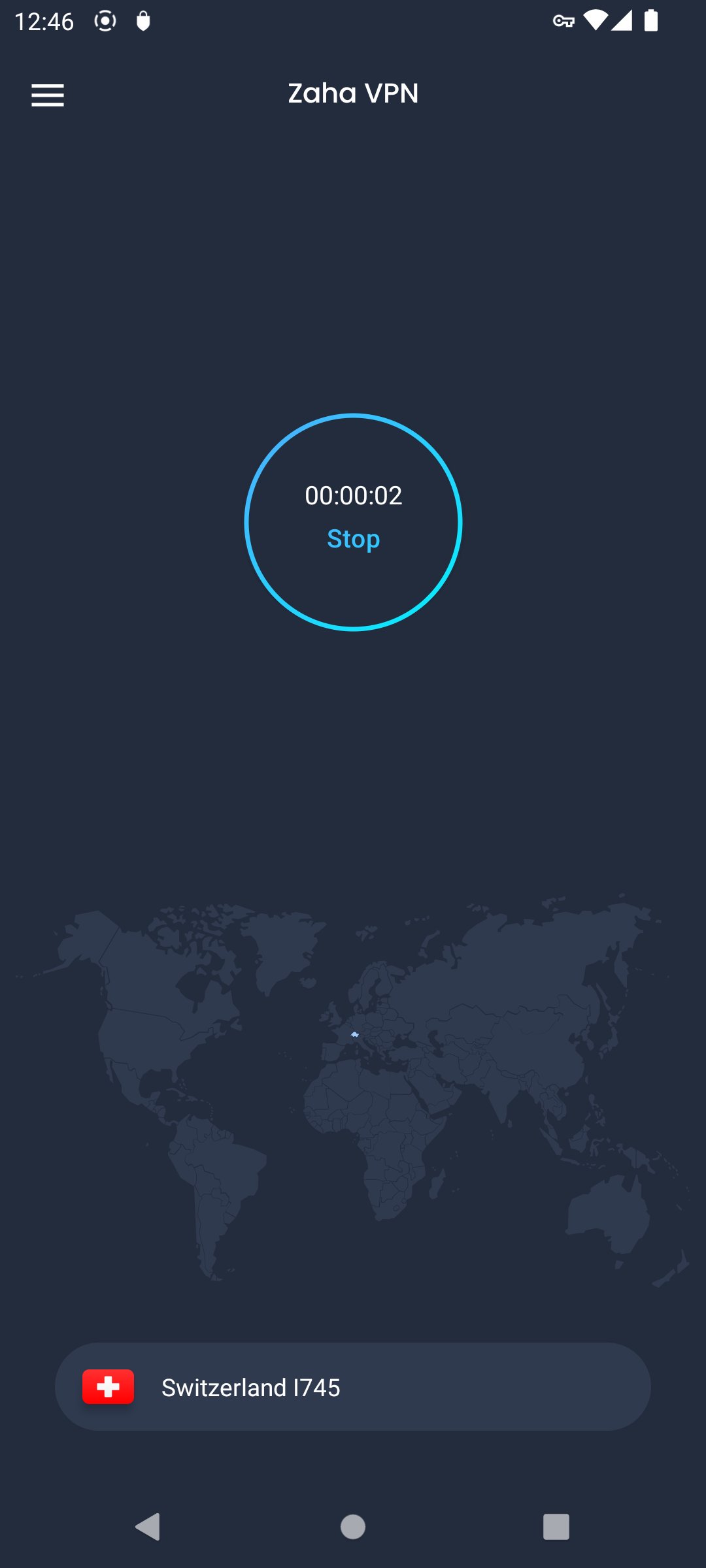
After you download Zaha VPN, setup takes a few simple steps. The app connects you to a server and keeps traffic encrypted. Use the guide below to get connected on most networks.
Zaha VPN provides private browsing, traffic encryption, and tools that help in restrictive environments. To begin, install the Zaha VPN latest version and connect to a server that matches your location needs.
For support or feedback, use the contact below.
Latest Version
4.7Uploaded by
Keylor Rosales
Requires Android
Android 8.0+
Category
Free Tools AppContent Rating
Everyone
Security Report
Check Now
Report
Flag as inappropriateLast updated on Feb 26, 2026
Minor bug fixes and improvements. Install or update to the newest version to check it out!


APKPure - A multi-platform app store primarily focused on Android, providing extensive app-related content. Discover the app you want easier, faster, and safer, with quick and efficient downloads and installations.