User Manual is here:
http://wiki.cnddu.com/doku.php?id=english:products:wifipppoe:manual
You can find us here:
Web: www.cnddu.com
Email: support@cnddu.com
Twitter: @cnddu
Facebook: www.facebook.com/cnddu
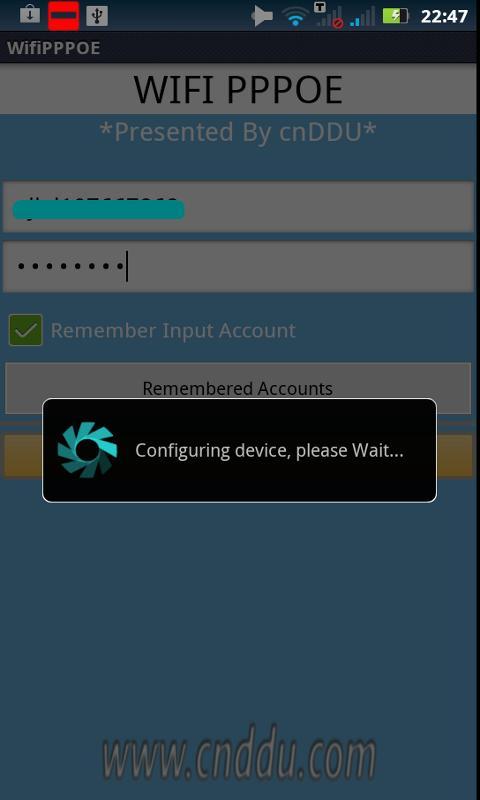
This app is running on Android Platform. Its main purpose is for user to make PPPOE connection via WIFI, e.g. dialing through ADSL Modem with user name and password provided by some internet ISPs. This app makes the Android devices be able to connect to Internet directly via PPPOE dialing through WIFI, and no need for another WIFI Router any more.
There are several things you need know and get ready before using this application:
1. The Android version on your phone need greater than 2.1 (>=2.1)
2. Your phone need be “rooted”
3. Your phone need turn on WiFi and WiFi is connect to your xDSL modem
Latest Version
2.1Uploaded by
Ahmed Rajawi
Requires Android
Android 2.1+
Category
Free Tools AppContent Rating
Unrated · Warning – content has not yet been rated. Unrated apps may potentially contain content appropriate for mature audiences only.
Report
Flag as inappropriateLast updated on Jun 27, 2015
V2.2
=======
1. Add the setting item to turn on/off the disconnect sound
2. add log filter
3. exit app when fatal error happens
V2.1
=======
1. Remove the dependency on installing busybox, so now you could use this application without installing busybox tool
2. Fix the touch problem (disconnect dialog not shown) after user disconnect




APKPure - A multi-platform app store primarily focused on Android, providing extensive app-related content. Discover the app you want easier, faster, and safer, with quick and efficient downloads and installations.
















