
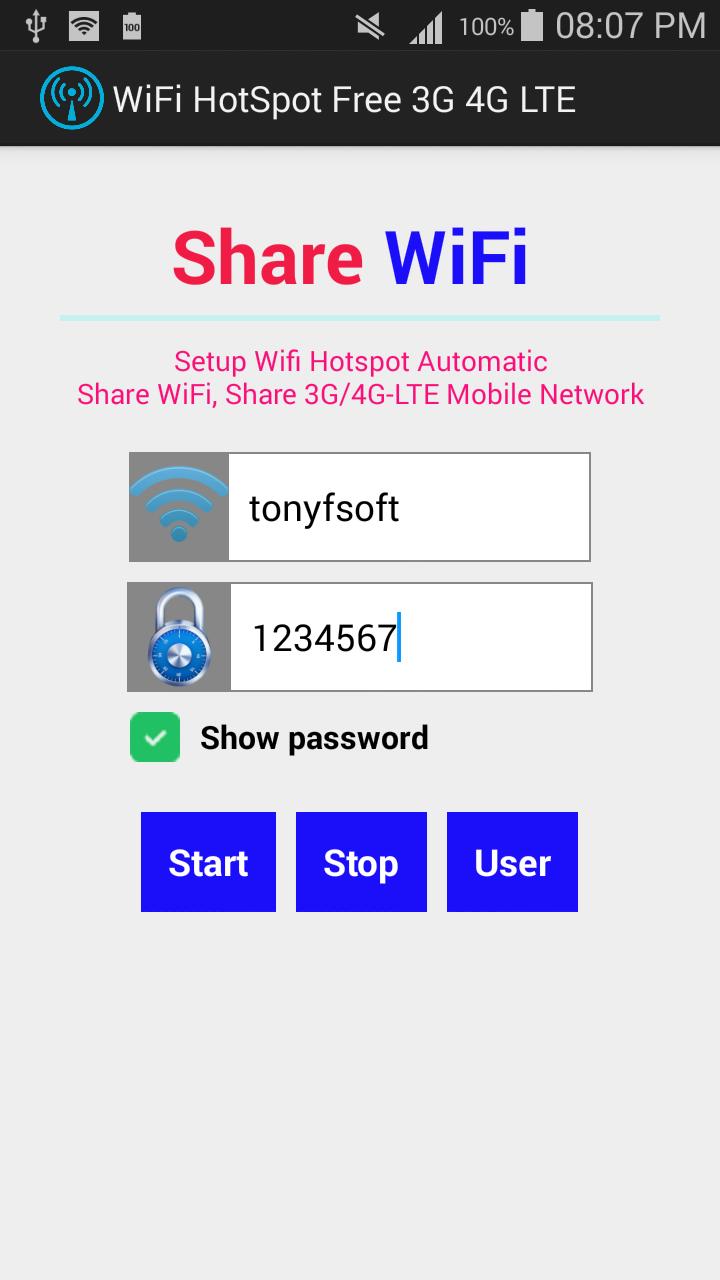
1. Enter the name of the Wi-Fi hotspot that you want.
2. Enter the desired password. (Password Must be contain at least 8 characters)
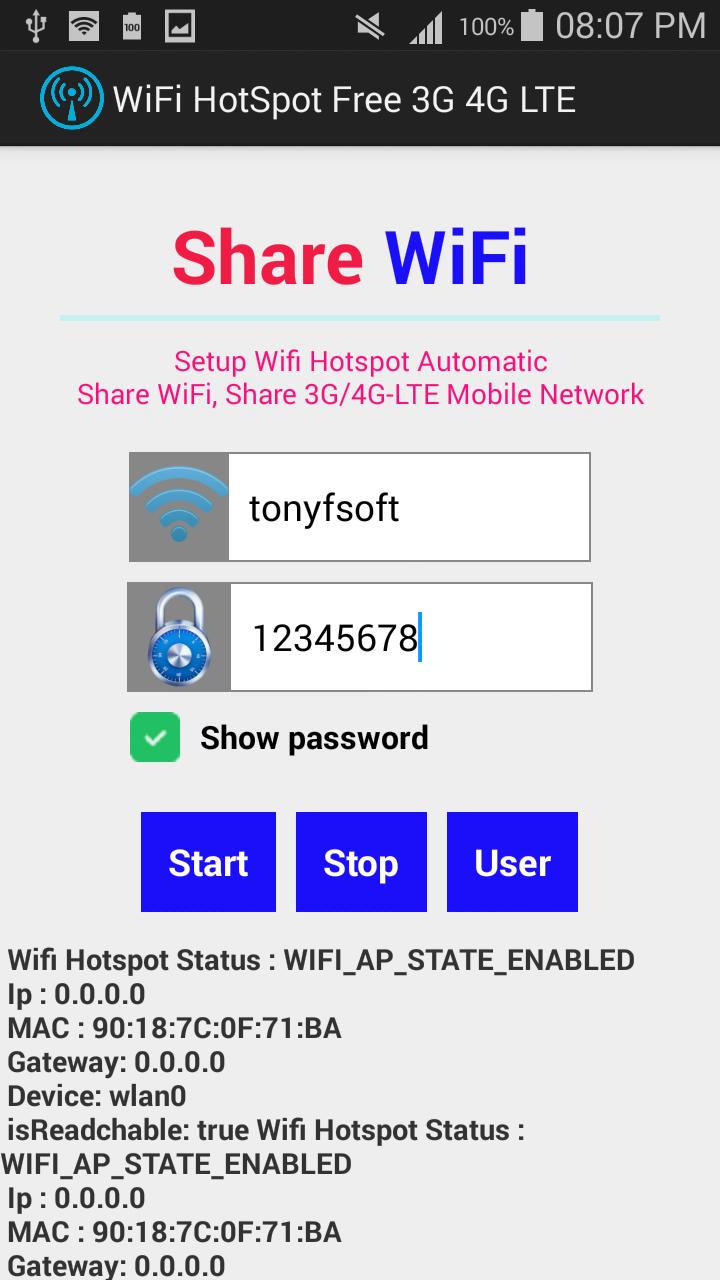
3. Click Start to begin.
4. Turn off your WiFi, press STOP.
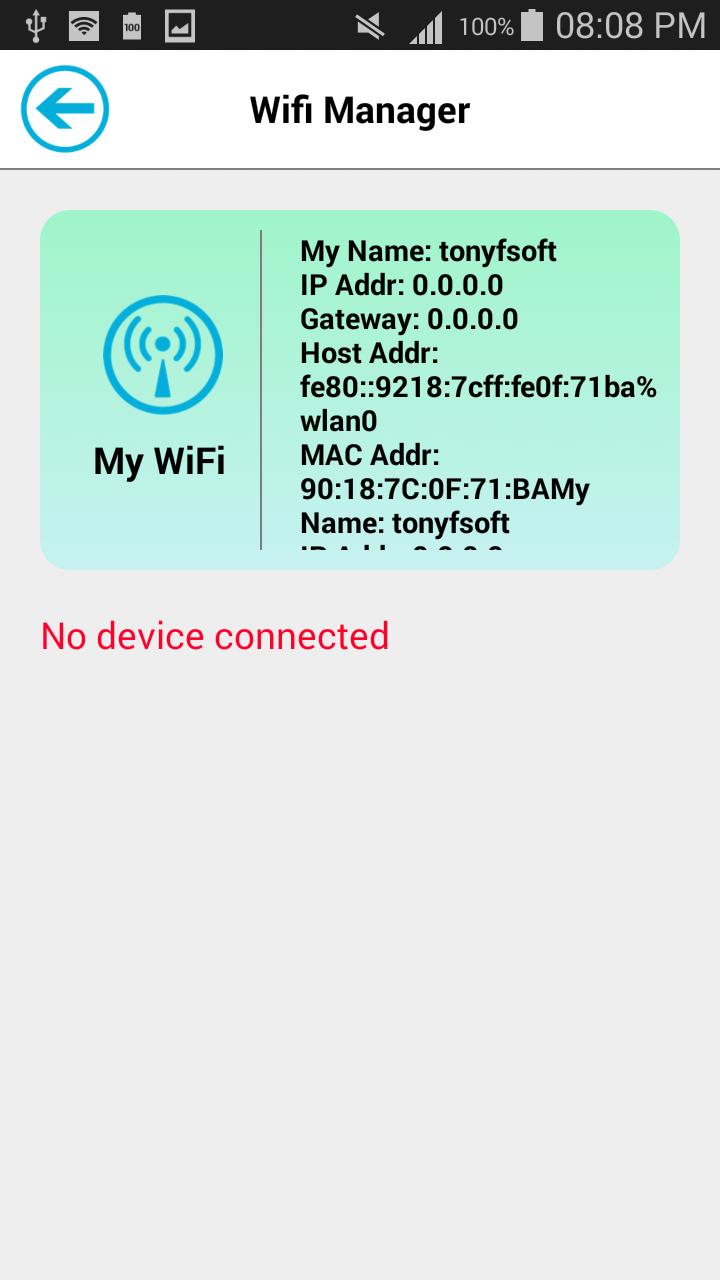
5. Manager all devices using your wifi, press User.
6. To connect to the Wi-Fi hotspot you have to find your correct name Hotspot and enter the correct password that you created above.
-WiFi hotspot
-Share your mobile's internet (WiFi/3G/4G-LTE) connection with laptop, tablet or any other WiFi enabled devices.
Latest Version
2.0Uploaded by
Reinz Obra Mercado
Requires Android
Android 4.0+
Category
Free Tools AppContent Rating
Everyone
Report
Flag as inappropriateLast updated on Nov 7, 2015
Minor bug fixes and improvements. Install or update to the newest version to check it out!





APKPure - A multi-platform app store primarily focused on Android, providing extensive app-related content. Discover the app you want easier, faster, and safer, with quick and efficient downloads and installations.