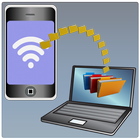
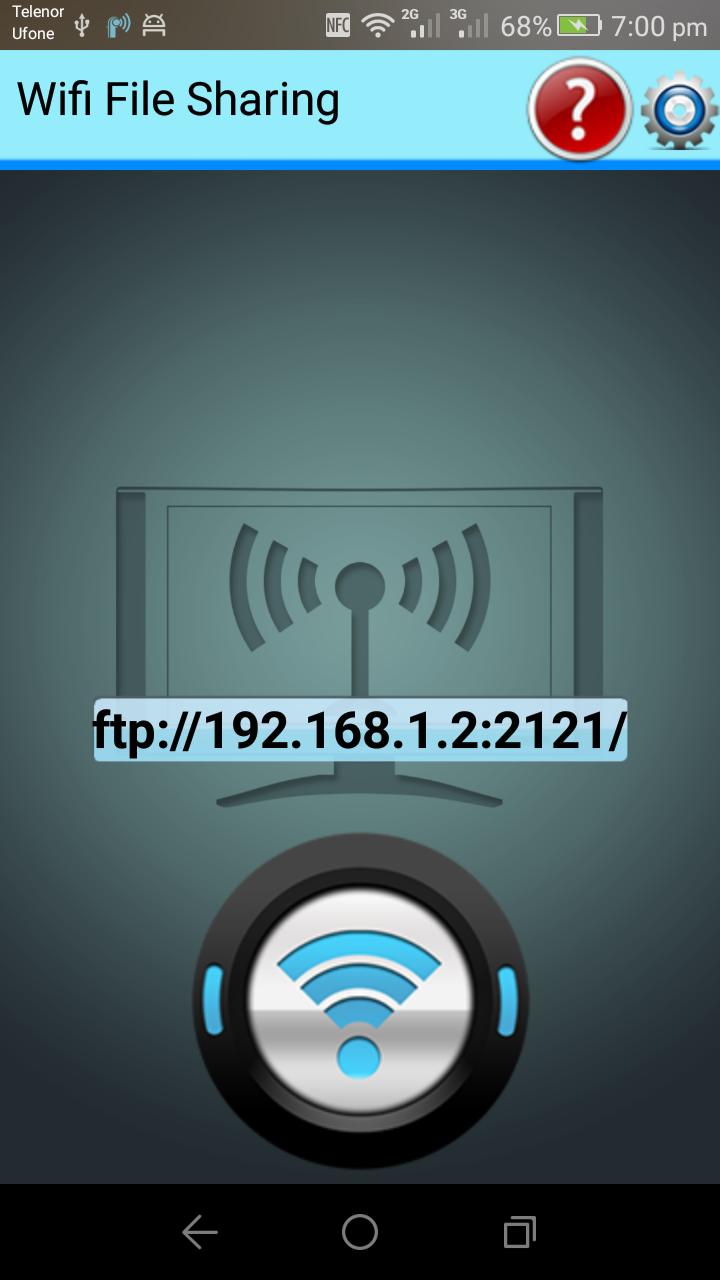
wifi file sharing let your mobile phone transfer its data to laptop without any USB cable and bluetooth connection
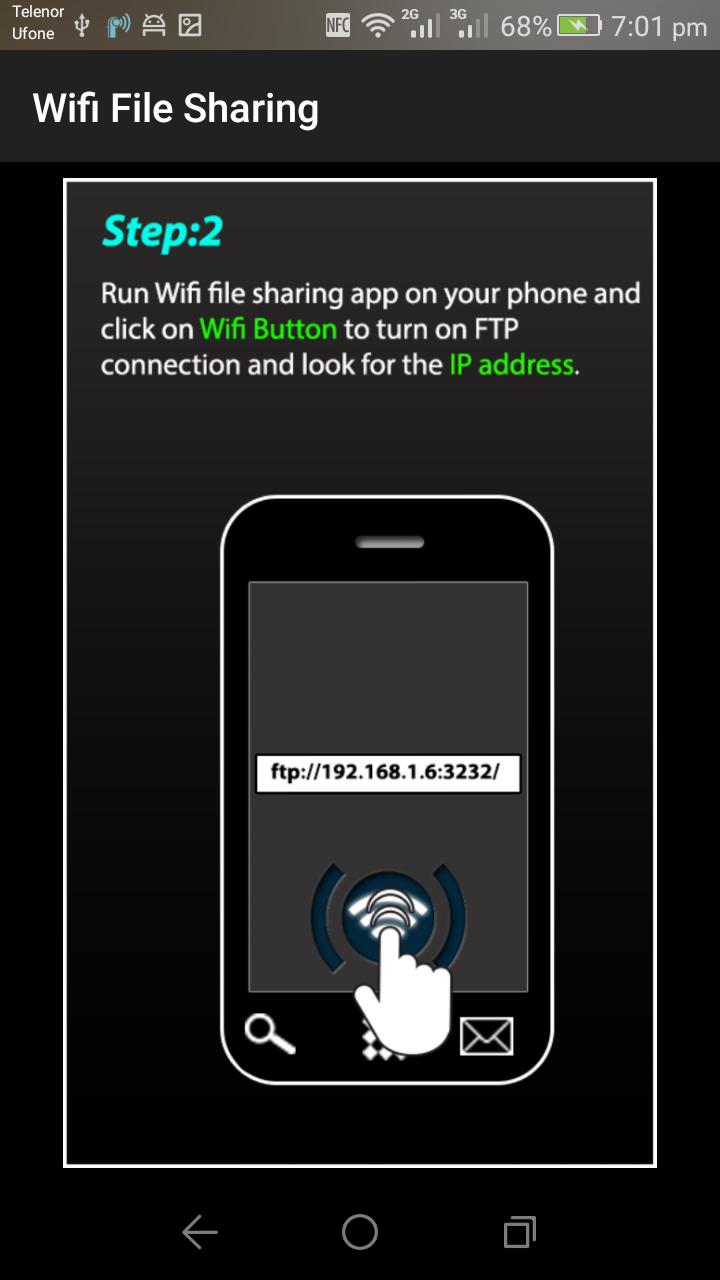
Wifi file sharing transfer data between computer and mobile through wifi.
It is faster than you think...
Features:
1: upload or download files over wireless connection no USB required.
2: delete rename copy cut paste zip unzip files using buil in file manager
3: you can view photos directly into your browser
4: also work in hotspot mode
5: it works as background service as well
6: u can access external SD card
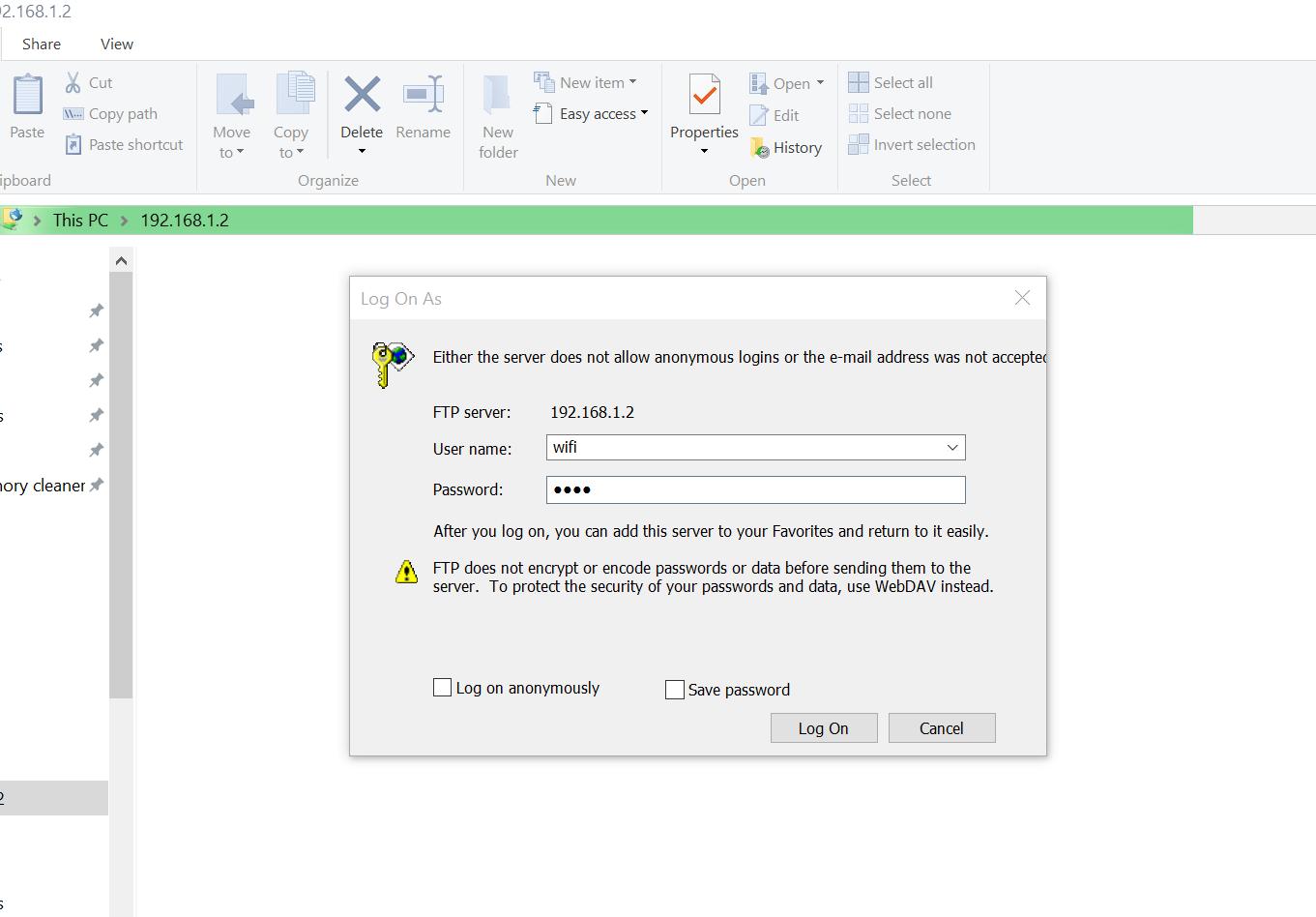
7: Secure data through password encryption
NOTE:
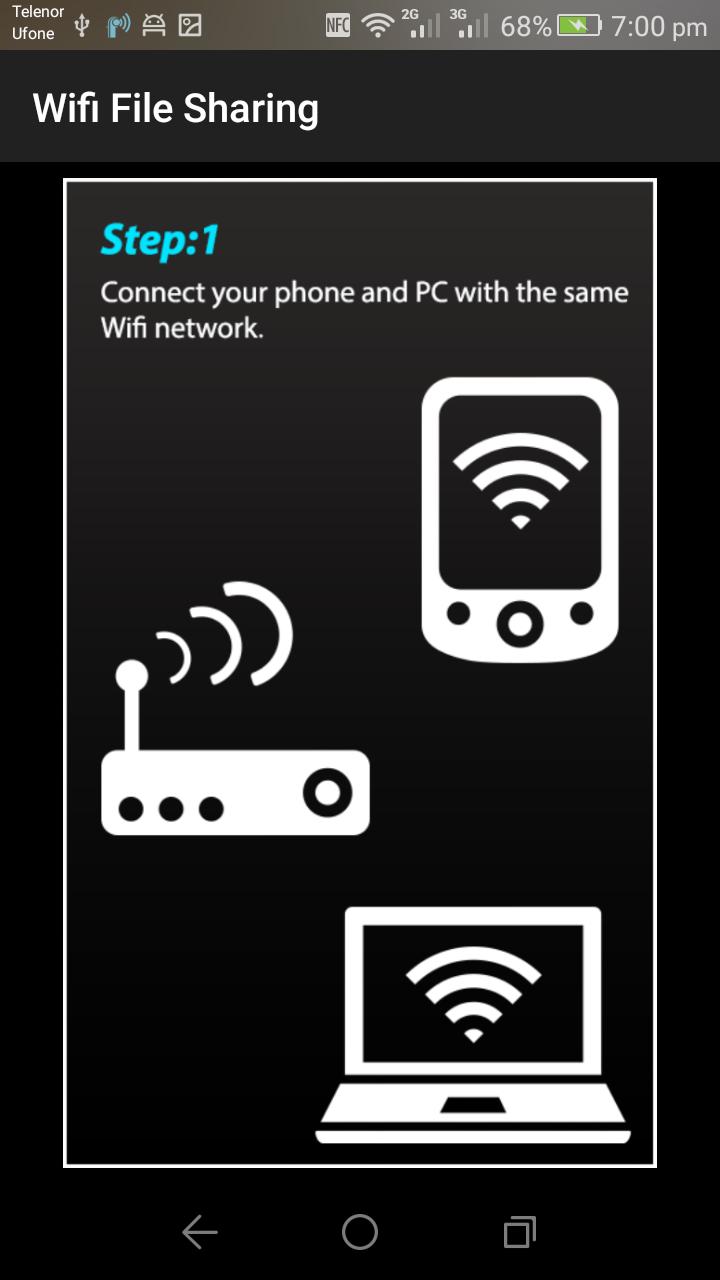
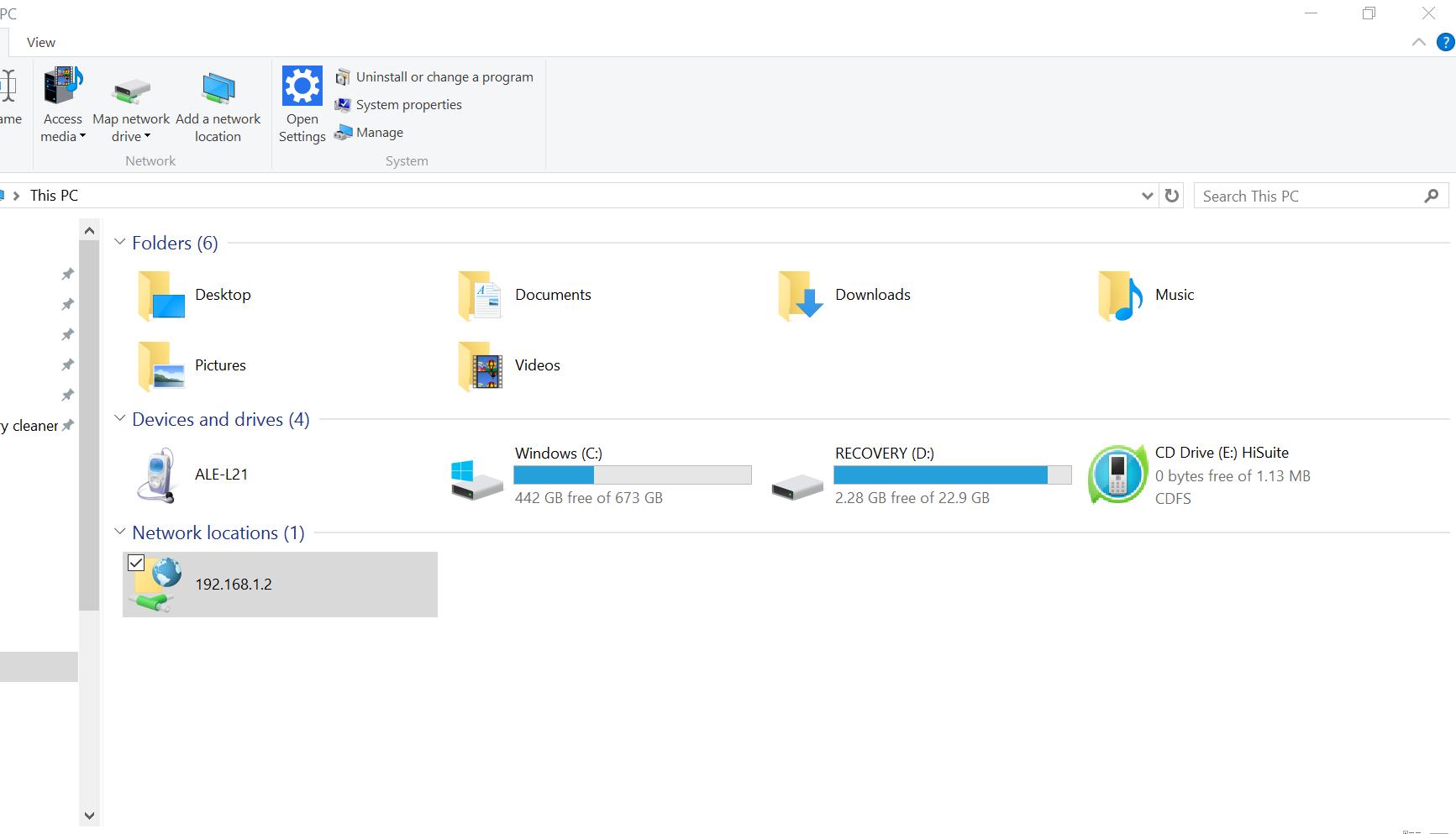
1: To use wifi data sharing app your laptop and mobile both should be on same wireless network...
2: If you are using a public network make it secure by setting a password in app setting ...
3: Uploading files larger than 5 MB is not possible... Other than that it works just fine...
Latest Version
1.3Uploaded by
Deivid Cardoso
Requires Android
Android 4.1+
Category
Free Tools AppContent Rating
Everyone
Report
Flag as inappropriateLast updated on Oct 22, 2017
Updated to Android Oreo . bugs fixed



APKPure - A multi-platform app store primarily focused on Android, providing extensive app-related content. Discover the app you want easier, faster, and safer, with quick and efficient downloads and installations.









