Scan Date:Mar 18, 2026
Show More

Web2Pics – Full Page Screenshot & Web Capture Tool
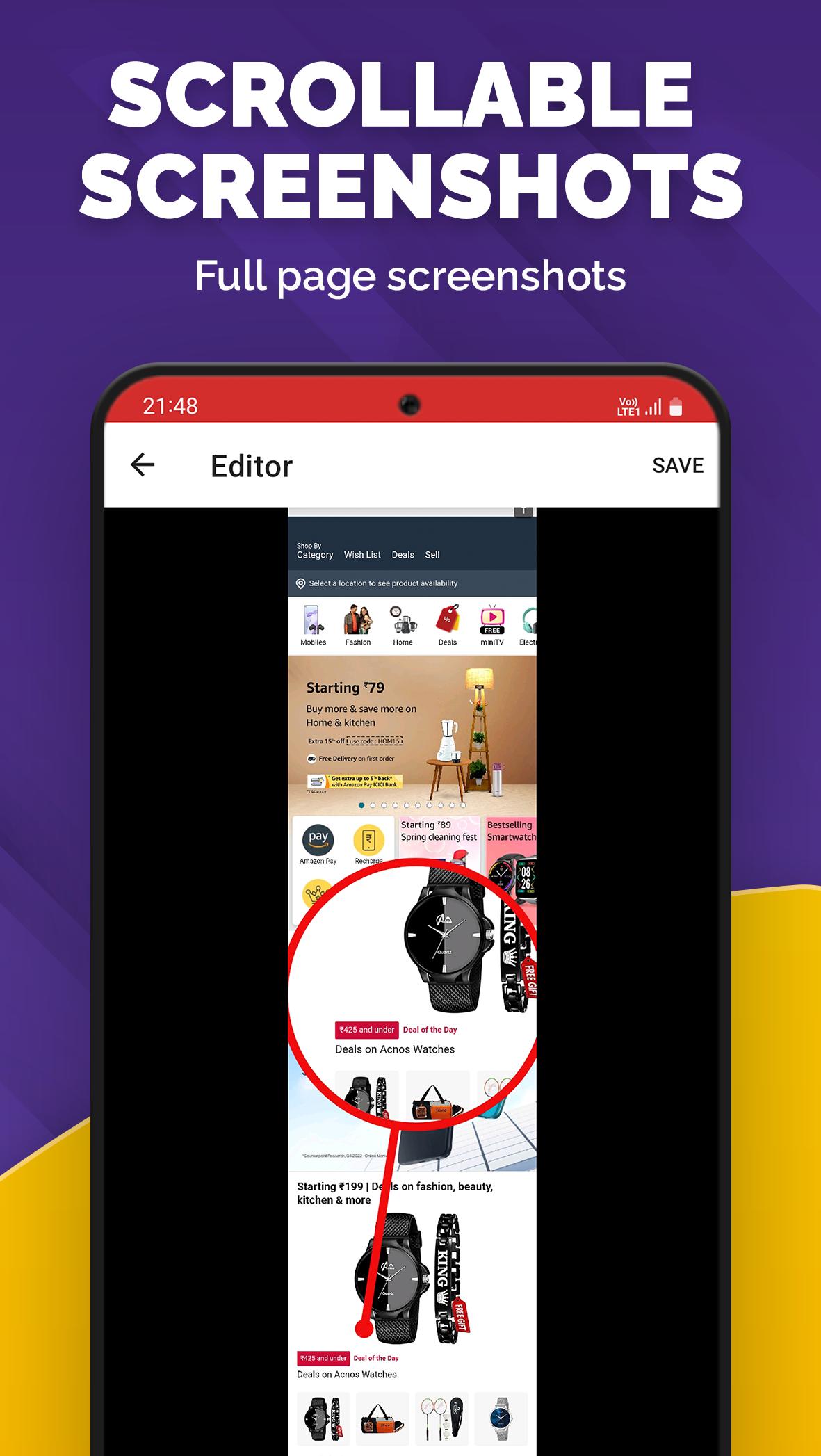
Web2Pics is the ultimate full page screenshot app for capturing webpages, browser screenshots, and long scrolling pages. Take high-quality screen captures of entire websites, including hidden content, and edit with powerful tools. Perfect for web scroll capture and browser shot needs!
📸 Easy Full Page & Scrolling Screenshots
✔ Capture full page screenshots, long screenshots, or selected areas of any webpage.
✔ Handle scrolling screenshots for long web pages and invisible elements.
✔ Save high-res browser screenshots to your device instantly.
✔ Built-in browser for custom web capture on any site.
✔ Selected-area screenshots — crop exactly what you need.
✏️ Advanced Annotation & Screenshot Editor
✔ Annotate screenshots with text, shapes, drawings, stickers, and frames.
✔ Crop, blur, or pixelate for privacy in your screen captures.
✔ Adjust quality and resolution in the screenshot editor.
🎨 Customize with Pro Features
✔ Create collages from multiple full page screenshots.
✔ Remove sticky elements for clean web captures.
✔ Markup maps and background elements effortlessly.
📤 Share & Export Seamlessly
✔ Save to gallery or share via email, apps, or cloud.
✔ Export in various formats for flexible use.
Web2Pics is your top choice for full page screenshot, web capture, and browser screenshot needs.
Download now for effortless scrolling screenshots!
Send feedback to support@appculus.com.
Latest Version
1.15.1Uploaded by
حسن حسن
Requires Android
Android 6.0+
Category
Free Productivity AppContent Rating
Everyone
Security Report
Report
Flag as inappropriateLast updated on Jan 17, 2026
We value your feedback and are continuously working to enhance the app's functionality, stability, and performance.
- Now supports Android 16.
- Bug fixes and performance enhancements.






APKPure - A multi-platform app store primarily focused on Android, providing extensive app-related content. Discover the app you want easier, faster, and safer, with quick and efficient downloads and installations.