Package Name:com.vpn.free.hotspot.secure.vpnify
SHA-256:b8126e076e5f51f09637f701e70edc3ed33e0f85048875132e7958bcecaf4a42
Show More


vpnify helps when you need a private, stable connection on public Wi‑Fi, school networks, or workplace hotspots. It focuses on quick access and secure browsing, so you can open apps and sites with fewer interruptions. Whether you are traveling or staying home, the app aims to keep your activity shielded from local network monitoring. If you look for a simple setup without extra steps, vpnify APK offers a straightforward path to start using a private connection.
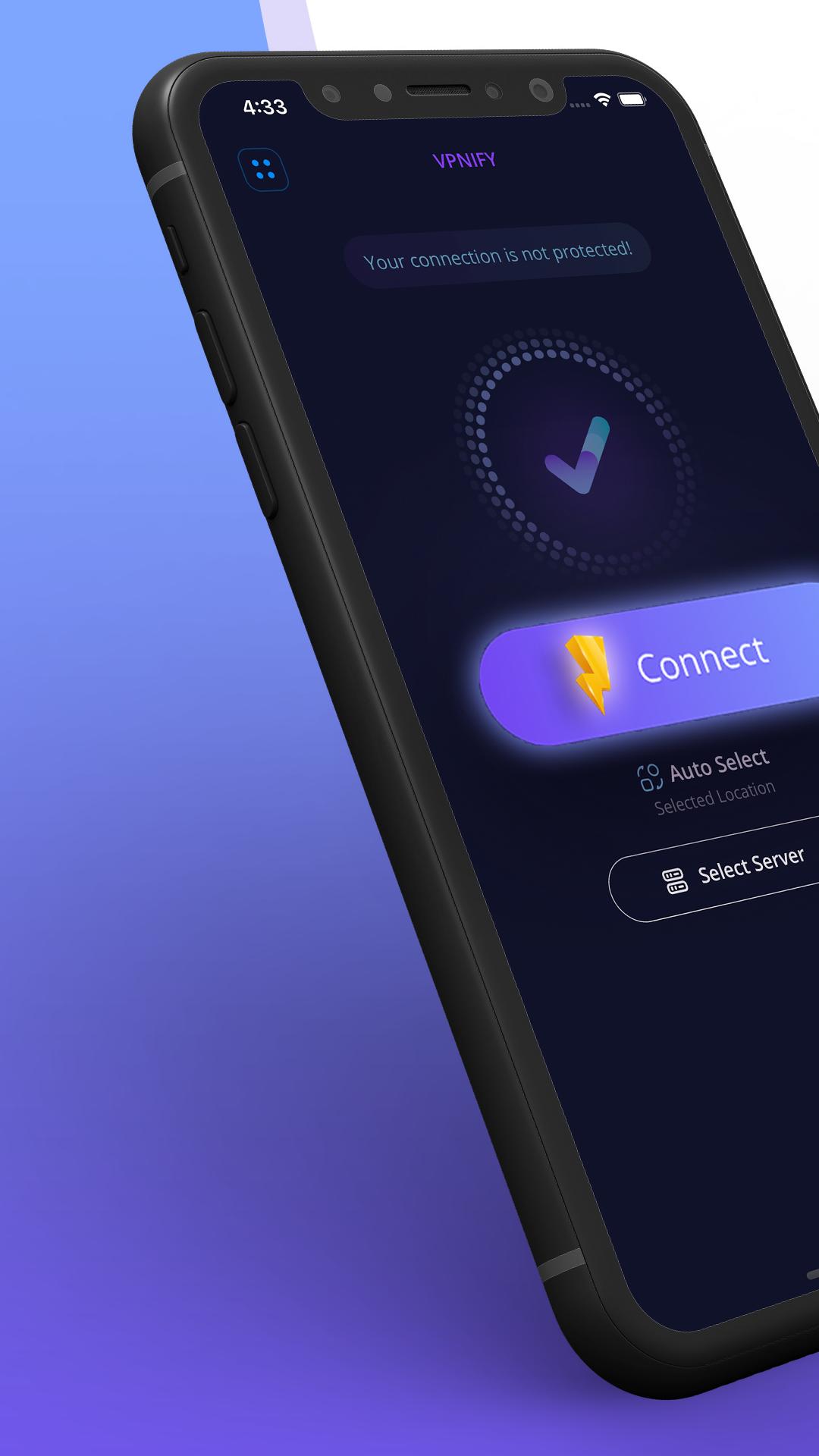
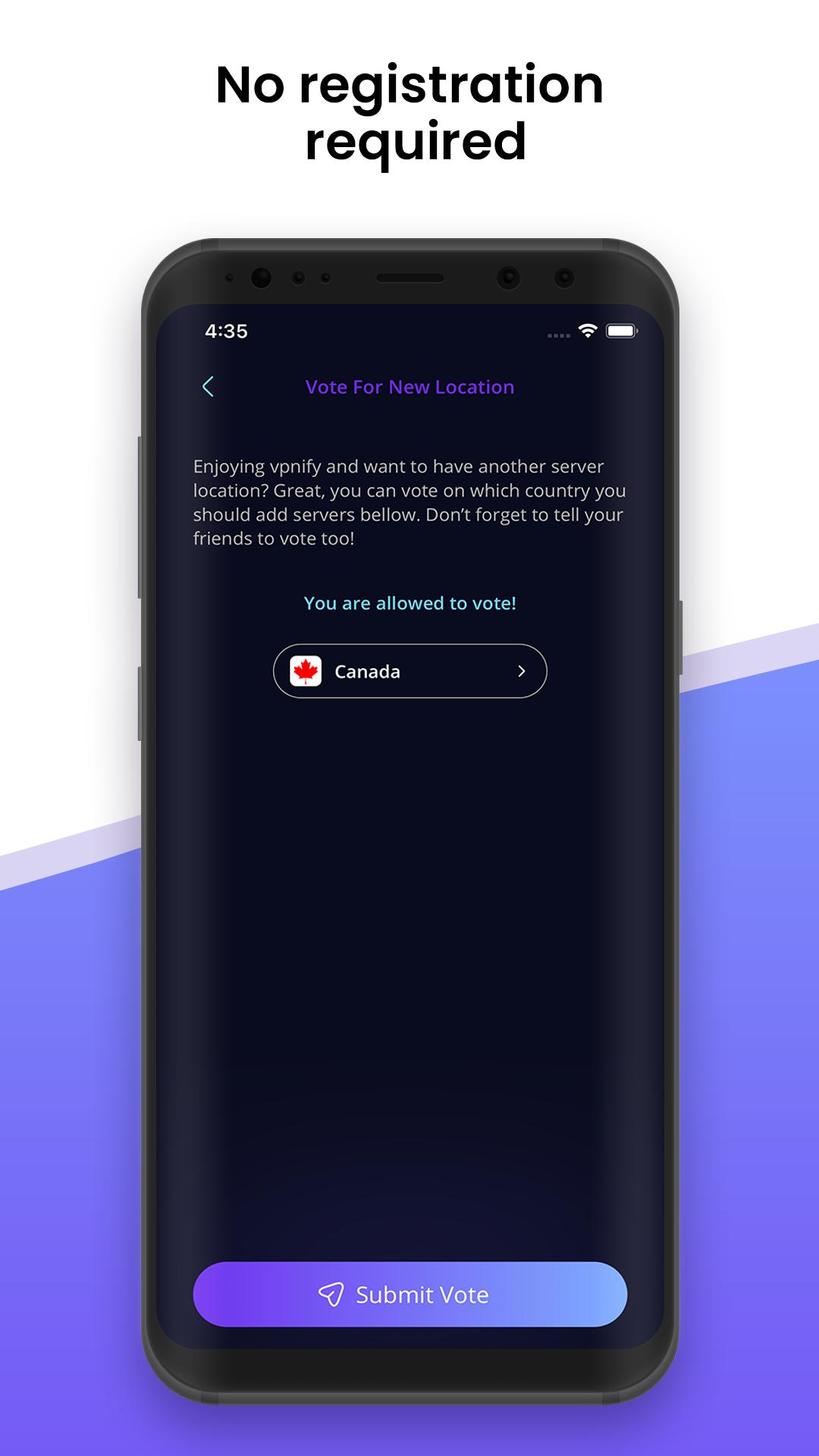
vpnify keeps setup simple. You tap the connect button and accept the VPN permission to start a secure session. No account, registration, or sign‑in is required, which helps you get online faster. This straightforward flow also reduces friction if you switch networks during the day.
Free and unlimited usagevpnify provides a free unlimited VPN experience. There are no trials, no data caps, and no speed regulation listed in the app’s core offering. You can stream, download, and use social apps without worrying about hitting a daily or monthly quota. This makes it practical for users who need consistent access throughout the week.
Encryption and leak protectionvpnify uses military‑grade encryption designed to protect your traffic from local snooping. It includes encrypted DNS along with DNS and IP leak protection, which further helps keep requests private. With these safeguards, your browsing remains less exposed on shared networks. Keeping the vpnify latest version installed helps maintain security improvements over time.
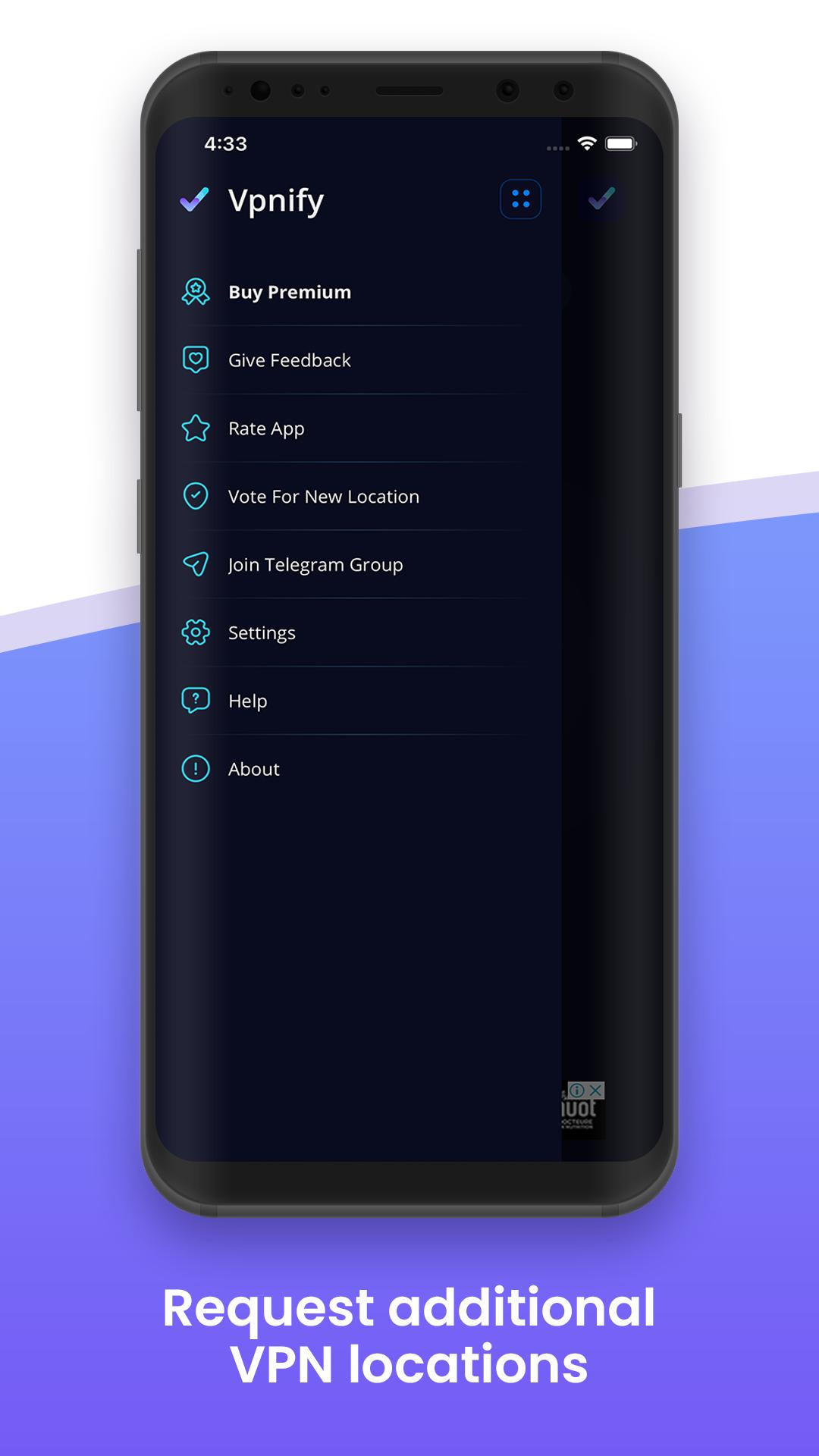
Dedicated servers and stable speedsvpnify offers multiple high‑speed dedicated servers across different regions. You can switch locations and choose a server that suits your activity for more consistent performance. This approach supports streaming, downloads, gaming, VoIP calls, and everyday browsing. If you prefer a direct setup flow, many users start with a simple vpnify app download and connect to the nearest server for daily use.
Hotspot protection on public networksvpnify is built to help you browse safely on public hotspots, school networks, and corporate Wi‑Fi. By tunneling your traffic through an encrypted connection, it reduces exposure to common local attacks. This can be useful in airports, cafes, campuses, and shared workspaces. As a result, you can open apps and sites while keeping your session less visible on the local network.
Getting started is straightforward, and most steps take only a moment. If you plan to download vpnify, the process below covers the basics from first launch to switching servers.
vpnify focuses on simple one‑tap access, strong encryption, and unlimited usage designed for everyday browsing. For dependable performance and improvements, consider using the vpnify latest version when starting a new session.
For official resources and support, use the following contacts:
Latest Version
2.2.9Uploaded by
Rudy Elmer Guzmán
Requires Android
Android 6.0+
Category
Free Tools AppContent Rating
Everyone
Security Report
Check Now
Report
Flag as inappropriateLast updated on May 12, 2026
We have made a few enhancements to improve your app experience.







APKPure - A multi-platform app store primarily focused on Android, providing extensive app-related content. Discover the app you want easier, faster, and safer, with quick and efficient downloads and installations.